Package Name:tv.castbrowser.app
SHA-256:6e60a84017714a71adcd3b2d43b957c7dd3426cd1598a5a3e8ca9c54df2b8486
Show More

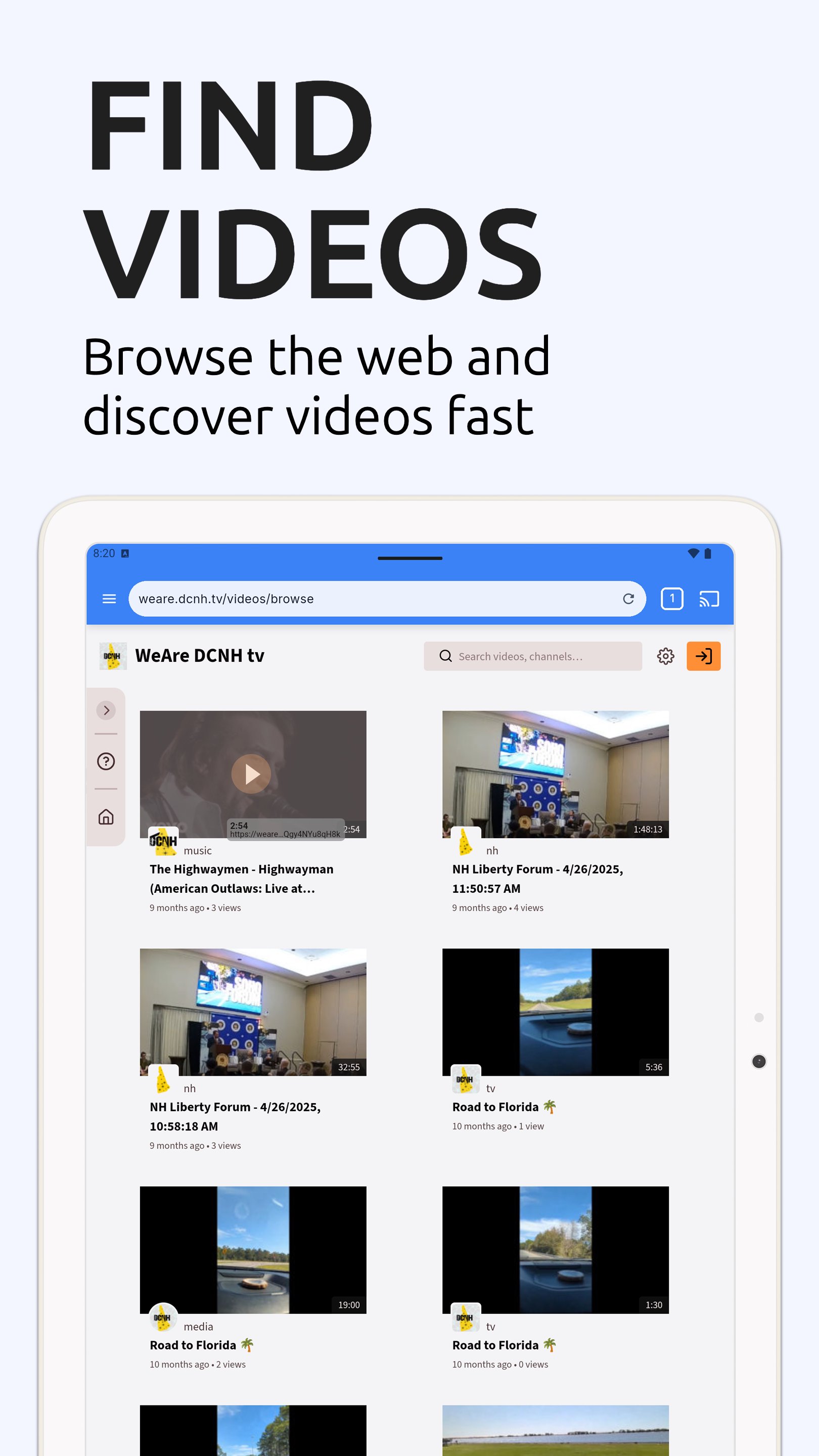
CastBrowser is a web video caster and TV cast browser that lets you cast to TV from many popular websites. Browse the web, detect videos automatically, and stream movies, live sports, news, and live streams to your big screen. Cast to Chromecast, Roku, Fire TV, DLNA, or Smart TV with no cables and no hassle.
📺 WHY CASTBROWSER?
- Watch web videos on your TV instead of a small phone screen
- Your phone becomes the remote: play, pause, seek, and adjust volume
- Keep multitasking while you cast to TV. Browse, chat, or use other apps
- Works with devices you already own. No extra hardware needed
✨ KEY FEATURES
- Built-in browser optimized for TV cast (tabs, bookmarks, history)
- Smart video detection for MP4, HLS/M3U8 live streams, and HTML5 videos
- Fast device discovery with quick reconnect on the same Wi-Fi
- Cast local files: stream videos, photos, and music stored on your phone
- Supports live streams and HLS/M3U8 channels
- Simple remote controls for a smooth casting app experience
📱 SUPPORTED DEVICES
- Chromecast: Chromecast devices, Chromecast built-in TVs, Android TV, Google TV
- Roku: Roku players, Roku Stick, and Roku TVs
- Amazon Fire TV and Fire Stick
- Smart TV Cast: Samsung, LG, Sony, Hisense, TCL, Vizio, Philips, Panasonic
- DLNA/UPnP: compatible receivers and Smart TVs
- Consoles: Xbox One, Xbox 360 (with DLNA enabled), PlayStation 4 and PlayStation 5 (via console web browser)
🎯 PERFECT FOR
- Movie night: use CastBrowser as your web video caster to enjoy films on TV
- Sports and live news: cast live streams to your Smart TV in real time
- Live streaming: watch HLS/M3U8 channels on the big screen
- Family sharing: show vacation videos and photos without passing your phone around
- Work and school: cast web demos or presentations to a meeting room display
🚀 HOW TO CAST TO TV
1. Connect your phone and TV to the same Wi-Fi network
2. Open CastBrowser and select your device (Chromecast, Roku, Fire TV, or DLNA)
3. Browse to a website and play a video
4. Tap the cast button to send the video to your TV
5. Control playback from your phone like a remote
🔒 IMPORTANT NOTES
- CastBrowser does not host or provide any content. You play media from websites you visit
- Some DRM-protected content (Netflix, Amazon Prime, Hulu) cannot be cast
- Casting quality depends on the source website, your Wi-Fi, and device capabilities
- For data practices, please see the Data Safety section on Google Play
💡 TROUBLESHOOTING
- Ensure both devices are connected to the same Wi-Fi network
- Restart your Chromecast, Roku, Fire TV, or Smart TV if connection fails
- Try playing the video in the browser first, then tap cast to TV
- For live streams, ensure the format (HLS/M3U8) is supported by your device
Download CastBrowser now. The smart casting app to cast web videos to TV!
DISCLAIMER: Chromecast is a trademark of Google LLC. CastBrowser is not affiliated with or endorsed by Google, Roku, Amazon, or other brands mentioned.
Latest Version
1.3.1Uploaded by
Jay Patel
Requires Android
Android 7.0+
Category
Free Video Players & Editors AppContent Rating
Everyone
Security Report
Check Now
Report
Flag as inappropriateLast updated on May 2, 2026
Bug fixes and improvements.





APKPure - A multi-platform app store primarily focused on Android, providing extensive app-related content. Discover the app you want easier, faster, and safer, with quick and efficient downloads and installations.