What should my caption be? Said every freaking person before posting their picture to Instagram. There's nothing worse than pondering that question for hours when you have a straight fire selfie that is destined for at least 100+ likes, yet your caption is still tbd.
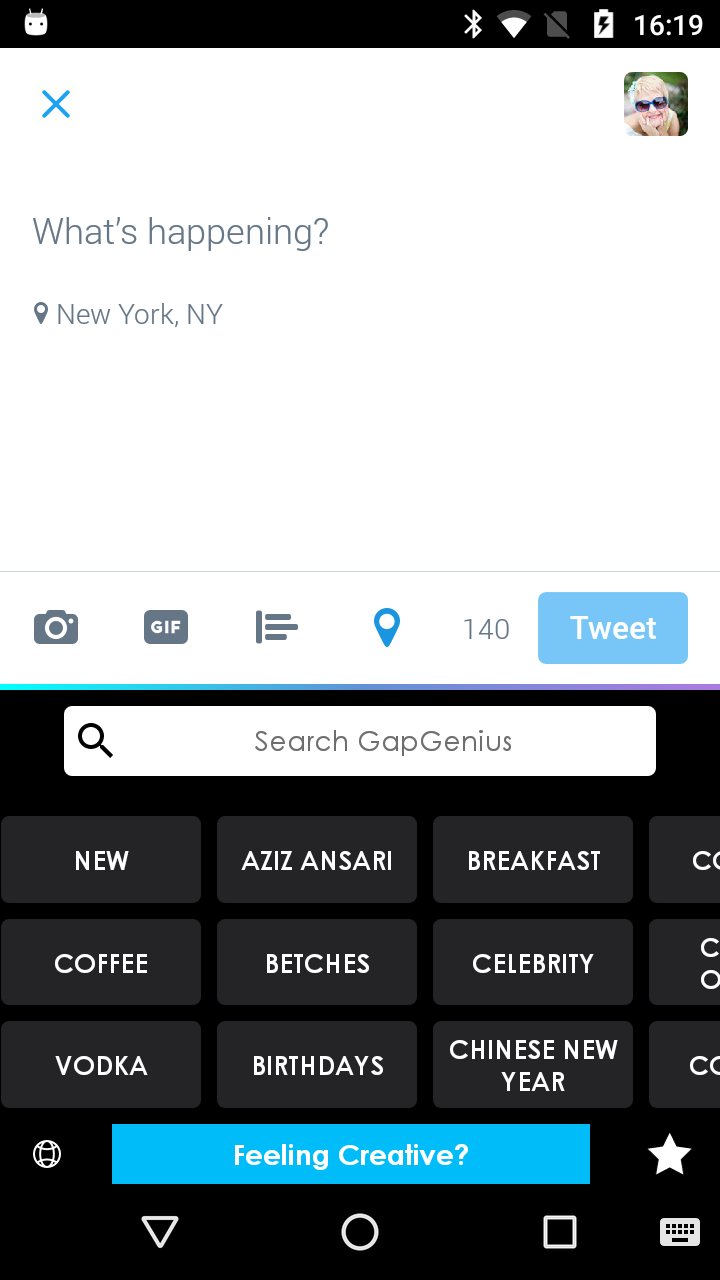
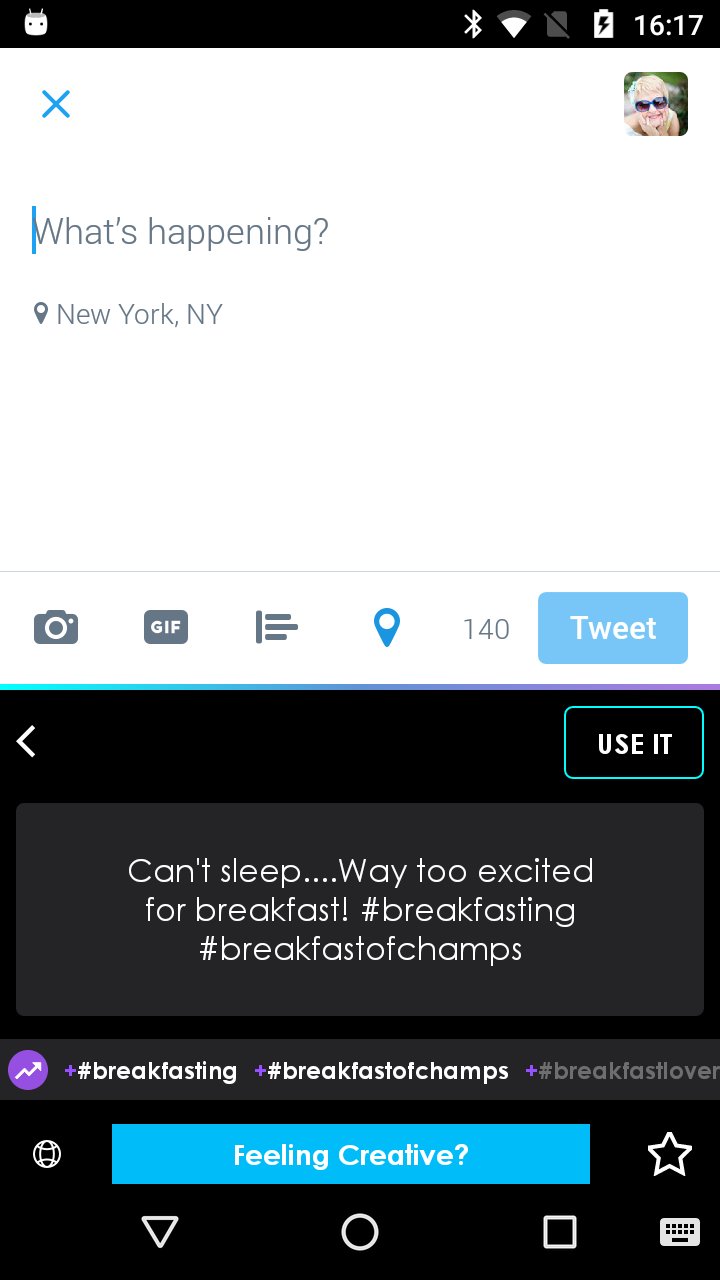
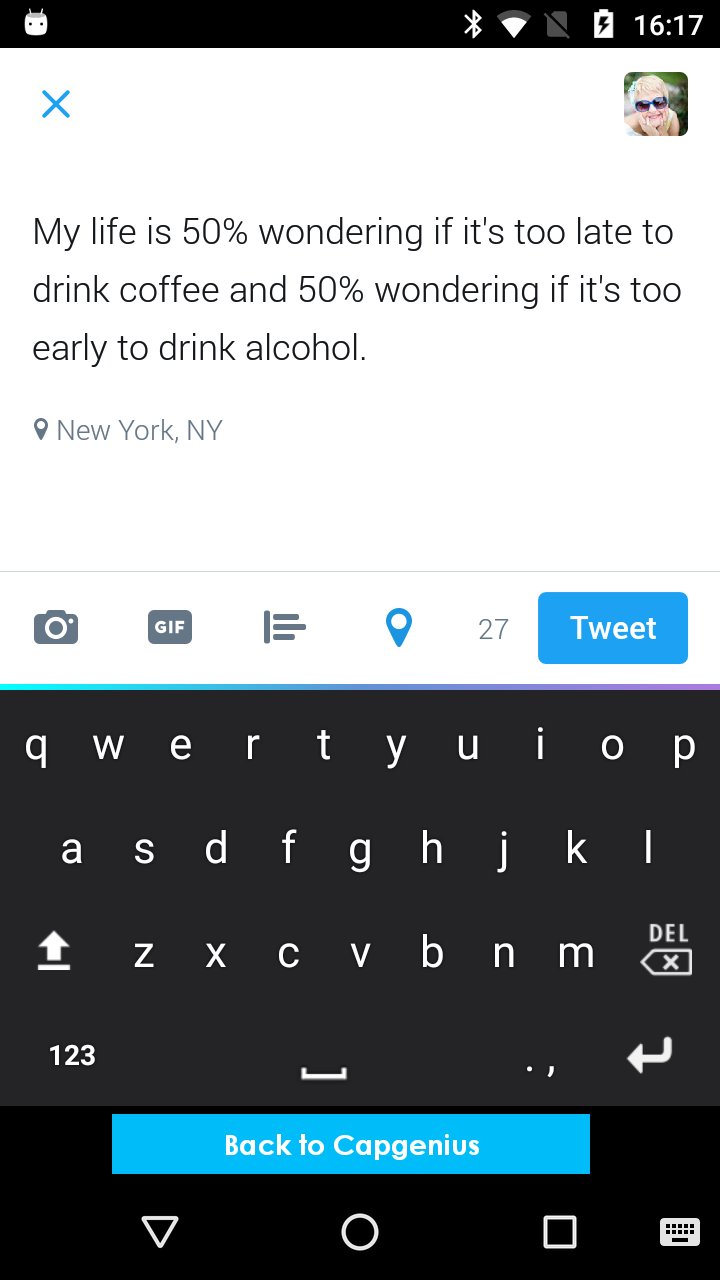
CapGenius is the first and greatest way to search for all types of content directly in your keyboard.
Food puns, the driest sarcasm, movie quotes, music lyrics, motivational thoughts, and pick-up lines plus so much more are now all at your fingertips. Here's the best part- you don't have to leave whatever app you are using in order to look this crap up. Instagram Snapchat, emails, dating apps or wherever else you use a keyboard- CONGRATS! You are now funny, witty, creative and ready to take the world by storm.
Use the CapGenius search engine directly in your keyboard. It's like so easy that you're dumb if you don't use it.
Let's face it, captions matter. So do pick up lines, especially when you're on dating apps trying to rebound from an ex that always said, "I'm not like the others." The infamous words of every wolf dressed in sheep's clothes.
Whether your texting your crush, emailing a client with something funny so they'll finally respond to you, roasting a friend in your group chat, or trying to make your shameless scandalous selfie break the internet- use CapGenius to make sure you actually look cool and hilarious.
After downloading CapGenius from the App Store prepare to have your life changed forever. Follow theses easy steps to start using the keyboard:
Open Settings and go to Language & Keyboard (or Language & Input)
Go to your keyboard list
Click on current keyboard, then click "Choose Keyboard" (for Android 5 and later)
Select our CapGenius keyboard!
Start using the keyboard and never have to ask yourself “What Should My Caption Be?” ever again!
Latest Version
1.2Uploaded by
طلال الروقي
Requires Android
Android 4.1+
Category
Free Entertainment AppContent Rating
Mature 17+ · Alcohol Reference, Suggestive Themes, Strong Language
Report
Flag as inappropriateLast updated on May 21, 2017
New Categories, fun content and more!
Bug Fixes and performance fixes.
Enjoy!




APKPure - A multi-platform app store primarily focused on Android, providing extensive app-related content. Discover the app you want easier, faster, and safer, with quick and efficient downloads and installations.