

CameraFi helps creators handle two common needs on Android. It covers live broadcasting for channels and communities, and it also handles reliable capture from external USB cameras. This dual approach keeps mobile workflows simple, so you can switch between streaming and filming without moving to another app. With clear controls and practical tools, it fits mobile gaming, events, and everyday recording. For users comparing download options, CameraFi APK lets you set up both tasks in one place.
CameraFi organizes live scenes with images, text, filters, videos, audio, and ready-made presets. You set up your layout before you go live, then reuse it for later events. This removes repetitive setup and keeps your show consistent across streams. You can apply changes quickly while monitoring your feed.
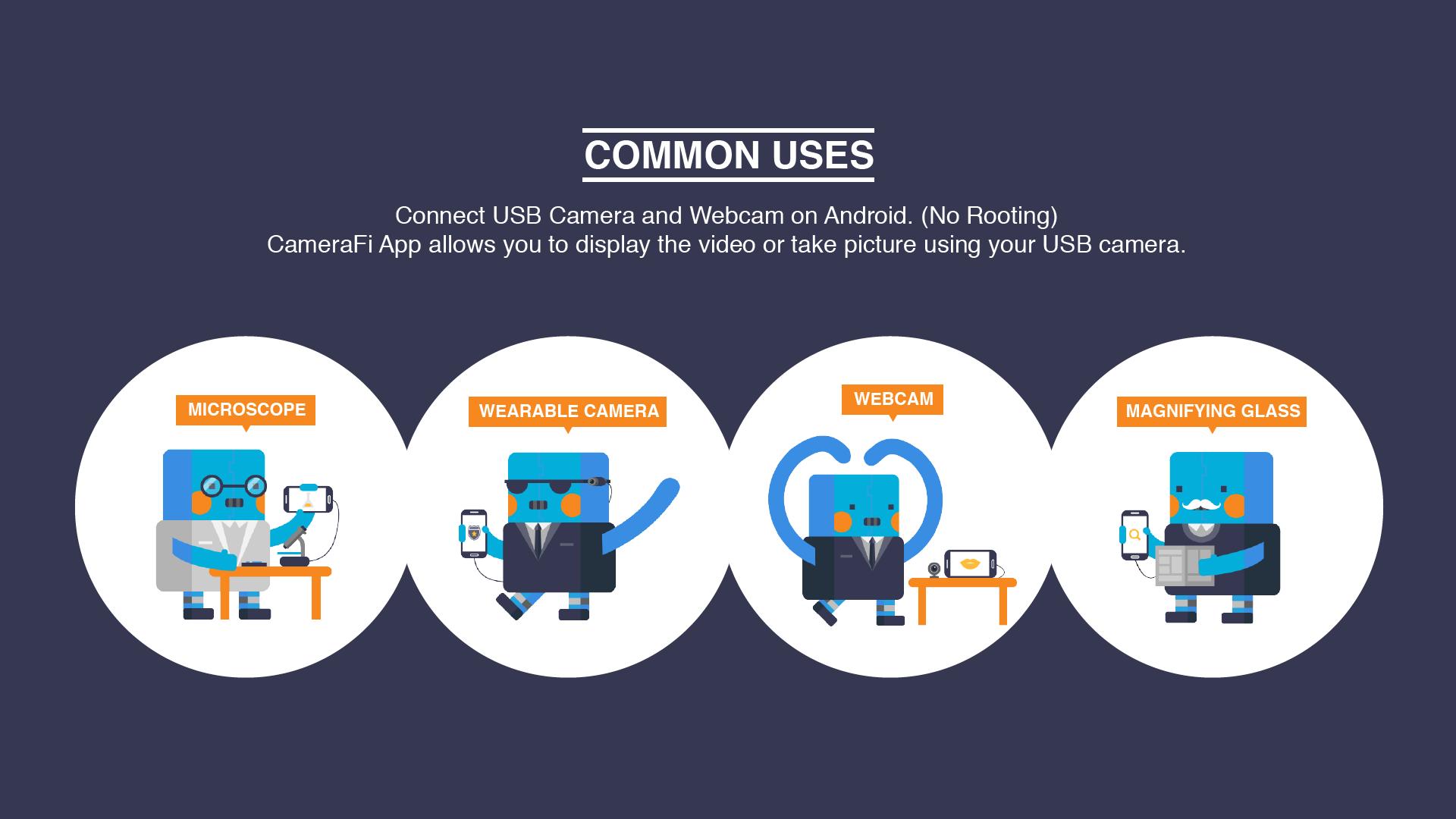
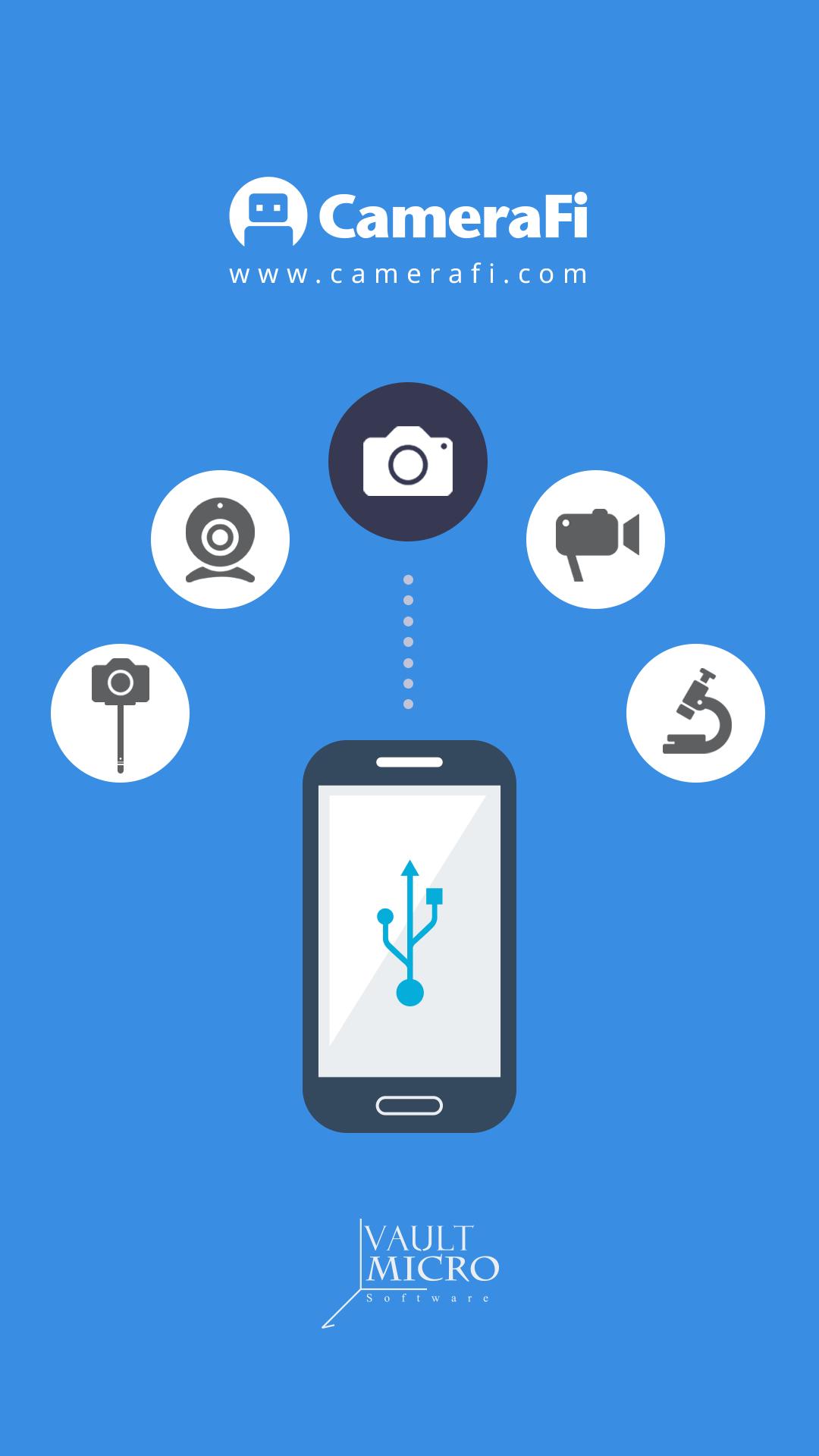
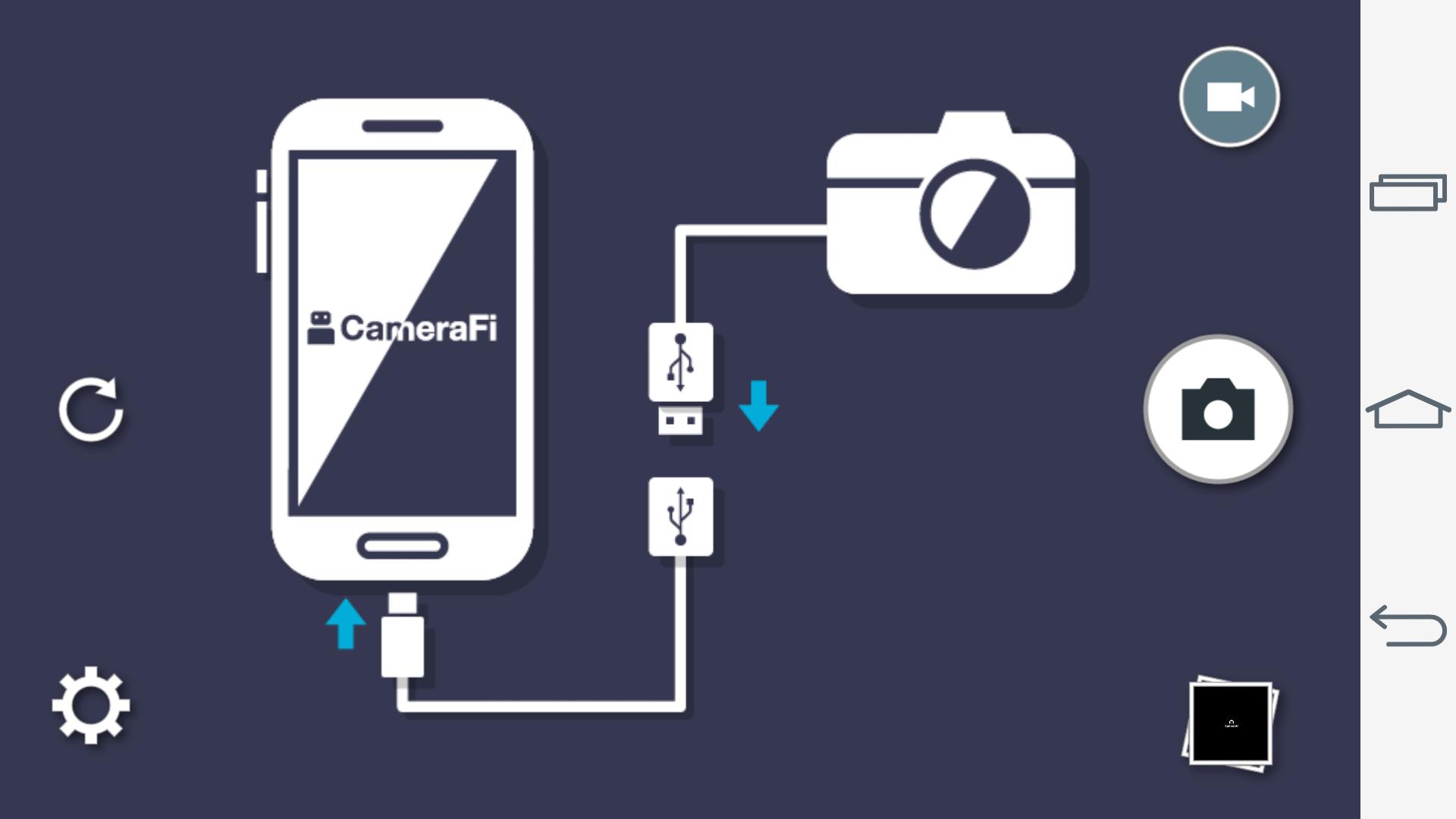
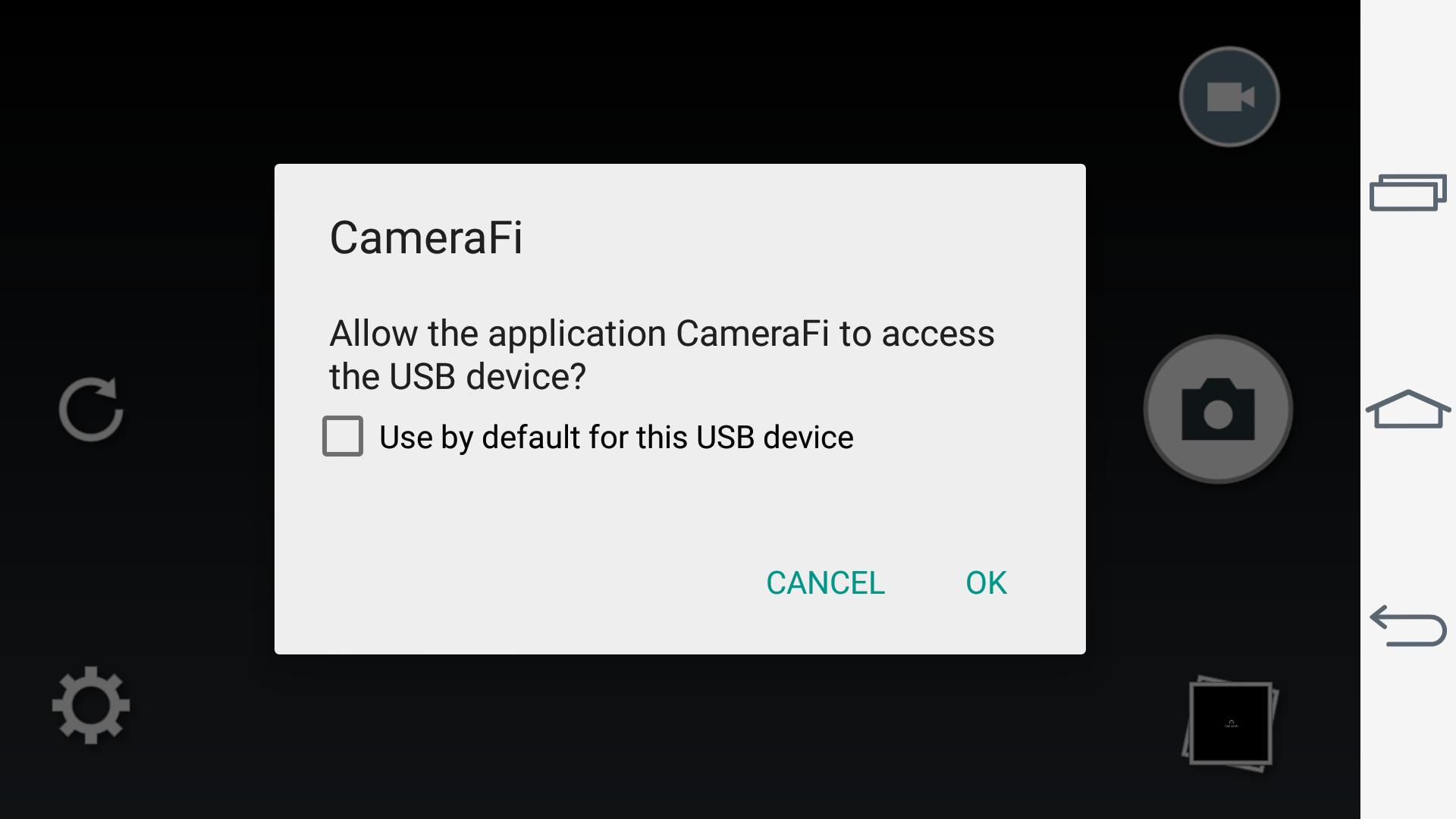
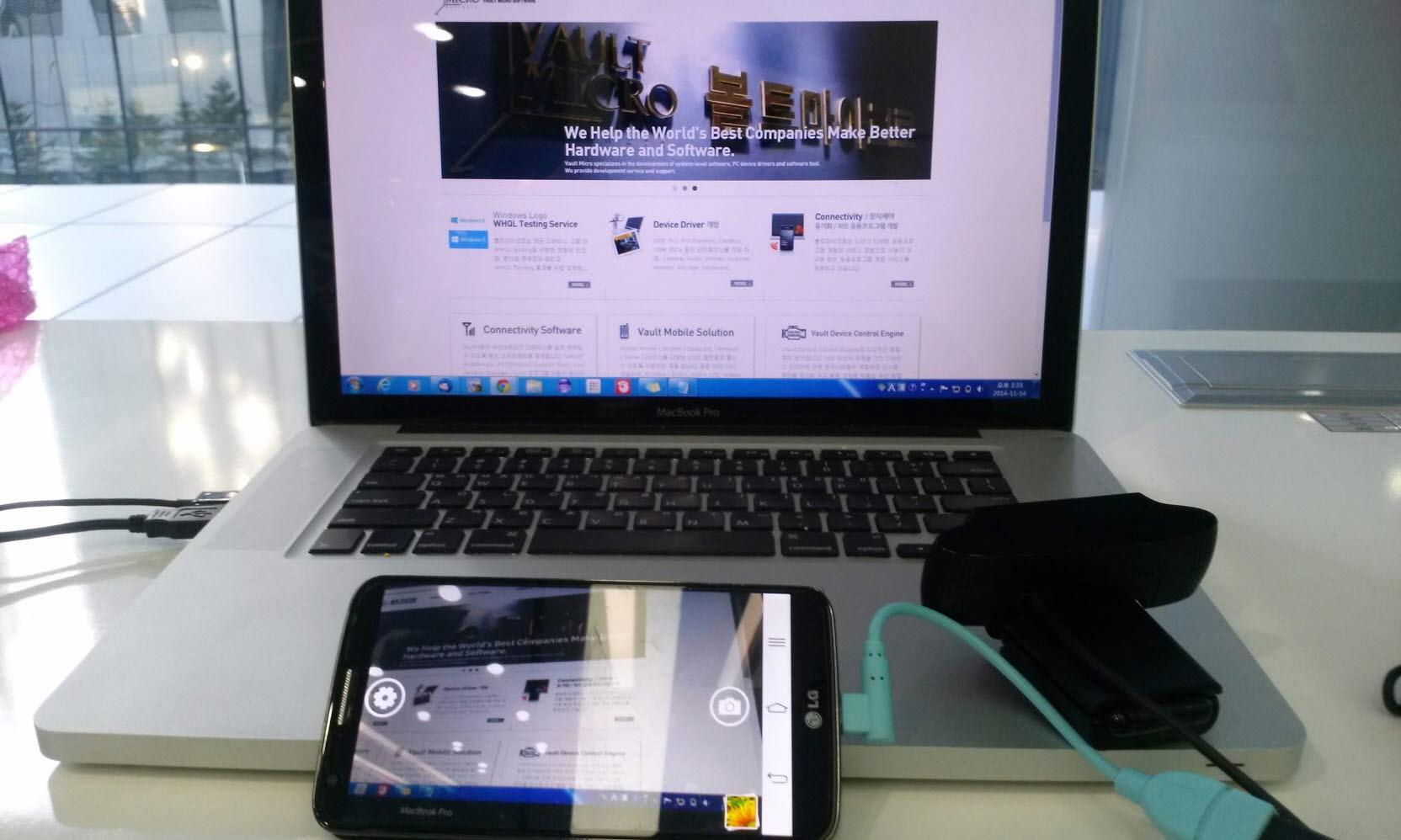
Connect and use external camerasCameraFi supports USB UVC webcams and many external devices including DSLRs, camcorders, drones, and action cameras. UAC audio is supported, so your connected microphones can feed clean sound into the app. You can switch between multiple USB cameras and choose resolutions up to Full HD when your device and camera allow it. This setup helps users fit specific lenses and angles without relying only on the phone camera.
Stream mobile games with internal audioCameraFi helps you share on-screen gameplay with your front camera and mic for commentary. On Android 10 or higher, internal audio capture is available for clearer game sound. This way, your viewers hear the actual game mix while you speak to the camera. It keeps streams tidy without extra cables.
Manual controls for a clean imageCameraFi allows manual control of zoom, focus, exposure, white balance, and ISO. You can adjust the picture to match different rooms, lights, and outdoor scenes. These controls help remove flicker and balance colors for consistency. You adjust settings before recording or live streaming and fine-tune as needed.
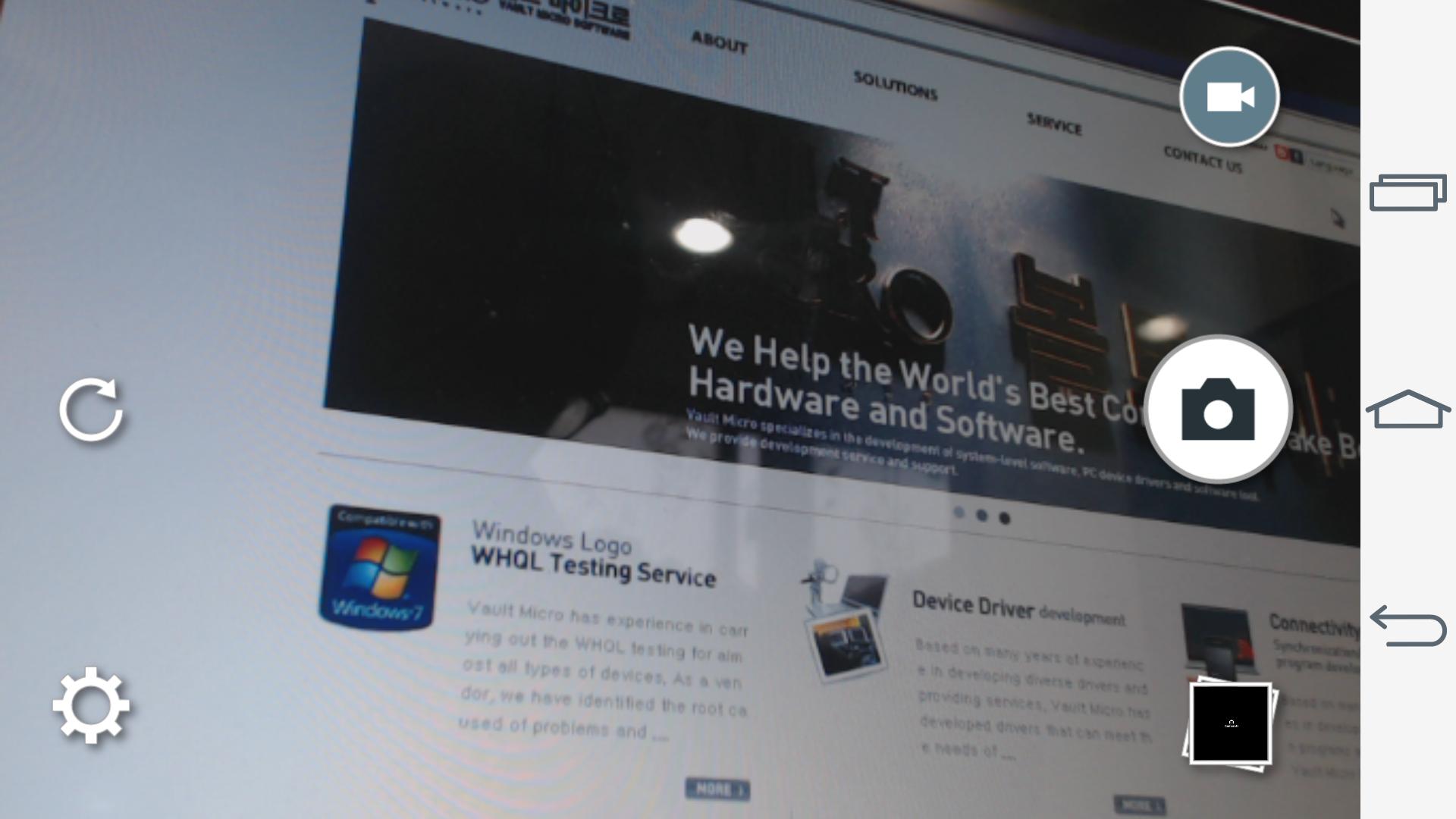
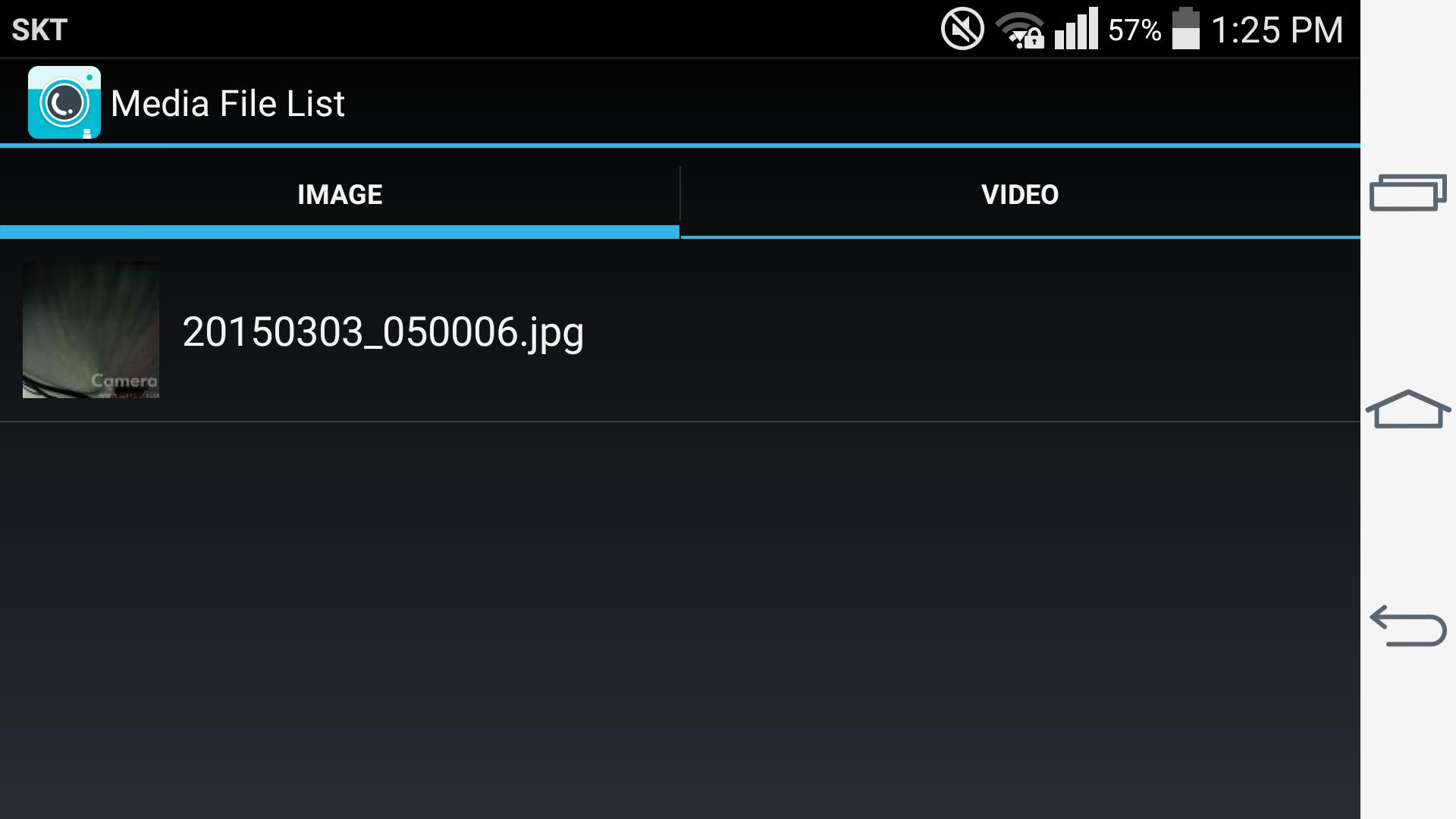
Record, take photos, and manage filesCameraFi records video and audio or captures still images directly from connected cameras. You can view recent files, set file name prefixes for organized archives, and use the volume keys for quick actions. This keeps recording simple during events or demonstrations. It also makes file sorting faster after a shoot.
CameraFi Live focuses on broadcasting to platforms like YouTube, Facebook, and Twitch, using overlays, widgets, and presets to build your scene. CameraFi (USB Camera) centers on viewing, recording, and taking photos from UVC webcams and other external cameras, no root required. Choose Live when your goal is a public stream, and pick USB Camera when your priority is local capture and camera control. Both options share a familiar layout and similar settings.
For game streams, internal audio capture is available on Android 10 or higher. When using external gear, UAC audio devices can feed sound into your scene for consistent levels. You can test levels before you start and adjust inputs as you switch sources. This helps avoid audio drift during long sessions.
CameraFi Studio is an optional service for advanced streaming management. It offers a membership with a free trial, then 99.99 USD per year. Consider Studio if you need deeper scene management across multiple broadcasts. The main app remains fully usable without the service.
Before your first session, download CameraFi and decide whether you plan to stream live or record from a USB camera. The app keeps setup straightforward, so you can get a scene ready and connect gear with minimal steps.
CameraFi combines live streaming tools with USB camera capture for flexible mobile production. It helps users shift between broadcasting and recording without extra steps. To access current tools and improvements, install the CameraFi latest version and prepare your gear for the next session.
Latest Version
2.21.21.0801Uploaded by
Jagoar Jadiani
Requires Android
Android 4.1+
Category
Free Video Players & Editors AppContent Rating
Everyone
Report
Flag as inappropriateLast updated on Aug 14, 2019
- Bug fixes


APKPure - A multi-platform app store primarily focused on Android, providing extensive app-related content. Discover the app you want easier, faster, and safer, with quick and efficient downloads and installations.









