The screen remains completely black while taking photos or videos, as if the phone was off ...
You can also watch frame by frame of your shooted video and extracting a specific image.
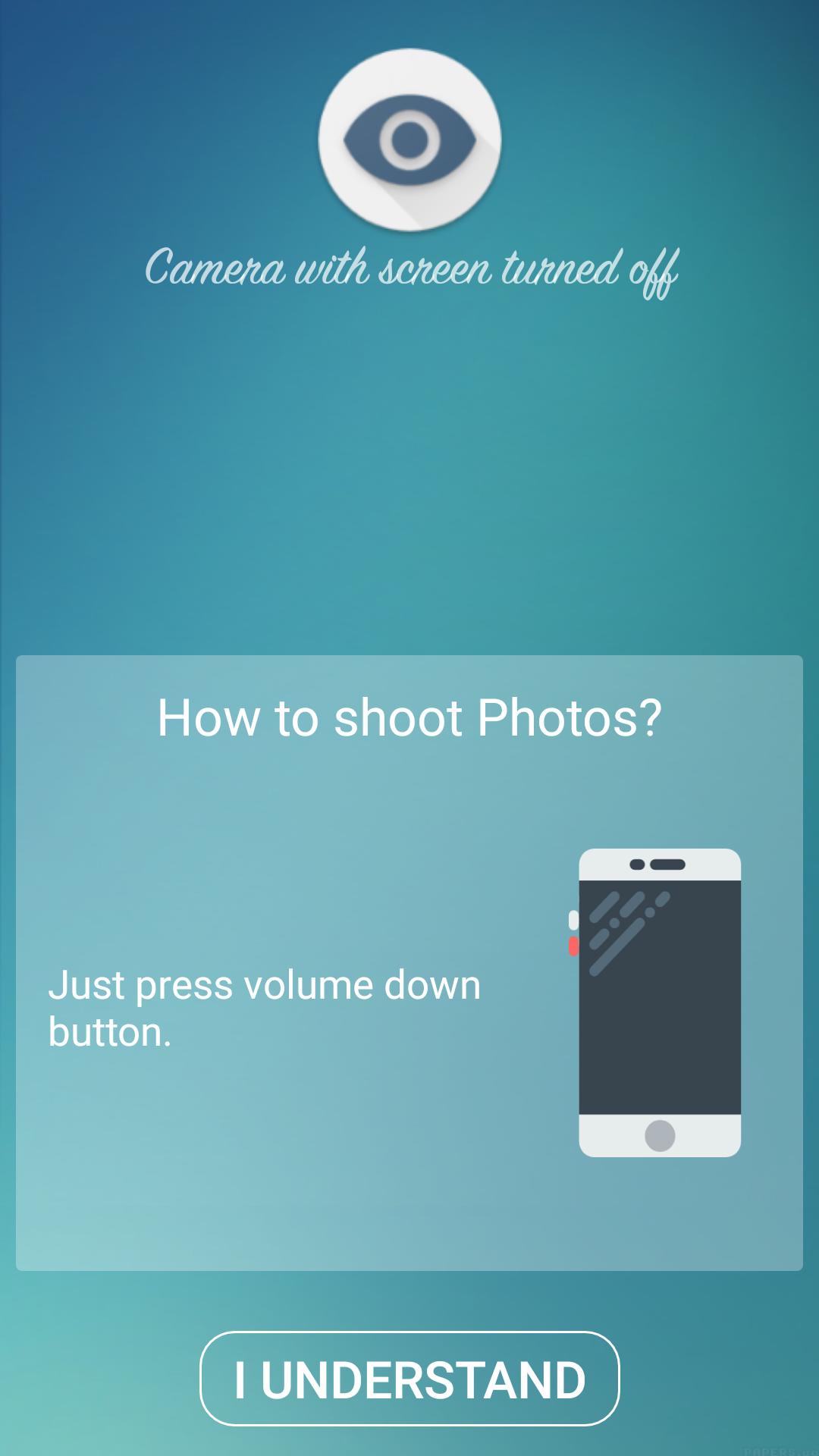
How to shoot Photos?
Just press volume down button.
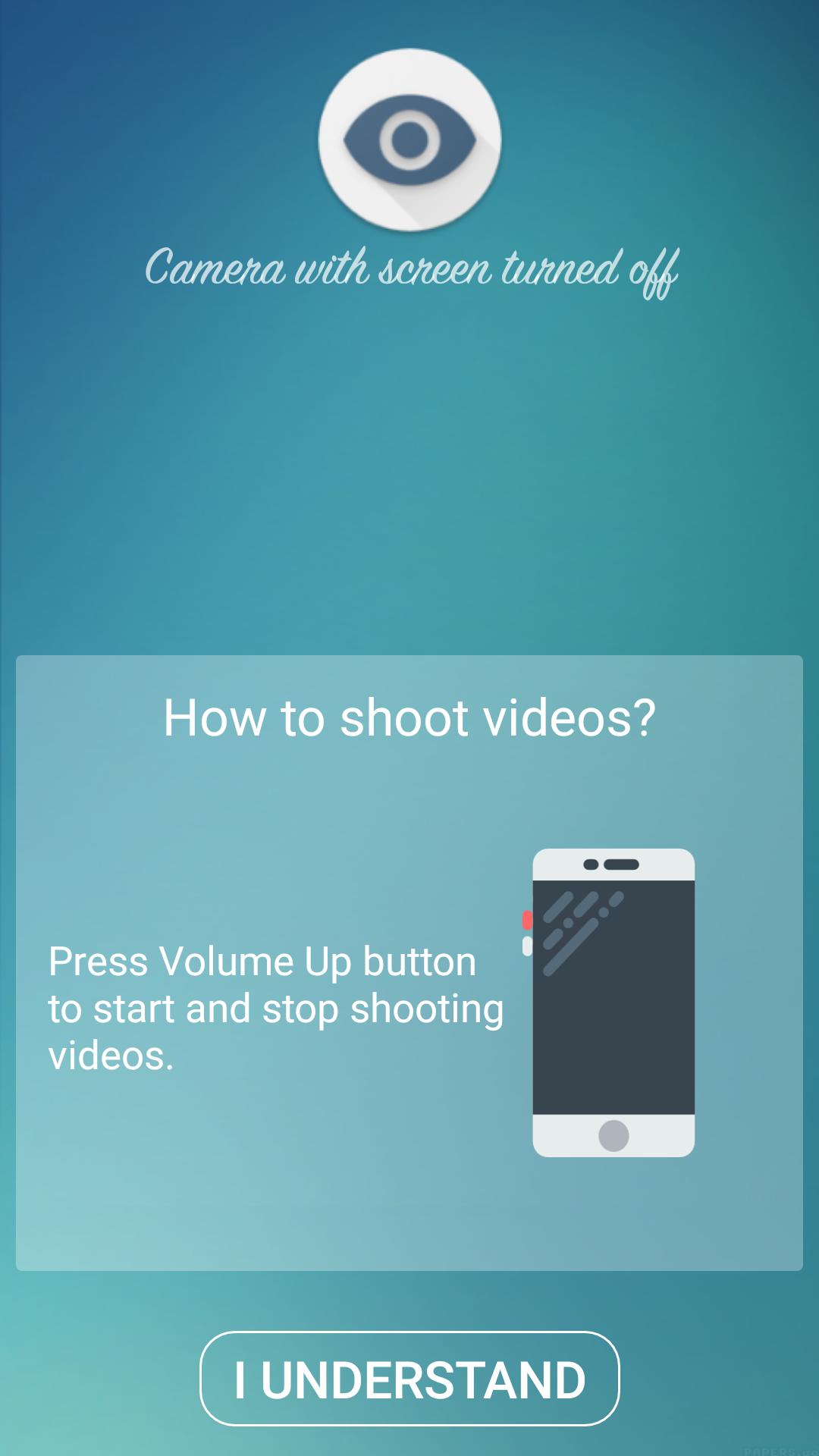
How to shoot videos?
Press volume up button to start and stop shooting videos.
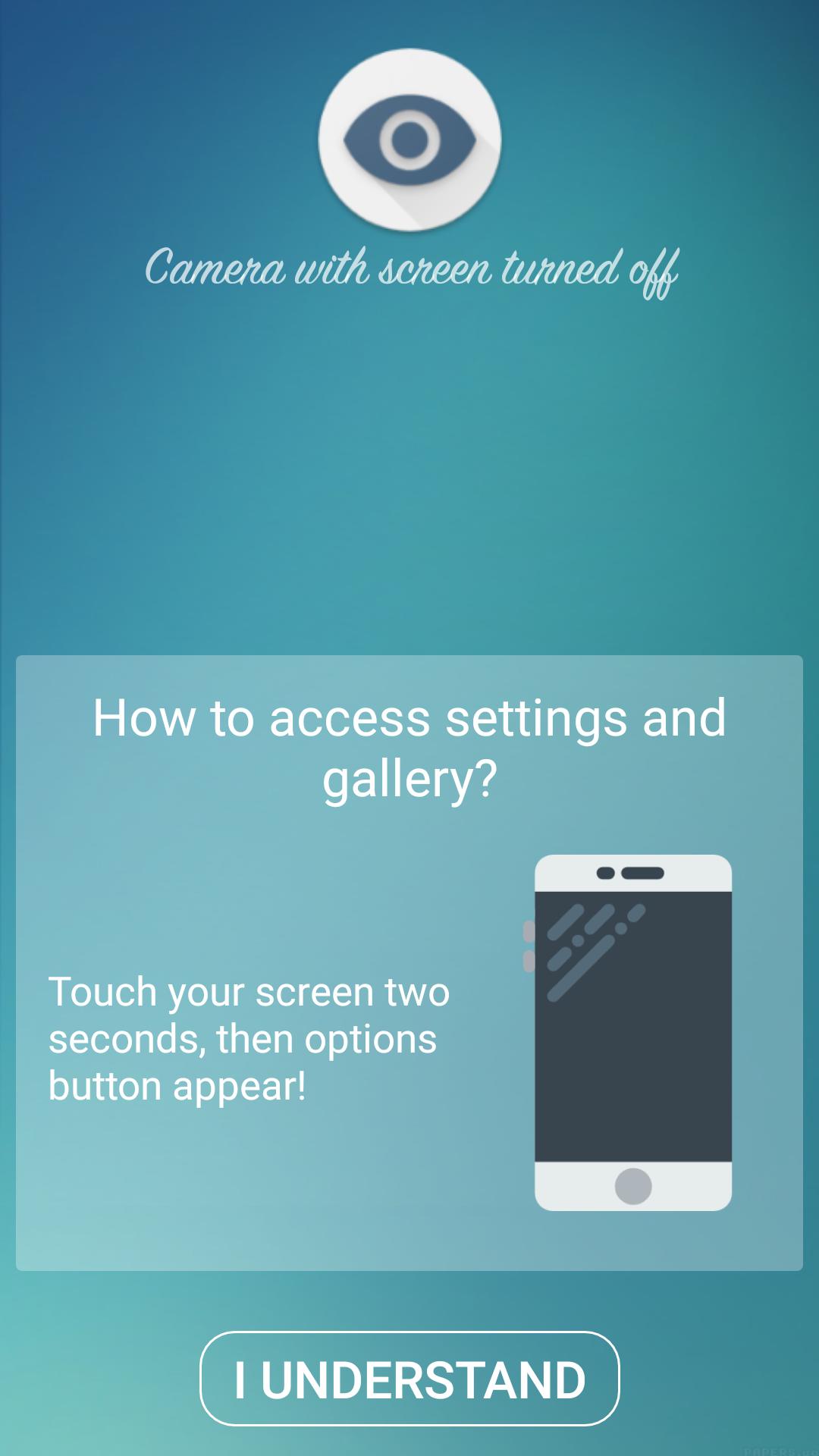
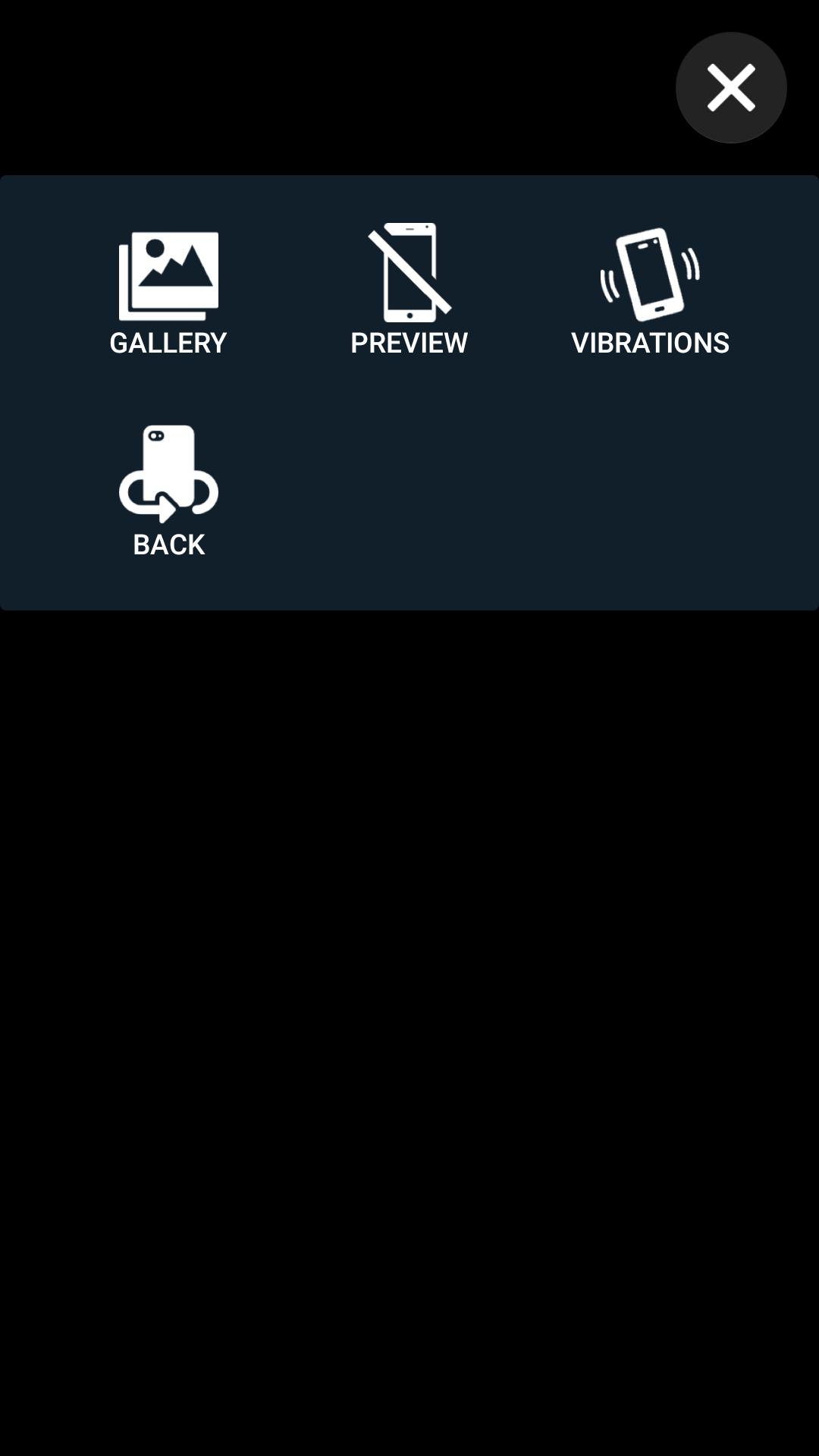
How to access settings and gallery?
Touch your screen two seconds, then options button appear:
- access your private gallery
- change for front / back camera
- enable / disable the preview of the camera
- enable / disable vibrations on shoot photos and videos
Latest Version
3.0.2Uploaded by
Mohamad Sy
Requires Android
Android 4.4+
Category
Free Photography AppContent Rating
Everyone
Report
Flag as inappropriateLast updated on Nov 15, 2018
new design
new feature
less ads (50% less)
remove movie record sound





APKPure - A multi-platform app store primarily focused on Android, providing extensive app-related content. Discover the app you want easier, faster, and safer, with quick and efficient downloads and installations.