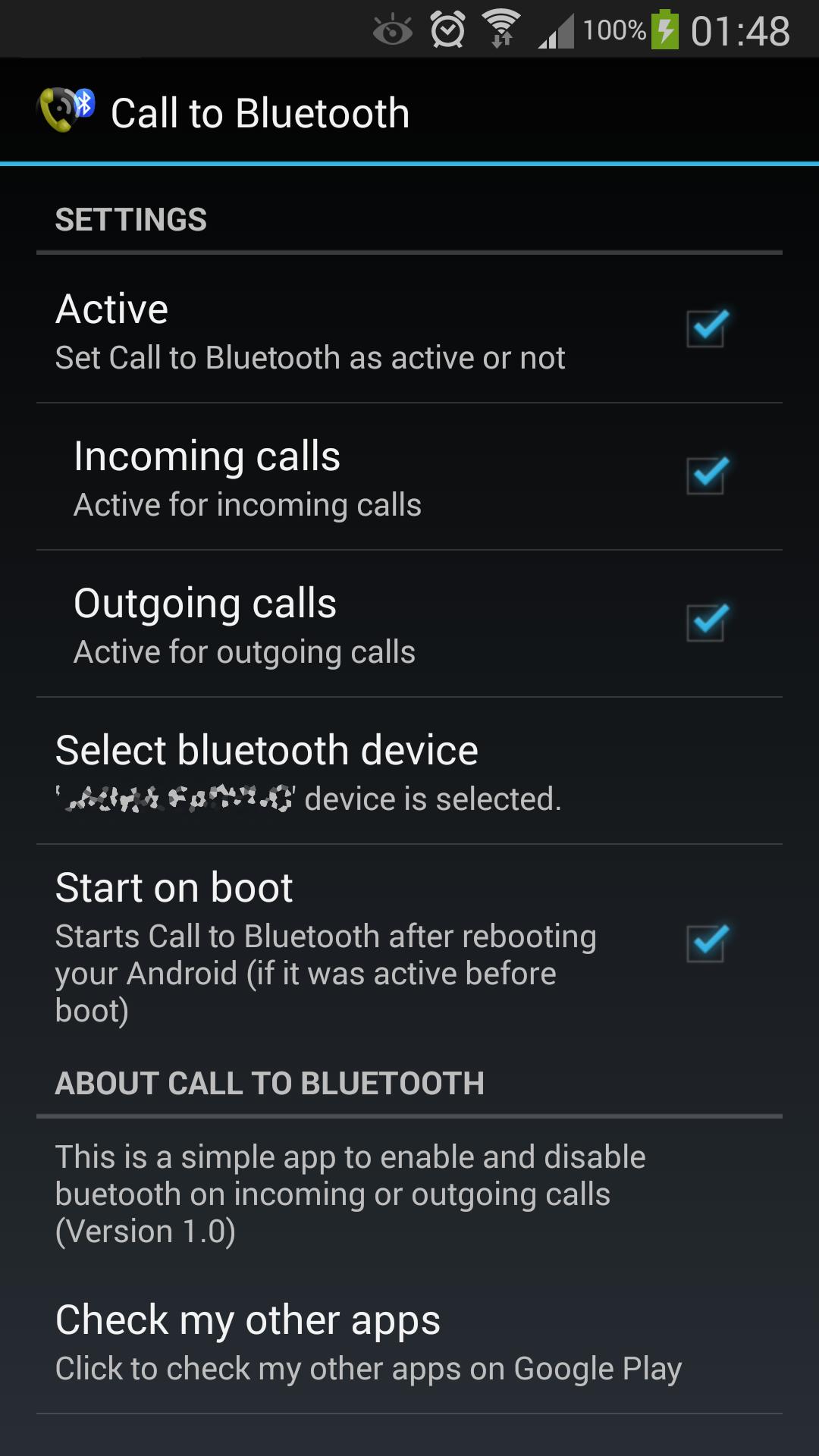
This simple app will enable bluetooth on your phone when you receive or make a call so you can answer it on your bluetooth headset or bluetooth hands-free device.
This way you will preserve the battery life of your phone.
Note that it will not answer your calls automatically (this can be accomplished by enabling the auto-answer setting under the call settings of your phone).
REQUIREMENTS:
You should have your phone and your bluetooth device already paired.
Your bluetooth headset or hands-free device must support bluetooth headset profile (is most probably it will)
SIMPLE INSTRUCTIONS:
1. Open application.
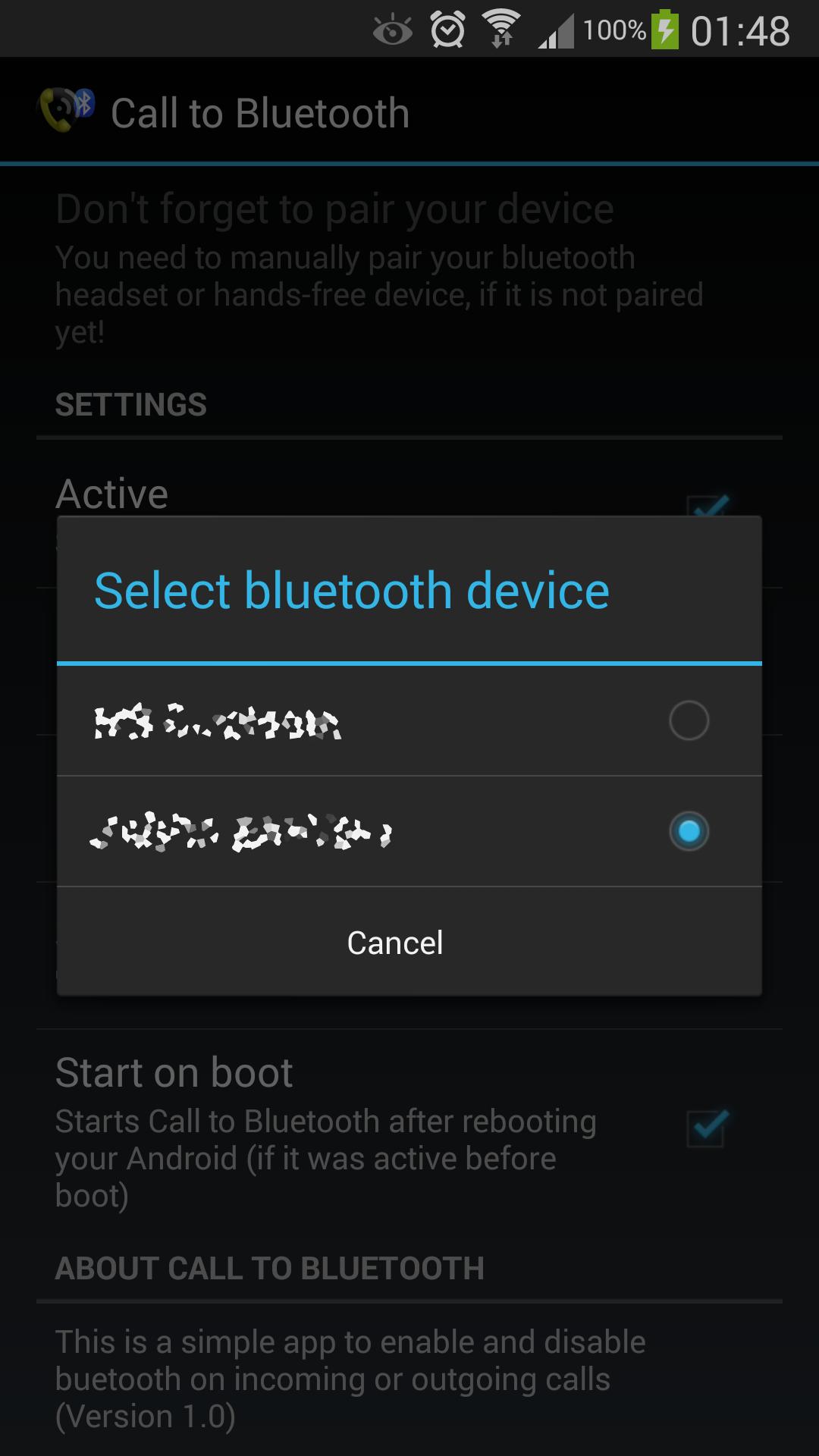
2. Select default bluetooth device from the device selection list.
3. Select Active to activate it
Latest Version
1.4Uploaded by
Hanzalah Umer
Requires Android
Android 4.0+
Category
Free Tools AppContent Rating
Everyone
Report
Flag as inappropriateLast updated on Mar 19, 2018
Application size reduced and minor bugs fixed.

APKPure - A multi-platform app store primarily focused on Android, providing extensive app-related content. Discover the app you want easier, faster, and safer, with quick and efficient downloads and installations.