
A very neat and nice Call Recorder for recording and saving the calls.
Features:
-------------
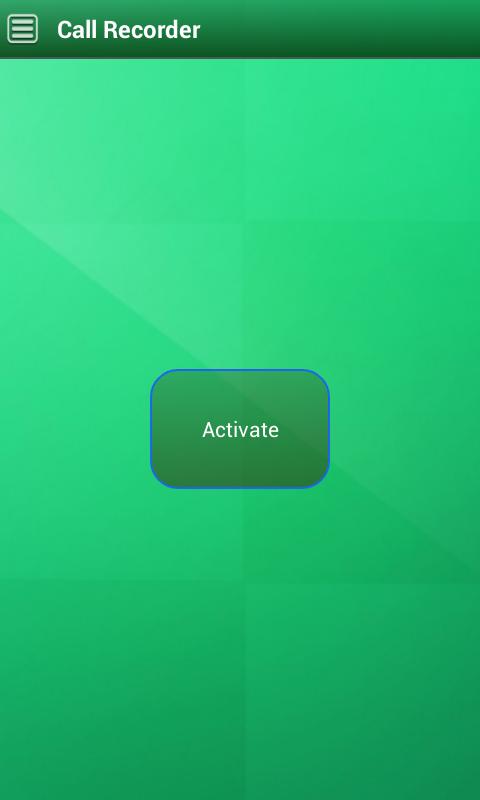
The whole process can be controlled by a single button, very easy to switch between recording and normal modes.
Records can be saved, played, and shared.
Notes can be added to the records and the same can be modified.
Calls can be recorded in three modes 1. All calls, 2. Record calls from selective numbers, 3. Ignore calls from selective numbers.
Auto clear option to automatically delete the older records after certain number of days.
Options available for searching the records by Name, Notes, and by Date (available in Pro version only).
One important feature of our App is as and when the call is over, the recorded file is sent automatically to the pre- configured Gmail account. The records can be saved and sent to the email in three different modes in Mail Settings: 1. Save, 2. Mail and Save, 3. Mail and Don't Save. Default option is Save.
One more good feature is, the important records can be hidden. To hide a record, go to records list, long press on any record. A popup appears that asks for confirmation for hiding the same. To view the hidden records, just tap four times on the Call Recorder text (top left corner) (available in Pro version only).
Our App has a very cool Green UI, so your eyes would never strain.
Notes:
---------
1. Please uninstall any other call recording apps before using this app.
2. The Call Recording does not work on certain handsets and can result in inferior quality recordings. We suggest that you try the free version before purchasing the paid app.
3. If you encounter any issues with the voice quality, try recording from a different audio source in Sound Format Settings option. The default option is Mic, you may switch to other option, test and use the same.
4. For the records to be sent to your Gmail account, in the Mail Settings, you have to provide your Gmail credentials (at the bottom).
5. As this is a free app, this contains ads. If the ads disturb you, please install our Pro version. If you have any issues please send us an email at greenapps36@gmail.com, we would try to solve them soon, so please don't underrate our app. Also, we would love to hear from you about any suggestions, so that we can improve the performance of our app.
6. Also as this is a free app, only the first 24 call records can be saved and sent to email. Please install either Pro or Stealth version for unlimited access.
Latest Version
1.0Uploaded by
Quý Vương Trần
Requires Android
Android 2.2+
Category
Free Tools AppContent Rating
EveryoneLearn More · Everyone
Report
Flag as inappropriateLast updated on Sep 7, 2015
Minor bug fixes and improvements. Install or update to the newest version to check it out!



APKPure - A multi-platform app store primarily focused on Android, providing extensive app-related content. Discover the app you want easier, faster, and safer, with quick and efficient downloads and installations.