After installing the widget you just have to place them on the desktop.
Android 3.0 - 5.0+ , go to the main menu and scroll it to the tab " Widgets " . There will be given a list of all available items that you can add to your desktop , it is only necessary to select the desired using a long press and place it in the free area corresponding to the size of one of the desks .
Android 1.6 - 2.3.3 make a long press on an empty area of ??the home screen and in the menu that appears, click the "Widgets" .
To change the widget, click the widget is the desktop, and select another widget.
Please rate app.
Latest Version
1.0Uploaded by
Pedro Lucas Carvalho
Requires Android
Android 2.3.2+
Category
Free Personalization AppContent Rating
Everyone
Report
Flag as inappropriateLast updated on Aug 10, 2016
Minor bug fixes and improvements. Install or update to the newest version to check it out!


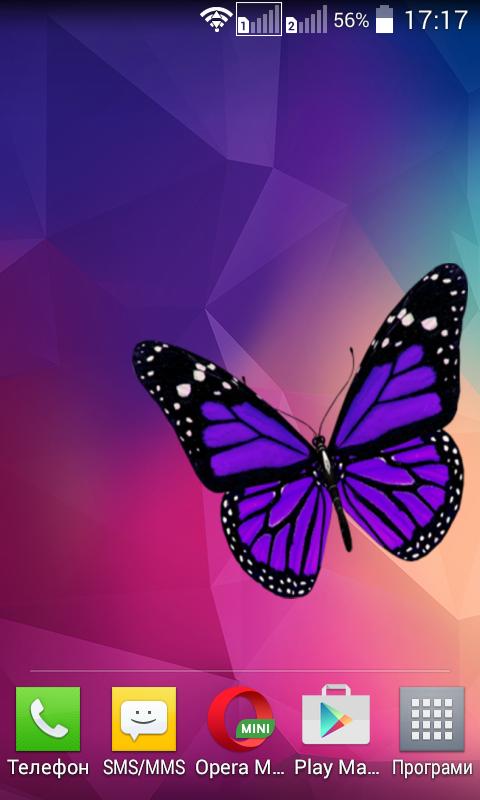



APKPure - A multi-platform app store primarily focused on Android, providing extensive app-related content. Discover the app you want easier, faster, and safer, with quick and efficient downloads and installations.