BusyBox helps users who need command line tools on a rooted phone or tablet. It bundles many standard Unix tools into a small executable that works with the Linux kernel, so it suits embedded and mobile setups. Some scripts and rooted apps rely on these tools to run properly. With BusyBox APK, you install a consistent toolset in one location, which reduces errors from missing commands. Root access is required to install and use these components.
Installer for rooted devices
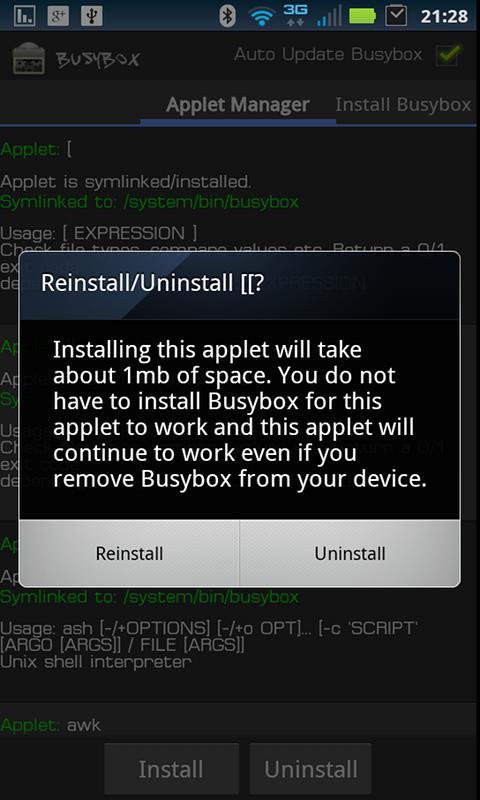
BusyBox installs the binary and applets on devices with root access. It sets up the tools many rooted apps expect and integrates them into your environment. After installation, common commands such as ls, grep, and sed are available through BusyBox applets. This helps scripts and terminal commands run correctly across standard paths.
Backup and Smart Install options
In the pro version, you can create a backup before changes and restore it if needed. The smart install feature selects appropriate components for your setup and reduces manual steps during installation. It aims to limit conflicts with existing files while keeping your tools consistent.
Select applets and safety checks
You can hand pick the applets you want to install to match your workflow. A safety check runs at start to detect missing applets and alerts you to gaps, so you can fix issues early. This control helps avoid surprises when running commands or automation.
Uninstall and device support
When needed, you can uninstall BusyBox cleanly without leaving stray files. The installer is ad free and works without internet permission, so it functions offline and respects privacy settings. It supports arm and intel based devices for broad compatibility across many Android models.
Users with root access can set up the required Unix tools quickly. To begin, download BusyBox and follow the installer prompts. Keep the app installed to check for updates and maintain your toolset for scripts, terminals, and rooted apps. Check your device architecture to ensure support.
Latest Version
64Uploaded by
Wäslöm Sïllvä
Requires Android
Android 4.0.3+
Category
Free Tools AppContent Rating
Everyone
Report
Flag as inappropriateLast updated on Jul 21, 2020
Updated Busybox binary to 1.32.0





APKPure - A multi-platform app store primarily focused on Android, providing extensive app-related content. Discover the app you want easier, faster, and safer, with quick and efficient downloads and installations.