
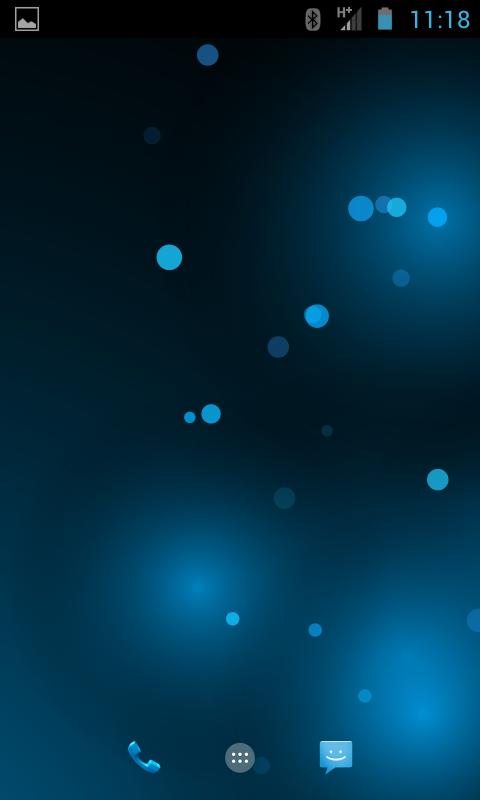
This is my reply for android default "bubbles" wallpaper with change color option.
Very simple and elegant, will not consume CPU and battery
Bubbles live wallpaper set instruction:
1. On any homescreen, place a finger on the display and long press.
2. From the menu that pops up, select “Wallpapers.”
3. From here, select “Live Wallpapers.”
4. Here you will see a list of the live wallpapers that are installed on your device.
5. Select "Bubbles wallpaper"
6. Tap “Set Wallpaper.”
Please rate the app
Latest Version
1.99Uploaded by
Arash Geshtapo
Requires Android
Android 4.4+
Category
Free Personalization AppContent Rating
Everyone
Report
Flag as inappropriateLast updated on Aug 3, 2017
Google security update



APKPure - A multi-platform app store primarily focused on Android, providing extensive app-related content. Discover the app you want easier, faster, and safer, with quick and efficient downloads and installations.












