Bubble Blowing is the best way to experience all of the fun of blowing bubbles without any of the cost or mess!
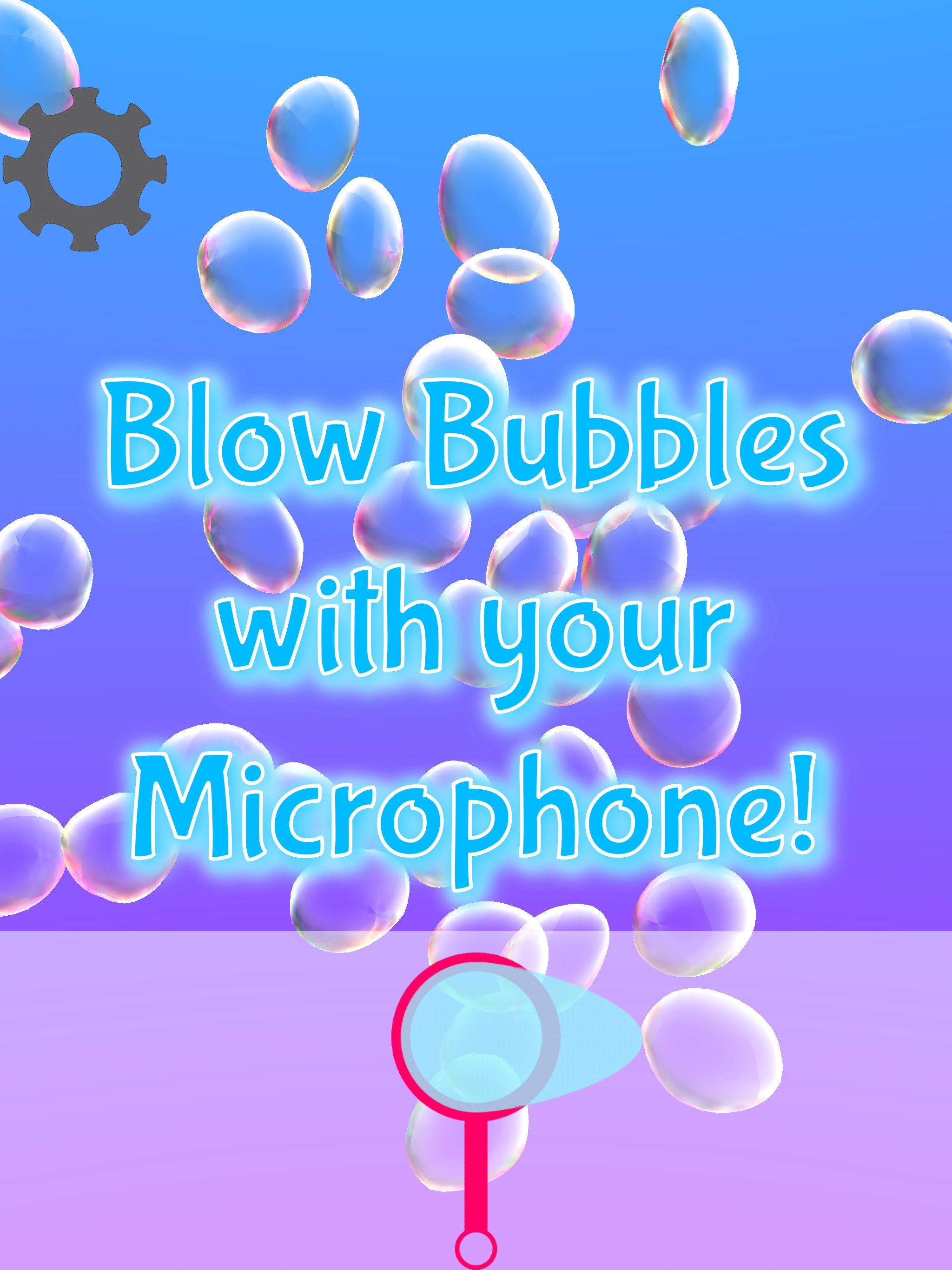
- Blow into your device's Microphone to blow bubbles! The longer you blow, the bigger the bubble gets!
- Don't have a microphone or feel like blowing? No problem, you can simply tap, or tap hold the bubble wand button to make bubbles too!
- Of course you can also POP bubbles with your fingers, multi-touch supported! Show those bubbles the what for!
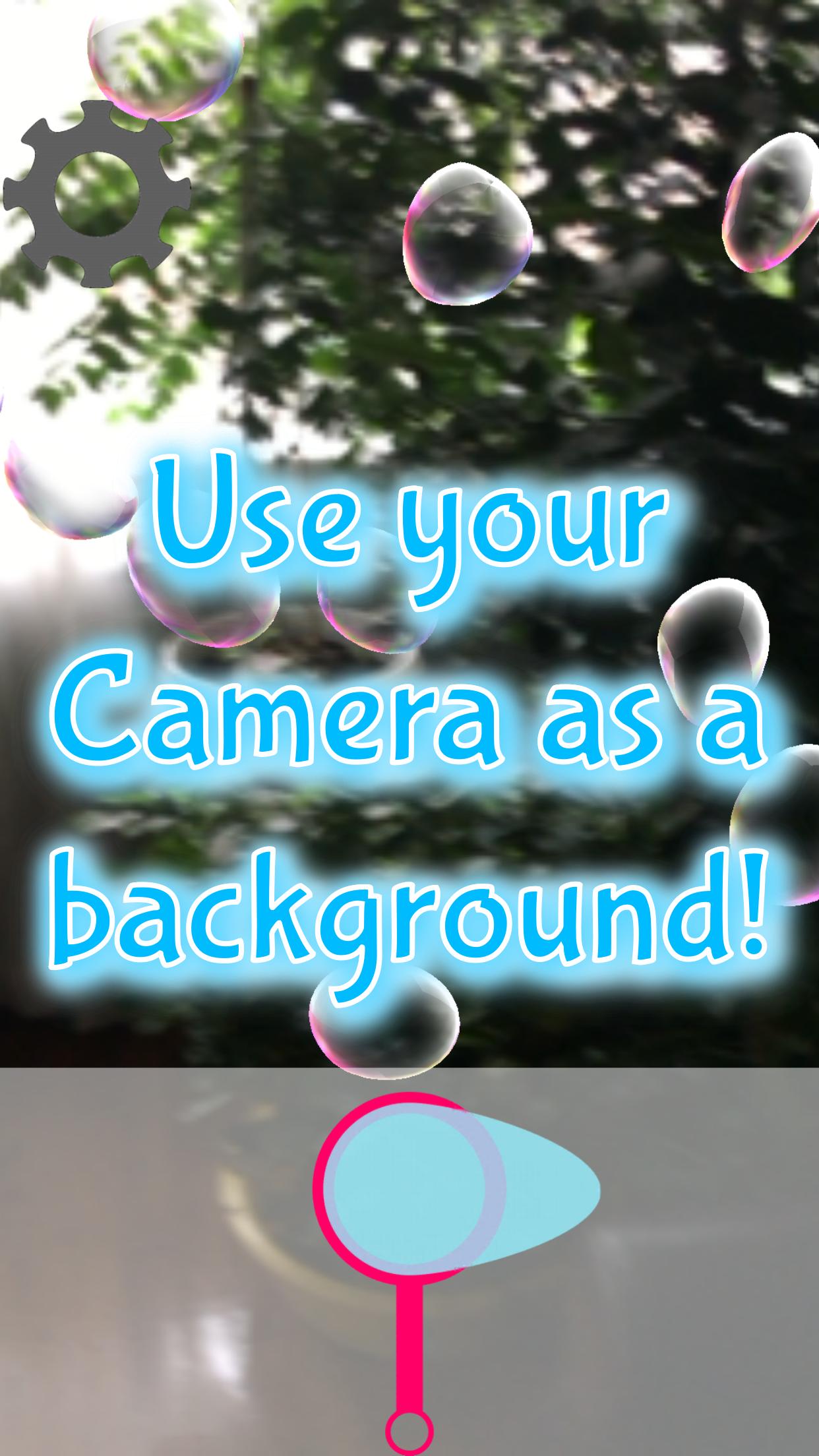
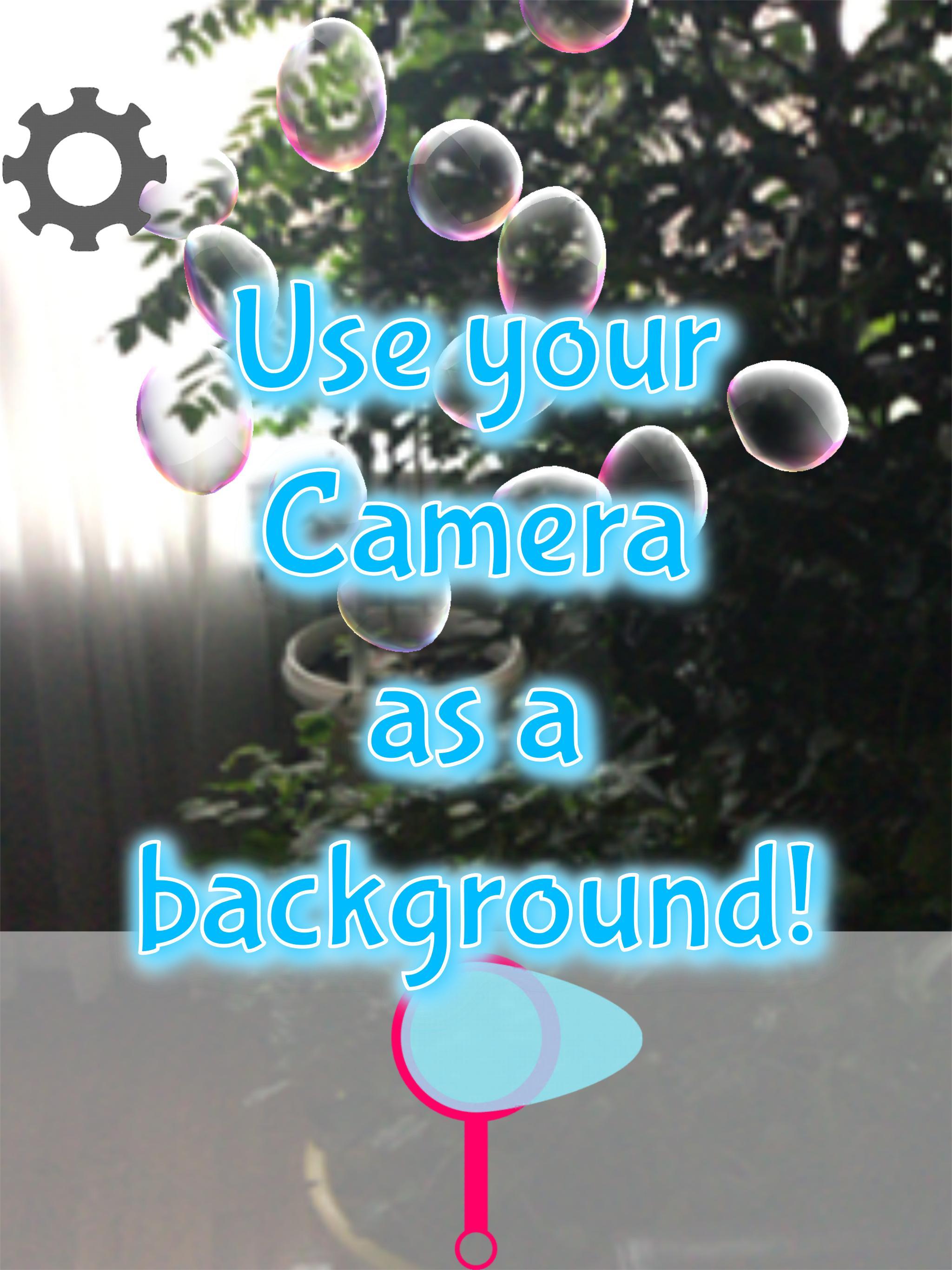
- If you enable your device's Camera permission, you can use your camera's feed as your background, it really feels like you're blowing bubbles!
- Perfect for kids and bubble fanatics all across the world!
- No In App Purchases as of this version!
Frequently Asked Questions:
1. Why do bubbles keep popping out even though I'm not doing anything?
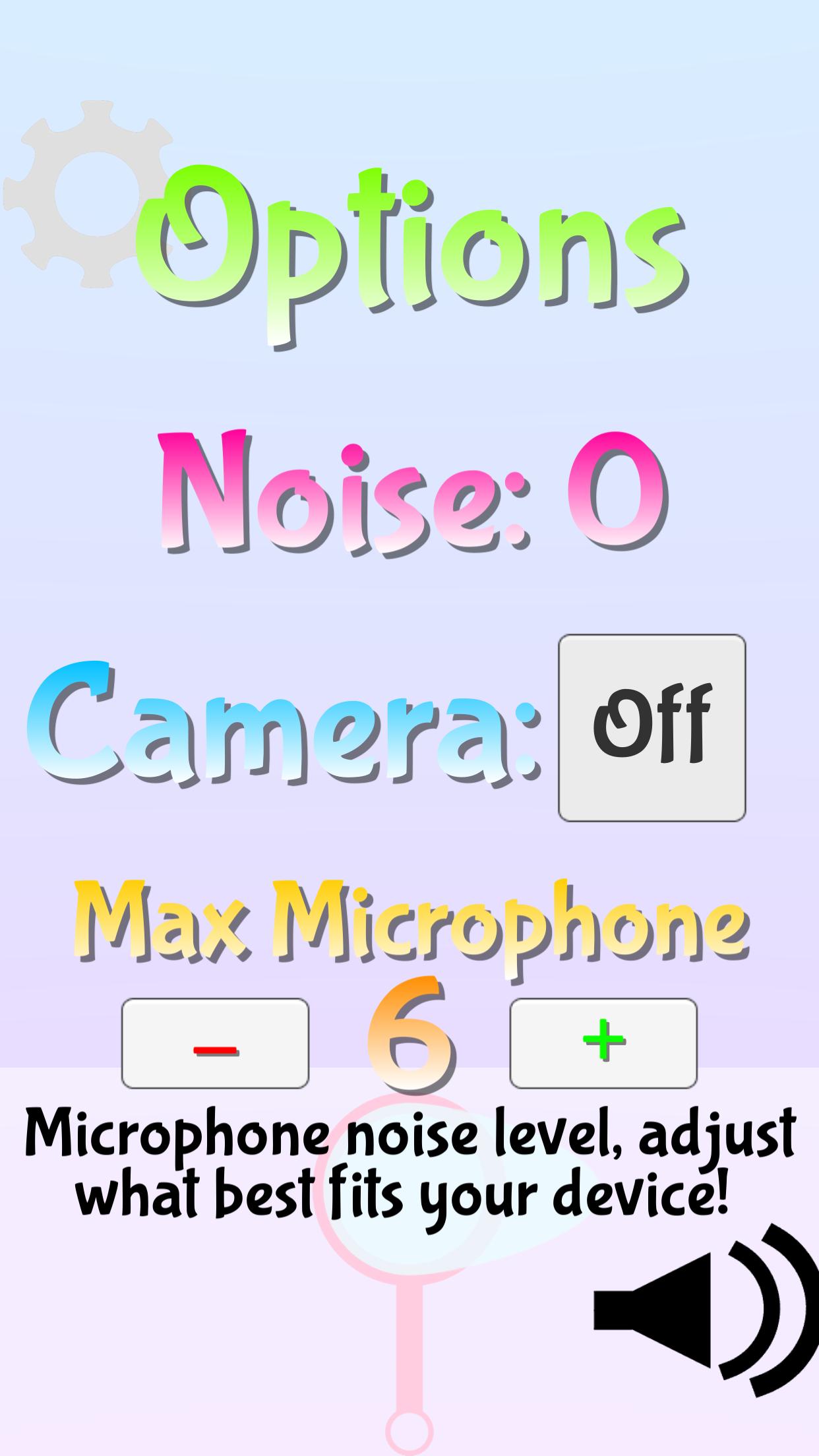
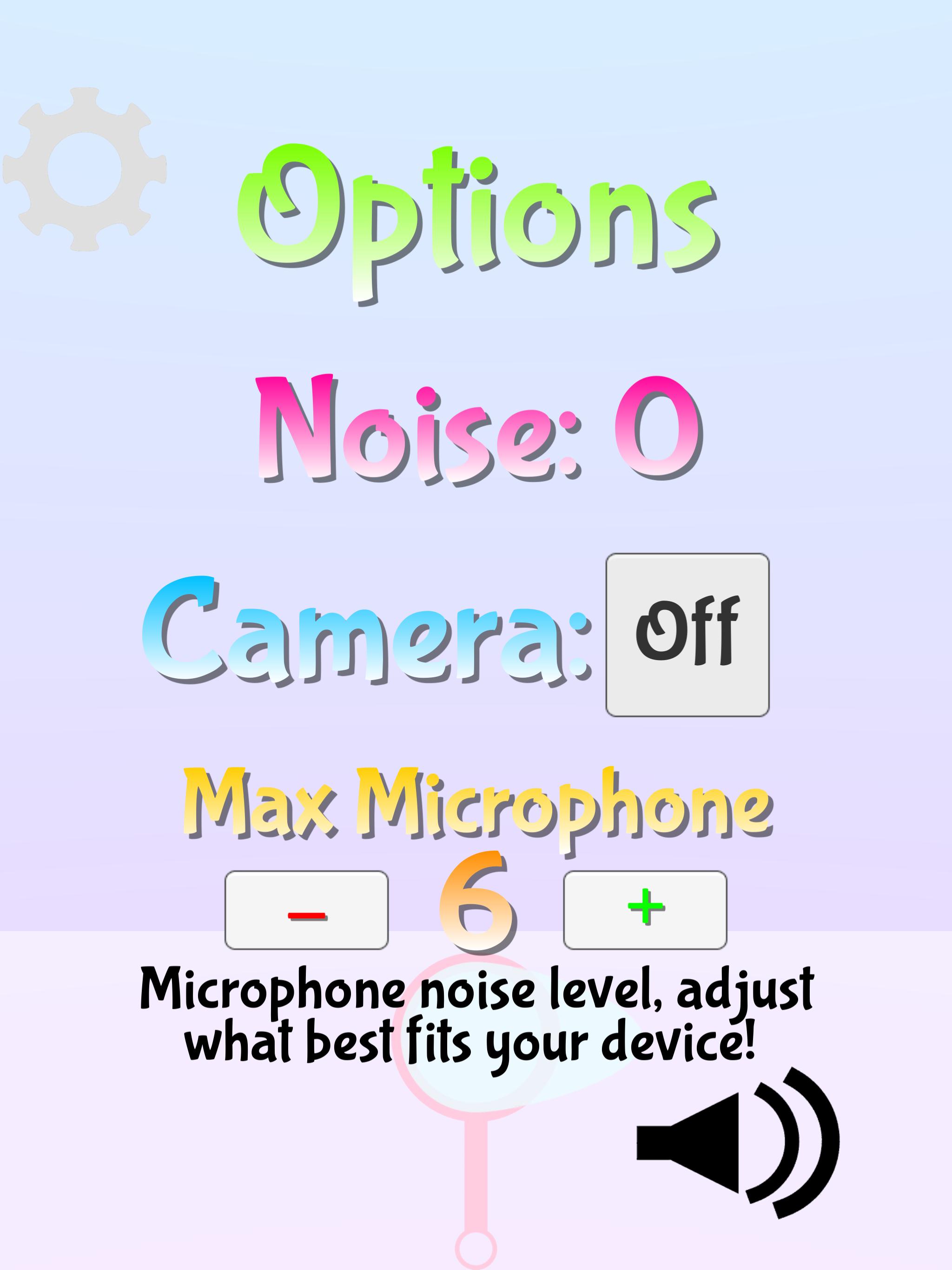
- This happens when your microphone permission is enabled and your sensitivity is too low. Tap the gear button in the upper left (The options button) and raise your Max volume to a higher number.
2. How do I mute this app?
- Tap the gear/options button and then tap the black volume button in the lower right corner.
3. How do I get the camera background to work?
- Make sure your Camera permission is enabled, you can do this by going to your device's settings - > This App -> allow Camera. Once that is done, go back to the app, tap the gear/Options button and make sure it says Camera: On. If it isn't on, tap the Off button and it should work now.
4. My microphone isn't working!!!
- Make sure your Microphone permission is enabled, you can do this by going to your device's settings - > This App -> allow Microphone. You may also have to restart the app. Once you do that, you may have to make sure your Max Microphone setting is high enough: refer to answer #1 above.
Latest Version
1.0Uploaded by
Anil Rajput
Requires Android
Android 4.4+
Category
Free Simulation GameContent Rating
Everyone
Report
Flag as inappropriateLast updated on Apr 25, 2017
This release includes minor bug fixes and general improvements. Update to the latest version for the best experience.





APKPure - A multi-platform app store primarily focused on Android, providing extensive app-related content. Discover the app you want easier, faster, and safer, with quick and efficient downloads and installations.