Scan Date:Mar 15, 2026
Show More

Get mobile access to your Brilliant Control(s) by downloading and pairing the Brilliant App.
The Brilliant Control replaces an existing light switch to give you touch and voice control over all of your smart home products. From lights, music, climate, security, and doorbells to whatever comes next, Brilliant connects everyone in the home with controls that are easy to access and use.
With Alexa built in for voice control, a personalizable high resolution display for touch control, and a camera with a privacy shutter for room-to-room video chat, your home is now more than just smart. It’s Brilliant.
The Brilliant App gives you remote/mobile access to your Brilliant Control(s), so you can see and adjust the status of your connected smart home products, turn on/off lights, activate scenes, upload personal photos, and more.
Don’t have a Brilliant Control yet? You can download the app and use our “demo mode” to simulate the mobile experience.
Key Features
Remote Access
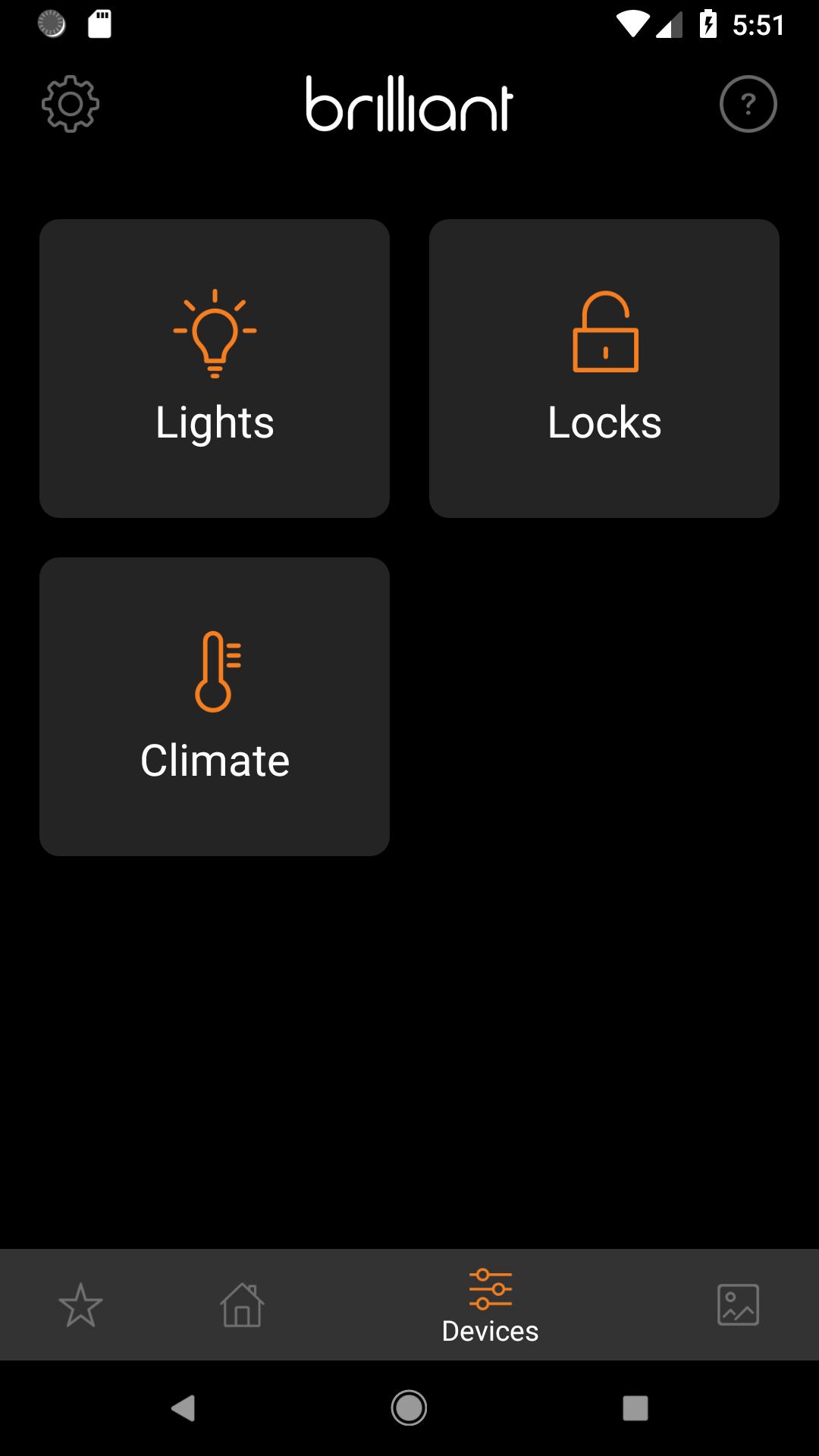
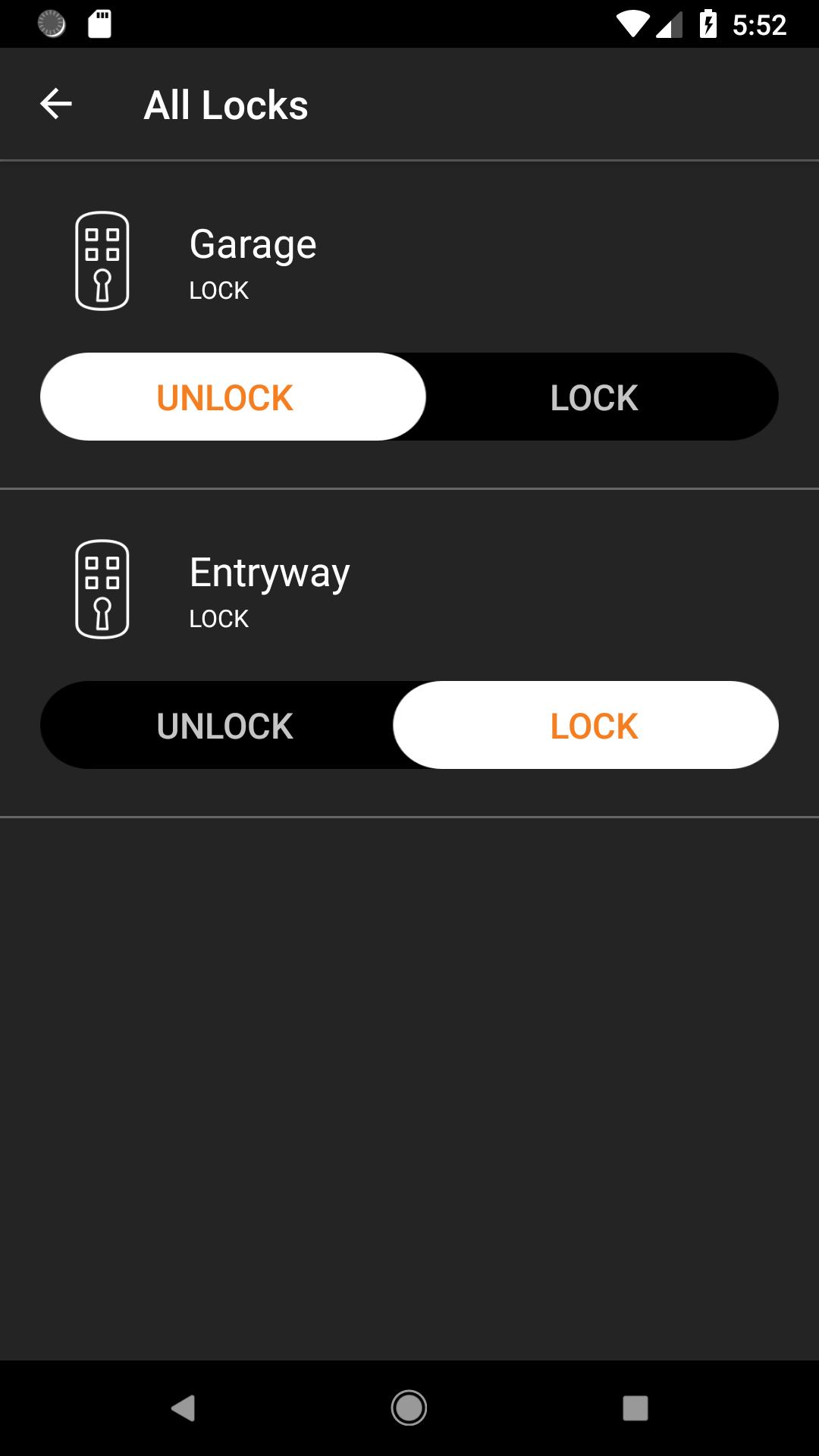
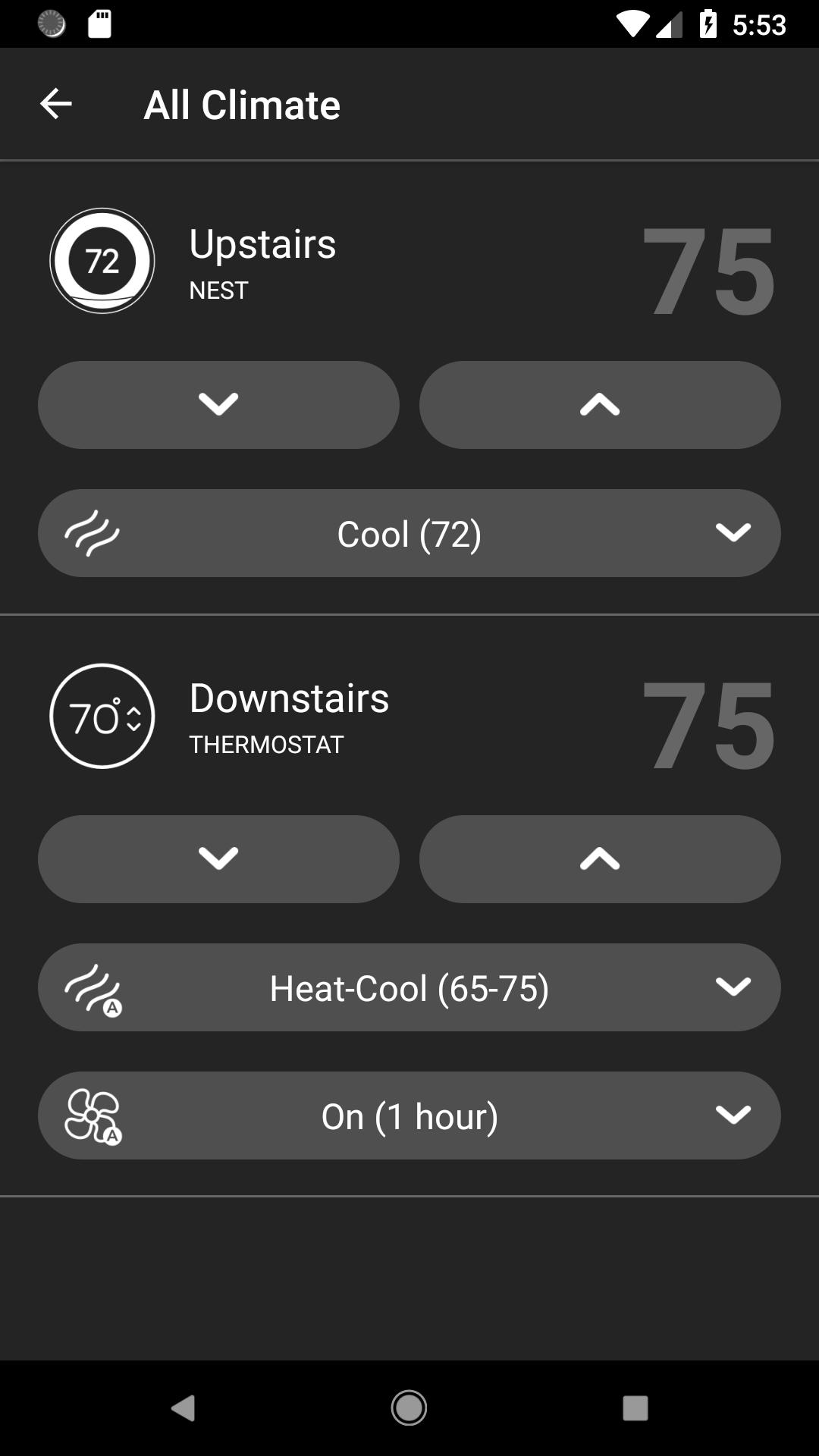
- Control your lights and connected smart devices (such as climate systems and lock devices) all from one place - anywhere and anytime.
Live View (Public Beta)
- Stay connected via two-way talk with anyone in your home such as kids, guests, housekeepers, and nannies – regardless of whether you are home or away.
Navigate your home the way you want
- Access your smart home devices by room or by device type.
Set the perfect scene
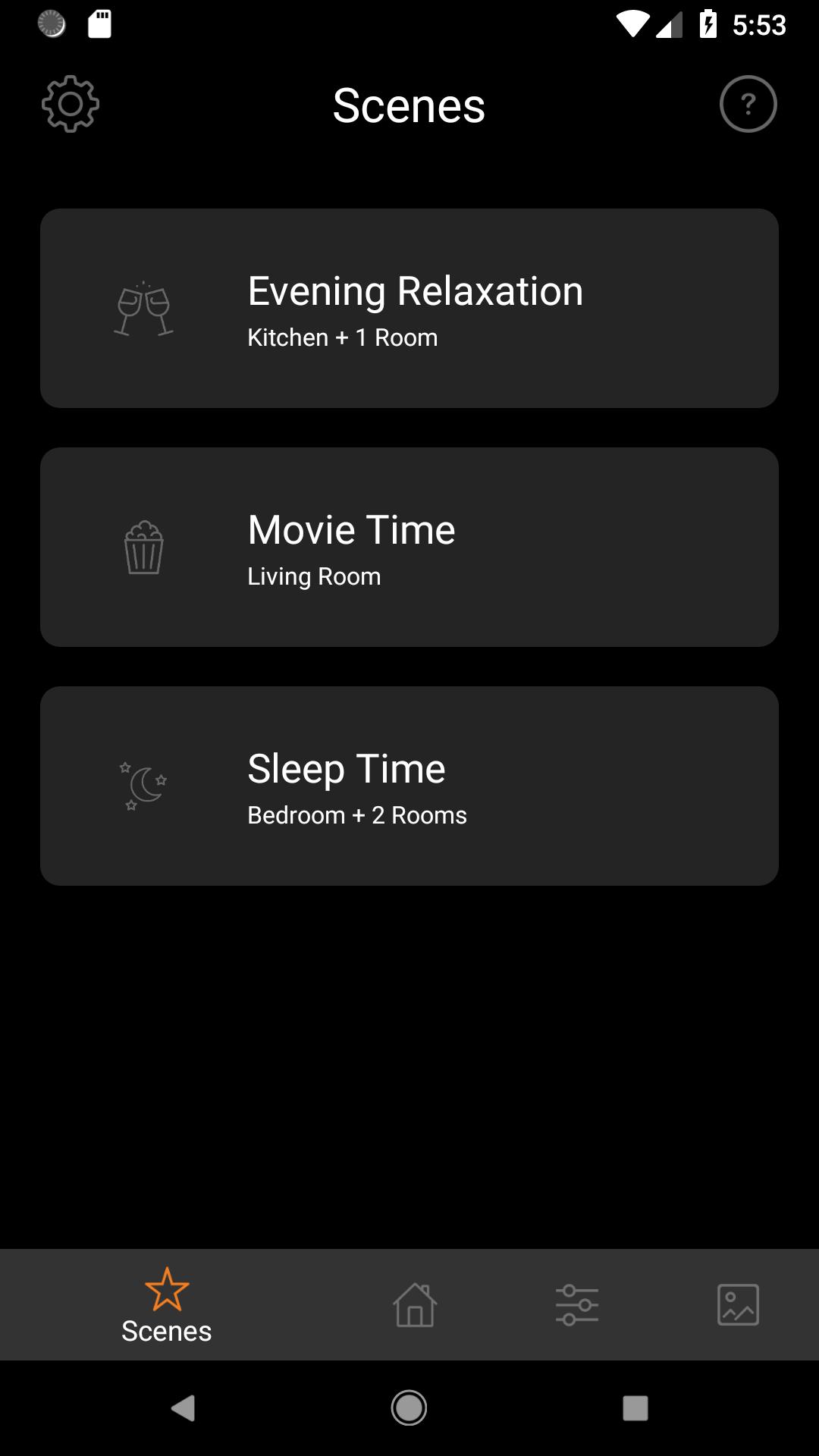
- Select scenes you have created on your Brilliant remotely through your smart phone.
Personalize your Brilliant
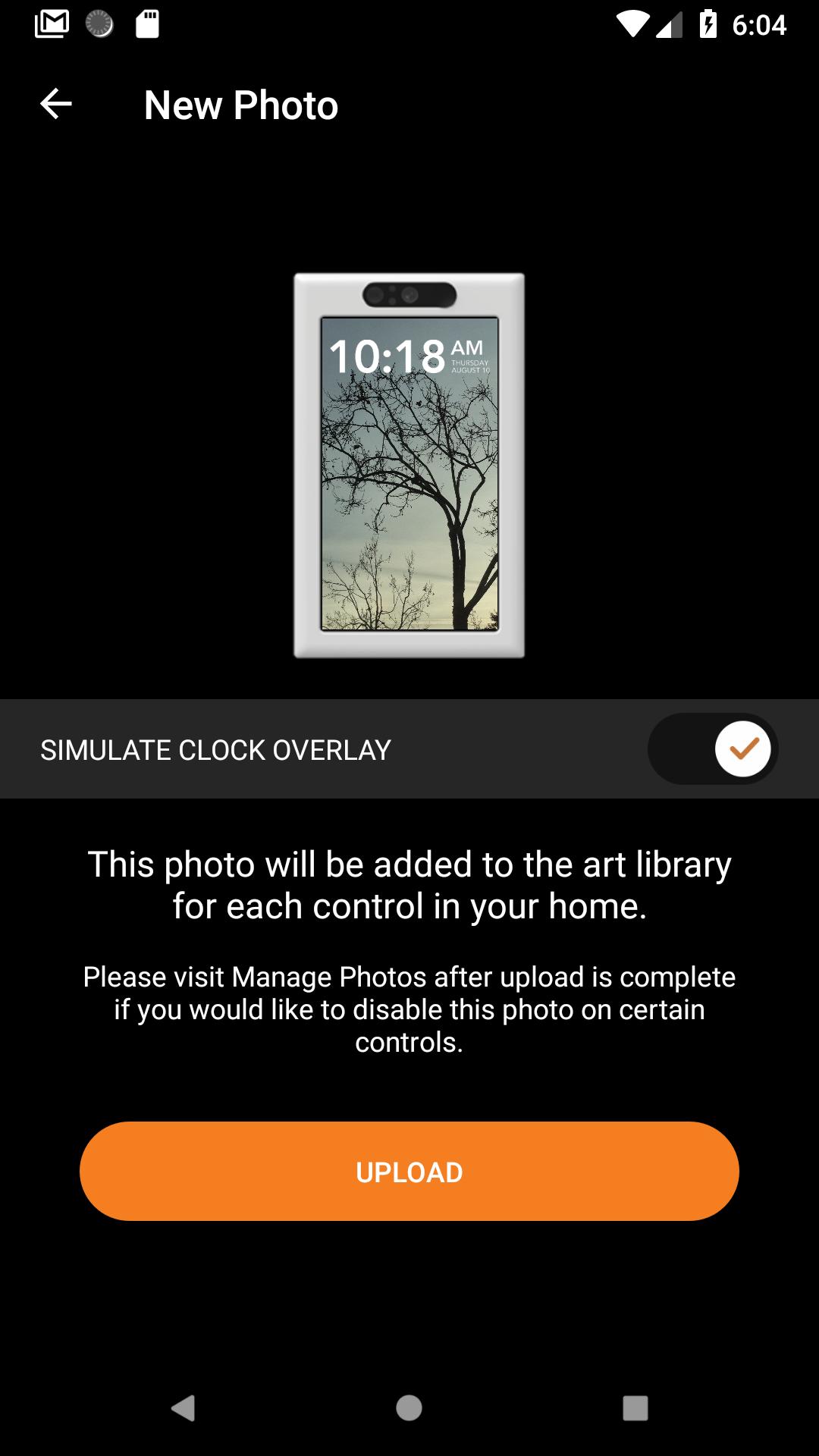
- Upload up to 25 personal photos to turn your Brilliant into a digital photo frame.
Access Demo Mode
- Explore how Brilliant can unify and automate your home before you buy.
Some features require a working internet connection/Wi-Fi on your phone and/or Brilliant.
Product currently sold in the United States and Canada
Latest Version
26.03.18Uploaded by
Omar Saad Omar Saad
Requires Android
Android 9.0+
Category
Free House & Home AppContent Rating
Everyone
Security Report
Report
Flag as inappropriateLast updated on Mar 15, 2026
Brilliant now works with BluOS-enabled speakers and players. Play, pause, adjust volume, and switch between rooms — right alongside your lights, thermostat, and other smart home controls. Set up scenes that pair audio with lighting so everything works together the way you want it.




APKPure - A multi-platform app store primarily focused on Android, providing extensive app-related content. Discover the app you want easier, faster, and safer, with quick and efficient downloads and installations.