Scan Date:Mar 25, 2026
Show More

Brain Training with 40Hz Gamma Light and 40Hz Sound
HIGHLIGHTS
• Use 40Hz gamma light alone or combine with brain games and 1000+ book library
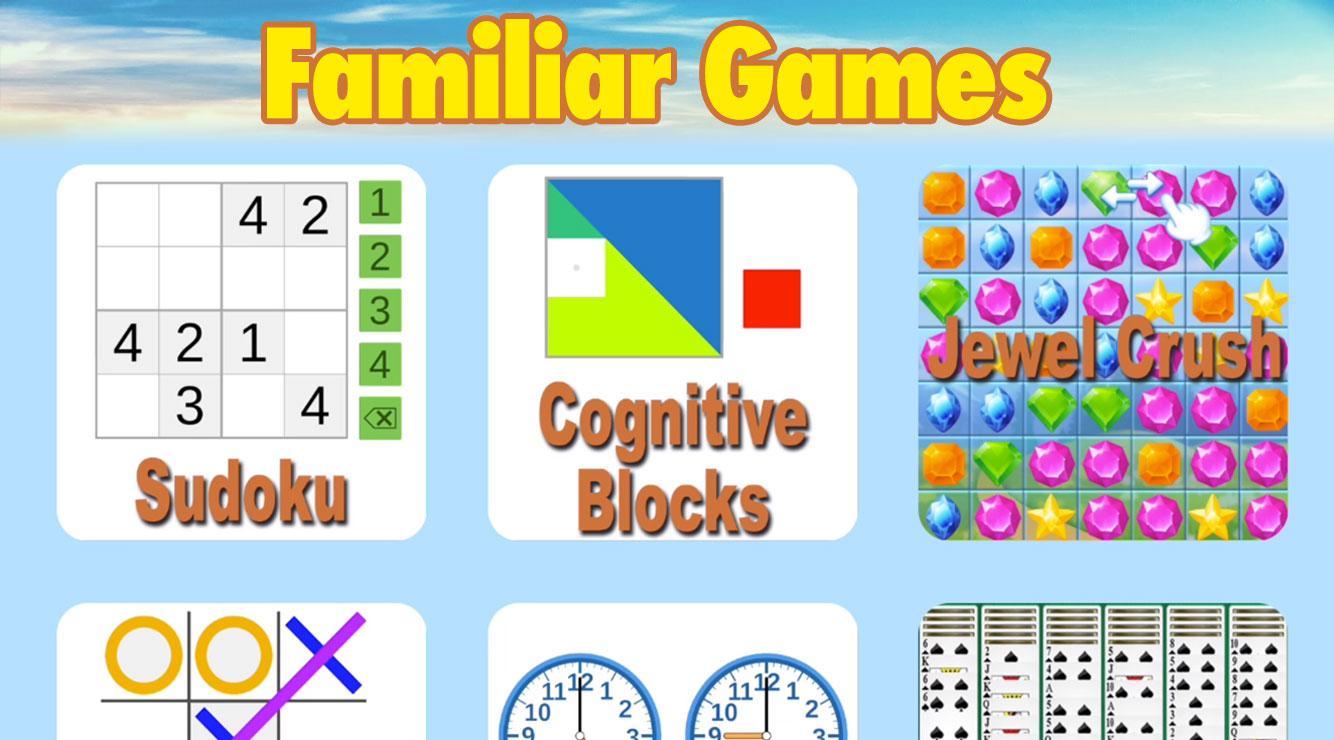
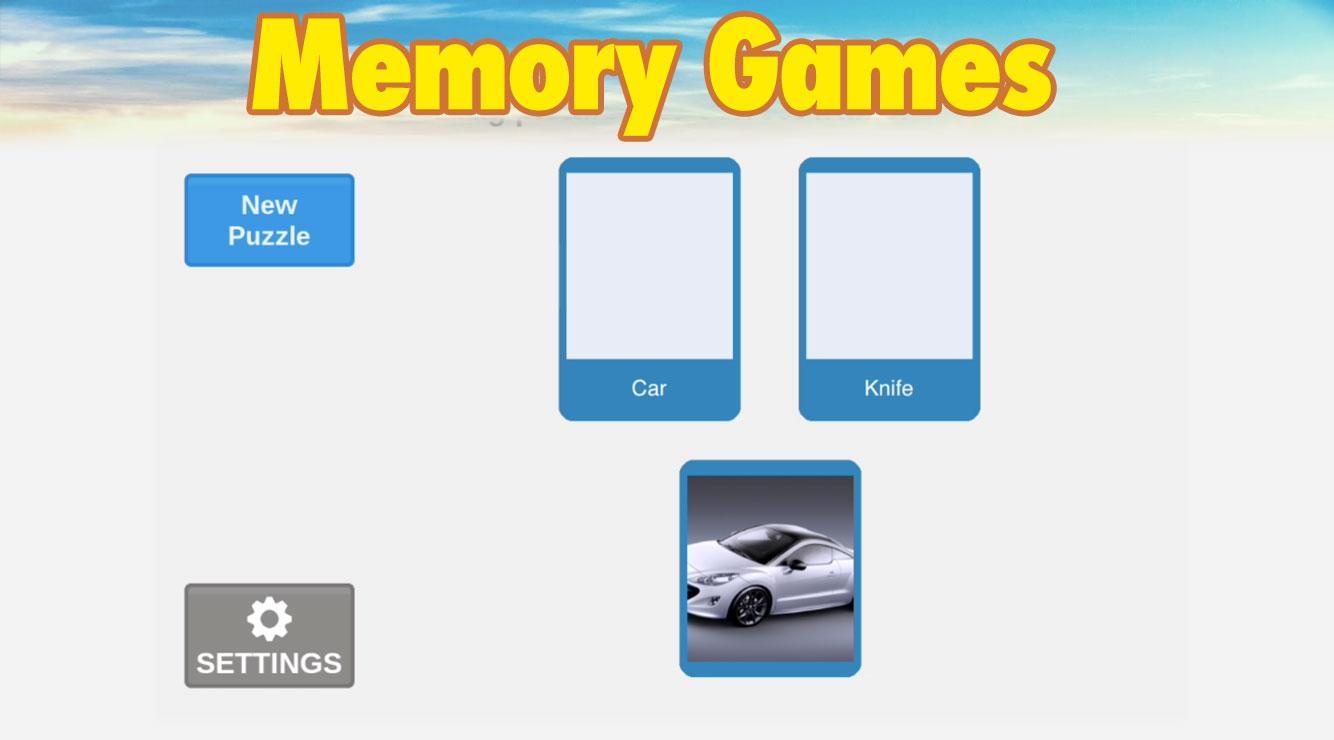
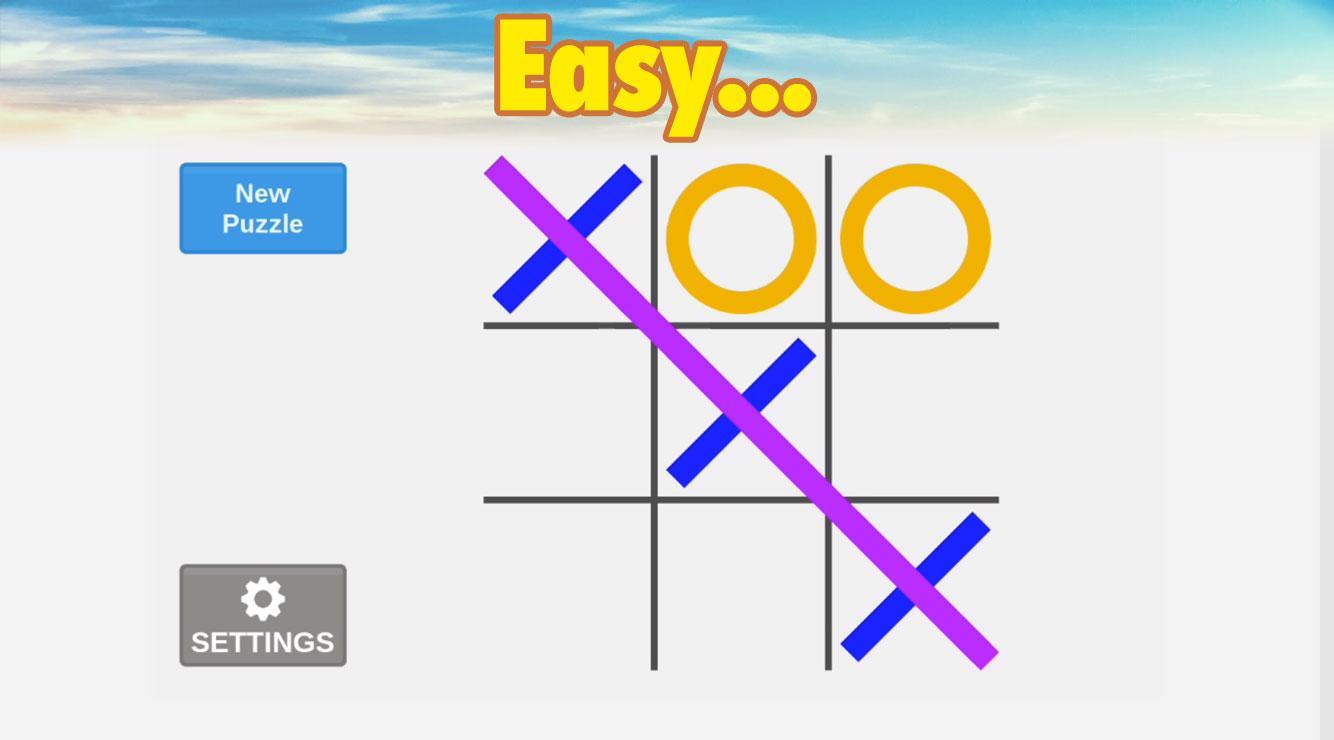
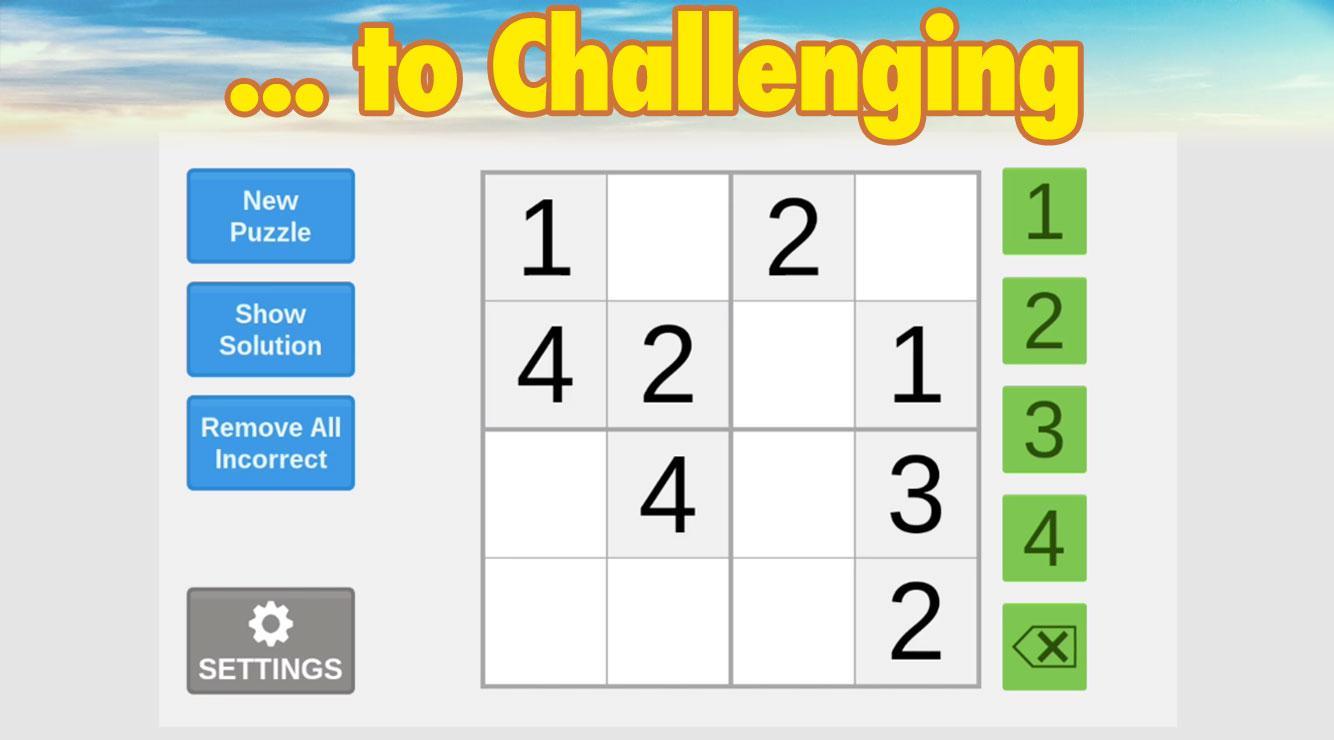
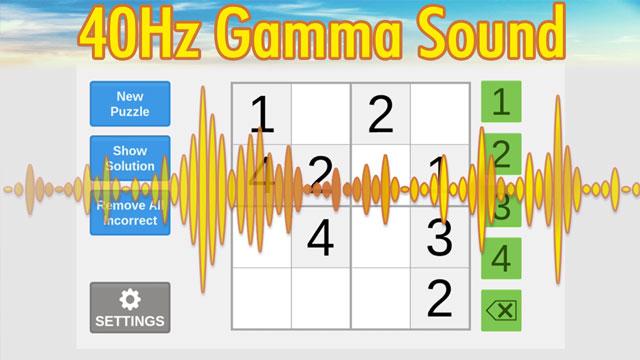
• 40+ cognitive games designed for people with low computer skills: Chess, Sudoku, Tic-Tac-Toe, Clocks, and other brain games, from very easy to challenging
New research suggests that light and sound delivered at a certain frequency —40 flashes or clicks per second — appear to restart the natural 40Hz gamma rhythm of the brain and improve the brain functions.
Separately, research has also shown that cognitive exercises could have a major effect on improving memory. The synergistic combination of 40Hz gamma light, sound and brain training games has the potential to improve the brain’s function better than either of these approaches alone.
HOW IT WORKS
AlzLife delivers a combination of 40Hz light, 40Hz sound and cognitive exercises in a single, easy-to-use, convenient package.
HOW TO USE ALZLIFE
We recommend using your AlzLife app for one hour a day. If the 40Hz gamma frequency flicker is too bothersome, start using the app with the light settings set to a minimum. Most people will get used to the flicker over several sessions. If you stop noticing the flicker, you may want to increase the intensity within the app’s Settings.
Start with games you are familiar with, then continue with as many games as possible. We recommend starting at an easy level and slowly increasing the game difficulty to a level that is challenging but not uncomfortable.
COMPATIBLE DEVICES
The 40Hz gamma light function of AlzLife requires the refresh rate of your device’s screen to be 120Hz or 80Hz. Only on these devices AlzLife will generate 40Hz light stimulation. Note that on some devices, you need to manually increase the screen refresh rate: Android Settings > Battery > Power Saving > Disable Power Savings, to allow greater screen refresh rate necessary for 40 Hz light.
Devices with the refresh rate of 60Hz can generate the maximum of 30Hz light stimulation (30Hz flickering is slower than 40Hz flickering).
Latest Version
1.3.4Uploaded by
Cosmina Safta
Requires Android
Android 11.0+
Category
Free Health & Fitness AppContent Rating
Everyone
Security Report
Report
Flag as inappropriateLast updated on Sep 1, 2024
-Miscellaneous improvements
-Target SDK updated in compliance with Google requirements




APKPure - A multi-platform app store primarily focused on Android, providing extensive app-related content. Discover the app you want easier, faster, and safer, with quick and efficient downloads and installations.