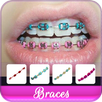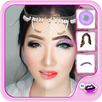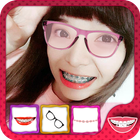
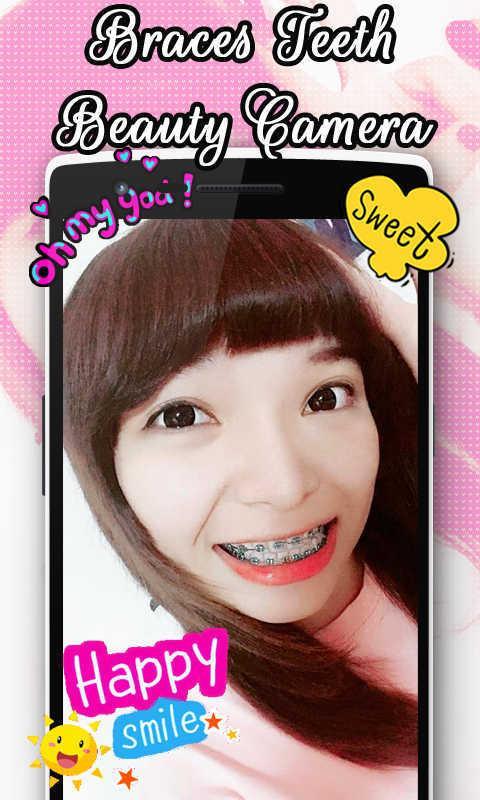
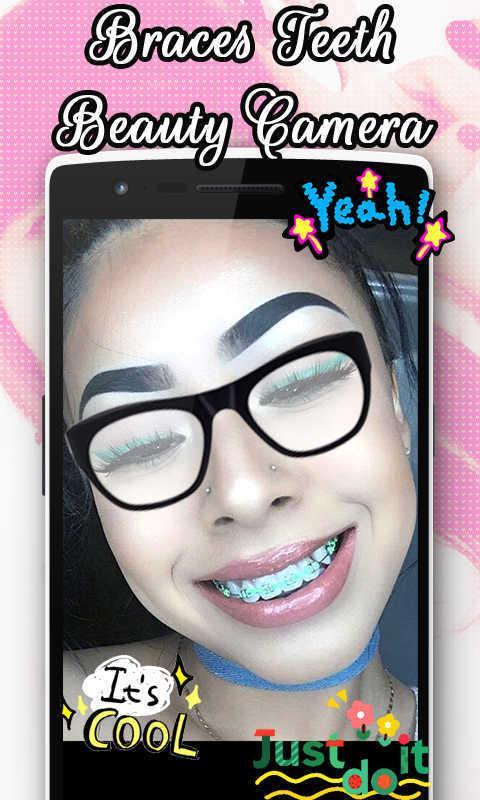
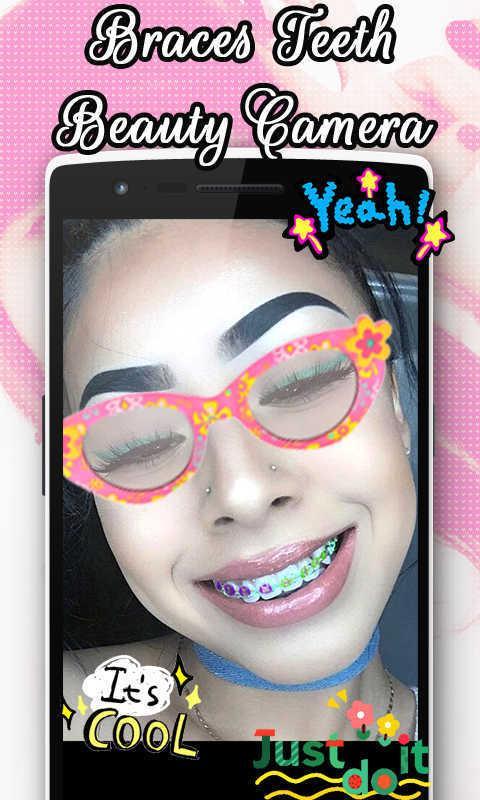
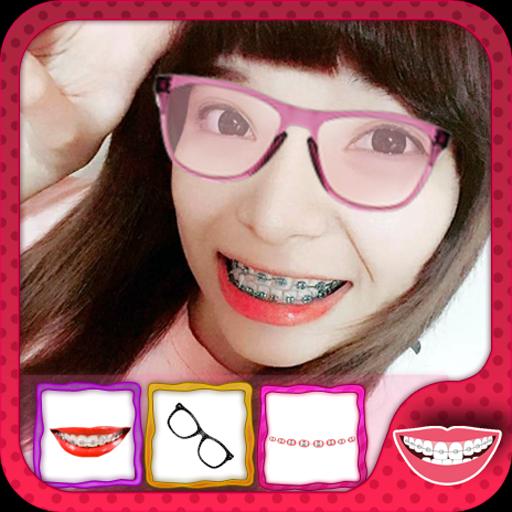
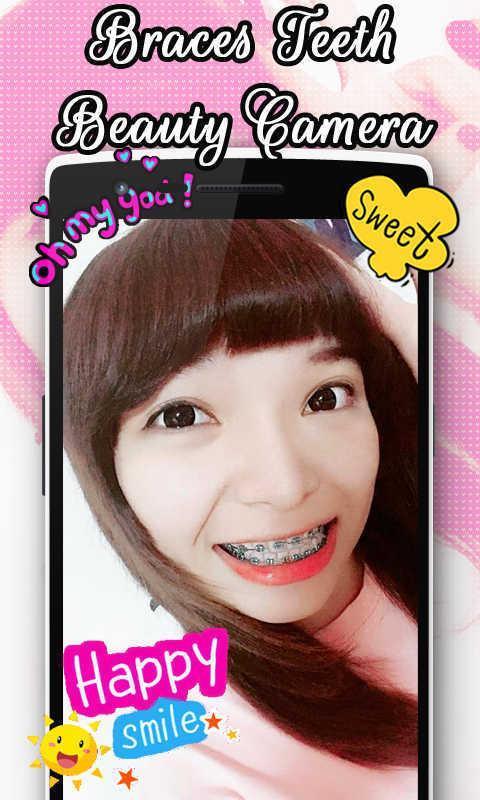
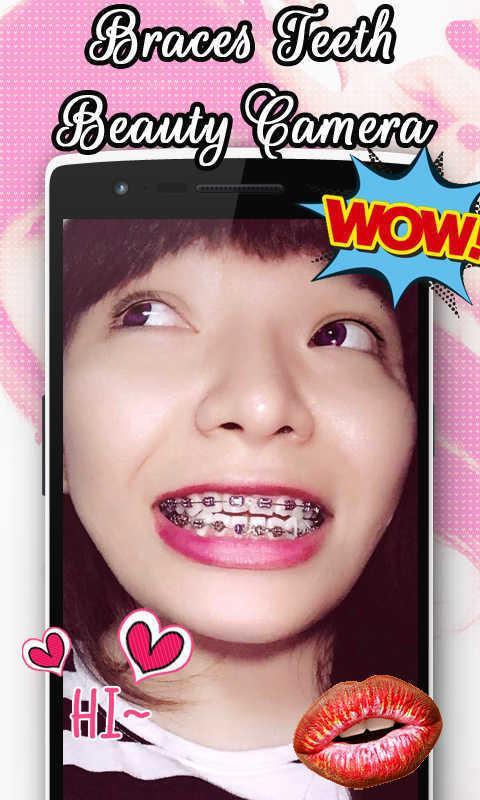
Braces Teeth Beauty Camera is an app to create beautiful fashion braces on teeth. Applications that can make you look cute and funny when wearing braces. Not only are there stirrup in this application, there are other accessories that can make you more beautiful, such as eyeglasses, jewelry, women's accessories such as earrings, crowns and other trinkets. Consisting of petals and crown queen who can decorate the face of your head. Stirrup application can be used by anyone, both women and men. If you have a camera or a selfie photo editor which can brighten the skin, it would be better to make your photos easier to edit. You can edit your photos by selecting the stirrup you want. Stirrup colors can make you a beautiful woman and cute.
The following are some of the features and how to use:
1. You need to take the first image through the camera or you can take a picture in your Android gallery.
2. Attach the sticker you want, you can zoom in or out stickers by using two fingers. Attach right on the area that you want. Stickers: Consists of various collections that you can use to decorate your photos.
3. Adjust the opacity to make the stickers you become transparent, so that the result looks like a picture of you becomes more real.
4. Use the "Flip" to make you change your sticker shape.
5. Use the "Delete" button to remove the stickers that you do not use.
6. The "Done" is used to proceed to the next step.
7. The "Share" is used to share the results of your picture with your friends through social networks that you have used.
8. Button "Save" is used to store the photos or images you into Android gallery.
9. The "Set As" used to make your photos into wallpaper or can be used to change your social networking profile photo.
10. Have fun.
Use photos with faces that are easy to be decorated. So you are not too difficult to make a great view. By using photos with the right style, your photo edits will look perfect and like the original.
Latest Version
1.3Uploaded by
Vianney Loferne
Requires Android
Android 4.1+
Category
Free Beauty AppContent Rating
Everyone
Report
Flag as inappropriateLast updated on Jun 1, 2017
Minor bug fixes and improvements. Install or update to the newest version to check it out!



APKPure - A multi-platform app store primarily focused on Android, providing extensive app-related content. Discover the app you want easier, faster, and safer, with quick and efficient downloads and installations.