
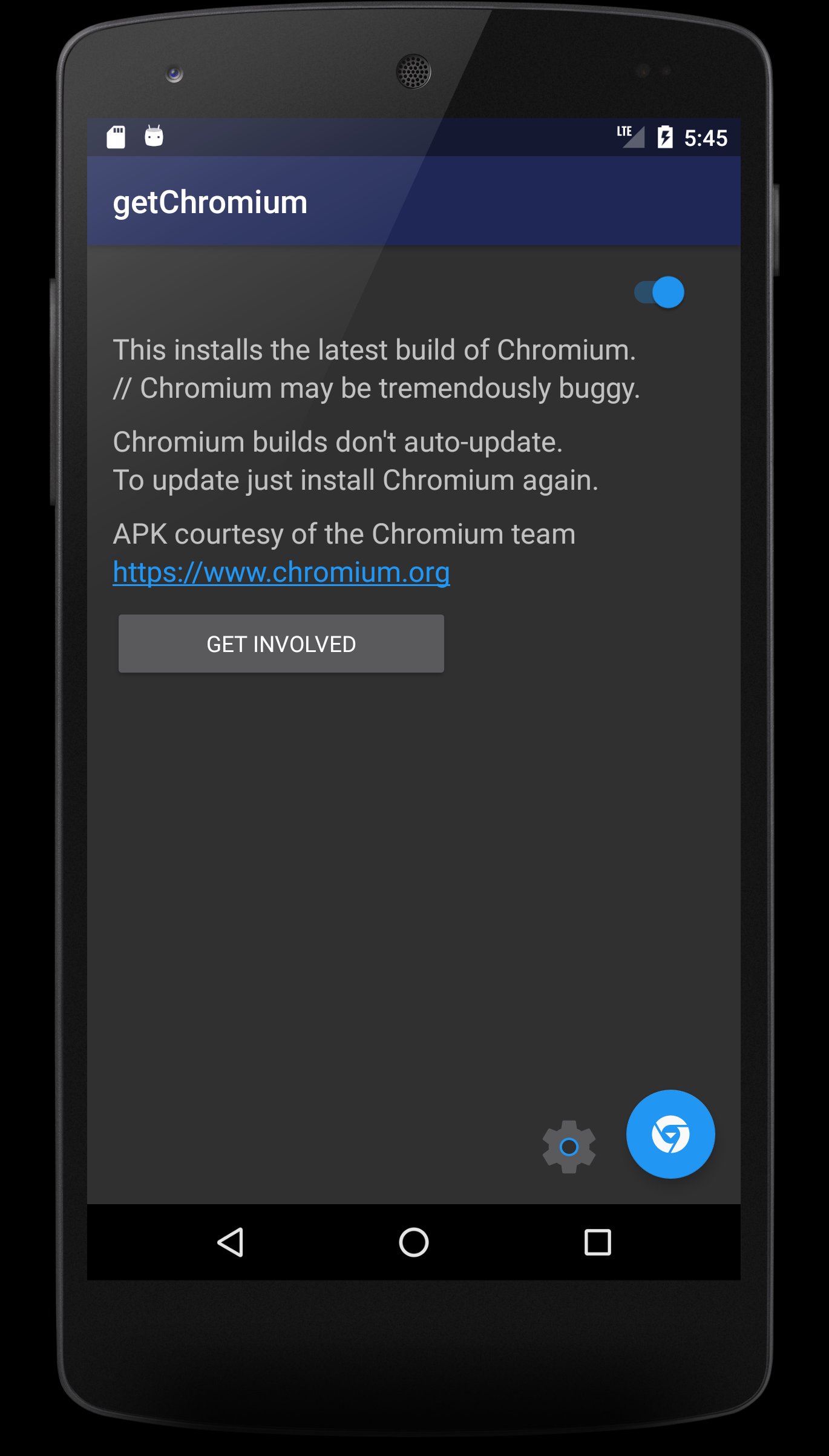
getChromium is designed to allow anyone to run Chromium on Android.
CHROMIUM FOR ANDROID DOES NOT UPDATE ITSELF.
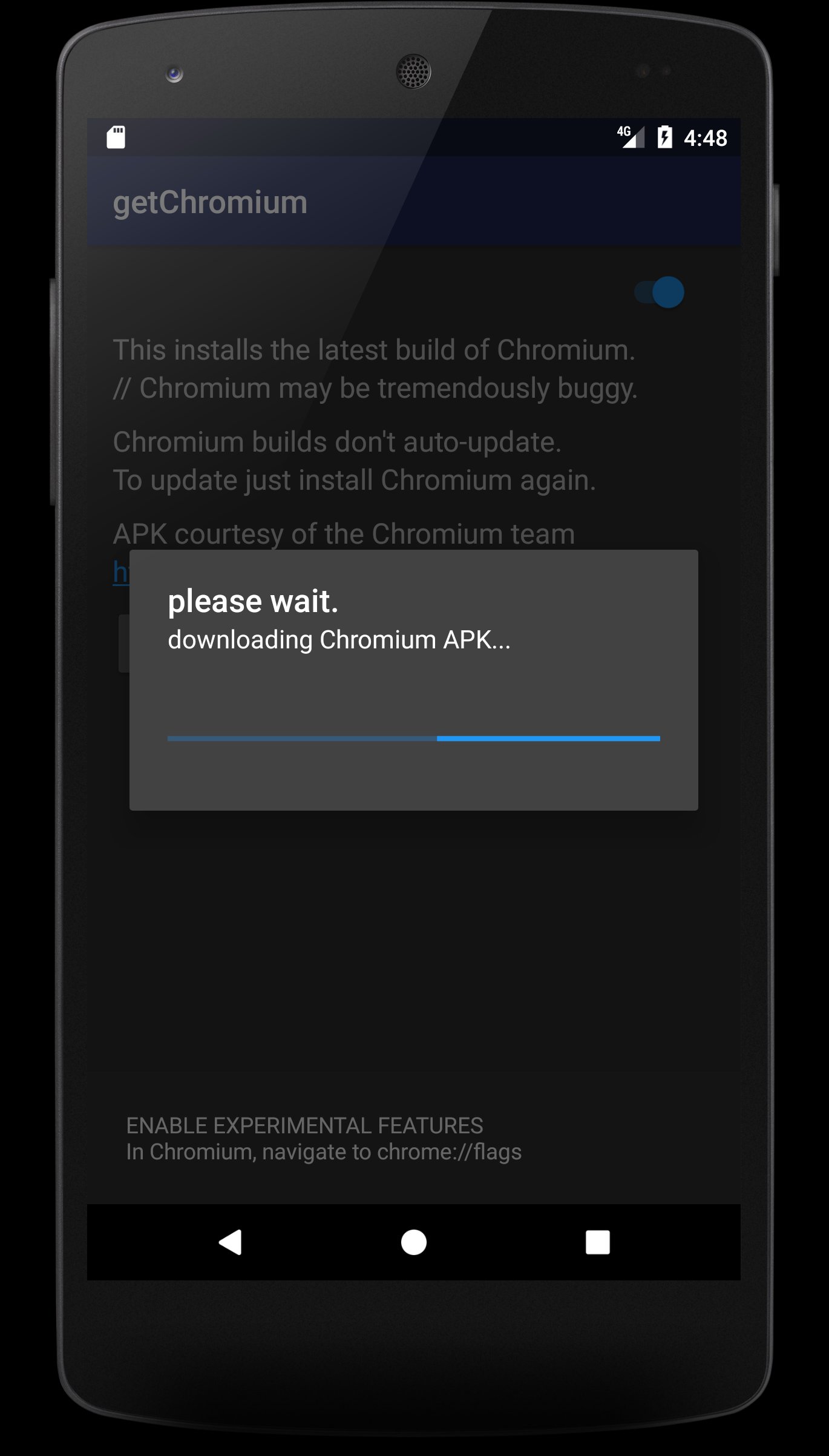
getChromium makes this process easier.
It's unsafe to leave your device with 'Unknown sources' enabled.
The only safe way to run Chromium is to:
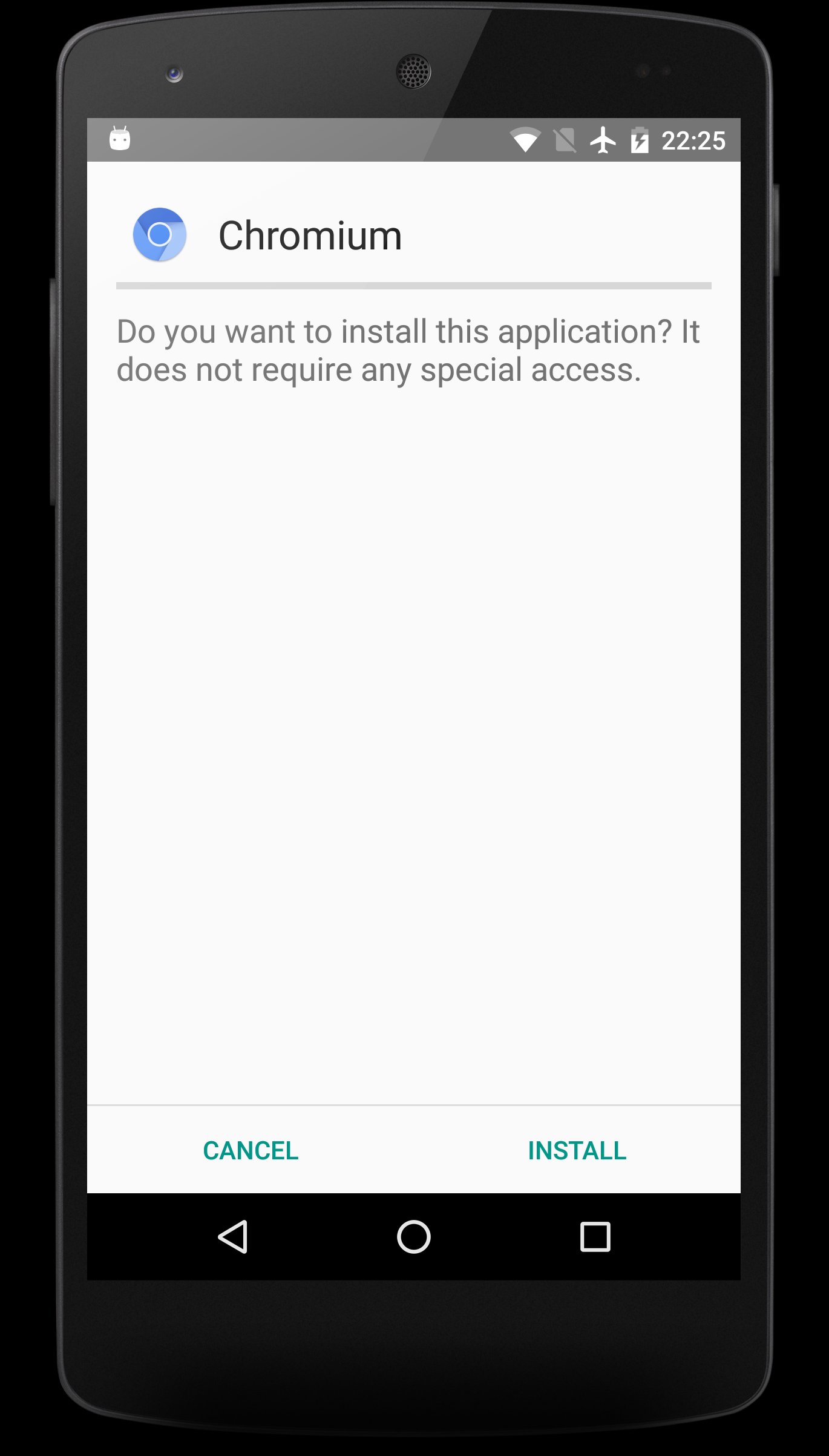
1. Temporarily allow 'Unknown sources',
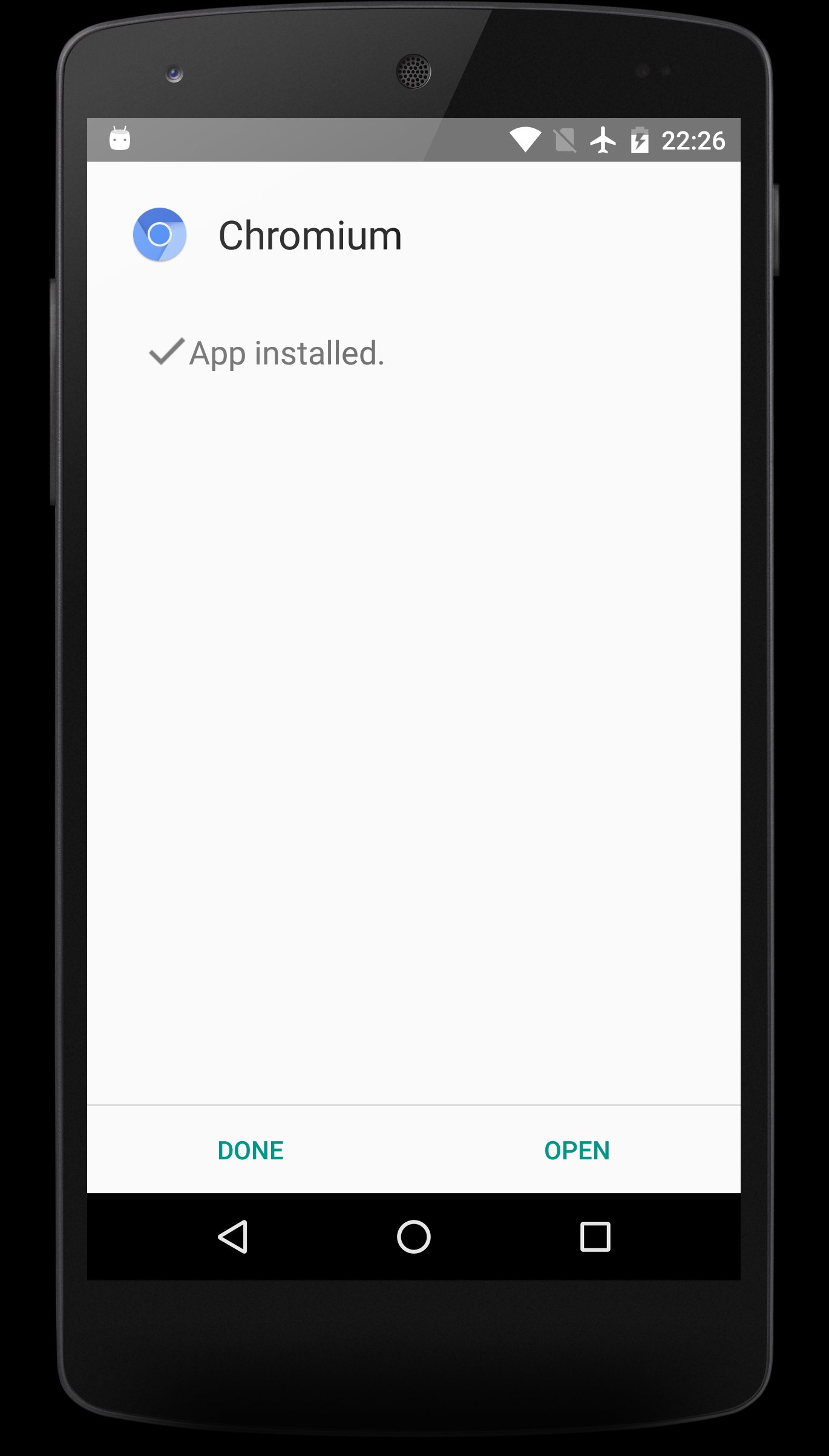
2. Update Chromium
3. Block 'Unknown sources'.
TO ENABLE EXPERIMENTAL FEATURES INSIDE CHROMIUM:
1. Navigate to chrome://flags
2. Browse through all the custom settings (these options change/improve with updates)
3. Select and enable/disable features
4. When done, press 'RELAUNCH NOW'
5. Enjoy the cutting edge experimental options!
6. To change just repeat steps 1-5.
7. To reset all flags back to default select 'Reset all to default'.
NOTE FOR CYANOGENMOD OR CUSTOM ROM USERS:
In general, after any ROM update or flash/reflash it is advised to wipe both dalvik cache and cache.
If you are getting parse errors, or getChromium is not working correctly in any way:
1. Boot into recovery
2. Select 'wipe dalvik cache' and 'wipe cache'.
3. Reboot back into your system and getChromium should work perfectly.
New Chromium builds are released constantly.
Update Chromium frequently for the latest experimental features.
Requires Android 4.4+
Chromium APK courtesy of the Chromium team https://www.chromium.org/
GNU General Public License version 3
Source code https://github.com/andDevW/getChromium/
Copyright (c) 2015-2017 Andrew Wright (andDevW)
Última versão
4.0Enviado por
Fharel Malino
Requer Android
Android 4.4+
Categoria
Grátis Ferramentas APPClassificação do Conteúdo
Everyone
Relatório
Marcar como inapropriadoLast updated on Mar 18, 2017
Added support for Android N.


APKPure - Uma loja de aplicativos multiplataforma focada principalmente em Android, fornecendo extenso conteúdo relacionado a apps. Descubra o aplicativo que você deseja de forma mais fácil, rápida e segura, com downloads e instalações rápidos e eficientes.