INSTALLATION NOTES:
Make sure the watch is properly connected to the phone, open Companion App on phone and tap on "INSTALL APP ON WEAR DEVICE" and follow instructions on watch.
After a few minutes the watch face will transferred on watch : check the watch faces installed by the Wearable app on the phone.
Note: If you stuck at payment loop, DON'T WORRY, only one charge will be made even if you are asked to pay a second time. Wait 10 minutes or restart your watch and try again.
If you are having synchronization problems between your phone and Play Store, install the app directly from watch:
Please consider that any issues on this side are NOT developer dependent. The developer has no control over the Play Store from this side. Thank you.
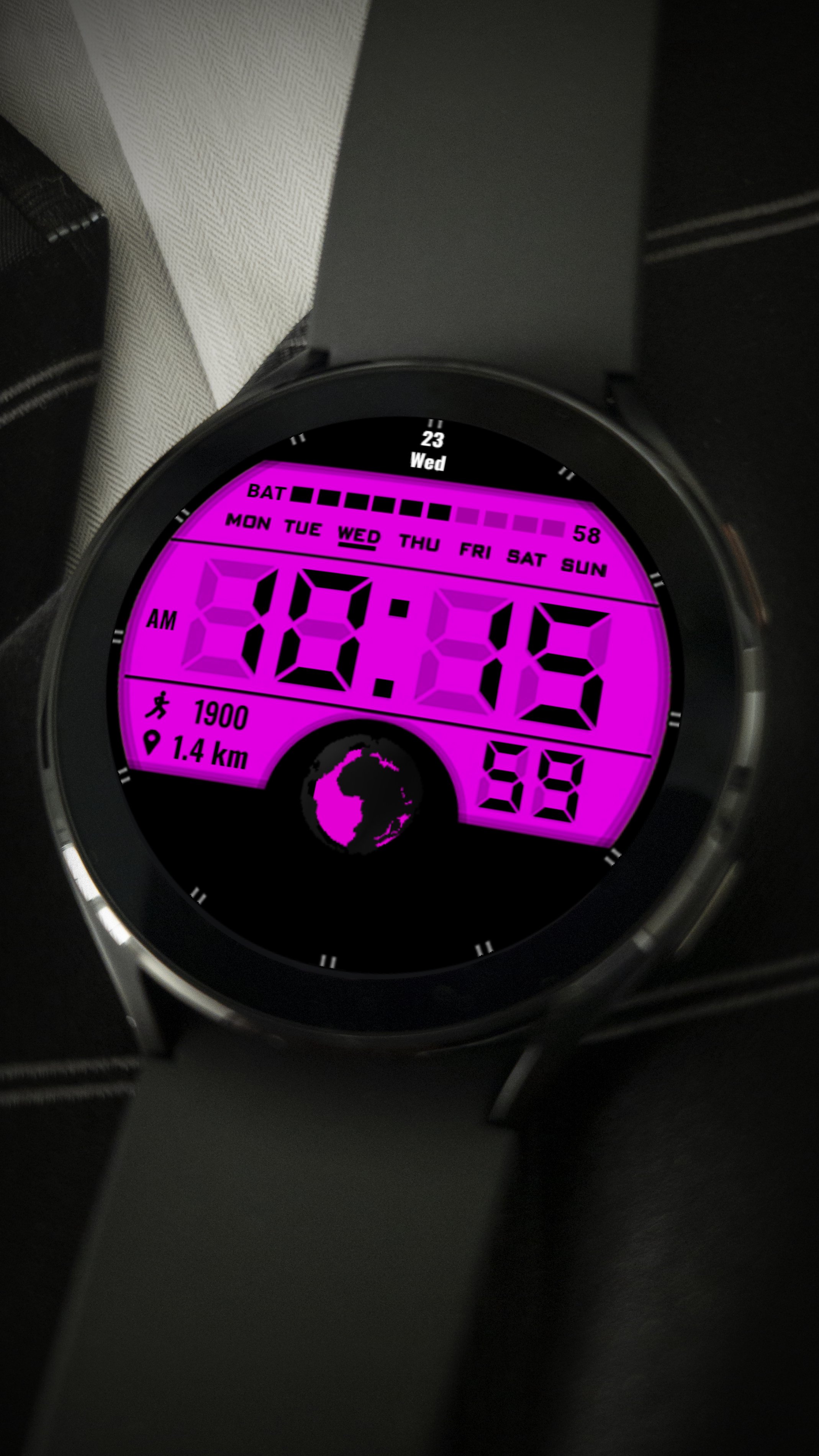
Minimalist digital watch face
-Displays digital time
-Displays the date
-Displays battery charge
-Displays steps
-Displays the distance
To change the color and select add-ons, press and hold the dial, then press settings, select the desired color or add-on
Última versão
Varies with deviceRequer Android
Categoria
Personalização APPClassificação do Conteúdo
Everyone
Relatório
Marcar como inapropriadoLast updated on Aug 28, 2022
Esta versão inclui pequenas correções de bugs e melhorias gerais. Atualize para a versão mais recente e tenha a melhor experiência.





APKPure - Uma loja de aplicativos multiplataforma focada principalmente em Android, fornecendo extenso conteúdo relacionado a apps. Descubra o aplicativo que você deseja de forma mais fácil, rápida e segura, com downloads e instalações rápidos e eficientes.