Full-featured, totally free and has no advertisement, supports up to Android 10
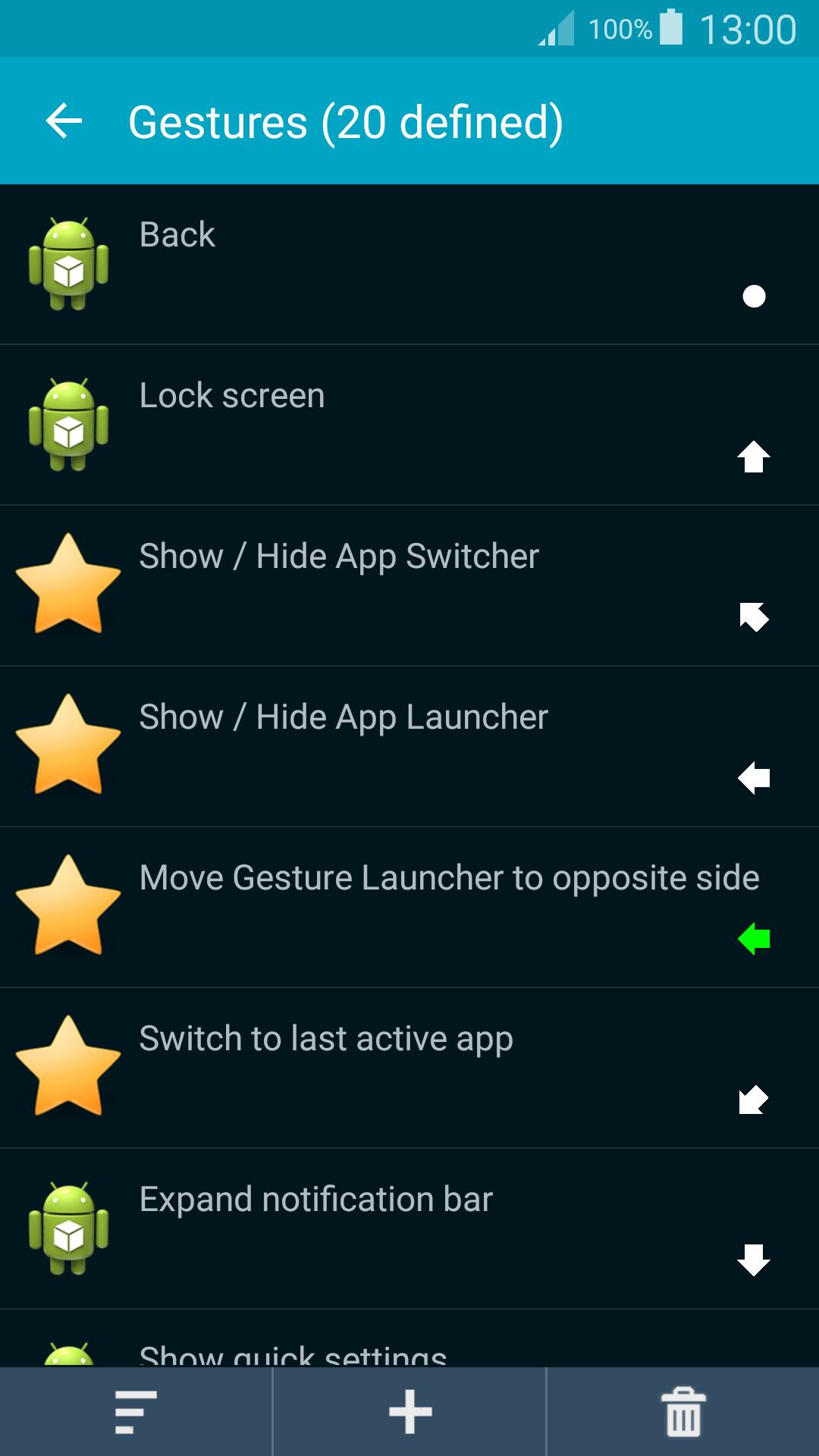
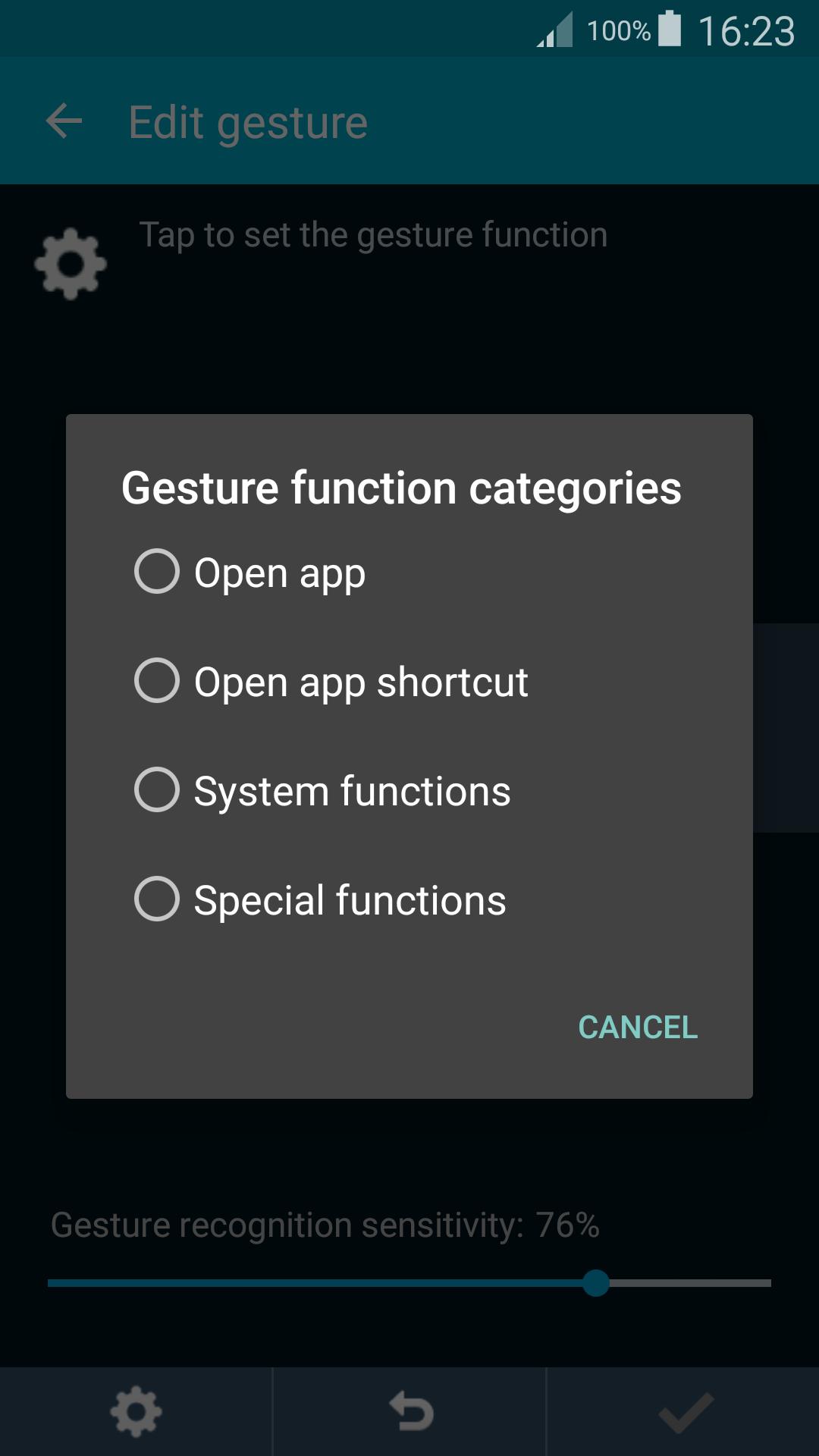
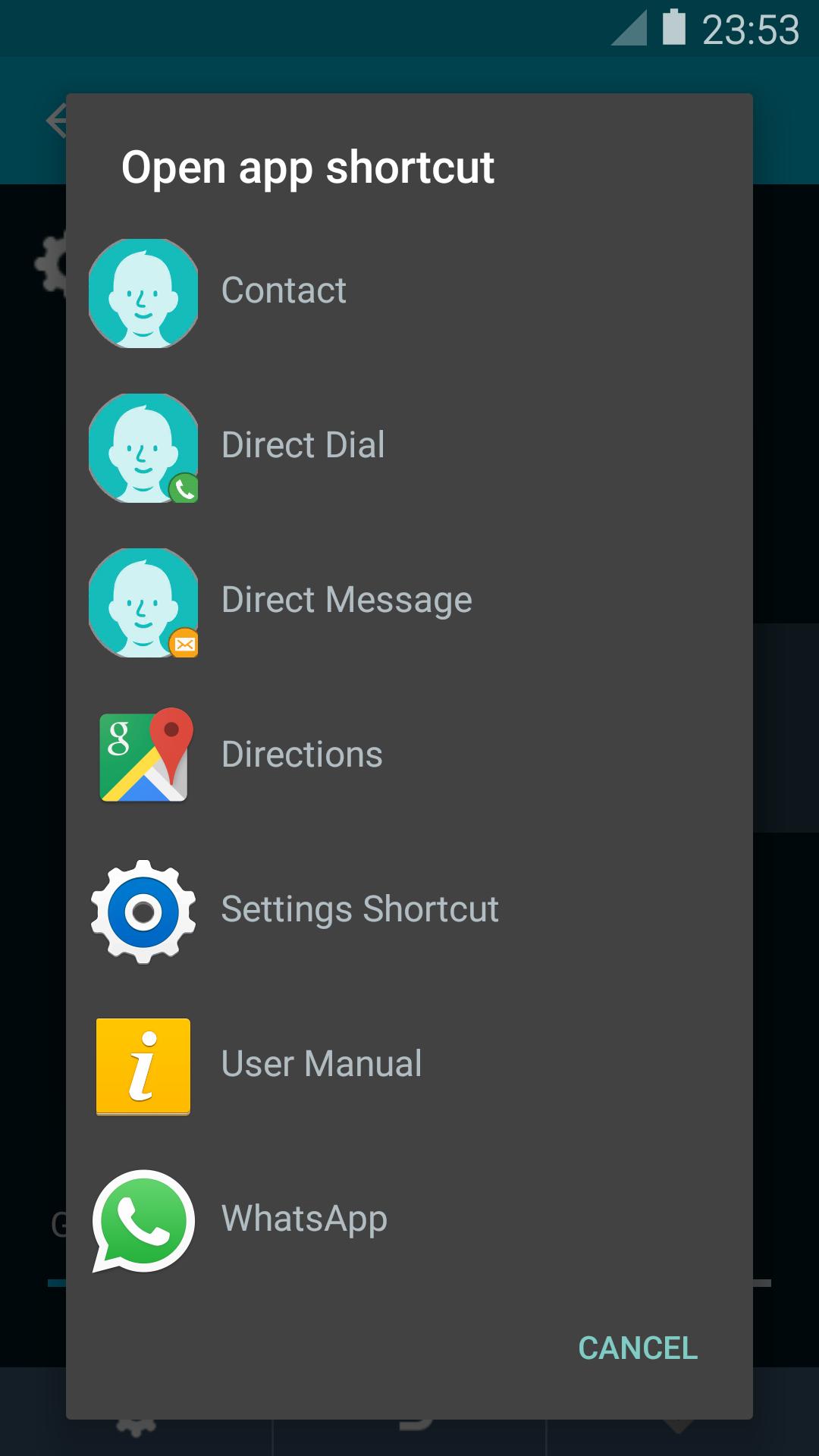
Unlimited no. of custom multi-swipes gestures (single tap supported). Use gesture to open apps, app shortcuts (e.g. Contacts + someone), perform System functions (Back, Home, Lock screen, ...) and Special functions (open built-in App Launcher, App Switcher, Capture screen,...). This app uses Accessibility services to provide functions such as Back. This app uses the Device Administrator permission to lock the device.
Built-in popup multi-pages App Launcher, can launch apps, app shortcuts, and some of System and Special functions.
Built-in popup App Switcher, likes Taskbar on Windows, shows currently running apps, it's movable and pinnable, supports up to Android 10.
Switch to last active app, likes Alt+Tab on Windows, switches between two most recent running apps (exclude those closed), supports up to Android 10.
Capture screen, supports JPEG output file format which speeds up the process and makes the file size much smaller. (Android 10 not supported)
Safe to use. This app requires minimal set of permissions, it does not require Internet access permission, which ensures no information on your device is sent out by the app.
TIPS for users using on-screen navigation buttons. You don't need it when using this app. Follow the steps below to auto-hide it, free its space, swipe up from the bottom to show it again. Some devices such as S8, S8+, Note 8, V20 and V30 can be done via Settings app.
1. Enable "Developer options" of your device: Settings > About phone > Tap "Build number" 7 times.
2. Settings > Developer options > select "USB debugging".
3. On a computer, open a web browser and download Platform Tools (~7.2 MB) from Google:
https://dl.google.com/android/repository/platform-tools-latest-windows.zip
4. Open download folder, right-click on the downloaded file and select "Extract all" and press the "Extract" button.
5. Open a Command Prompt, and type the line below and press Enter
cd Downloads\platform-tools-latest-windows\platform-tools
6. Type the approximate command below and press Enter.
To hide bottom navigation bar:
adb shell settings put global policy_control immersive.navigation=*
To show bottom navigation bar:
adb shell settings put global policy_control immersive.navigation=null
To hide top status bar:
adb shell settings put global policy_control immersive.status=*
To show top status bar:
adb shell settings put global policy_control immersive.status=null
For the App Launcher to use the extra space, please clear this app's data or uninstall and install it again.
Última versão
3.5Enviado por
Janzel Roi Llames
Requer Android
Android 2.2+
Categoria
Grátis Ferramentas APPClassificação do Conteúdo
Everyone
Relatório
Marcar como inapropriadoLast updated on Nov 20, 2019
Converted to a free app, no license required, and no need to connect to the license server, so the Internet access permission has been removed, it eliminates the worry of data leakage on your device.





APKPure - Uma loja de aplicativos multiplataforma focada principalmente em Android, fornecendo extenso conteúdo relacionado a apps. Descubra o aplicativo que você deseja de forma mais fácil, rápida e segura, com downloads e instalações rápidos e eficientes.