
Scan Date:May 4, 2026
Show More

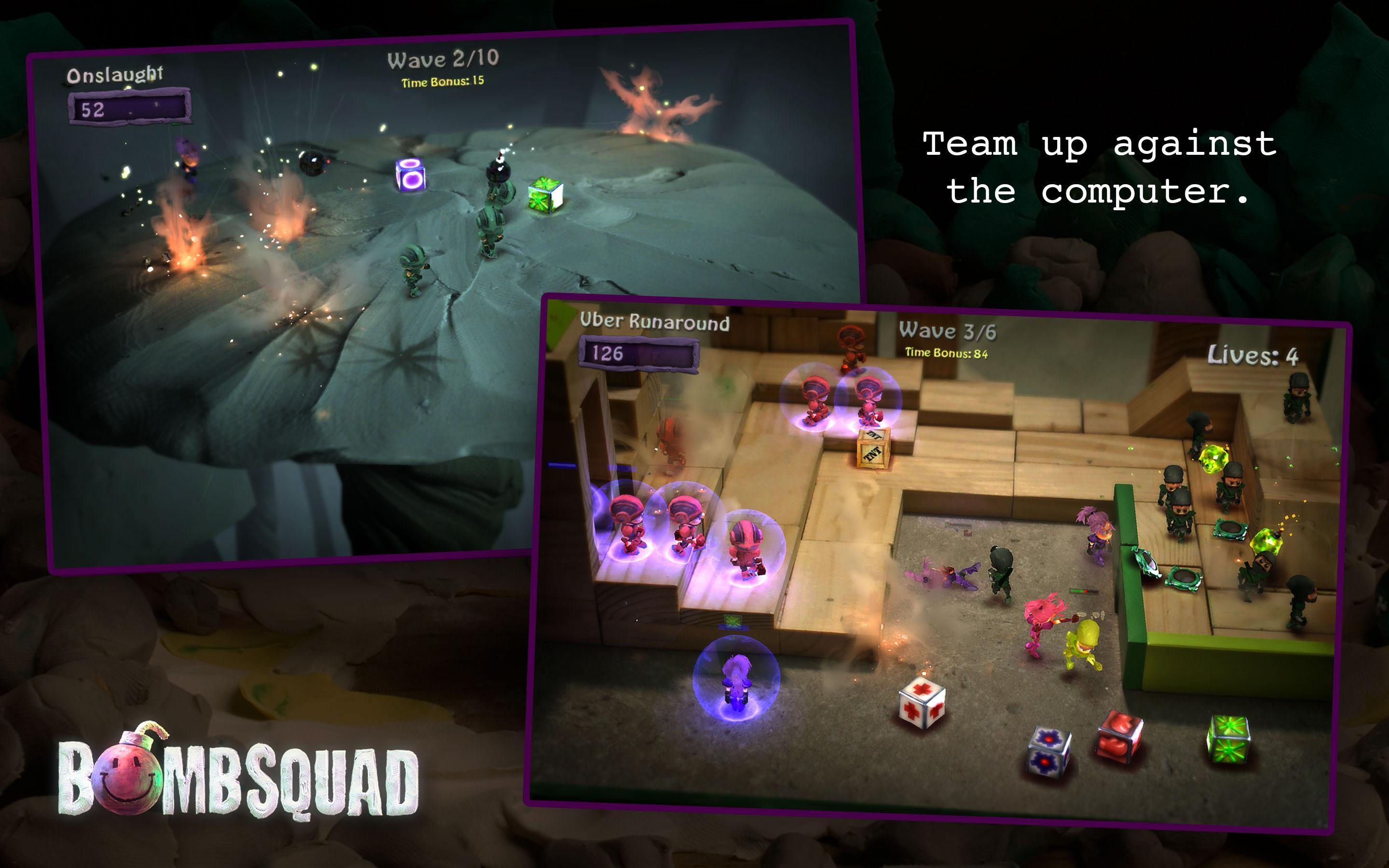
BombSquad suits quick matches with friends on a couch or short sessions online when you have a few minutes to spare. The game focuses on fast rounds where timing and simple controls matter, so you can jump in and out without a long setup. Meanwhile, flexible input options make it easy to join using the device you have on hand. For those ready to download BombSquad, it is designed for both solo play and lively group brawls.
Eight player party multiplayer
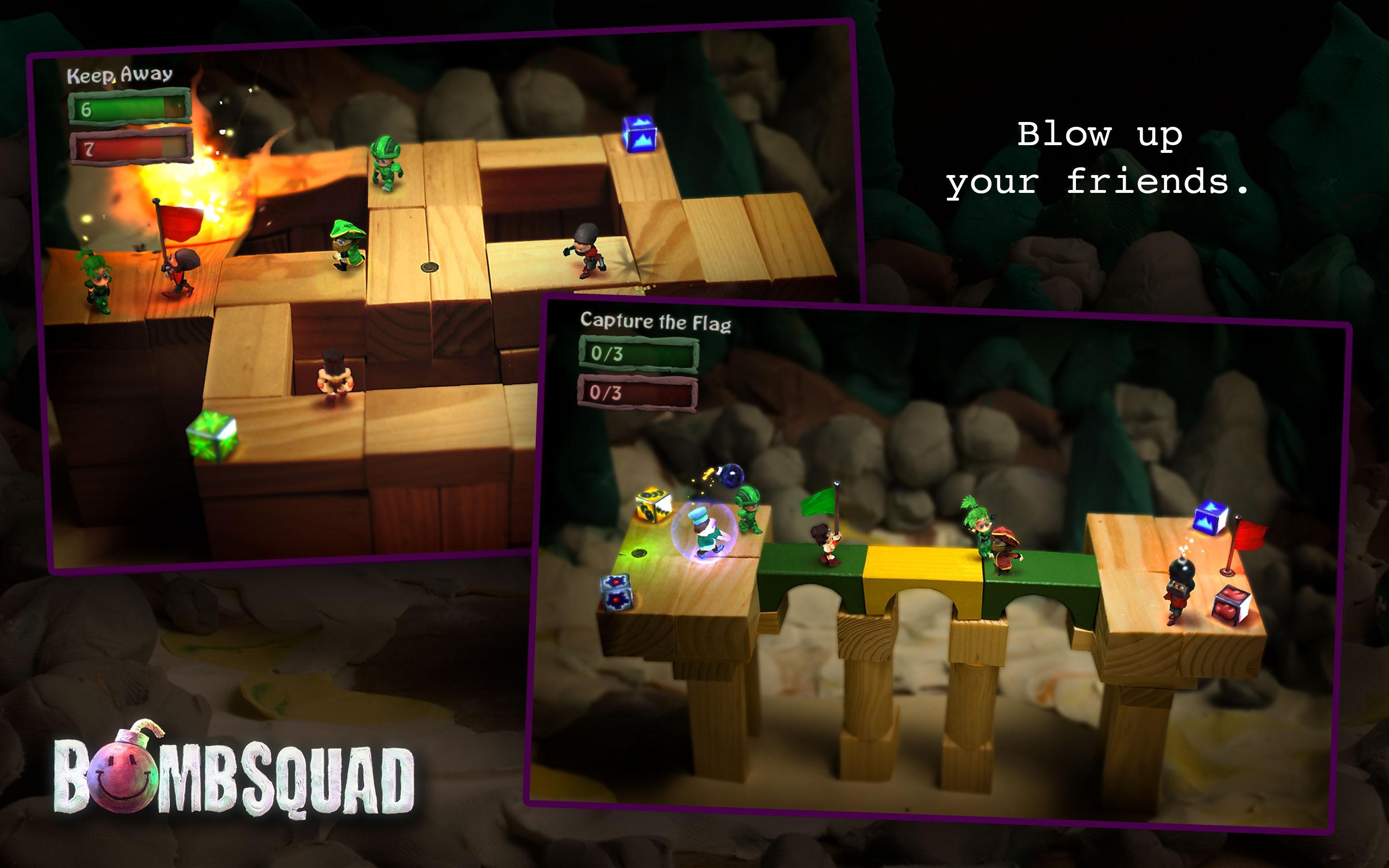
You can play solo or with up to eight players in the same room or over a network. Local matches work well for living room sessions, and LAN play supports shared hotspots and home networks. As a result, BombSquad scales from one on one skirmishes to crowded free for all battles.
Game modes and characters
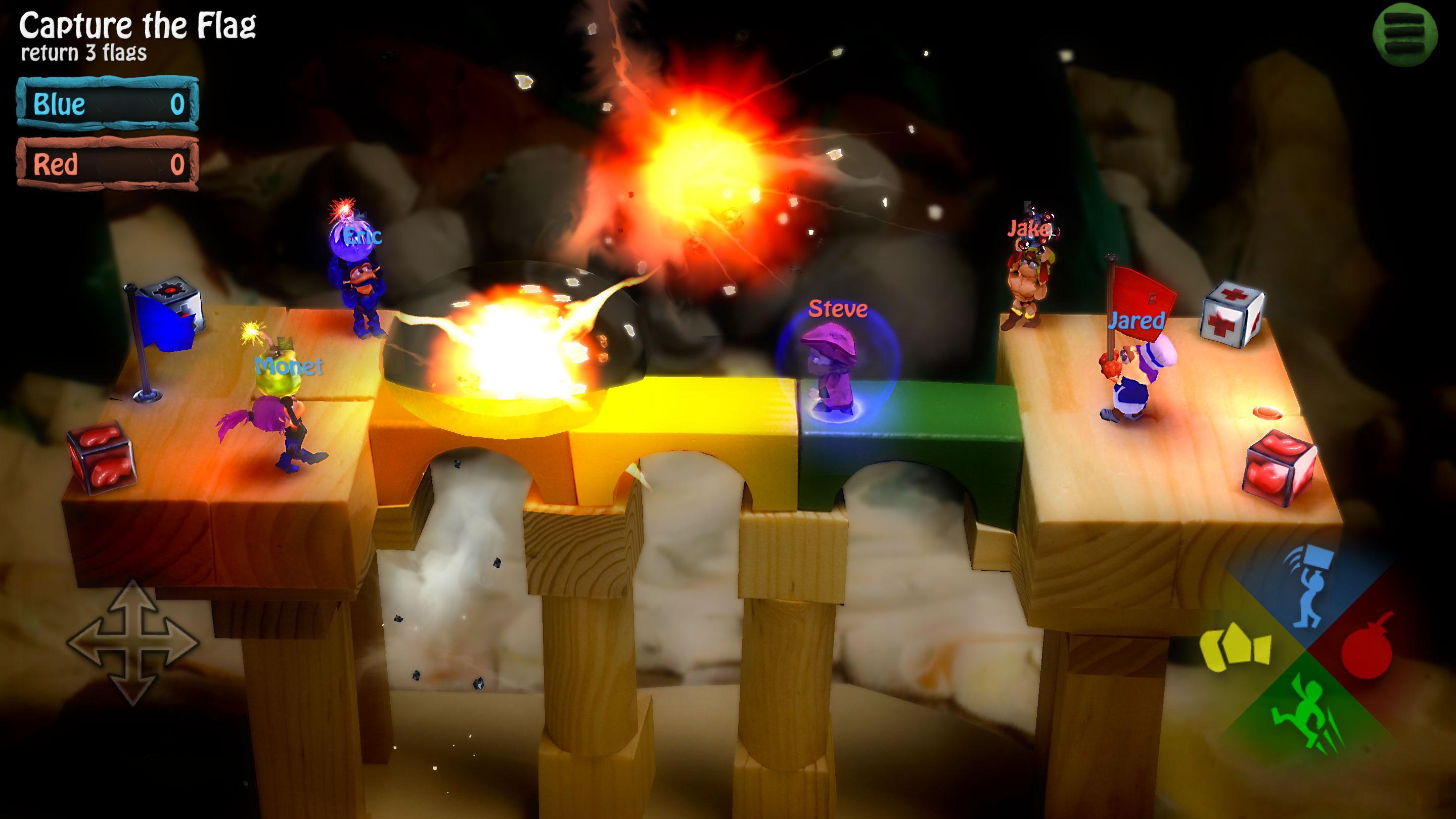
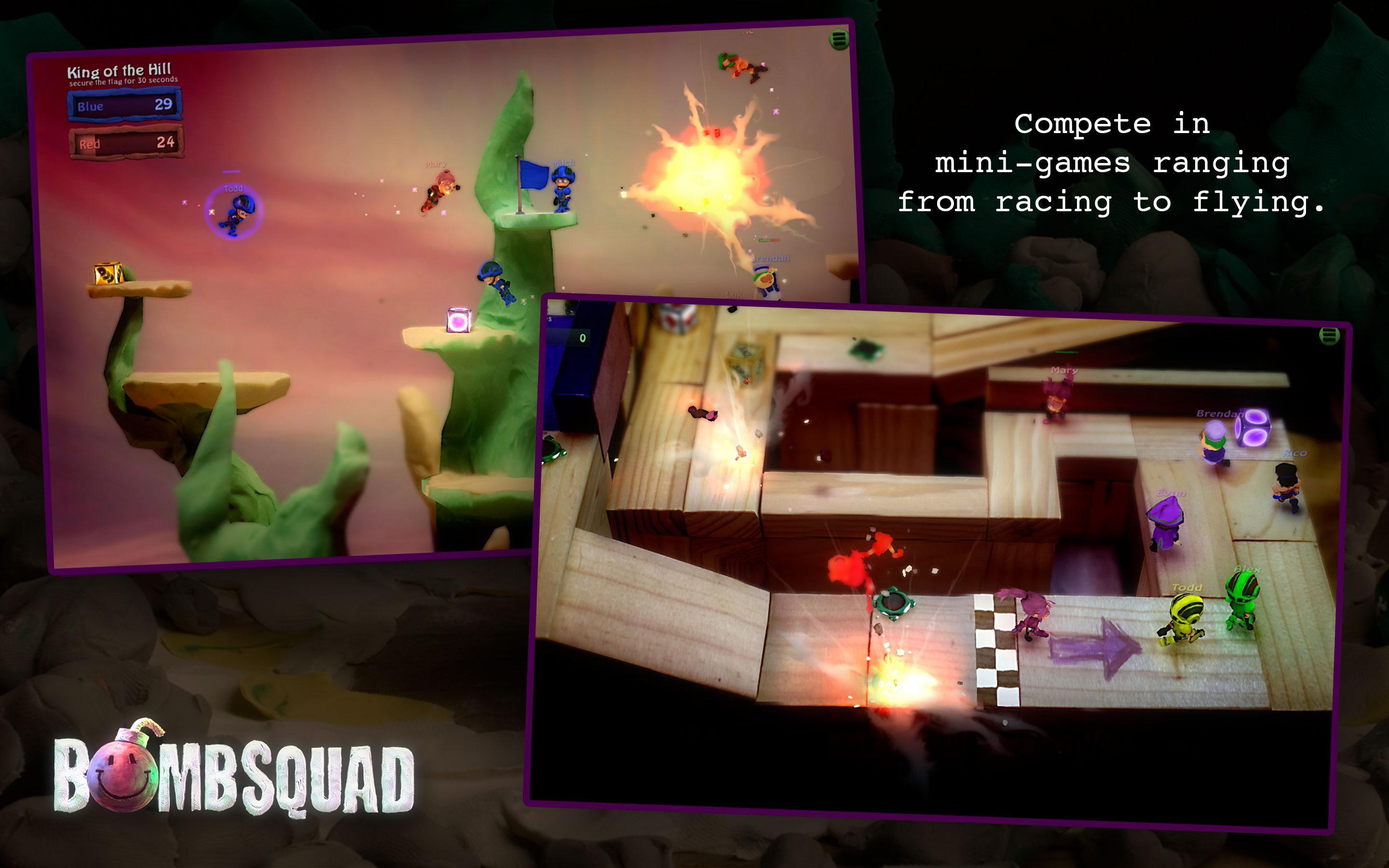
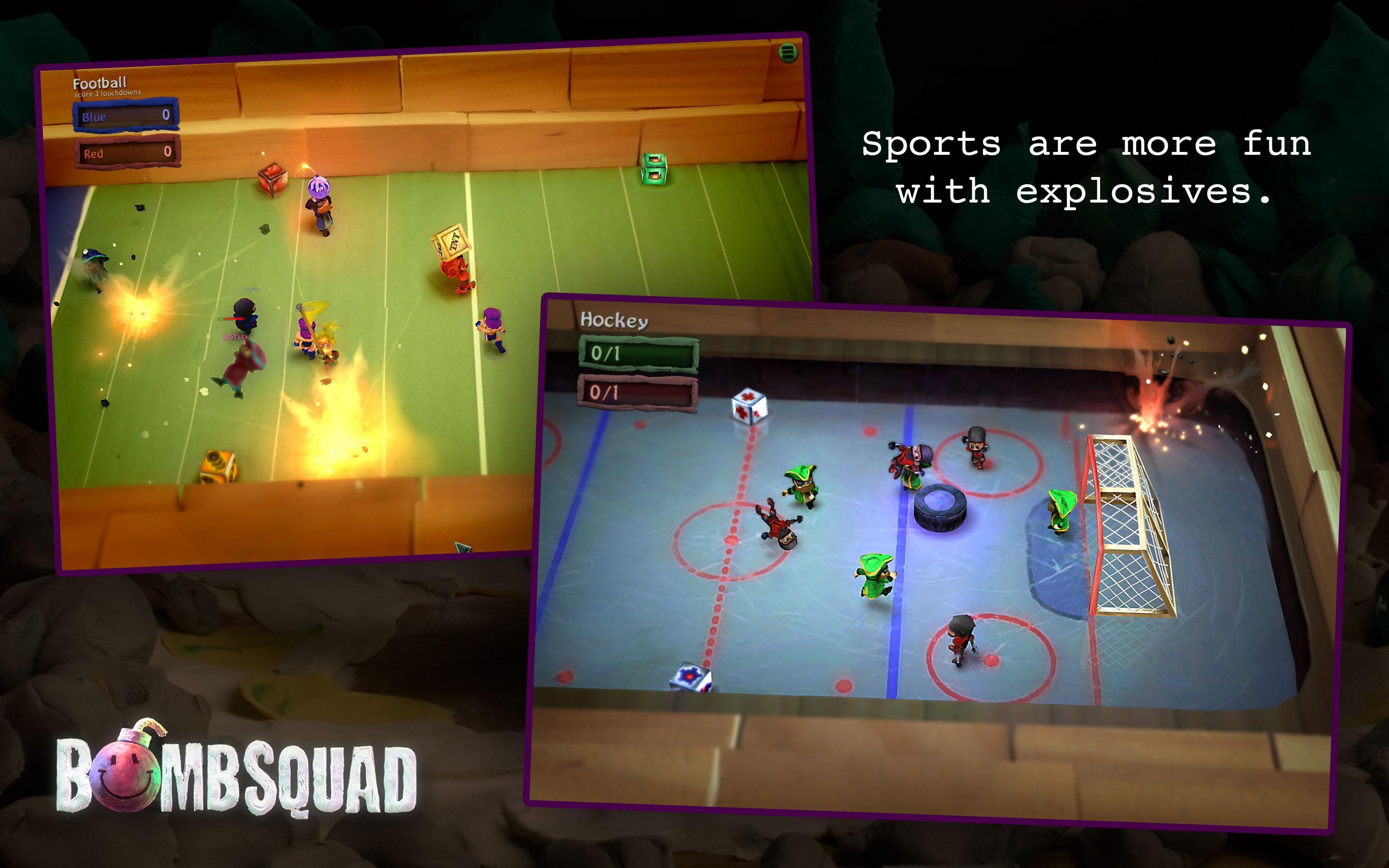
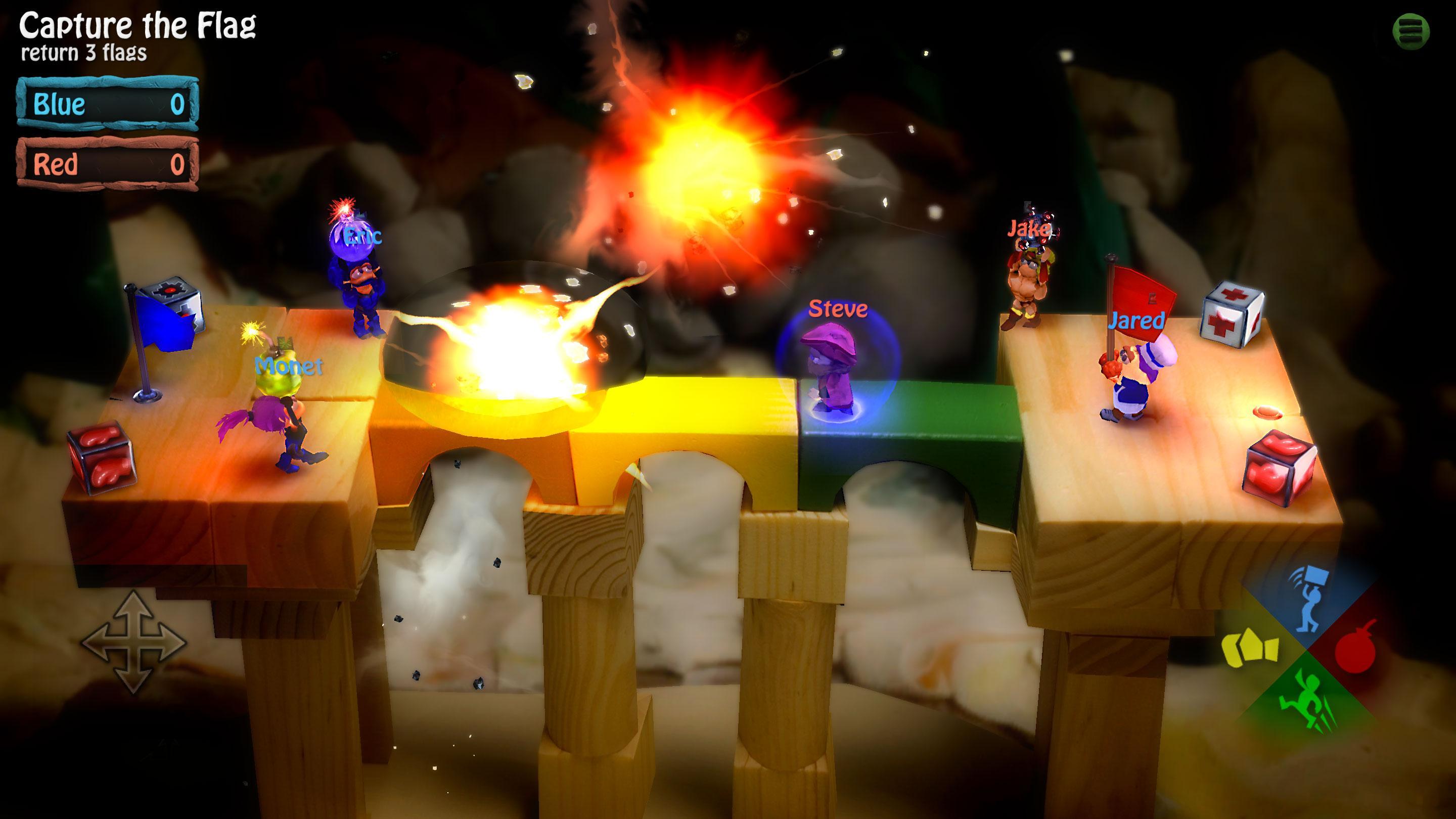
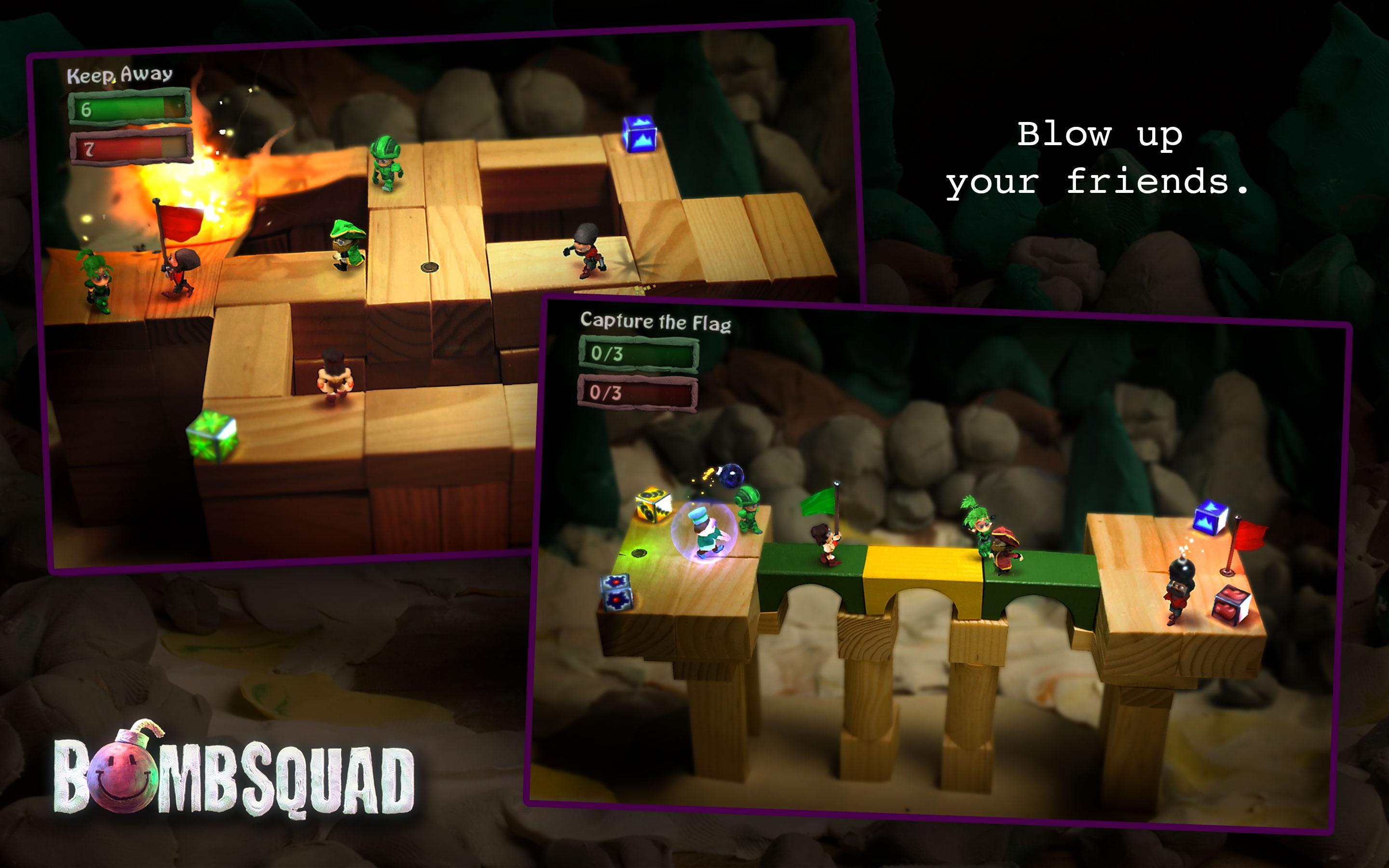
BombSquad offers a mix of mini games including Capture the Flag, King of the Hill, Bomber Hockey, and Epic Slow Motion Elimination. Each mode focuses on clear objectives, so matches stay simple to learn but hard to predict. Along the way, you can pick from quirky heroes such as pirates, ninjas, barbarians, and chefs to give each brawl a distinct look.
Hilarious physics
Ragdoll movement and face plant collisions turn every round into a slapstick scramble. Explosions knock players off platforms, and unexpected falls change momentum in an instant. This keeps strategies fluid and makes outcomes feel different from match to match.
Wide controller support and phone control
BombSquad supports touchscreens, keyboards, USB or Bluetooth gamepads, and familiar console controllers such as PS3 or Xbox 360. You can also use the BombSquad Remote app to turn a phone into a wireless controller. This is useful when playing on a TV or set top device where a standard gamepad might not be available.
Community and customization
BombSquad includes an official Python API along with modding guides and hosting documentation. Players can create custom mini games, run private servers, and tune rules to fit their group. In turn, the community can build and share new experiences beyond the default modes.
You can mix touch controls with gamepads and phones using BombSquad Remote, so different devices can join the same match. On Android TV, plan to use a compatible gamepad or a phone running the remote app. This ensures smooth control when playing on a big screen.
BombSquad supports networked multiplayer where you host or join matches over a local network or the internet. LAN sessions work well for low latency party play in the same location. Online play depends on the host’s setup, and private servers are possible using the provided hosting docs, which many Android users access through the BombSquad APK.
To get started, open the game and choose a quick local match or set up a networked session. If you plan to invite friends later, consider the BombSquad latest version to keep features and modes consistent across devices.
BombSquad focuses on quick, physics heavy brawls that work for both solo practice and party sessions. When you are ready to play with friends, download BombSquad and set up a local or networked match in minutes.
For official resources and support, refer to the links below.
Latest Version
1.7.62Uploaded by
Calin Georgian
Requires Android
Android 10.0+
Category
Free Action GameContent Rating
Teen · Violence, Blood
Security Report
Report
Flag as inappropriateLast updated on May 4, 2026
Version 1.7.62 (22837): Bug fixes and performance improvements


APKPure - A multi-platform app store primarily focused on Android, providing extensive app-related content. Discover the app you want easier, faster, and safer, with quick and efficient downloads and installations.