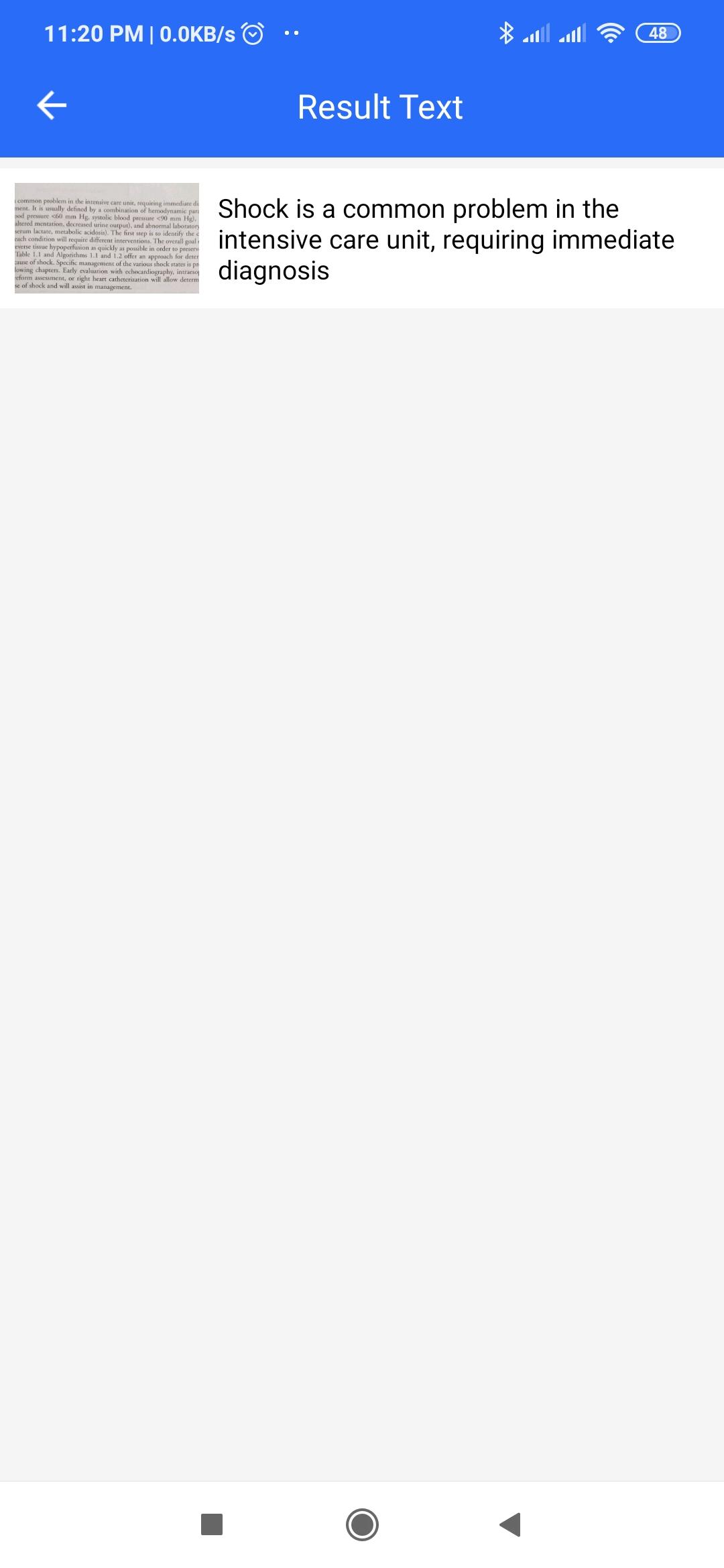
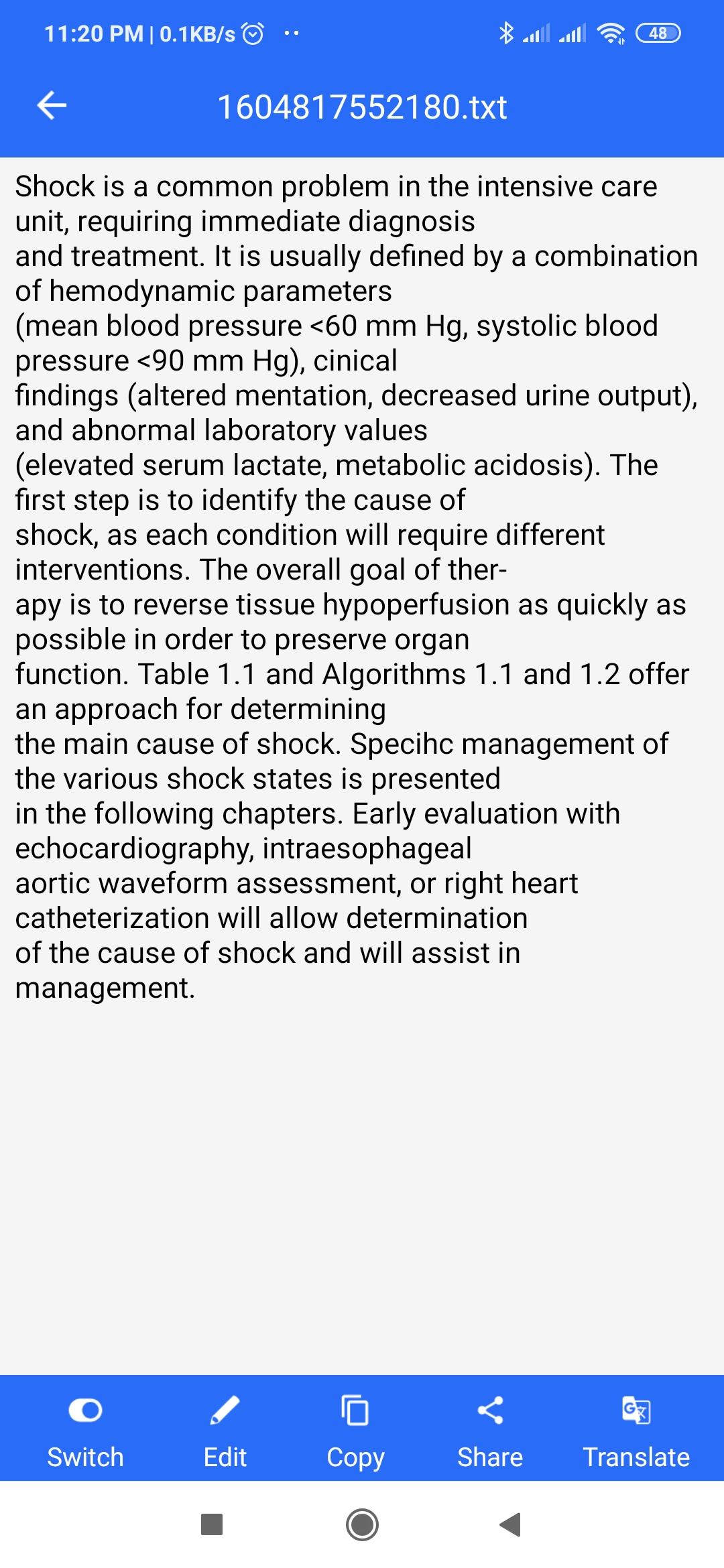
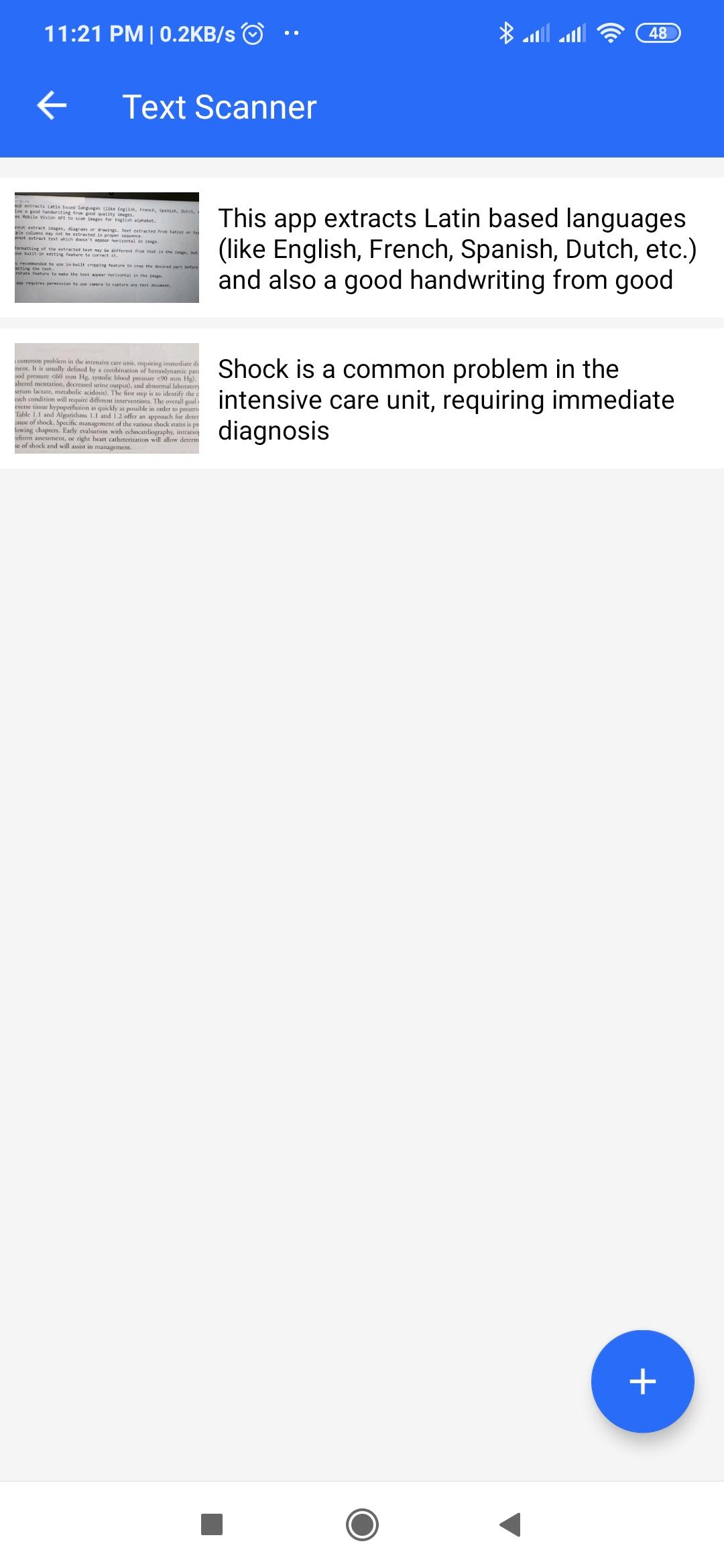
This app extracts Latin based languages (like English, French, Spanish, Dutch, etc.) and also a good handwriting from images and PDF files. It uses Mobile Vision API to scan images for English alphabet.
Text extracted from tables or text in multiple columns may not be extracted in proper sequence. It cannot extract text which doesn't appear horizontal in image.
The formatting of the extracted text may be different from that in the image, but you can use built-in editing feature to correct it.
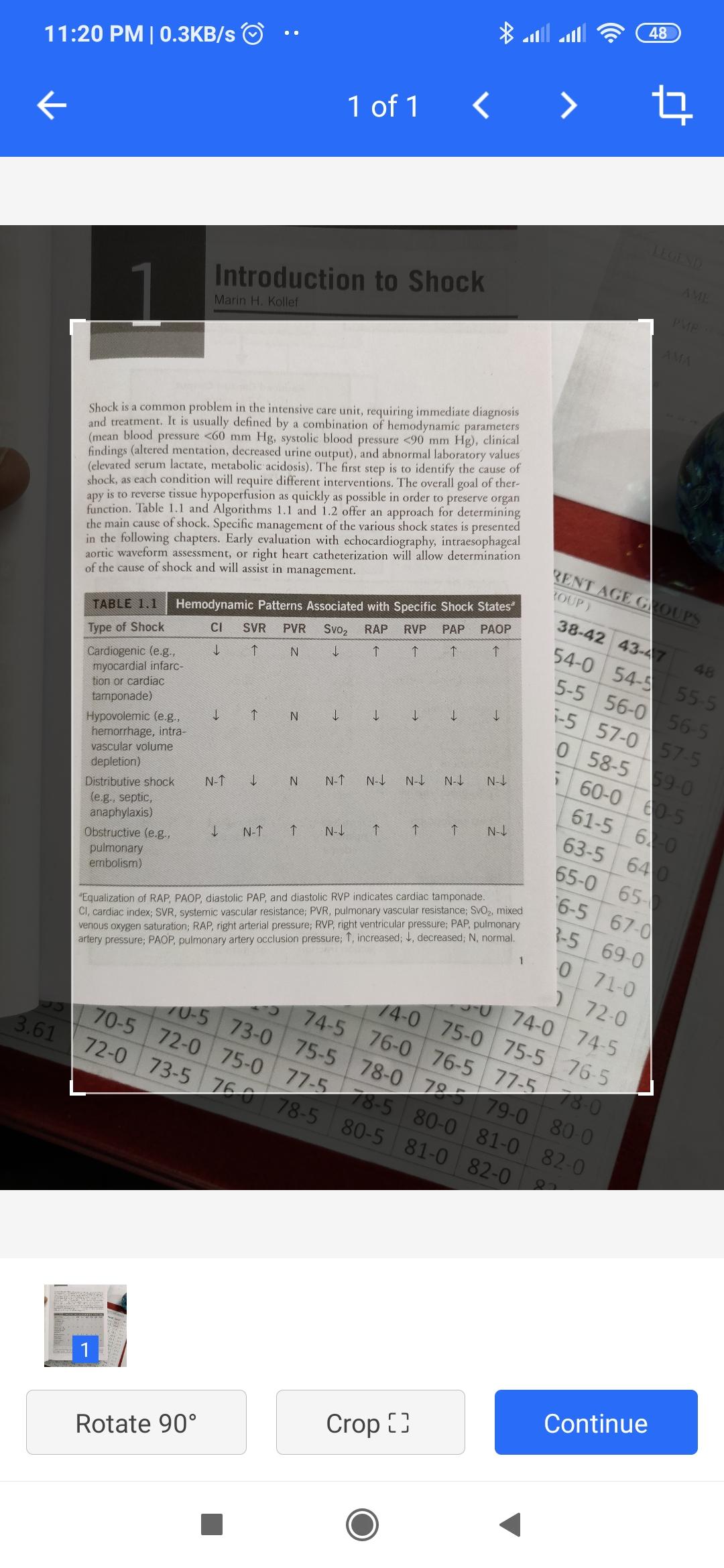
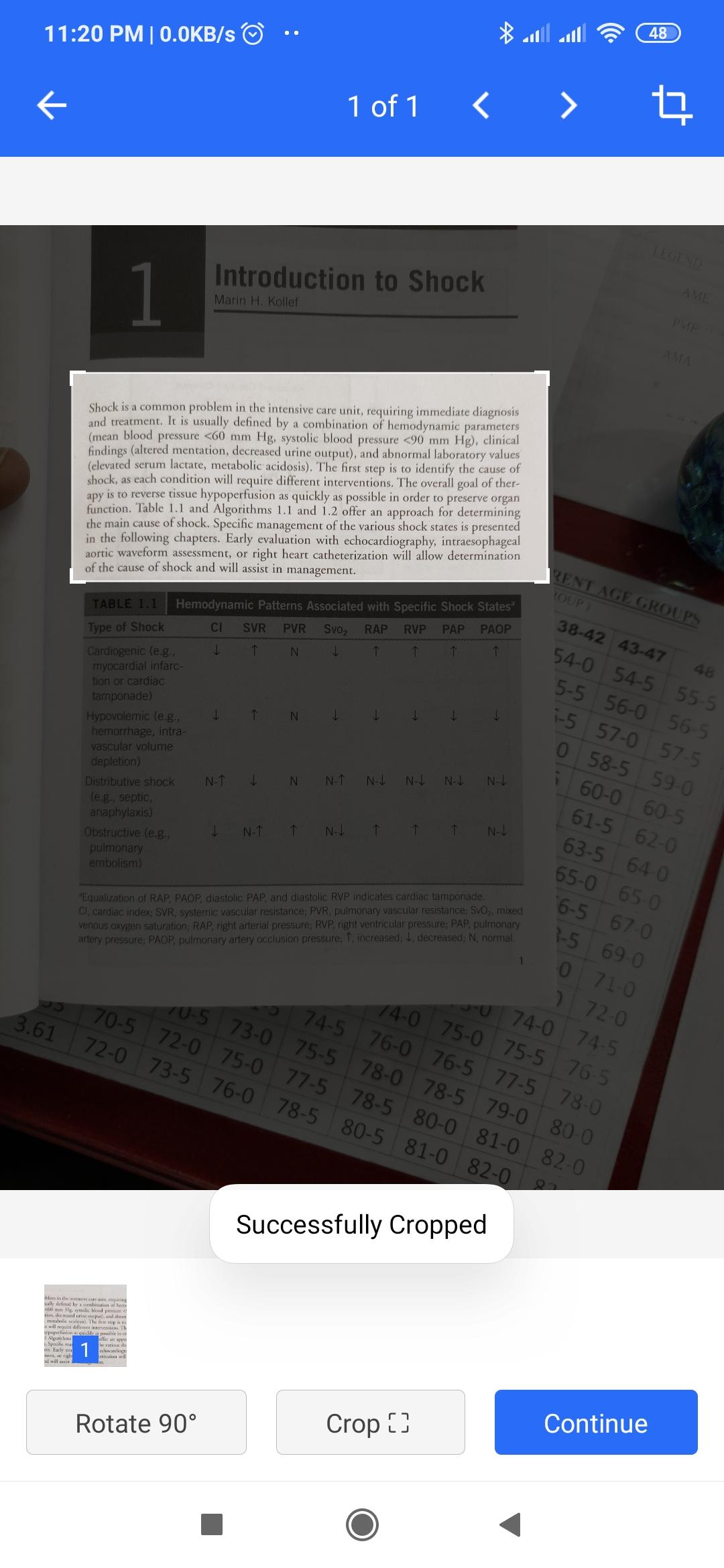
It is recommended to use in-built cropping feature to crop the desired part before extracting the text. Use rotate feature to make the text appear horizontal in the image.
The app requires permission to use camera to capture any text document.
The app displays Ads from Admob. Requires Internet permission and access network state permission for displaying Ads.
সাম্প্রতিক সংস্করণ
1.6Android প্রয়োজন
5.0
সামগ্রীর রেটিং
Everyone
রিপোর্ট করুন
অনুপযুক্ত হিসাবে ফ্ল্যাগ করুনLast updated on Jun 28, 2021
Minor bug fixes and improvements. Install or update to the newest version to check it out!




APKPure - একটি মাল্টি-প্ল্যাটফর্ম অ্যাপ স্টোর যা মূলত অ্যান্ড্রয়েডের উপর ফোকাস করে, বিস্তৃত অ্যাপ-সংক্রান্ত কন্টেন্ট প্রদান করে। দ্রুত এবং দক্ষ ডাউনলোড ও ইনস্টলেশনের মাধ্যমে আপনার কাঙ্ক্ষিত অ্যাপটি আরও সহজে, দ্রুত এবং নিরাপদে আবিষ্কার করুন।




![টেক্সট স্ক্যানার [ওসিআর] APK](https://image.winudf.com/v2/image1/Y29tLnBlYWNlLlRleHRTY2FubmVyX2ljb25fMTU2MjQ4NTkyMl8wNDg/icon.png?w=102&fakeurl=1)