Package Name:fr.mirovolt
SHA-256:c1c2b42b088f0e6bf3cfa02b9a74fe0553647ed2385cc03671e9a032e87757f0
Show More
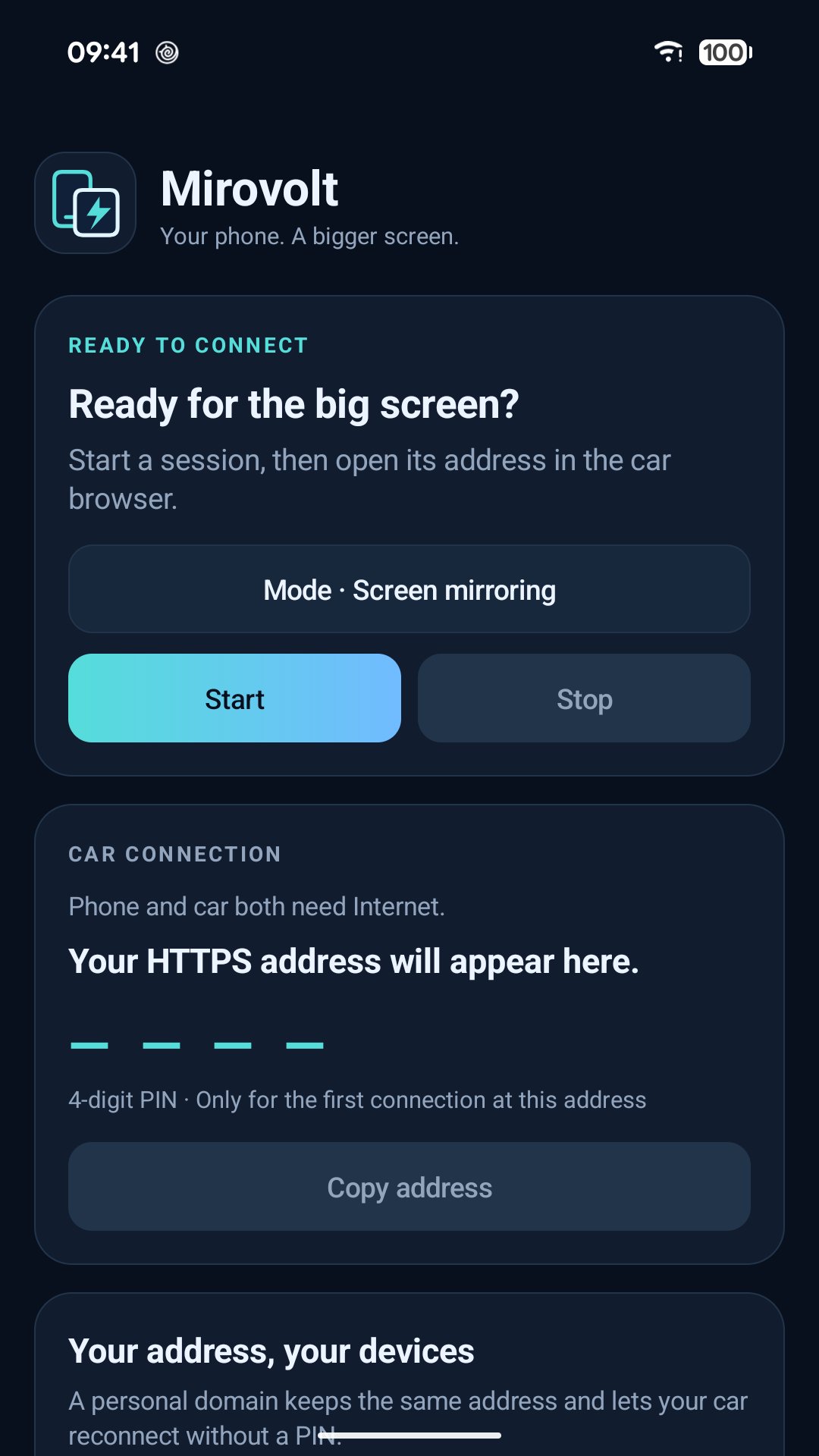
Bring your phone to your Tesla’s screen with Mirovolt. Mirror your phone screen or use Android Auto mode from your car’s browser.
CONNECT OVER THE INTERNET
Your phone and car connect through Cloudflare. They do not need to share a Wi-Fi network: both need Internet access. Mirovolt creates an HTTPS address for you to open in the car’s browser.
YOUR SCREEN, YOUR SETTINGS
• Screen mirroring that follows screen rotation.
• Touch control from the browser, with your accessibility permission.
• Automatic, portrait or landscape orientation.
• Optional phone screen dimming.
• French or English interface based on your phone’s language.
A DEDICATED ANDROID AUTO MODE
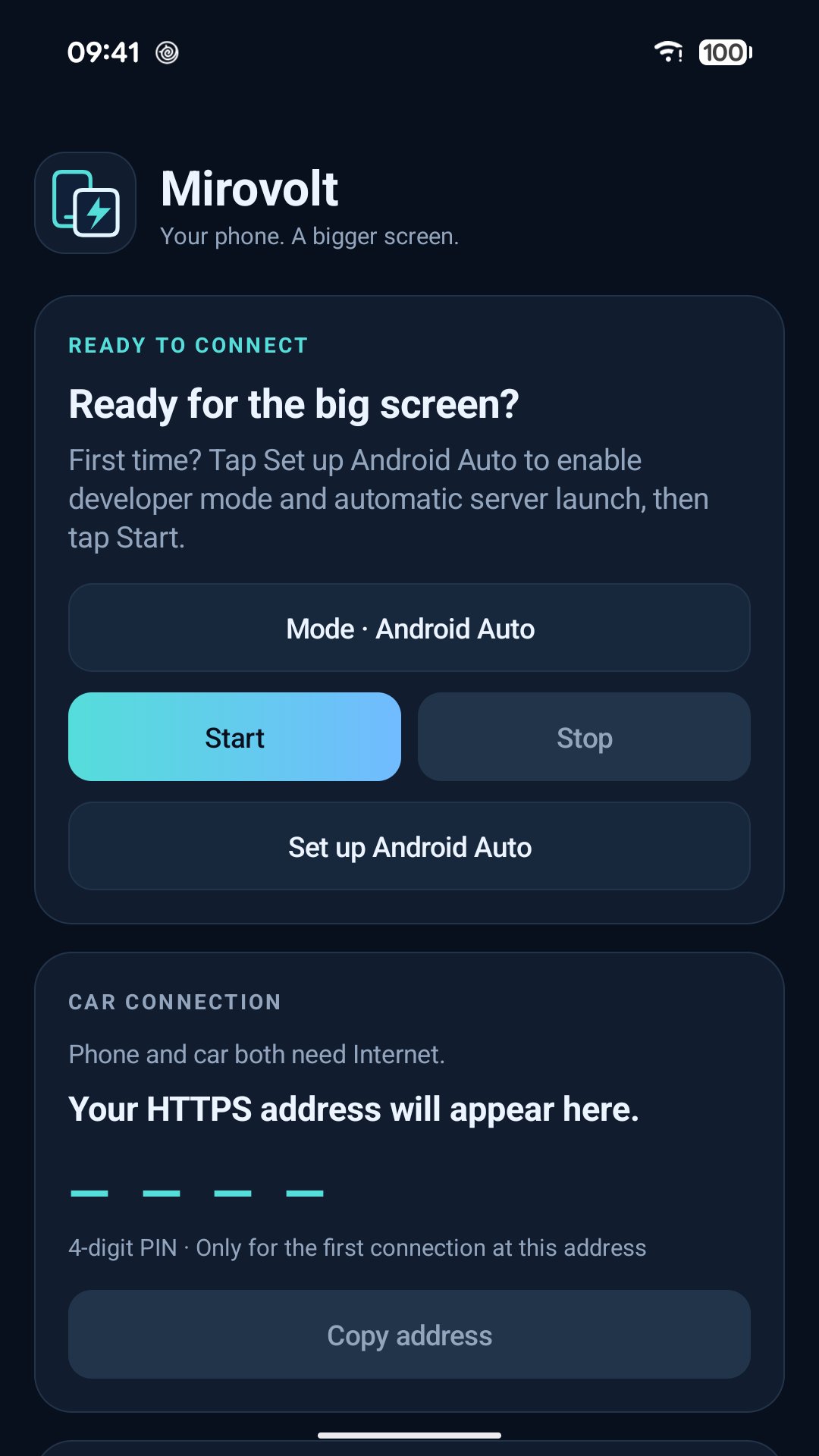
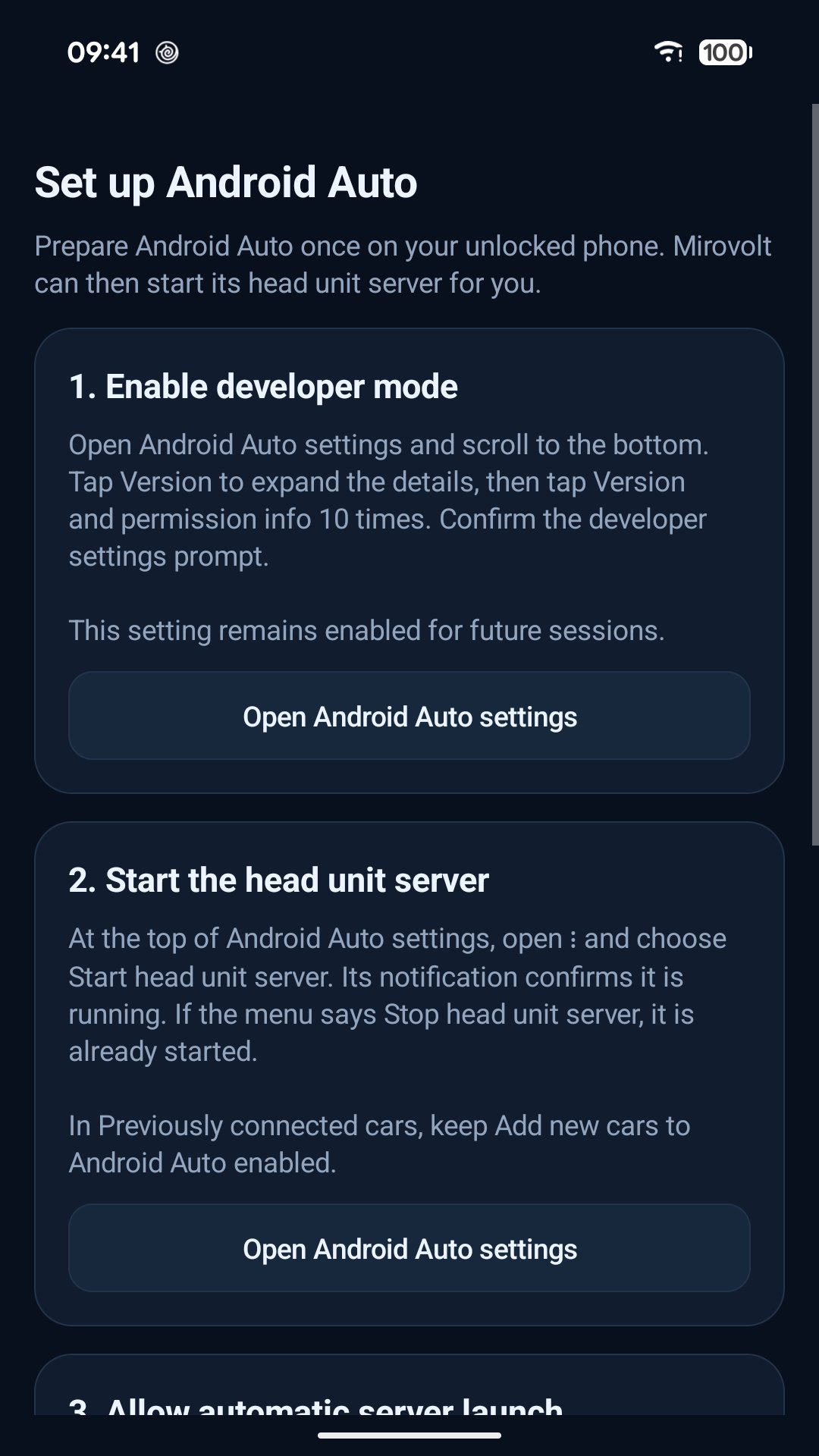
A built-in guide helps you enable Android Auto developer mode and prepare its server on your phone. This initial setup is required. You can then start a session in Mirovolt and display it in the Tesla browser.
YOUR ADDRESS, YOUR DEVICES
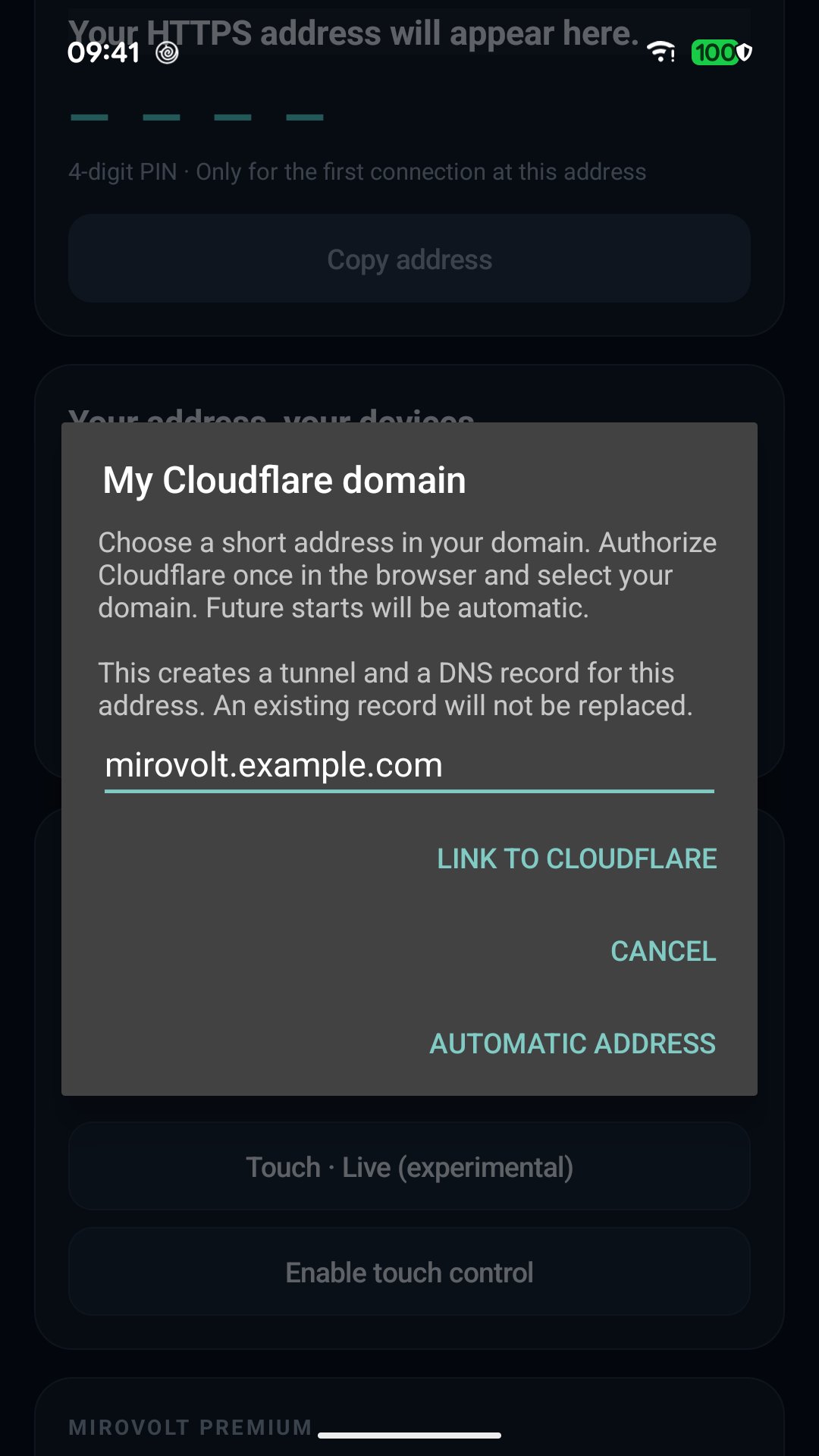
Use the automatic address or connect your own Cloudflare-managed domain for a short, stable address. A 4-digit PIN authorizes the first connection. Authorized browsers can reconnect at the same address without entering the PIN again. Manage their access and revoke it whenever needed. Only one viewing connection is allowed at a time.
MIROVOLT PREMIUM — ONE-TIME PURCHASE
Premium adds:
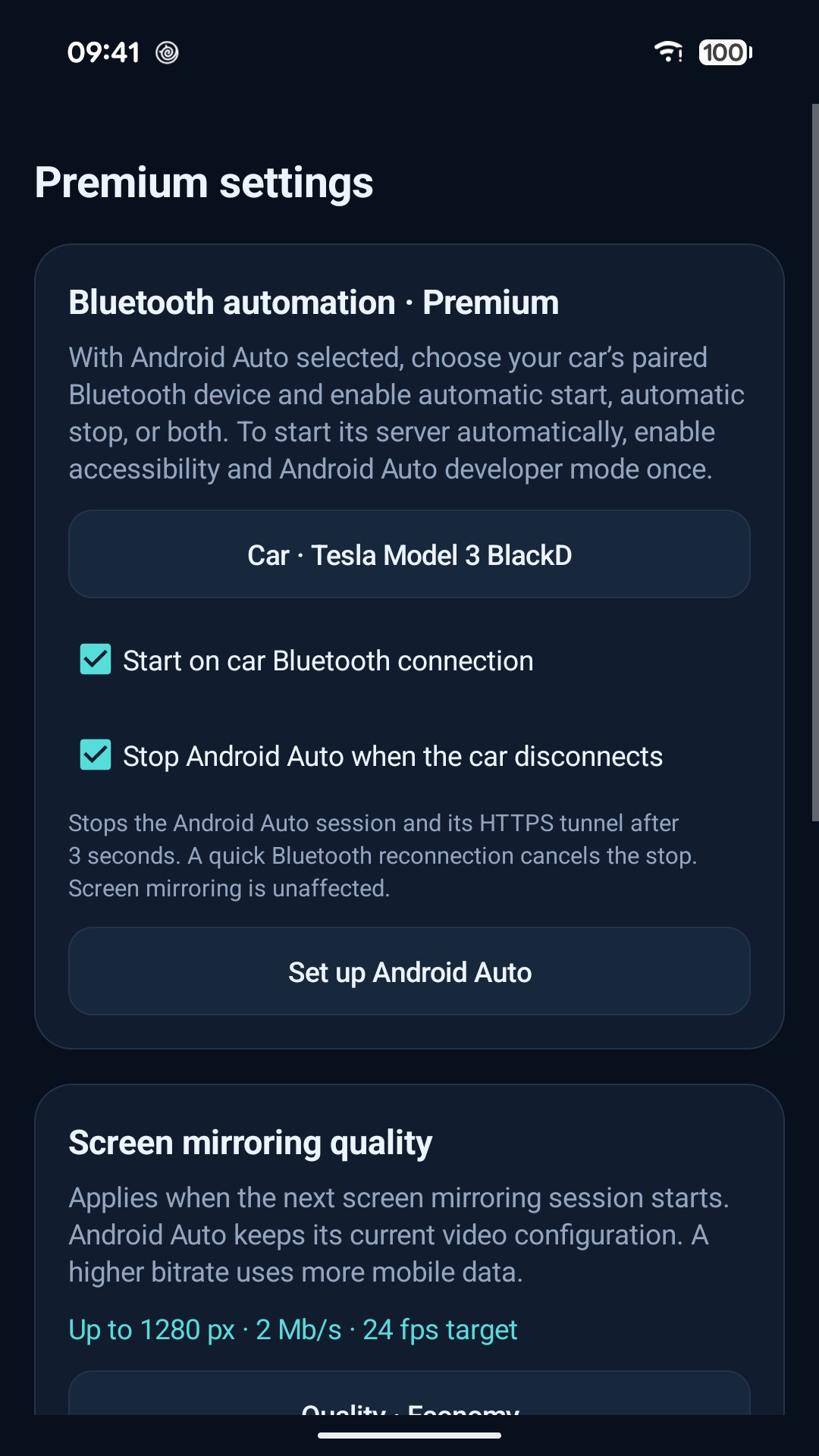
• Start Android Auto when your selected car connects over Bluetooth.
• Stop Android Auto when that car disconnects.
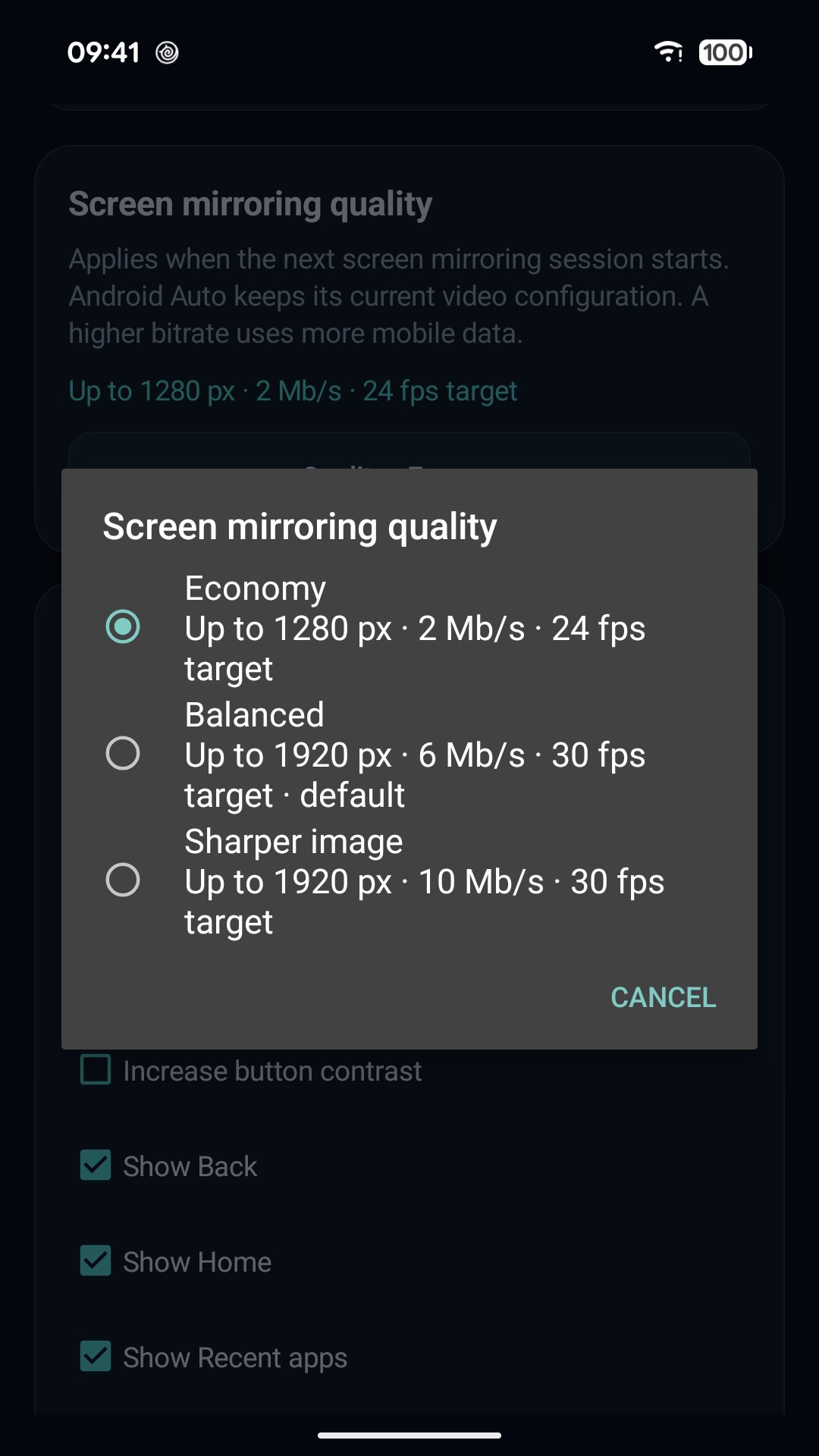
• Three screen mirroring quality presets: Economy, Balanced and Sharper image.
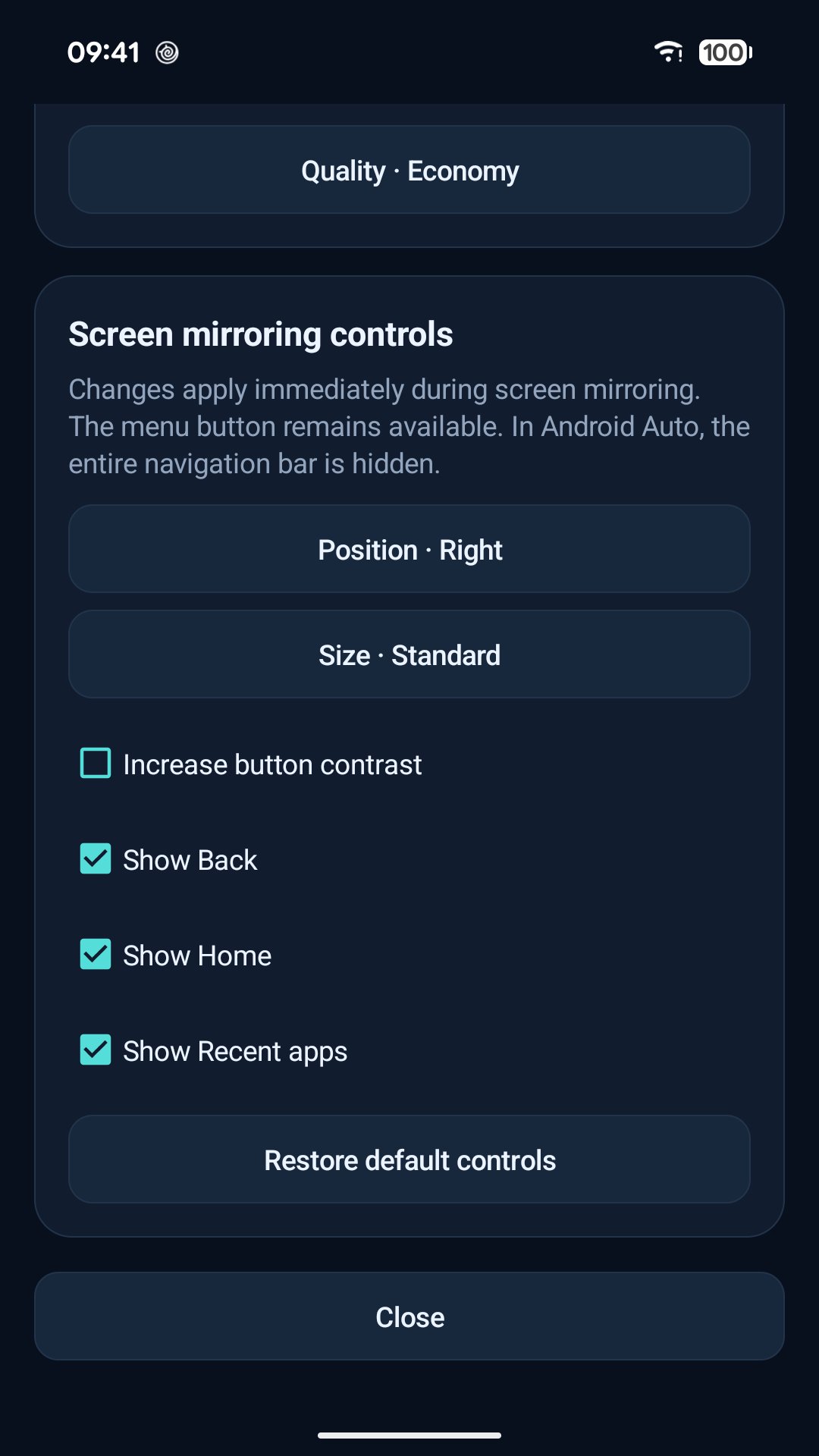
• Customize mirroring control position, size, contrast and visibility.
Manual start and Balanced quality remain available without Premium. Control customization applies to screen mirroring; the navigation bar is hidden in Android Auto mode.
WHAT YOU NEED
An ARM64 phone running Android 8 or later, a compatible Tesla browser and Internet access on both devices. Android Auto mode requires Android Auto and its developer setup. Touch control and automatic server launch require the optional accessibility service. Streaming performance and data usage depend on your quality settings and network.
Mirovolt is an independent application and is not affiliated with Tesla or Google. Use it while your vehicle is parked.
Latest Version
2026.10.14Uploaded by
Eslam A Ahmed
Requires Android
Android 8.0+
Category
Free Auto & Vehicles AppContent Rating
Everyone
Security Report
Check Now
Report
Flag as inappropriateLast updated on Oct 31, 2026
• Added Cloudflare client debug symbols to improve native crash diagnostics.
• These files are provided to Google Play without increasing the installed app size.


APKPure - A multi-platform app store primarily focused on Android, providing extensive app-related content. Discover the app you want easier, faster, and safer, with quick and efficient downloads and installations.