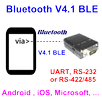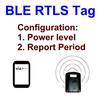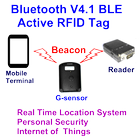
Bluetooth V4.1 BLE Active RFID Tag Configuration APP
====================================================
The App is used to setup the Bluetooth V4.1 BLE Active RFID Tag. The followings are the procedures for reference.
1. Turn on Bluetooth
2. Execute APP
3. Power off the tag. Press the panic button and then power on the tag. The tag will enter into the configuration mode.
4. Click “connect” with the “Tag Config” device
5. Save the configuration value.
Remark: The APP is used for testing only. If you need the customized design, please contact.
Latest Version
1.0.6Uploaded by
ตัง' เมย'ย์
Requires Android
Android 4.3+
Category
Free Tools AppContent Rating
Everyone
Report
Flag as inappropriateLast updated on Oct 7, 2015
Minor bug fixes and improvements. Install or update to the newest version to check it out!



APKPure - A multi-platform app store primarily focused on Android, providing extensive app-related content. Discover the app you want easier, faster, and safer, with quick and efficient downloads and installations.