

Blue Browser suits moments when you want a simple way to get online without distractions. It focuses on quick launches and clean pages, so you can search and read with less clutter. Privacy is set as the default from the first start, which means the app does not record your browsing data. If you prefer lightweight tools, Blue Browser APK offers a minimal setup that stays out of the way.
Trace free by default
Blue Browser opens in a trace free mode from the first launch. It does not record user data during browsing, helping you keep activity unlogged on your device.
Fast start and close
Next, startup and shutdown are quick. There are no opening screens and no ads at launch, so pages appear promptly when you open the app.
Minimalist interface and clear icons
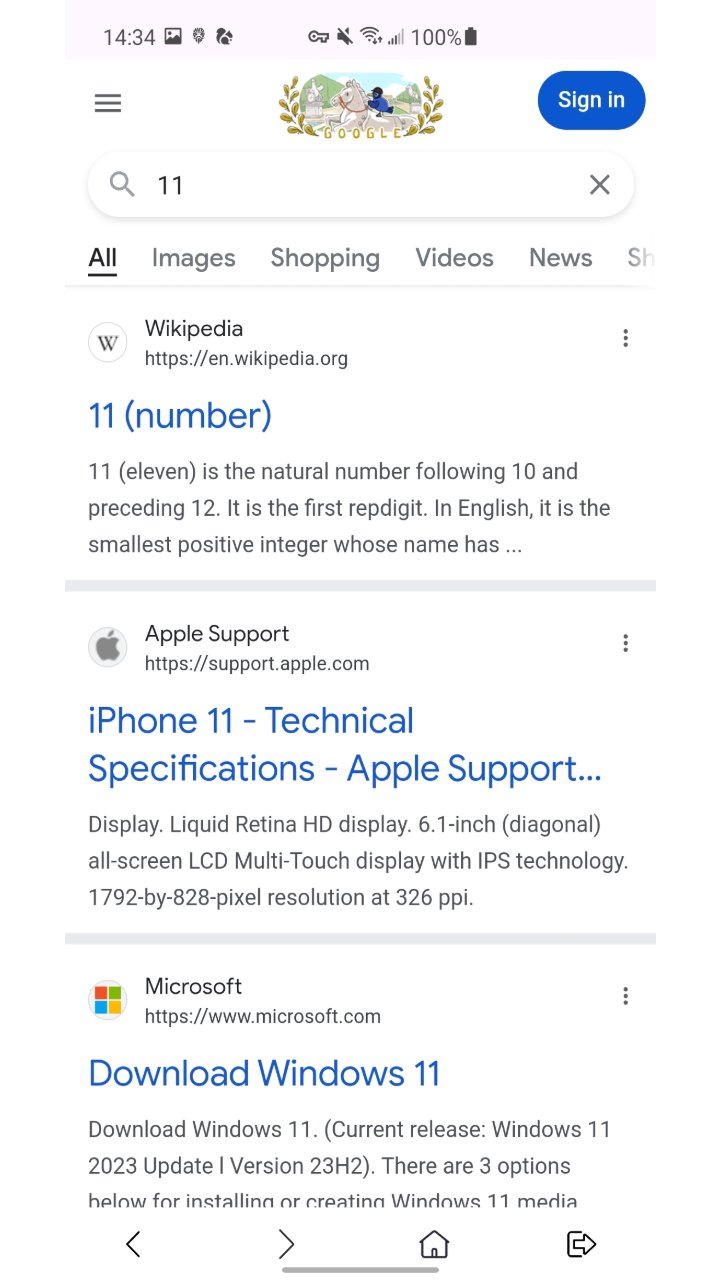
Additionally, the interface keeps controls visible and easy to spot. Clear icons help you find actions at a glance. Built-in shortcuts to popular websites keep everyday navigation simple.
Super Search
Blue Browser focuses on fast, private browsing with a clean layout and straightforward navigation. To begin on your device, download Blue Browser and start with trace free mode enabled by default.
Latest Version
V3.0.3Uploaded by
Shakil Khan
Requires Android
Android 7.0+
Category
Free Tools AppContent Rating
Everyone
Report
Flag as inappropriateLast updated on Jan 2, 2025
Minor bug fixes and improvements. Install or update to the newest version to check it out!






APKPure - A multi-platform app store primarily focused on Android, providing extensive app-related content. Discover the app you want easier, faster, and safer, with quick and efficient downloads and installations.