IMPORTANT: Please read the FAQ: https://bittysoftware.blogspot.com/p/faq.html
Bitty Data Logger will not magically obtain the data you want to chart. You must program the other device (e.g. micro:bit) correctly. We provide examples here: https://github.com/bittysoftware/bitty_data_logger_device_code
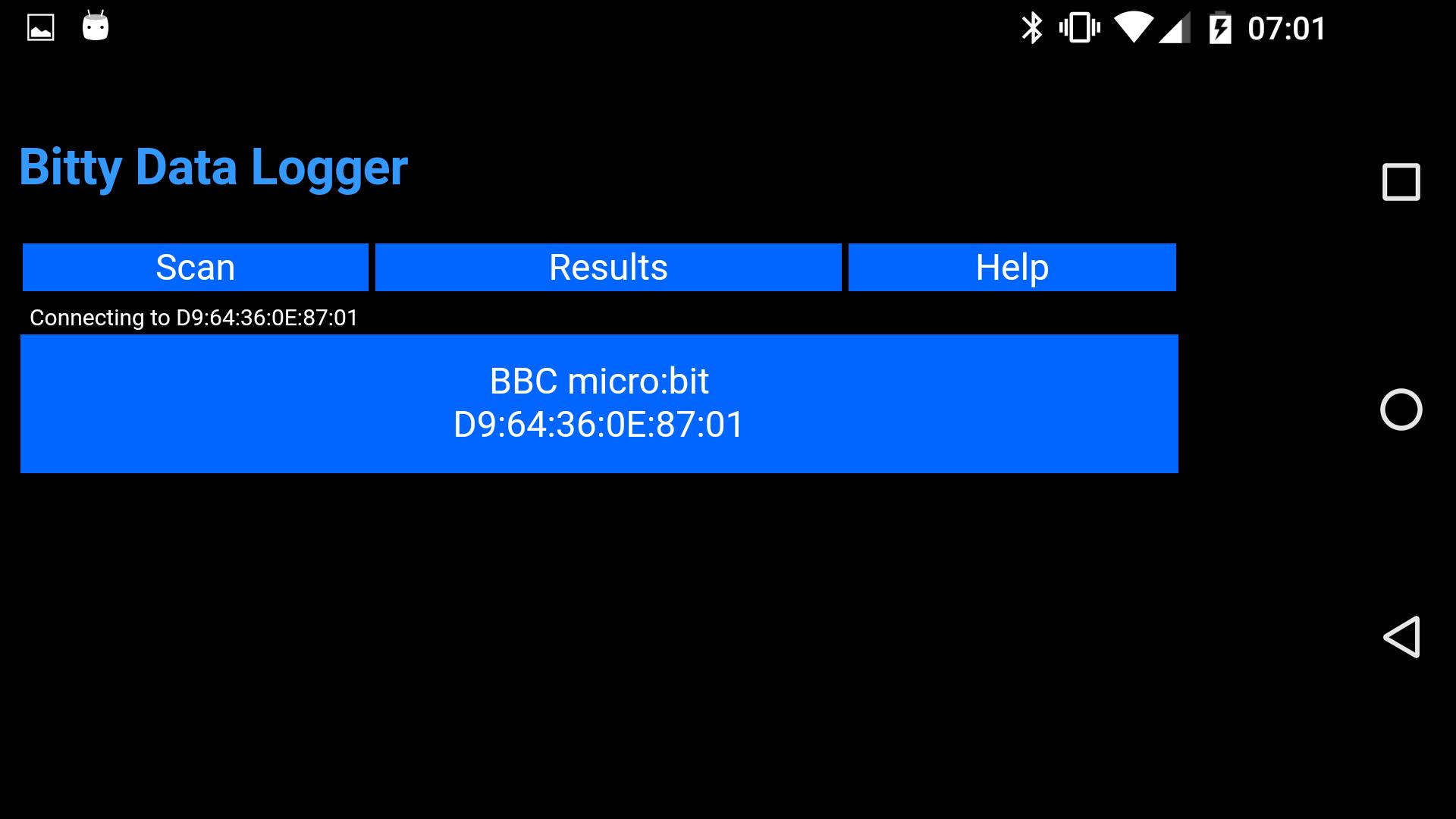
With Bitty Data Logger you can capture and chart accelerometer, magnetometer and temperature data from a device like a micro:bit, Arduino or Raspberry Pi over Bluetooth.
After capturing data, you can upload it to the internet and then download the data to a desktop computer for analysis in, for example, a spreadsheet.
You'll find coding information which will teach you how to send sensor data from your device to Bitty Data Logger at http://www.bittysoftware.com.
Version 4.0 changed the way data from external sensors must be transmitted and users may need to change old device code. See https://bittysoftware.blogspot.com/2019/06/bitty-data-logger-40.html for details.
Latest Version
4.1.2Requires Android
10
Category
Education AppContent Rating
Everyone
Report
Flag as inappropriateLast updated on Aug 24, 2023
This release includes minor bug fixes and general improvements. Update to the latest version for the best experience.




APKPure - A multi-platform app store primarily focused on Android, providing extensive app-related content. Discover the app you want easier, faster, and safer, with quick and efficient downloads and installations.