
Bing: Baking Game is made for families looking for a calm kitchen role play activity for young Bing fans. The game follows Bing Bunny and Flop in Bing’s kitchen, where children can take part in a simple biscuit making activity without real mess. Because the actions are built around familiar baking steps, the Bing: Baking Game latest version is easy for preschool children to understand with adult support when needed.
Make biscuit dough with simple actions
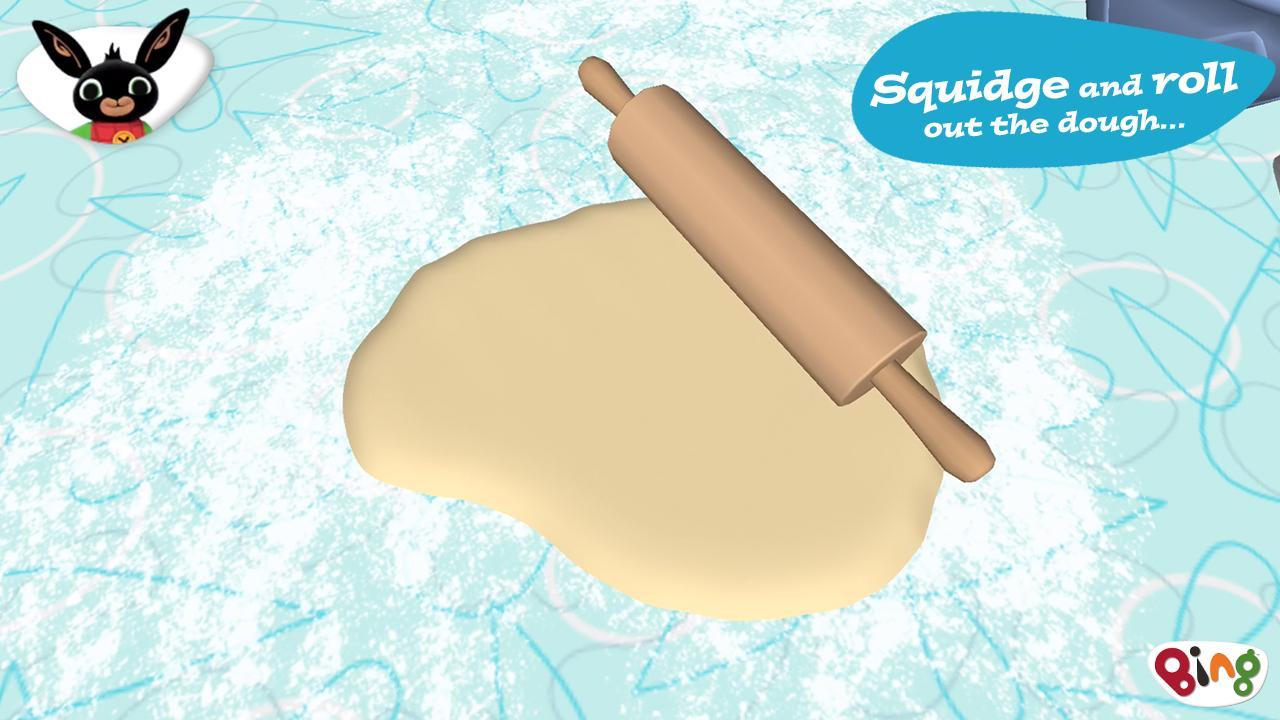
Bing: Baking Game lets you begin with the dough before the biscuits are ready to bake. Children can squid the dough, move it around, and roll it with a rolling pin. These actions turn a familiar kitchen task into a short interactive activity that is easy to follow on a phone screen.
Choose shapes with dough cutters
You can use different cutters to make biscuit shapes during the preparation stage. This gives children a clear way to make choices as they play. After making the dough flat, the shape selection adds a creative step before the biscuits move closer to baking.
Play with the oven alongside Flop
Bing: Baking Game includes oven related play with Flop as part of the biscuit making process. The scene introduces the idea that ovens need care and adult attention, while keeping the activity simple for young players. In this way, the game connects pretend baking with basic kitchen awareness.
Use the Chicky Timer while baking
You follow the baking stage with the Chicky Timer, which helps children notice that cooking takes time. The timer gives the activity a clear middle point between making biscuits and decorating them. As a result, players can understand that each step happens in order.
Decorate biscuits with colourful toppings
You can add sprinkles, icing, fruit, and chocolate buttons after the biscuits are baked. The decorating stage uses tapping, dragging, and placing actions, so children can practise small hand movements while choosing how each biscuit looks. When the biscuit is finished, the game also supports photo saving and sharing actions.
Bing: Baking Game is connected to the CBeebies preschool series Bing, which many families know through Bing Bunny and Flop. This makes the setting familiar for children who already enjoy Bing Baking style role play. The kitchen activity stays close to simple play, so parents can understand what the game is about before choosing the Bing: Baking Game APK.
Bing: Baking Game is developed by Acamar Films, the creators of Bing, together with Aardman Animations. This background may help parents who want to know whether the game comes from the official Bing team. The content is focused on biscuit making, decorating, photo taking, and pretend eating within Bing’s kitchen.
Bing: Baking Game uses short touch actions that fit a preschool baking activity. After you download Bing: Baking Game, the play session can move from dough making to decorating in a clear order, with Bing and Flop guiding the scene.
Bing: Baking Game gives young players a simple way to make, bake, decorate, photograph, share, and pretend to eat biscuits with Bing Bunny and Flop. If your child enjoys Bing Bunny, baking role play, and decoration activities, the Bing Baking download offers a focused kitchen game for Android.
Official information is available from the following sources:
Latest Version
1.7.3Requires Android
5.1
Category
Educational GameContent Rating
Everyone
Report
Flag as inappropriateLast updated on Nov 26, 2025
Minor bug fixes and improvements. Install or update to the newest version to check it out!




APKPure - A multi-platform app store primarily focused on Android, providing extensive app-related content. Discover the app you want easier, faster, and safer, with quick and efficient downloads and installations.