
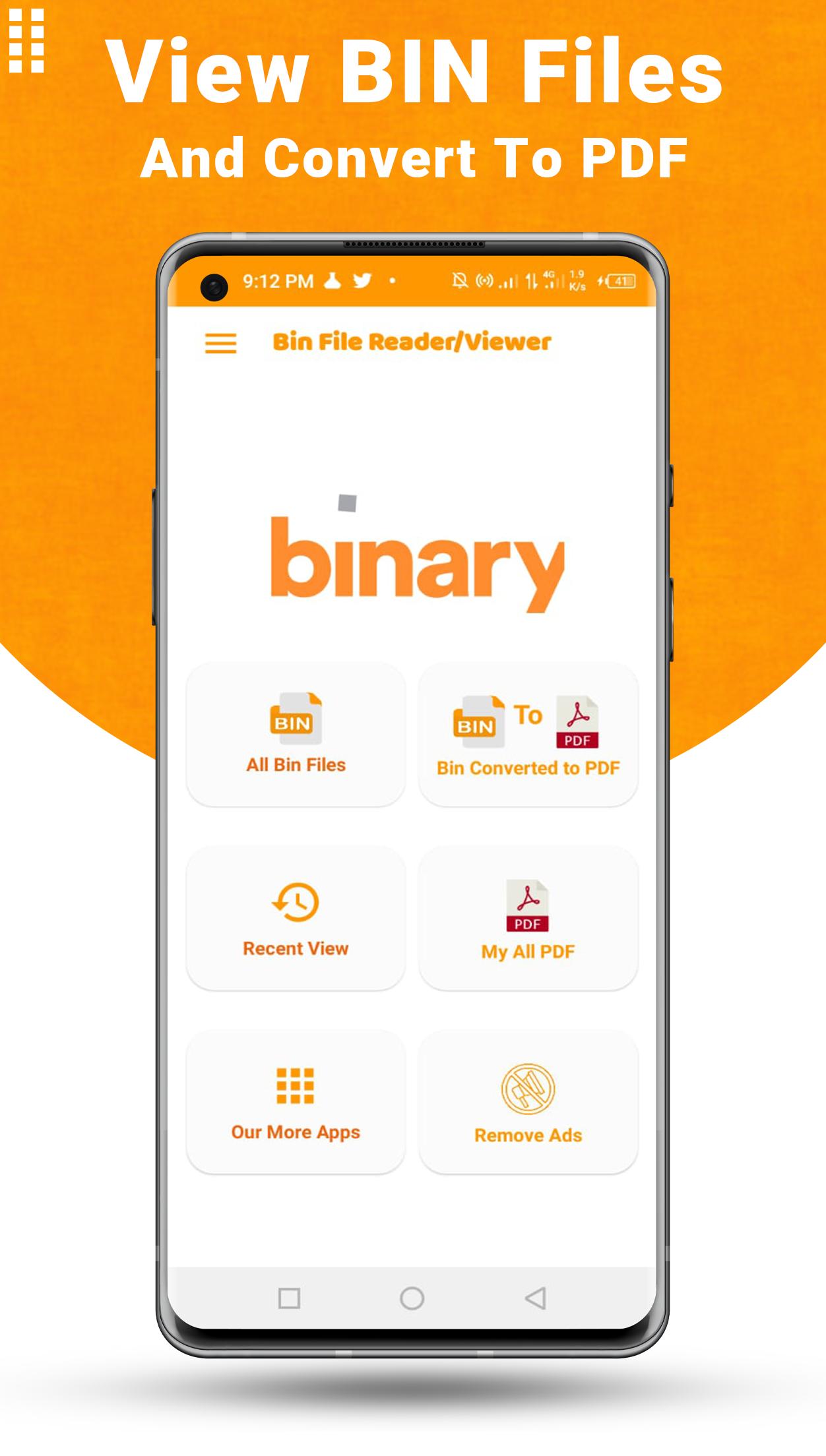
Bin file opener for android: Bin file opener app to open all types of bin files. You can select any bin file from your phone and display the binary codes in either decimal or hexadecimal format.
Bin File Reader Features
1). The Bin file viewer / ascii converter is used to convert bin files into PDF, moreover, it allows the user to open/ read the bin file as well.
2). The binary code game / Bin file consists of four main features; bin viewer, bin to PDF, recently viewed files, and converted files.
3). The bin viewer feature of all file viewer/bin file viewer permits the user to view multiple types of files such as multimedia files, office documents, and PDFs. Users can simply click on the feature and select any file to view it.
4). The second most important feature of the Bin file view/ zip extractor for iPad permits the user to convert the bin files into PDF. The user just needs to select the required file and Bin file opnener and viewer will do the rest. Finally, the user can rename and save the file using this feature.
5). The third feature of read bin file / raw / bin video file converter is recently viewed files. This would allow the user to view the recently closed files so they can conveniently view them without any delay and inconvenience, that too without closing the zip viewer.
6). Using this feature, the user can determine the name of file, its size, and the date of creation. Lastly, the user can share the file using this feature, without closing the convert image to ascii.
7). In addition, the user can also delete the file using this feature click on more option button and select delete and click yes.
8). The fourth and last feature of opener / openen / mdb is Converted files. This feature is specifically to improve user experience. They can just click on this feature to get converted files without closing the md / msg / md5 checker. Using this feature, the user can determine the name of file, its size, and the date of creation. Finally, the user can share the file using this feature, without closing the pages/dm/sd card reader.
9). Similarly, the user can also delete the file using this feature, without closing the can opener lite.
10). Finally, for the best user experience, a search option is also included in the 0 / file viewer. Users can search any file through this feature without any hurdle.
How to use Bin File Reader App:
First of all install this bin file reader/opener app and give permission for to access your all bin files or select your bin file manually.
Click on your bin file which you want to read/view or convert to pdf.
When you select your file the bin file opener will open you file and you will easily manage that or share , print etc.
Latest Version
1.2.10Uploaded by
Nonchalant Joey
Requires Android
Android 5.0+
Category
Free Productivity AppContent Rating
Everyone
Report
Flag as inappropriateLast updated on Sep 18, 2023
Add one another module for select file
One or many new feature is: convert bin file to pdf with hex and decimal format.
Bin to Dec, Bin to Hexdecimal, Decimal to Hexdecimal, Decimal to Bin , Hexdecimal to Bin, Hexdecimal to Decimal.
Fix some bugs, add some new features for convert or read bin files.
Bin file viewer app for bin file reader or bin file viewer.
convert bin file to pdf in one click and easily.
open bin file using this bin file opener app
bin file reader and bin file viewer.




APKPure - A multi-platform app store primarily focused on Android, providing extensive app-related content. Discover the app you want easier, faster, and safer, with quick and efficient downloads and installations.
















