
📌• Battle GFX Tool Pro - Game Optimizer is the ultimate app for enhancing your gaming performance.
📌• Battle GFX Tool Pro - Game Optimizer for iPadview, Potato, 90 FPS, 1080p Ultra HDR
📌• This app supports BGM, GL, KR, VN, TW versions of the game.
✅• We guarantee that this app is 100% safe and will not compromise your game account in any way.
📌• Key Features of Battle GFX Tool Pro - Game Optimizer:
✅• Adjust the resolution to match your device and preference
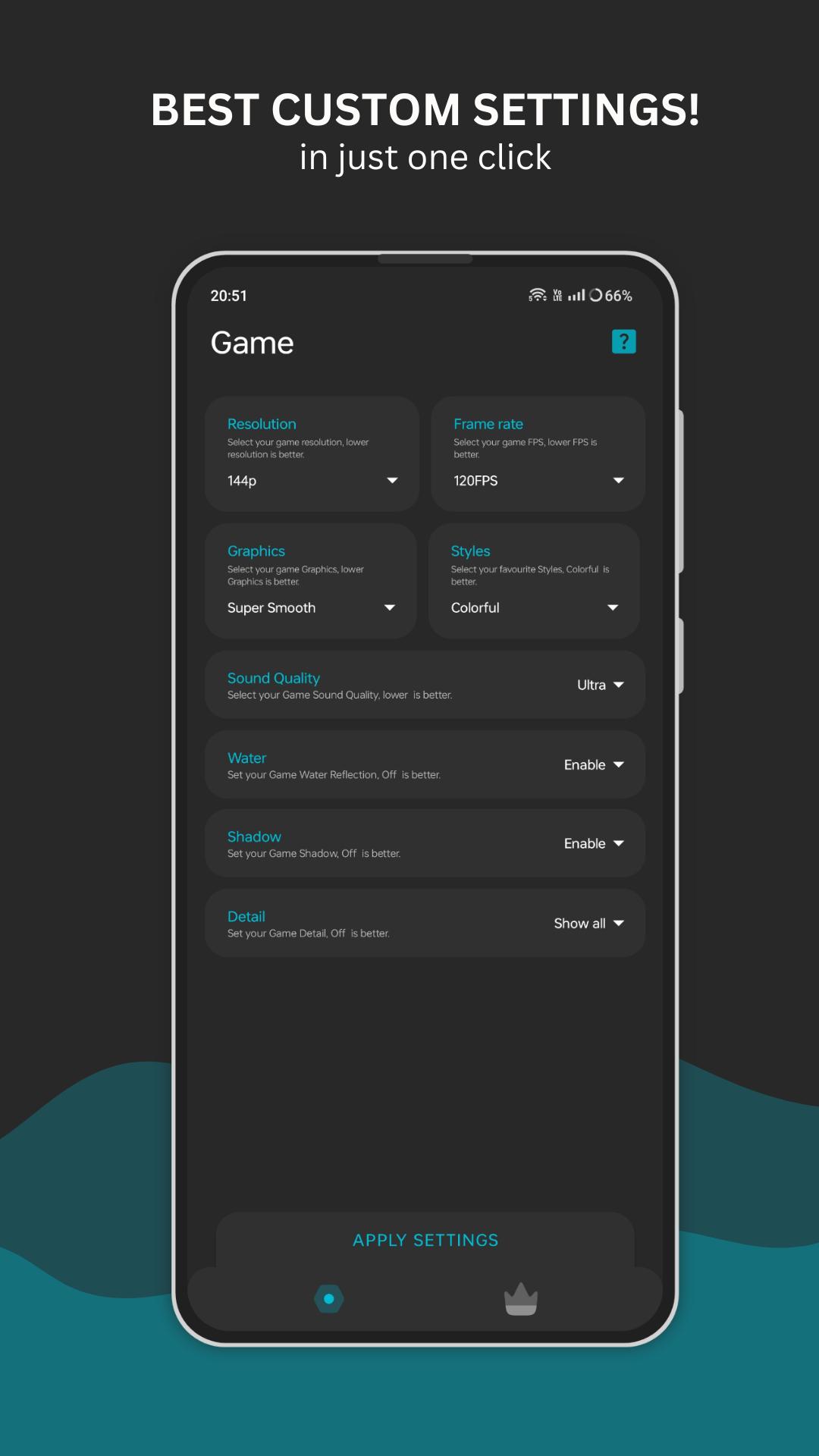
✅• Enable HDR graphics and different FPS levels for smoother gameplay
✅• Fine-tune anti-aliasing and shadows settings for better graphics quality
✅• Use the app with any game version without compatibility issues
✅• Switch to iPad view for a wider field of vision
✅• Unlock 90 Fps for faster performance
✅• And much more!
📌• Steps to use Battle GFX Tool Pro - Game Optimizer:
✔️• Download and install the Battle GFX Tool Pro - Game Optimizer app from the Google Play Store on your device.
✔️• Launch the app and give it the required permissions.
✔️• Select the game version that you are playing from the list of games in the app.
✔️• Customize the settings according to your preferences. You can choose options such as 60 Fps, iPad View, and more.
✔️• Tap on the "Activate" button to apply the settings to the game.
✔️• Enjoy a better gaming experience with enhanced graphics and optimized performance.
📌 • DISCLAIMER
This is an unofficial application for specific games. This application is not affiliated with or endorsed by any other brands and developers.
📌 • If you believe that we have infringed your intellectual property rights or any other agreement, please contact us by e-mail at help.codeone@gmail.com, and we will promptly take the appropriate actions.
📌 • Hey, just a heads up!
This app is like a one-stop shop for launching and checking out your games. It's awesome for getting all the stats on your device, but it's not a game booster. It won't make your games run faster or smoother, and it doesn't say it will. What it does is give you useful info on how your device is doing and how your games are performing. It also has some cool tools to help you figure out and fix any problems you might have. For example, if your device has low FPS, this app can help you find and solve the issue faster. But it won't magically boost your device's performance.
Latest Version
2.2Requires Android
10
Category
Tools AppContent Rating
Everyone
Report
Flag as inappropriateLast updated on Feb 7, 2024
Minor bug fixes and improvements. Install or update to the newest version to check it out!



APKPure - A multi-platform app store primarily focused on Android, providing extensive app-related content. Discover the app you want easier, faster, and safer, with quick and efficient downloads and installations.