
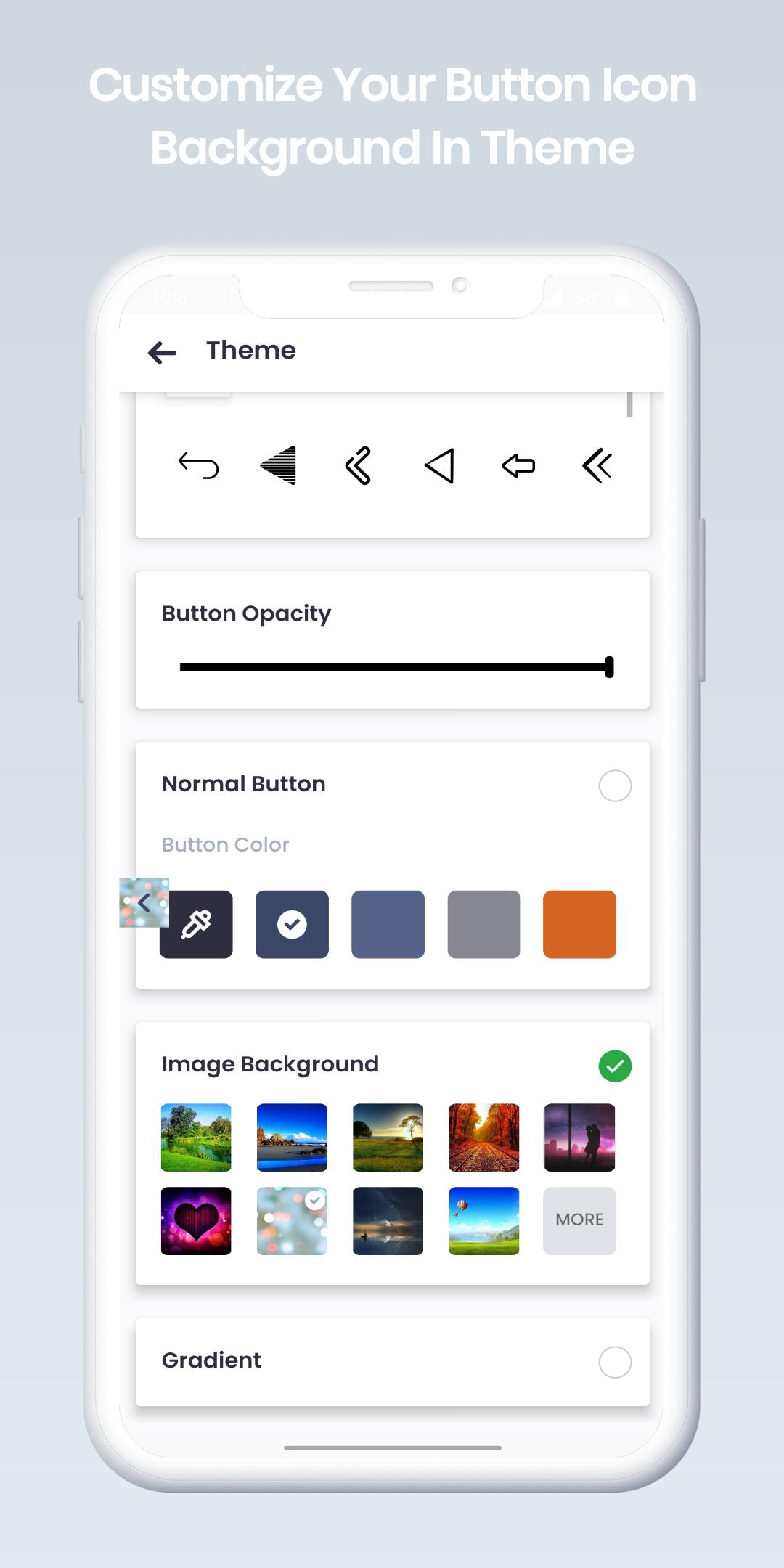
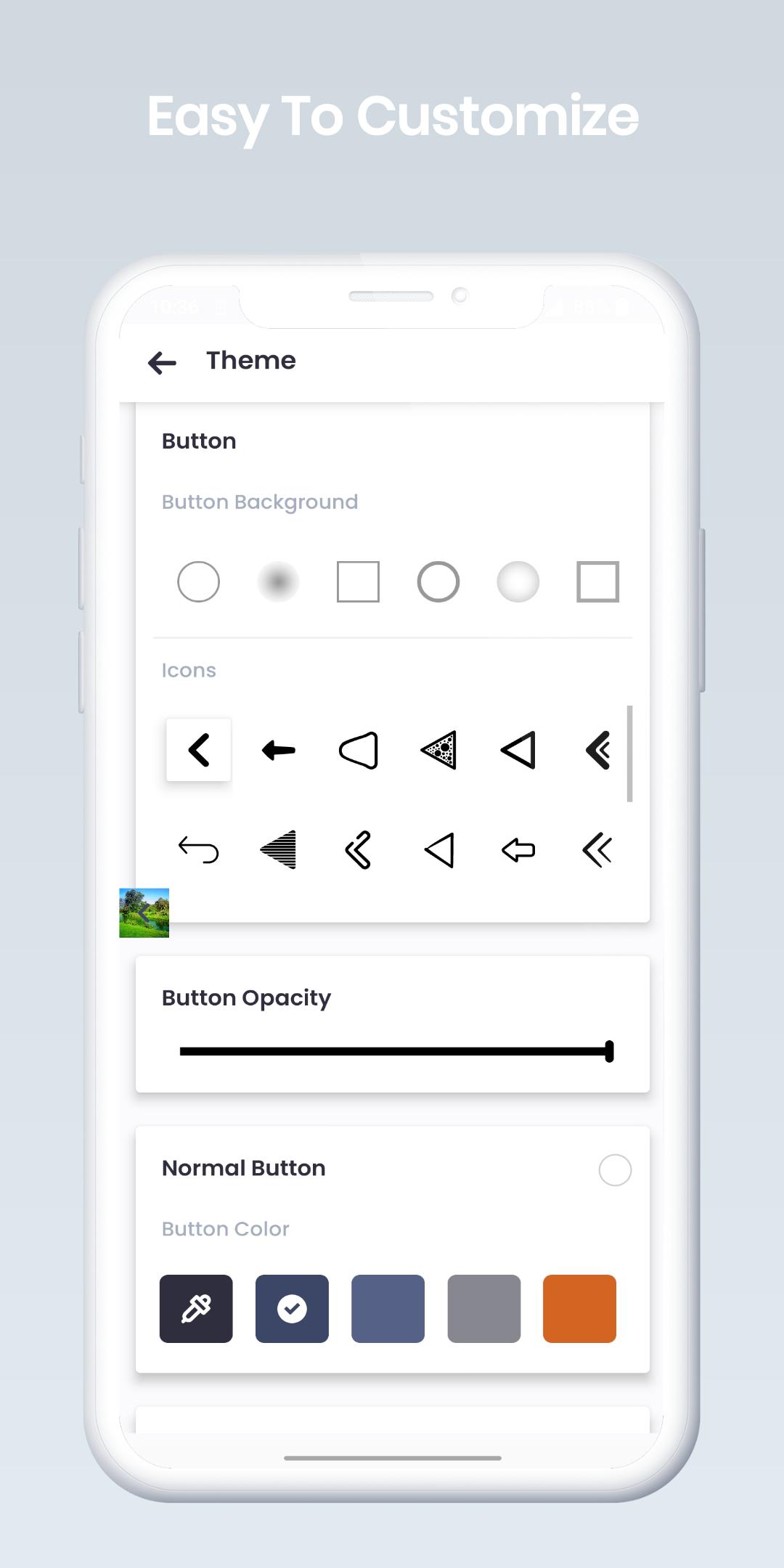
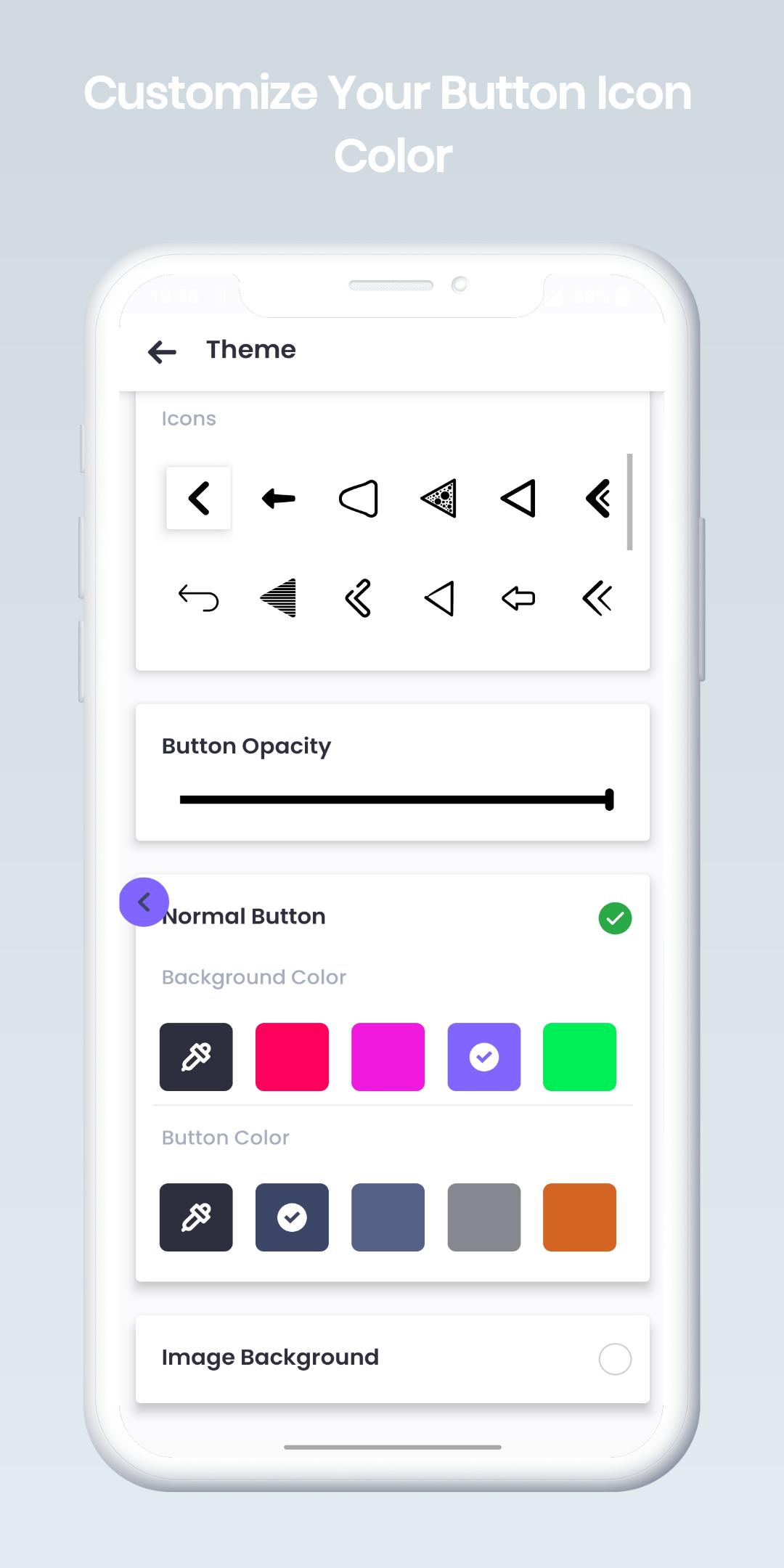
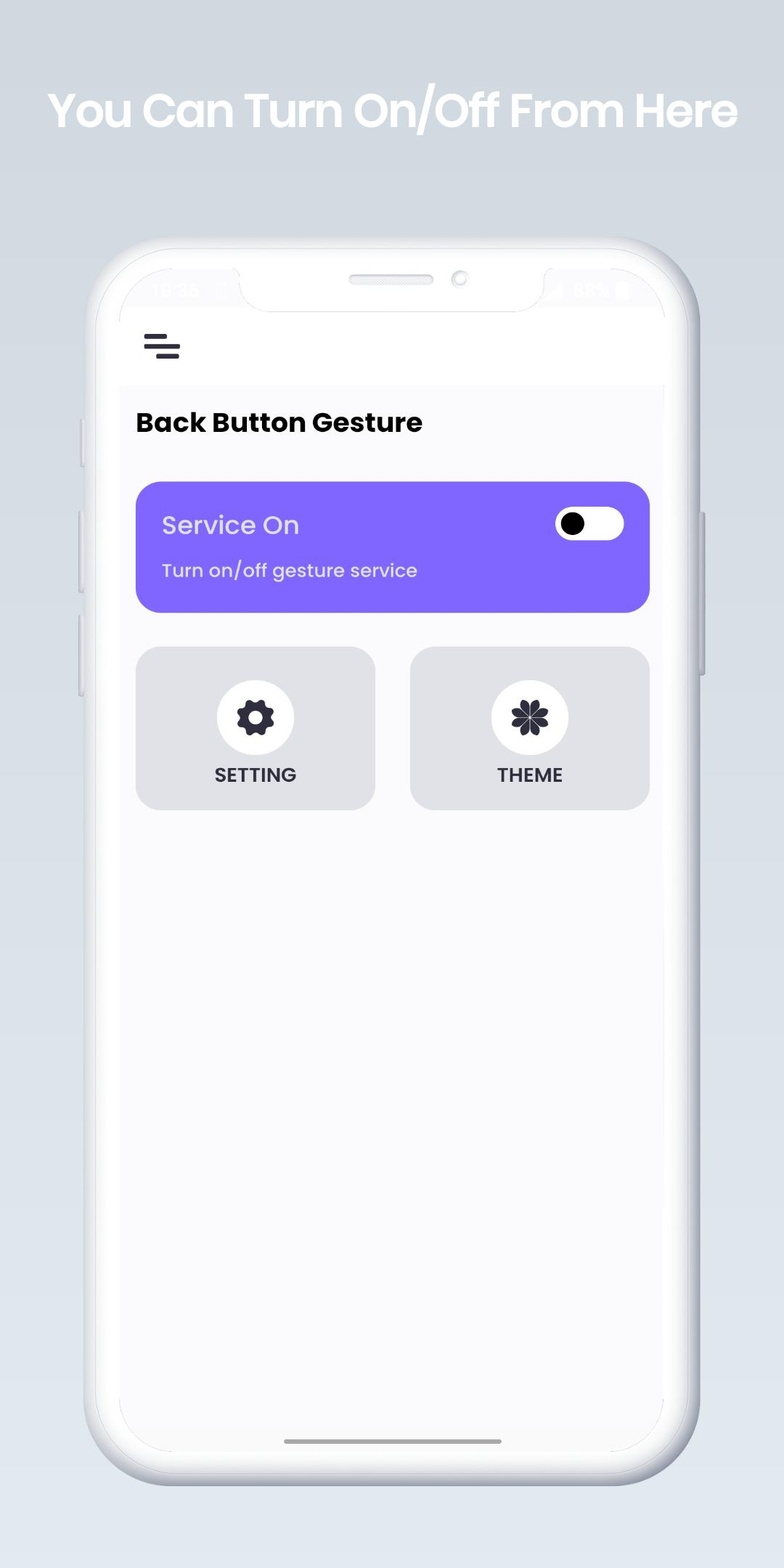
Presenting Back Button Gesture for Android the ideal fix for people who have trouble with damaged or inoperable navigation buttons. You may quickly change the on-screen navigation bar and apply various themes and colors to it using this application.
Enjoy a modern navigation experience:
⦿ Effortless Back Swipe: Simply swipe from the edge of the screen to navigate back. No more struggling to reach the button!
⦿ Seamless Gesture Control: Replace clunky buttons with elegant gestures for a truly immersive experience.
⦿ Increased Screen Real Estate: Reclaim precious screen space by removing the traditional navigation bar.
Customizable Gestures: Fine-tune the swipe sensitivity and area for a perfect fit.
⦿ Works with All Apps: Enjoy gesture navigation system-wide, regardless of the app you're using.
⦿ Lightweight & Efficient: Our app runs smoothly without draining your battery.
Say goodbye to frustration and hello to a more intuitive way to navigate your Android device! Back Button Gesture is perfect for:
• Users with large phones where the back button is difficult to reach.
• Fans of modern, gesture-based navigation systems.
• Anyone who wants a cleaner and more streamlined user experience.
• Download Back Button Gesture Navigation bar today and unlock a whole new way to navigate your Android phone!
Here's what sets Back Button apart:
⦿ Simple & Easy to Use: Our intuitive interface makes setting up gesture navigation a breeze.
⦿ Highly Customizable: Tailor the gestures to your preferences for a truly personalized experience.
⦿ No Root Required: Unlike many other apps, Back Button works without needing root access, keeping your device secure.
⦿ Open Source & Actively Developed: We're committed to continuous improvement and welcome your feedback!
Use of Accessibility Services:
Back Button: Navigation bar needs access to the accessibility service in order to activate its essential features. The program won't read any material on your screen or sensitive data. Furthermore, no third party will receive any data that the application gathers from the accessibility service.
The program will support press and long press action instructions with the following functionalities once the service is enabled:
- Back action, or the main feature
- Current Activities
- Power dialogs, Quick settings, Open Camera, and lock screen
Turn on the Browser.
- Grab a screen grab
Disabling the accessibility service will prevent the major features from functioning as intended.
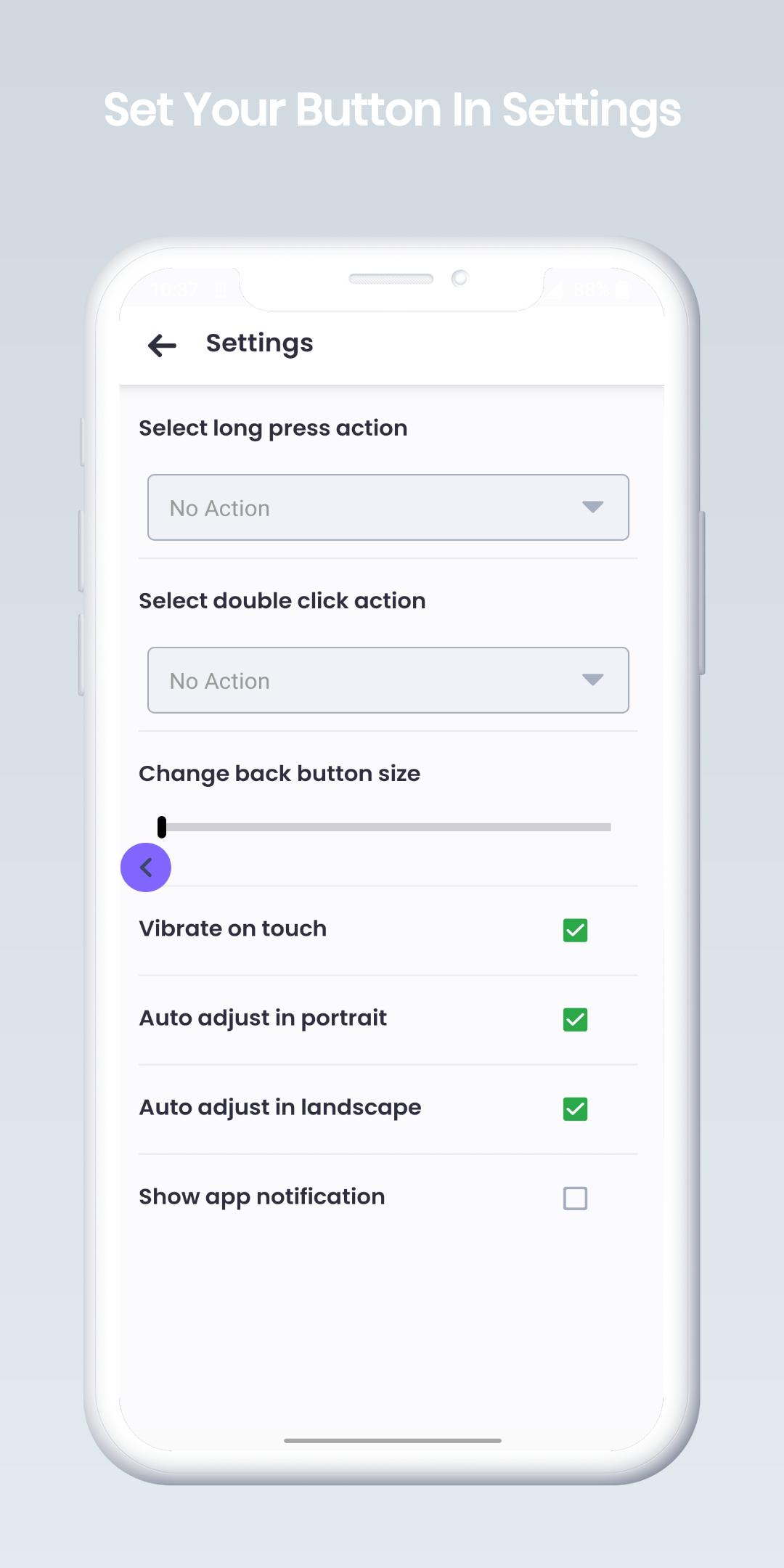
You can do a lot of things with the long press & Double Tap feature on the back button, like open Settings, opening Camera, opening Browser, Voice Command, Home, and much more. the app is totally free to use.
Latest Version
1.4Uploaded by
Majd King
Requires Android
Android 6.0+
Category
Free Tools AppContent Rating
Everyone
Report
Flag as inappropriateLast updated on Jul 11, 2024
This release includes minor bug fixes and general improvements. Update to the latest version for the best experience.


APKPure - A multi-platform app store primarily focused on Android, providing extensive app-related content. Discover the app you want easier, faster, and safer, with quick and efficient downloads and installations.