
The AWS Outposts Server Activator app is compatible with Android devices with USB-C or micro-USB connectors with USB On The Go (OTG) support. OTG is required in order for the phone to operate as the USB host.
Before using the app, complete the following steps:
Step 1: Grant permission (https://docs.aws.amazon.com/outposts/latest/server-userguide/install-server.html#install-grant)
Step 2: Inspect (https://docs.aws.amazon.com/outposts/latest/server-userguide/install-server.html#install-inspect)
Step 3: Rack mount (https://docs.aws.amazon.com/outposts/latest/server-userguide/install-server.html#install-mount)
Step 4: Power up (https://docs.aws.amazon.com/outposts/latest/server-userguide/install-server.html#install-power)
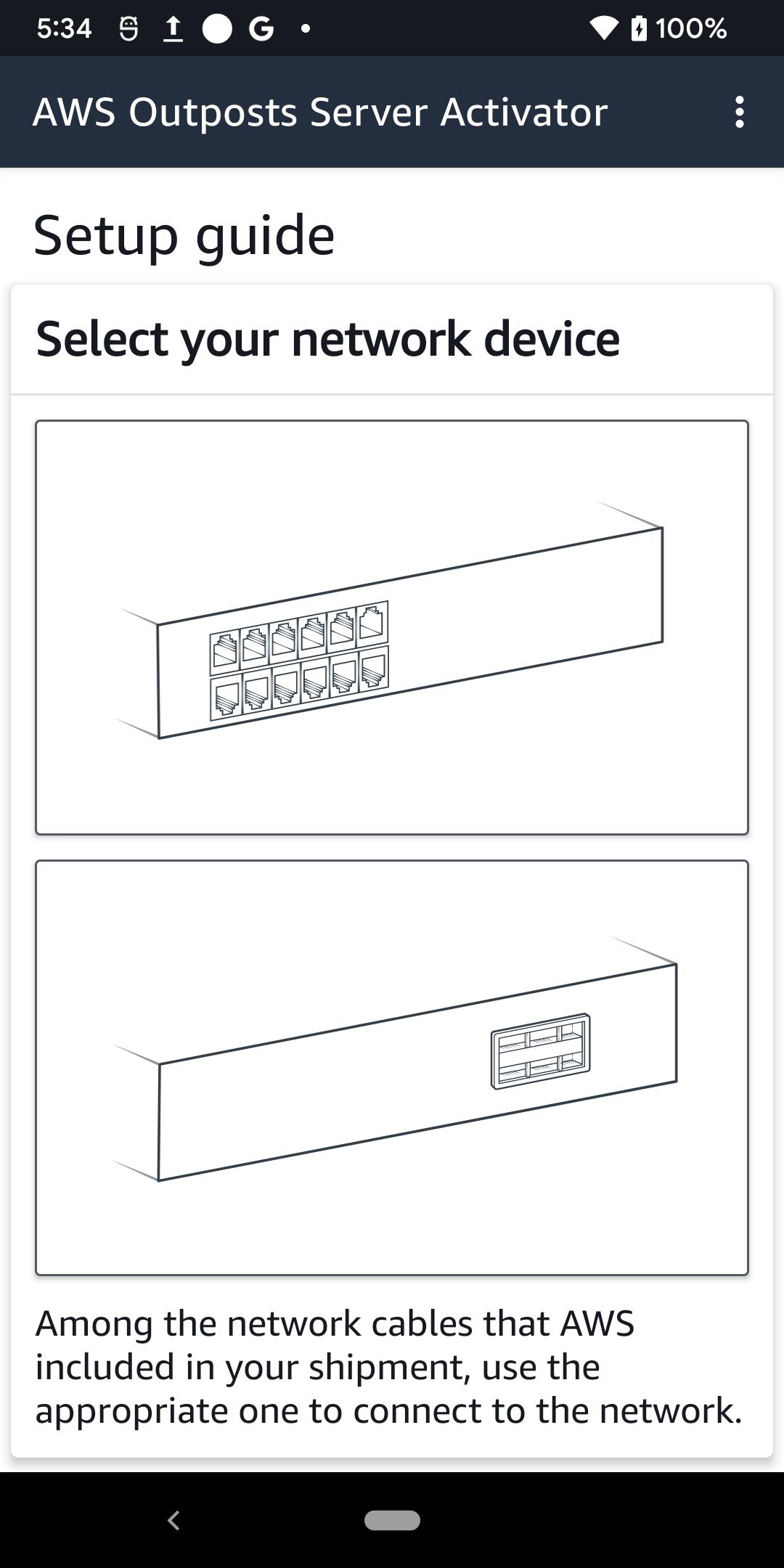
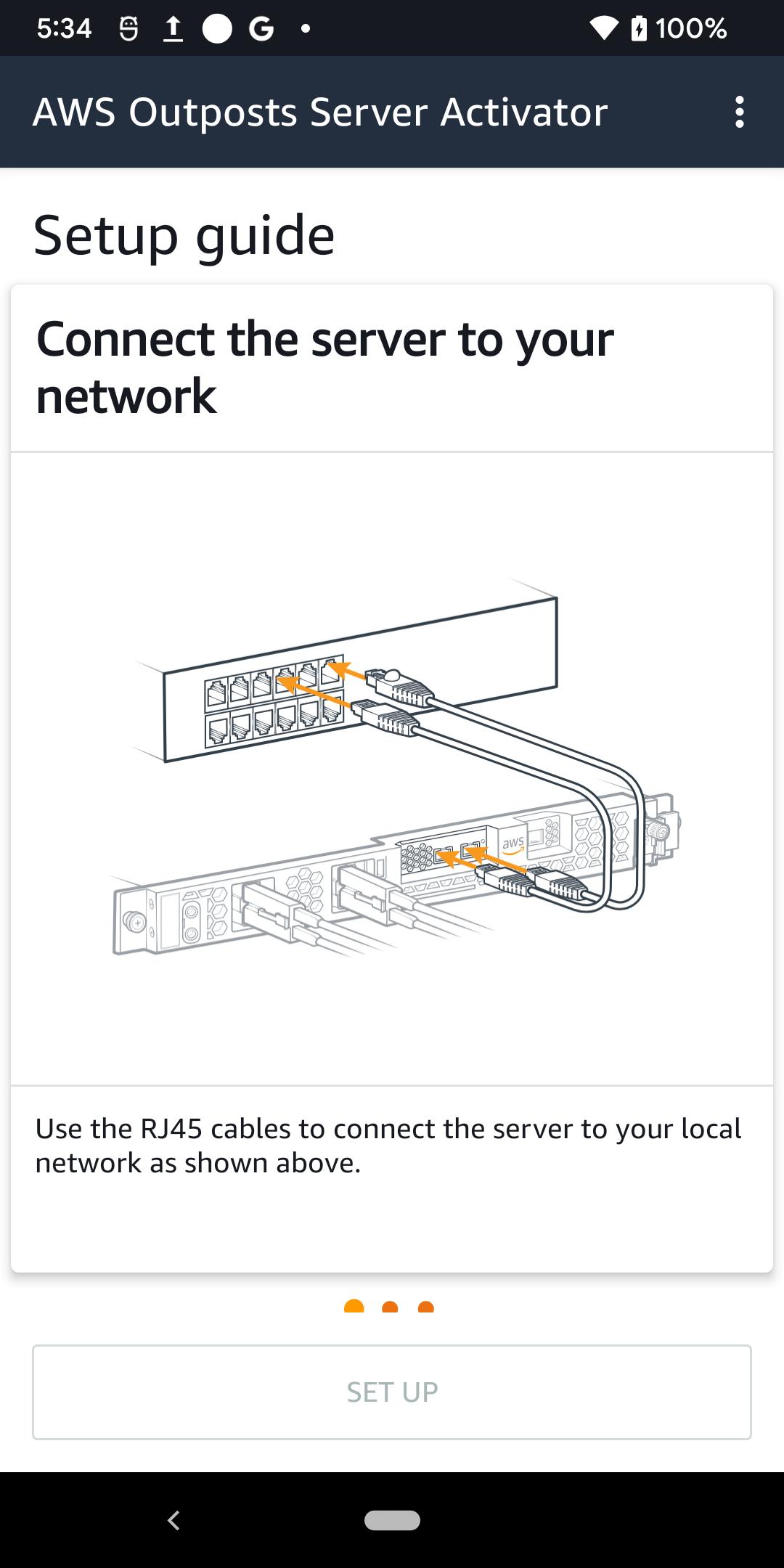
Step 5: Connect network (https://docs.aws.amazon.com/outposts/latest/server-userguide/install-server.html#install-network)
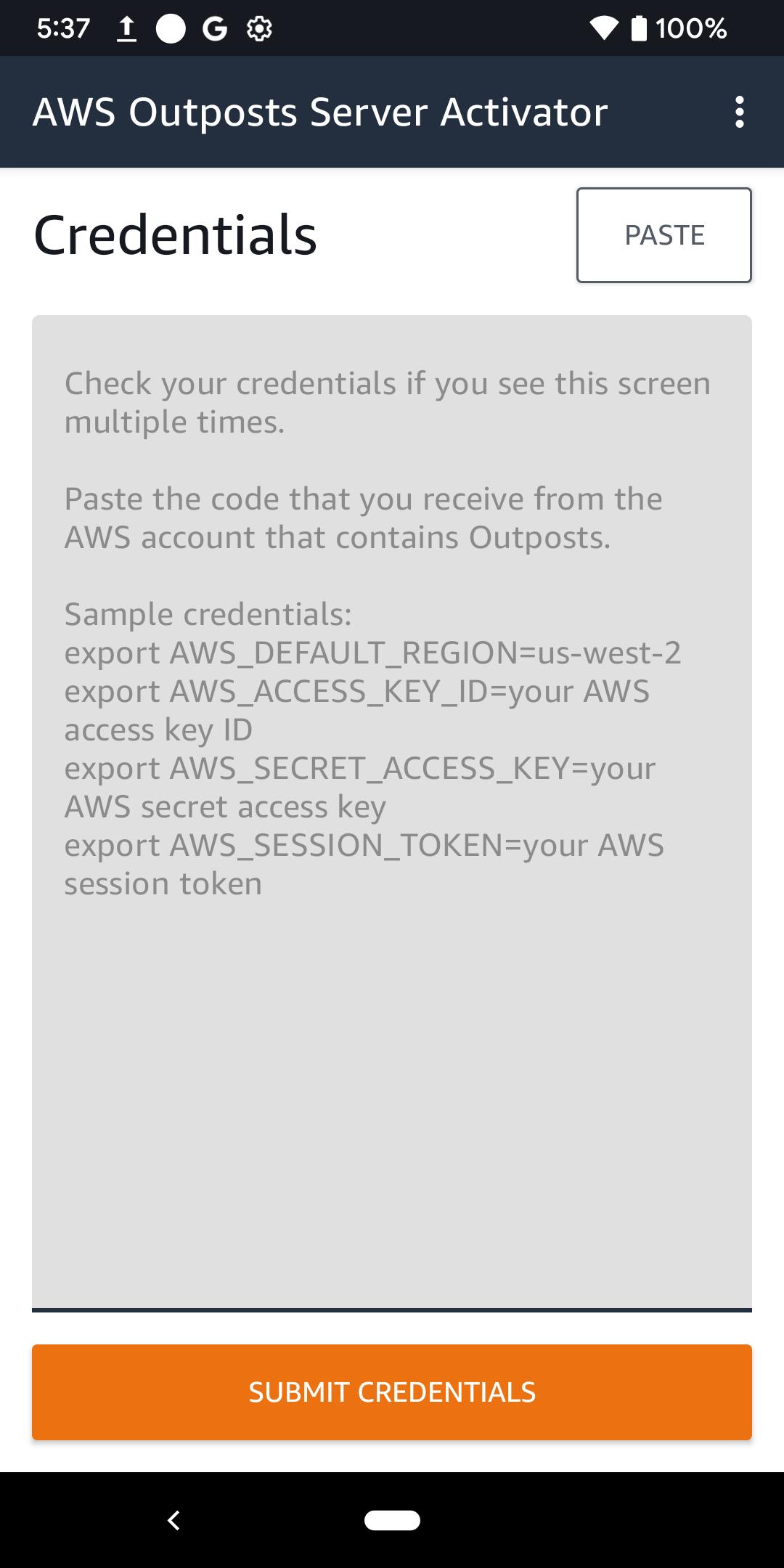
Use the app to assist you in authorizing the server. For more information, see Step 6: Authorize server (https://docs.aws.amazon.com/outposts/latest/server-userguide/install-server.html#install-authorize) in the AWS Outposts User Guide for servers.
Latest Version
1.0.2Uploaded by
Gauy Fdag
Requires Android
Android 10.0+
Category
Free Tools AppContent Rating
Everyone
Report
Flag as inappropriateLast updated on Nov 28, 2023
Minor bug fixes and improvements. Install or update to the newest version to check it out!






APKPure - A multi-platform app store primarily focused on Android, providing extensive app-related content. Discover the app you want easier, faster, and safer, with quick and efficient downloads and installations.