Scan Date:Jan 9, 2026
Show More

Only for Wear OS devices - API 28+
// Not suitable for rectangular watches
Powered by Watch Face Format
amoledwatchfaces.com
BUY ONE GET ONE OFFER!
amoledwatchfaces.com/bogo
CUSTOM COMPLICATION APPS
amoledwatchfaces.com/apps
FEATURES
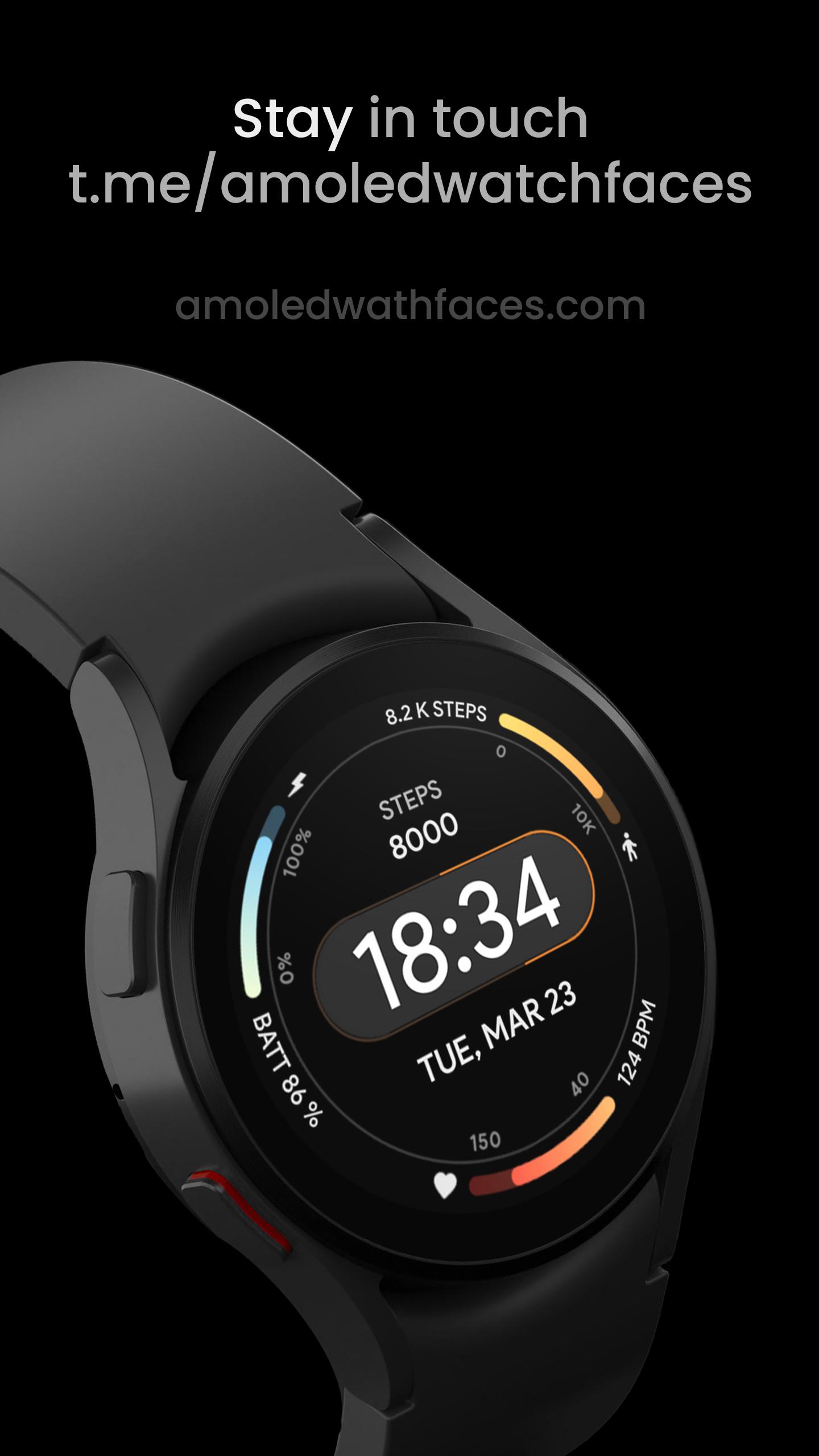
• true black background
• unique sec hand indicator (pill)
• high resolution
• many color-customization options
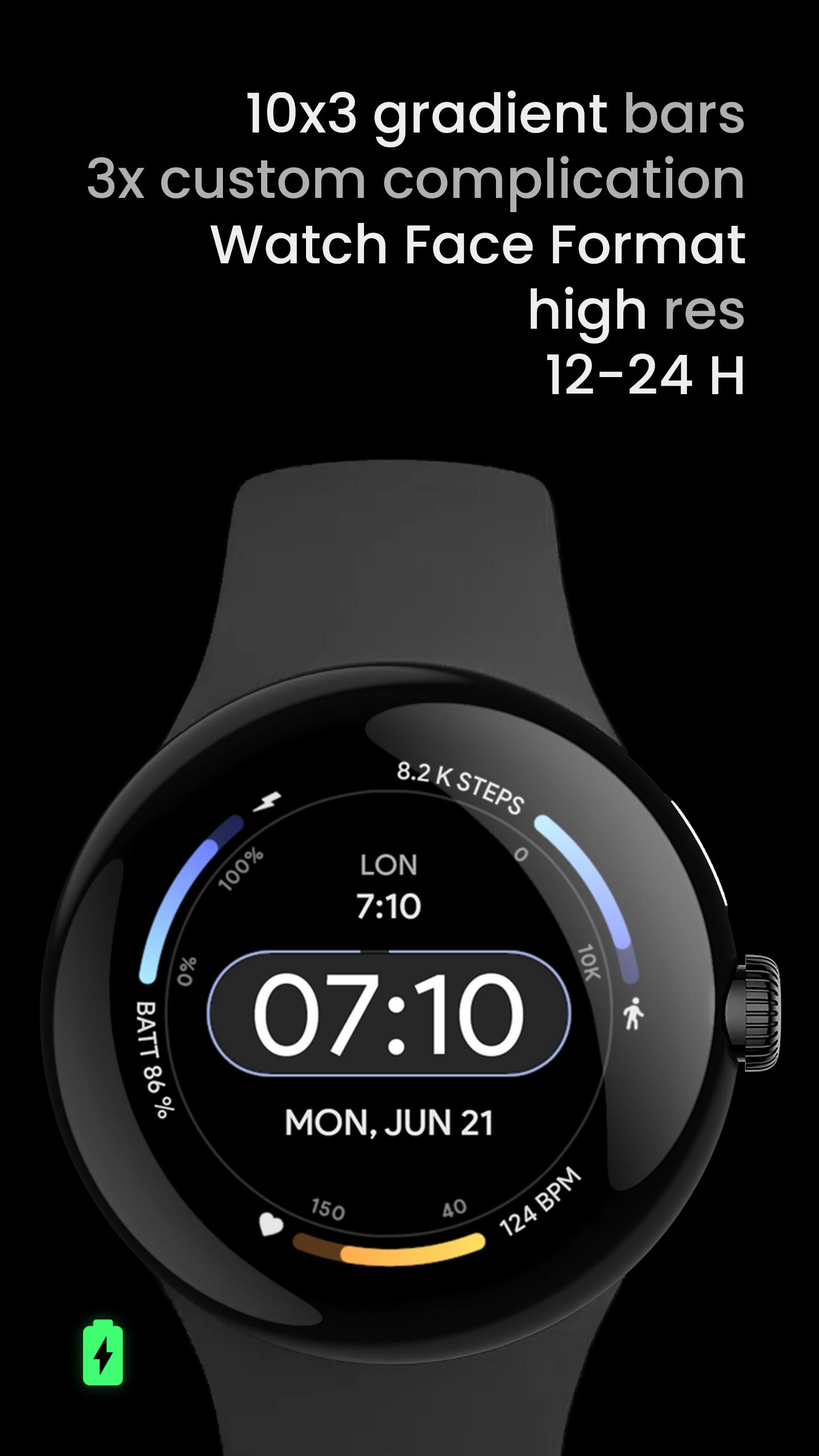
• gradient color bars (indicators)
• 10x sec indicator colors
• option to turn off sec indicator
• PNGQuant optimized layers > battery friendly
• custom shortcut
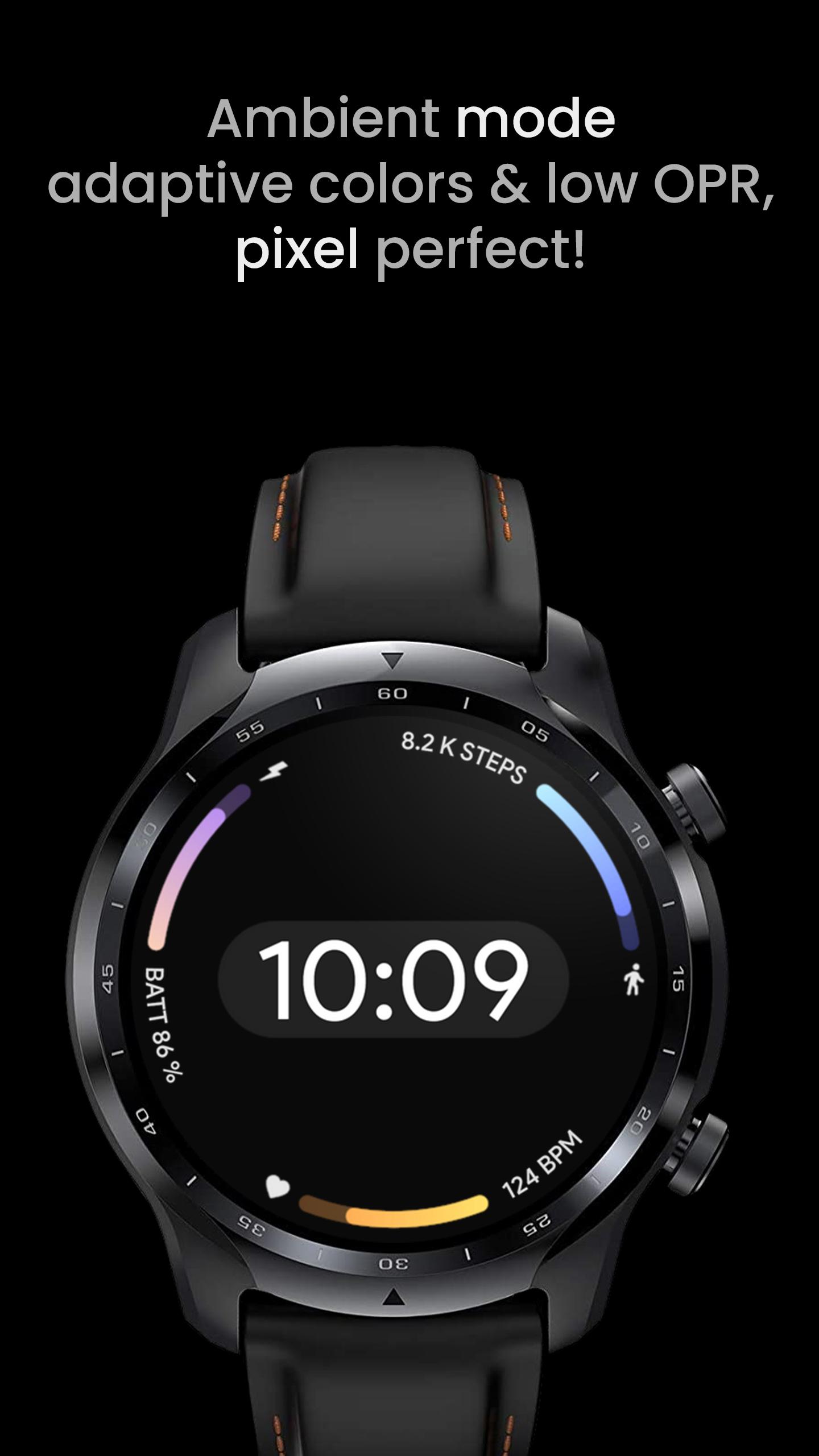
• simple ambient mode with low OPR & adaptive colors
• four AOD styles
• 6x custom complication (API 33+)
• multilanguage date
USER CONFIGURATIONS
• Arc 1 Color (10x)
• Arc 2 Color (10x)
• Arc 3 Color (10x)
• Seconds Pill (3x)
• AOD Style (4x)
• Color (10x)
• Custom complication
• Bar Markers (Toggle - API 33+)
Installation and troubleshooting guide
amoledwatchfaces.com/guide
Please send any issues reports or help requests to our support address
support@amoledwatchfaces.com
Join our Telegram group for live support and discussion
t.me/amoledwatchfaces
Newsletter
amoledwatchfaces.com/contact#newsletter
amoledwatchfaces™ - Awf
Latest Version
Varies with deviceUploaded by
Ko Aung
Requires Android
Category
Personalization AppContent Rating
Everyone
Security Report
Report
Flag as inappropriateLast updated on Sep 17, 2025
v1.5.5
• arc complication slot fixes
v1.5.4
• changed left arc RANGED_VALUE text direction
• updated watch face icon
v1.5.3
• center pill improvements
• markers min-max size increased by 1px
v1.5.0
• completely reworked
* due to these changes, heart rate bar is now Empty / None complication fallback.
...
NOTE: Remove watch face from favorites and add it back to ensure watch face runs smoothly after update.





APKPure - A multi-platform app store primarily focused on Android, providing extensive app-related content. Discover the app you want easier, faster, and safer, with quick and efficient downloads and installations.