

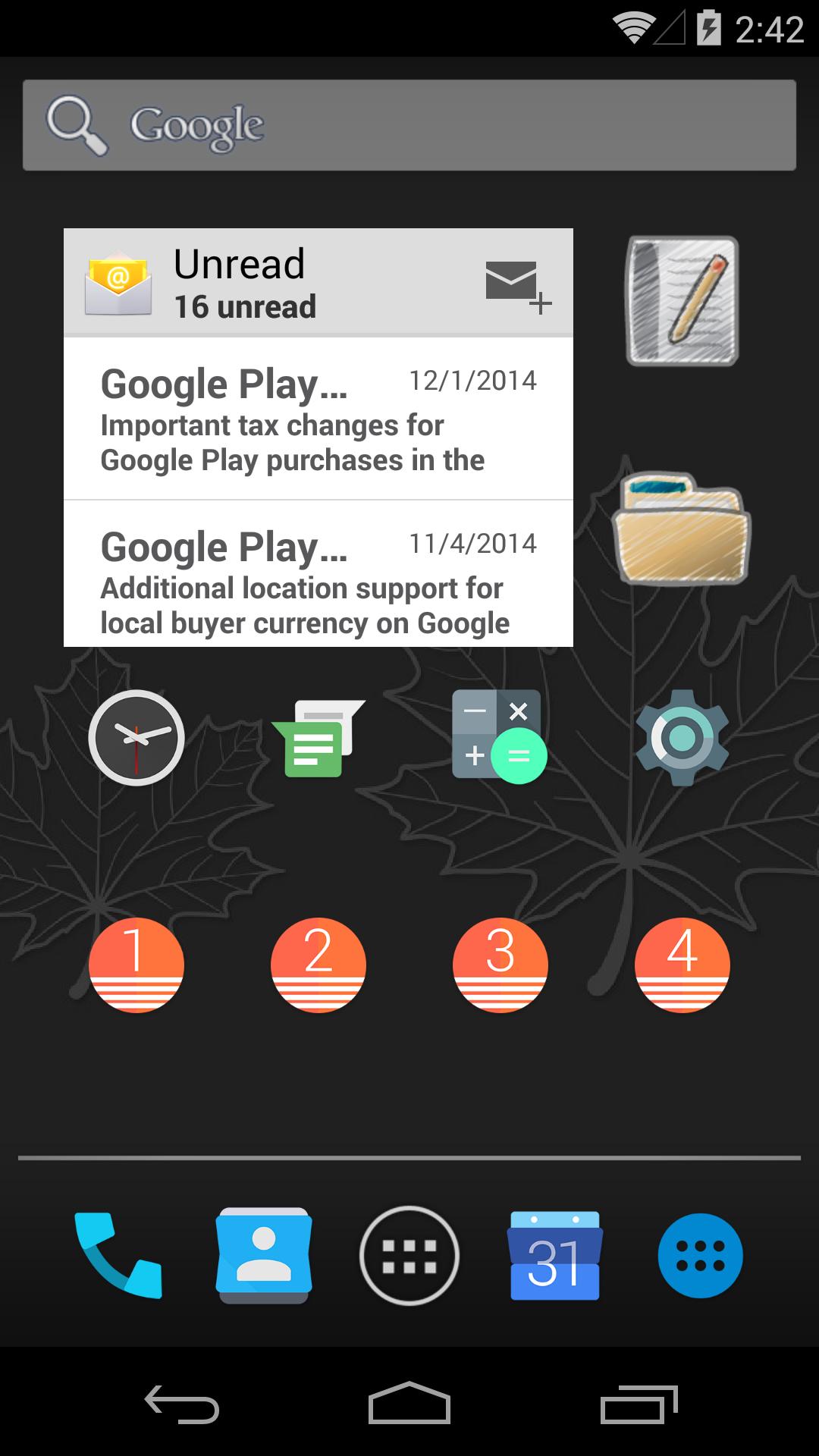
Awesome icons helps users who want a quick way to refresh shortcut looks without switching launchers. It creates home screen shortcuts with styles from installed icon packs or your own images, and it works on most Android phones and tablets. Because it only adds icons on the home screen, it does not change how apps run. Before you download Awesome icons, note that it focuses on visual customization for shortcuts.
Create icons from packs, gallery, or camera
You can pick any image from the gallery or take a photo to use as an icon. Awesome icons also reads installed icon packs, so you can choose designs you already have. The Awesome icons APK provides the same tools across supported devices.
Simple setup for each shortcut
Find an app, pick a design, and create a new home screen icon with a single tap. You can edit the label text for the shortcut or remove the label for a cleaner look. This keeps each icon clear and easy to recognize.
Mix styles per app and per page
Awesome icons lets you choose a different style for each shortcut. You can mix icons from different packs and assign any icon to any app, so each home screen page can follow its own theme.
Works with most launchers, no root required
Awesome icons focuses on quick, per app shortcut styling using icon packs or your images. Review the Android 8.0 note about the small system icon before creating shortcuts. Install the Awesome icons latest version to ensure compatibility with recent Android releases.
Latest Version
0.15.3Uploaded by
غانم ال تميم
Requires Android
Android 8.0+
Category
Free Personalization AppContent Rating
Everyone
Report
Flag as inappropriateLast updated on Dec 26, 2018
Support shortcut creation from launcher widget menu as a workaround for creating shortcuts with no small Awesome Icons icon on Android 8.0+.





APKPure - A multi-platform app store primarily focused on Android, providing extensive app-related content. Discover the app you want easier, faster, and safer, with quick and efficient downloads and installations.