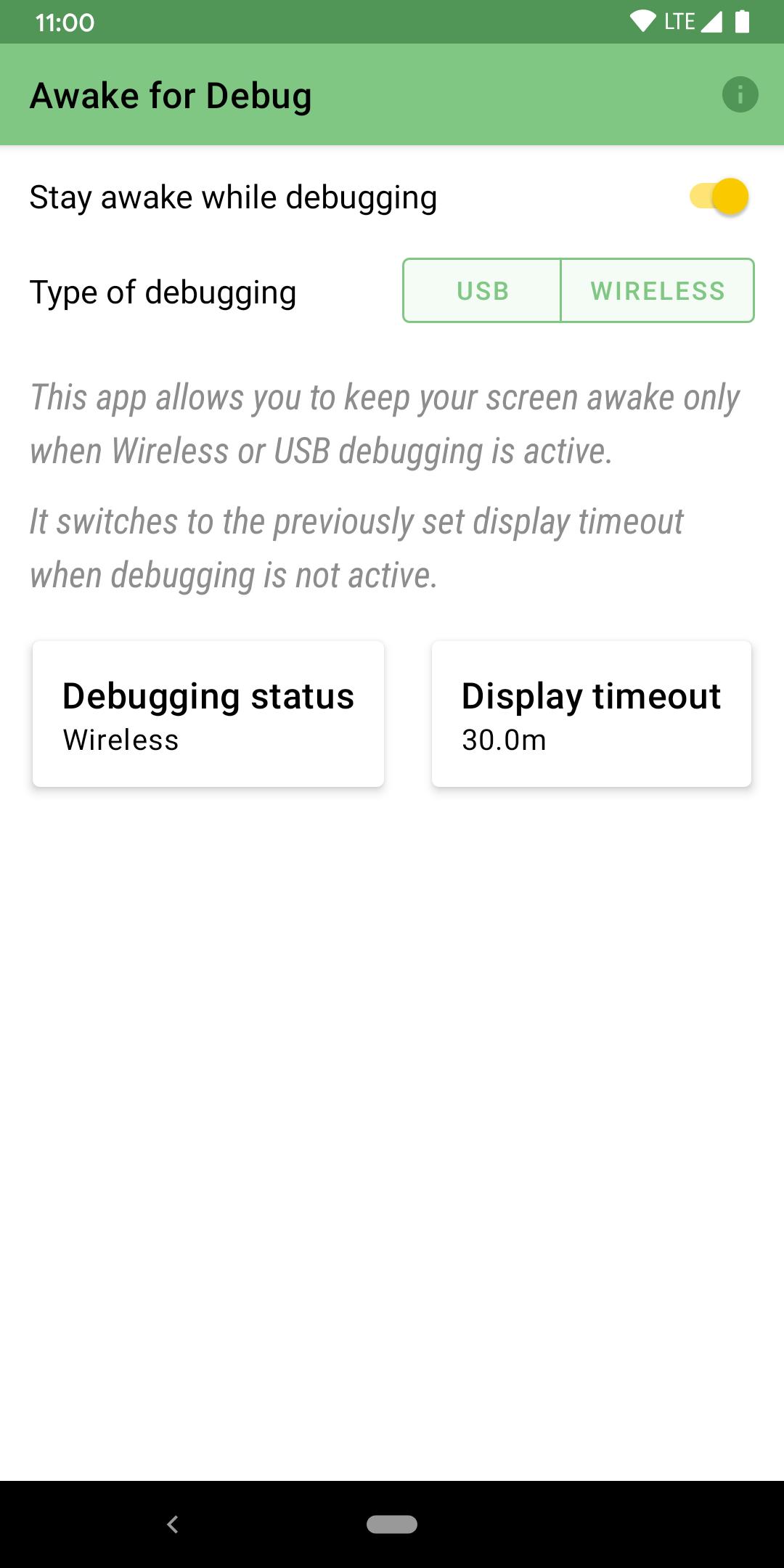
This app allows you to keep your screen on *only* when debugging is active on the device over Wifi (on Android 11) or USB.
It switches to the previously set display timeout when the device is unplugged or plugged into a wall socket.
Permissions
Notification Access: To monitor debugging notifications
WRITE_SETTINGS to change the display timeout setting to maximum allowed (30 minutes on most devices)
INTERNET for Crashlytics (crash reports)
This application is open-source under the Apache license and it is easy to verify that the build here is the same as the one created through GitHub Actions.
GitHub: https://github.com/AfzalivE/AwakeDebug/.
Note: Android GO phones are not supported because there's no way to get Notification Access on Android GO Edition.
DISCLAIMER: Please be careful on OLED screens as keeping the screen awake for long periods of time could cause burn-in.
Latest Version
2.1Uploaded by
Arnoldo Perz
Requires Android
Android 8.1+
Category
Free Tools AppContent Rating
Everyone
Report
Flag as inappropriateLast updated on Jan 28, 2021
After 2 years of abandonment and the banishment of the implicit
ACTION_POWER_CONNECTED from background in API 26, this nifty app
returns with support for the magic of wireless debugging on
Android 11 and a newfound interest in debugging notifications
to find out if debugging is active on the device. 🎉
- Fixed incorrect display timeout in UI when opening the app sometimes


APKPure - A multi-platform app store primarily focused on Android, providing extensive app-related content. Discover the app you want easier, faster, and safer, with quick and efficient downloads and installations.