Scan Date:Apr 7, 2026
Show More

Say goodbye to handwritten notes creating chaos on your desk. The times are over when you had to jot down every password and idea. Plus, there'll be no more struggling to create new passwords or reset old ones. This password organizer for your phone makes it a breeze to bring order to your work and personal life.
And the best thing: Avira, the German security and protection specialist, makes sure your data is encrypted and stays in Germany where data protection and privacy standards are second to none.
Avira Password Manager works across multiple devices and operating systems.
◆ ONE PASSWORD FOR ALL DEVICES ◆
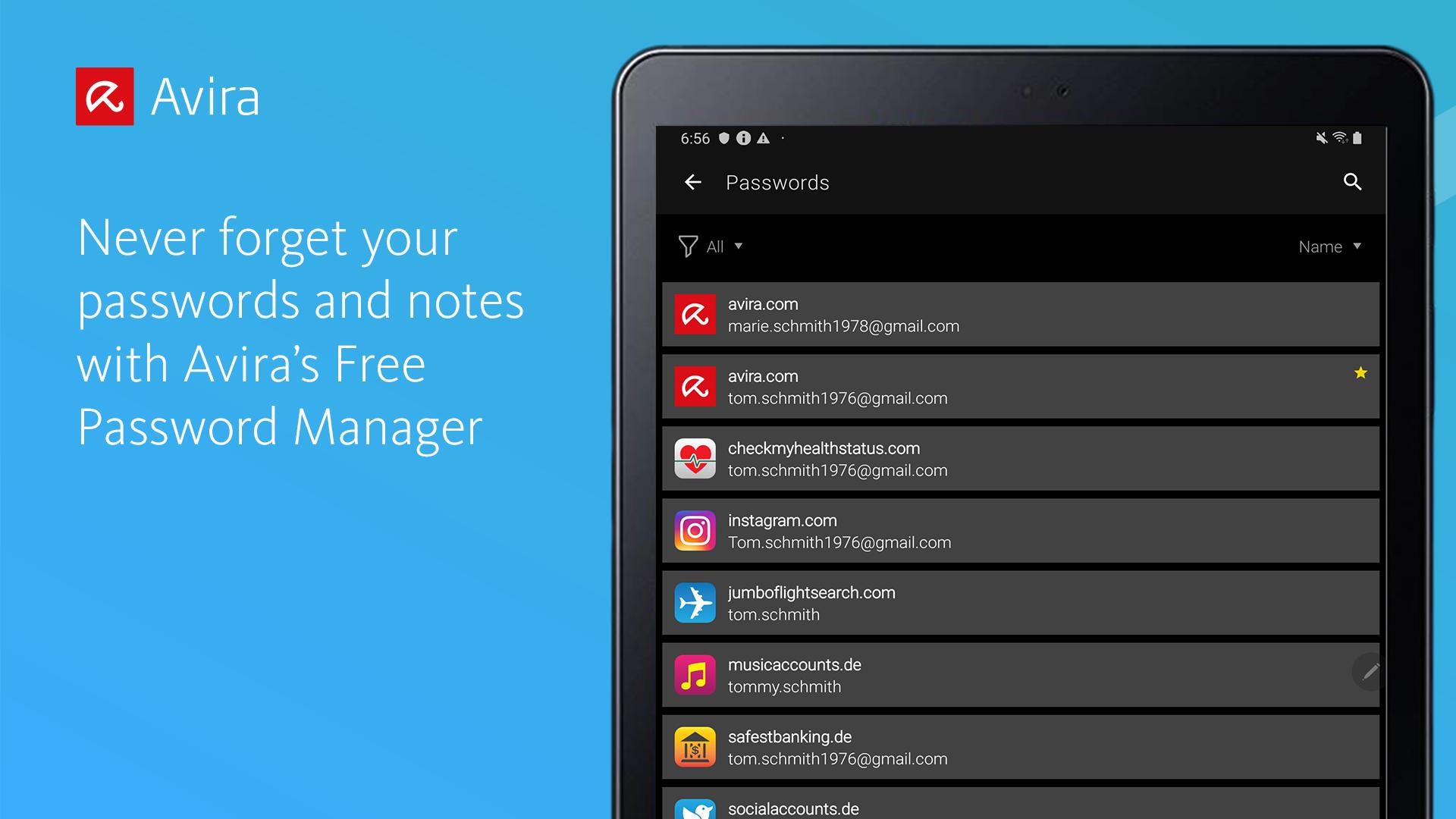
With Avira Password Manager you only need to remember one single password – the master password. It's like the key to an uncrackable password vault, in which your logins are safely stored. Simply login with this master password and enjoy access to all passwords for all your apps and accounts, as well as notes you wish to keep safe. It stores passwords for both your phones and tablets, as syncs them with your laptops as well.
◆ AUTO-FILL LOGIN FORMS ◆
Easy, convenient, time-saving: Avira Password Manager auto-fills your logins across all your favorite websites and apps. What's more, this password locker recognizes when you enter a new password on a website and asks if you want to store it.
◆ INSTANT PASSWORD GENERATOR ◆
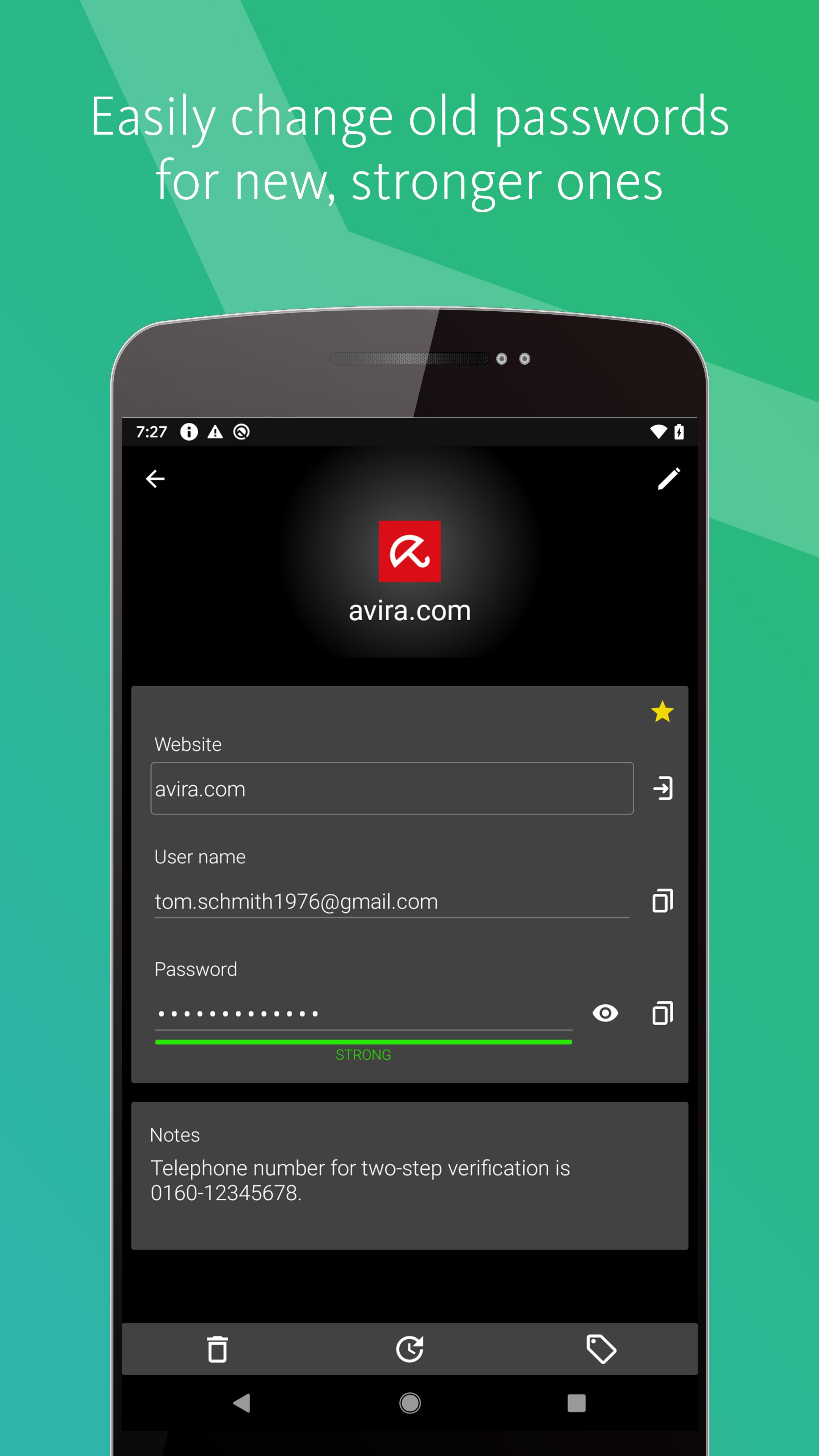
Most internet users use simple and common passwords for all their accounts, making them easy to crack. Avira Password Manager makes it effortless to set strong, unique passwords to give you the best protection against identity theft.
◆ DIGITAL WALLET ◆
You can add your credit cards to your secure digital wallet just by scanning them with your camera. Your credit card number will be instantly captured. Your saved credit cards will be available across all your devices.
◆ AVAILABILITY ◆
Avira Password Manager is available as a web dashboard (including browser extension) and as a mobile app. And best of all: Any change you make is synchronised automatically and available on all your other devices, so any password set on your laptop is available on your phone and tablet as well.
◆ SECURITY ◆
The new Security Status feature shows you at a glance how secure your passwords, accounts, and listed websites are, and whether any of your credentials have already been compromised. You can then take immediate action to improve your online security.
Your passwords, credit cards, and notes are protected using 256-bit AES encryption – the most secure standard out there. Think of it as your own personal armoured password safe. Thanks to your master password only you and you alone have access to them – not even Avira can access your data. For extra security you can use your fingerprint authentication on Google devices.
◆ TWO-FACTOR-AUTHENTICATOR ◆
Avira Password Manager now offers an in-built authenticator which is compatible with most popular online platforms, including social networks, email accounts, and shopping sites, etc. This means you can now use Password Manager to generate 2-factor authentication codes, saving you from the need to receive these codes via text message or separate authenticator apps.
◆ USE OF ACCESSIBILITY SERVICE ◆
Avira Password Manager uses Accessibility features provided by Android to fill credentials stored in your application.
Avira Password Manager Pro: Security status on all platforms, premium support. Length of subscription: 1 month or 1 year.
Privacy Policy available at https://www.avira.com/en/general-privacy
Terms and Conditions available at https://www.avira.com/en/legal-terms
Latest Version
2.12Uploaded by
Владимир Тарасов
Requires Android
Android 8.0+
Category
Free Productivity AppContent Rating
Everyone
Security Report
Report
Flag as inappropriateLast updated on Apr 7, 2026
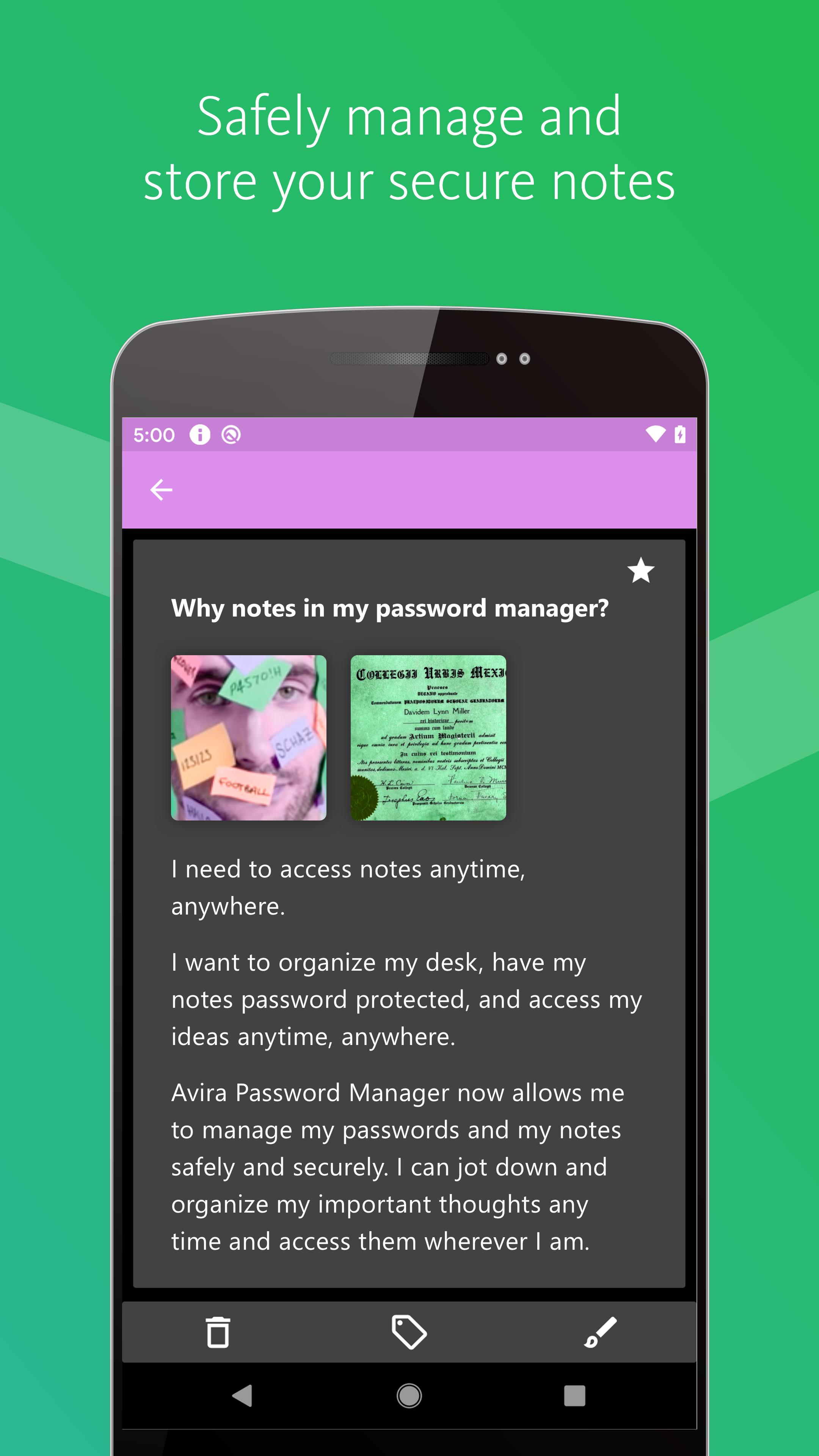
With this release, you can now attach any kind of files: images, pdf files, text documents, videos and more. Attach files to any of your items: Passwords, Notes or Wallet. You can also share your photos and files from other applications directly with Avira Password Manager.





APKPure - A multi-platform app store primarily focused on Android, providing extensive app-related content. Discover the app you want easier, faster, and safer, with quick and efficient downloads and installations.