
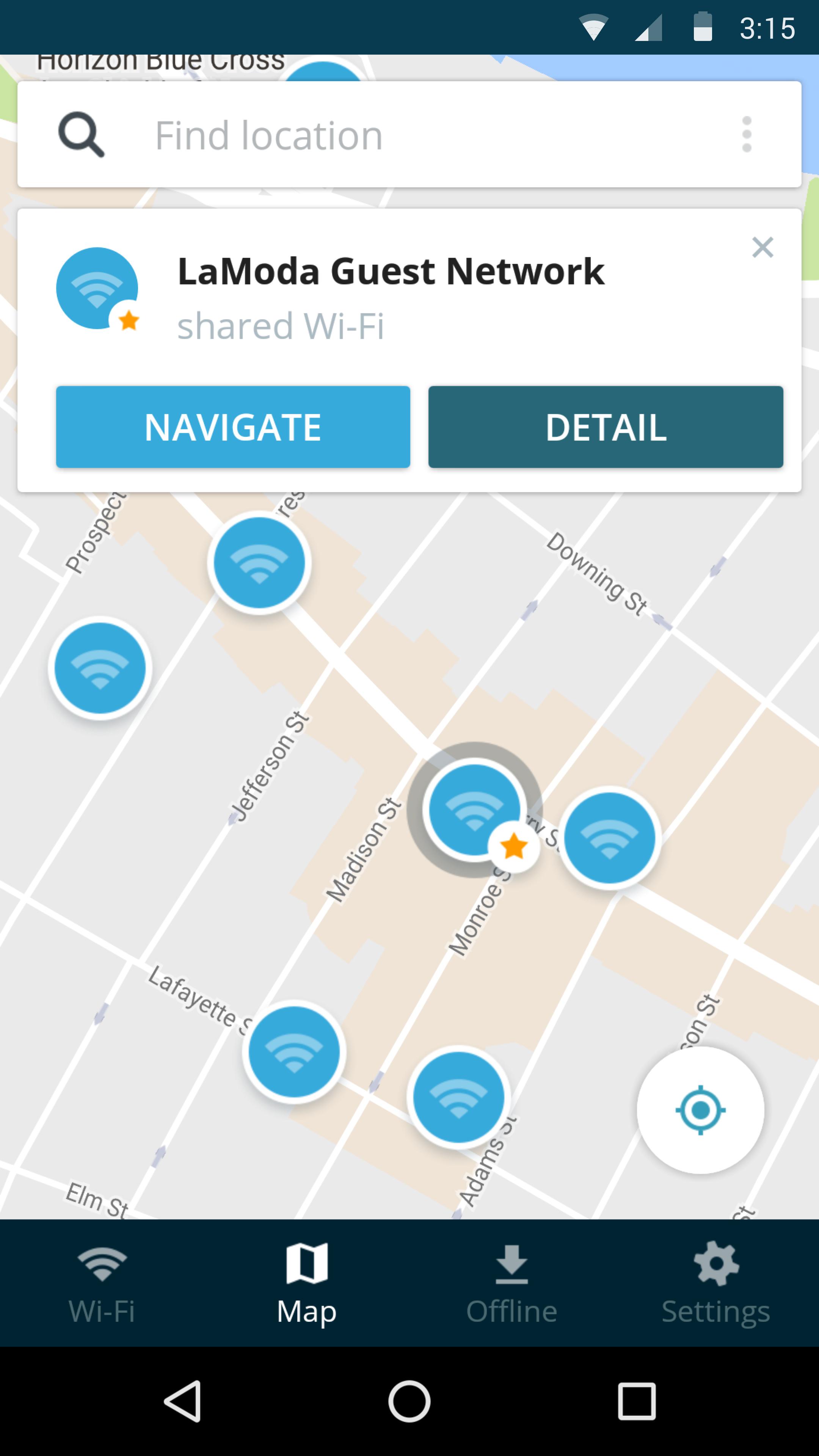
Avast Wi-Fi Finder helps you locate fast, reliable Wi-Fi networks near you, so you don’t have to eat into your data plan. Simply turn on the Wi-Fi Finder map to see free, public hotspots nearby, and connect as quickly and as easily as you would at home.
Features
■ Millions of active hotspots
■ Wi-Fi passwords provided by the Avast community
■ Internet speed test
■ Find devices via network scan
■ Wi-Fi Security Scan
■ Offline Mode
■ Smart Connect
Sophisticated set of Wi-Fi tools & scanners give you a full overview of the Wi-Fi network you’re connected to:
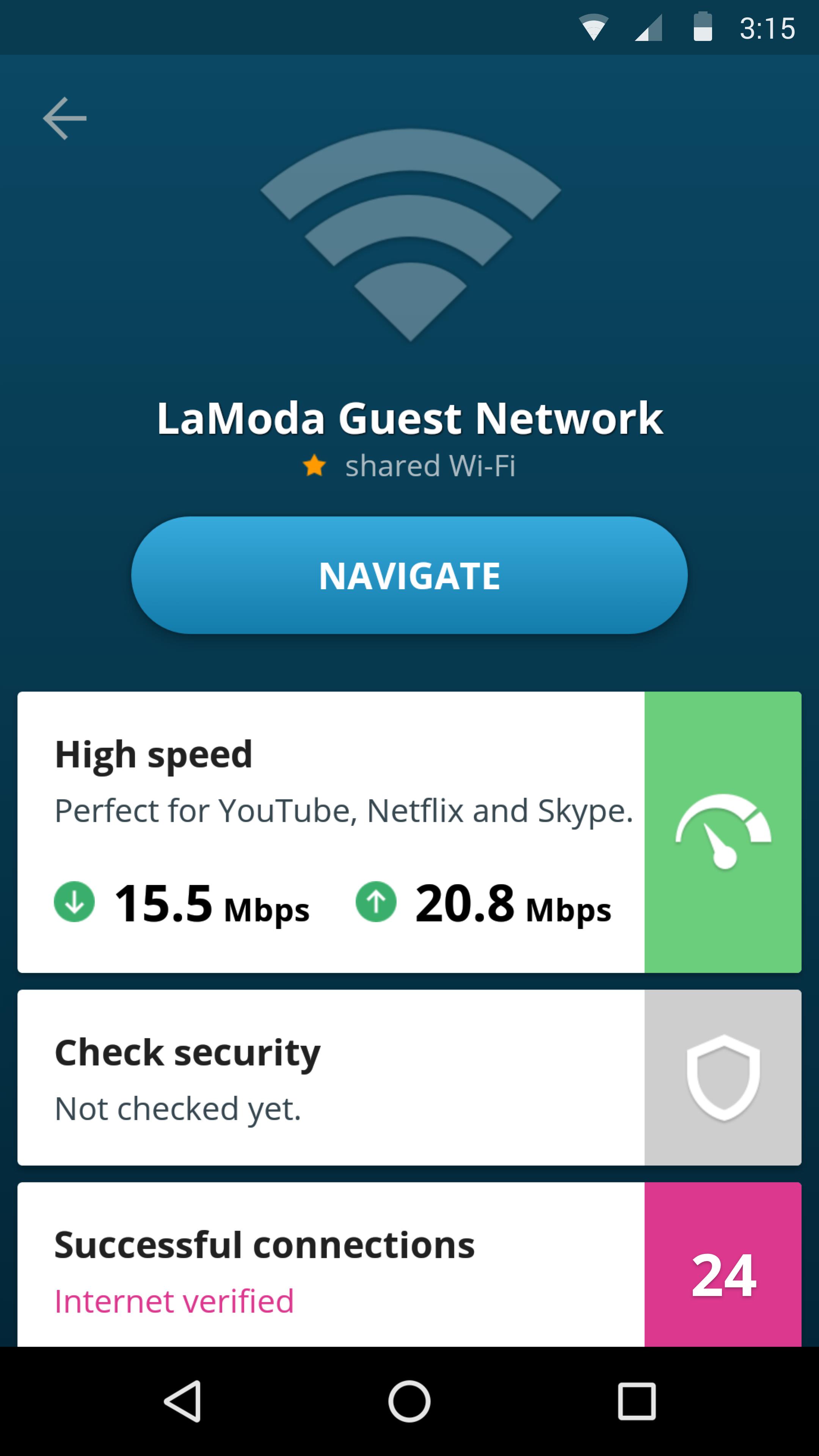
✔ Is the hotspot fast enough to watch YouTube or just checking Facebook? Run a reliable Speed Test to find out.
✔ Is someone stealing your internet bandwidth? Find Connected Devices network scanner provides instant answers by listing all devices connected to the network.
✔ Is the Wi-Fi hacked? Wi-Fi Security Scan finds potential security holes and issues on the network.
✔ Offline Mode - downloads a list of hotspots to your device and finds the best Wi-Fi even without a connection. Perfect for traveling abroad and saving on your mobile data.
✔ Smart Connect - finds, tests, and connects you to the best Internet in your area.
Latest Version
2.3.1Uploaded by
Halilcan Elitok
Requires Android
Android 4.0.3+
Category
Free Productivity AppContent Rating
Everyone
Report
Flag as inappropriateLast updated on Feb 26, 2018
* Introducing *Find devices on network*, an exciting NEW FEATURE, that will help you identify devices connected to Wi-Fi. Now you can be sure that only your phones and computers are connected to your network, and no one else.
* Frequently Asked Questions (FAQs) are now accessible directly in the app to answer questions to most popular issues
* Refreshed Settings section user interface which is now called Tools
* Bug fixes and performance improvements





APKPure - A multi-platform app store primarily focused on Android, providing extensive app-related content. Discover the app you want easier, faster, and safer, with quick and efficient downloads and installations.