# AutoSync 2 - Save your battery life and data usage
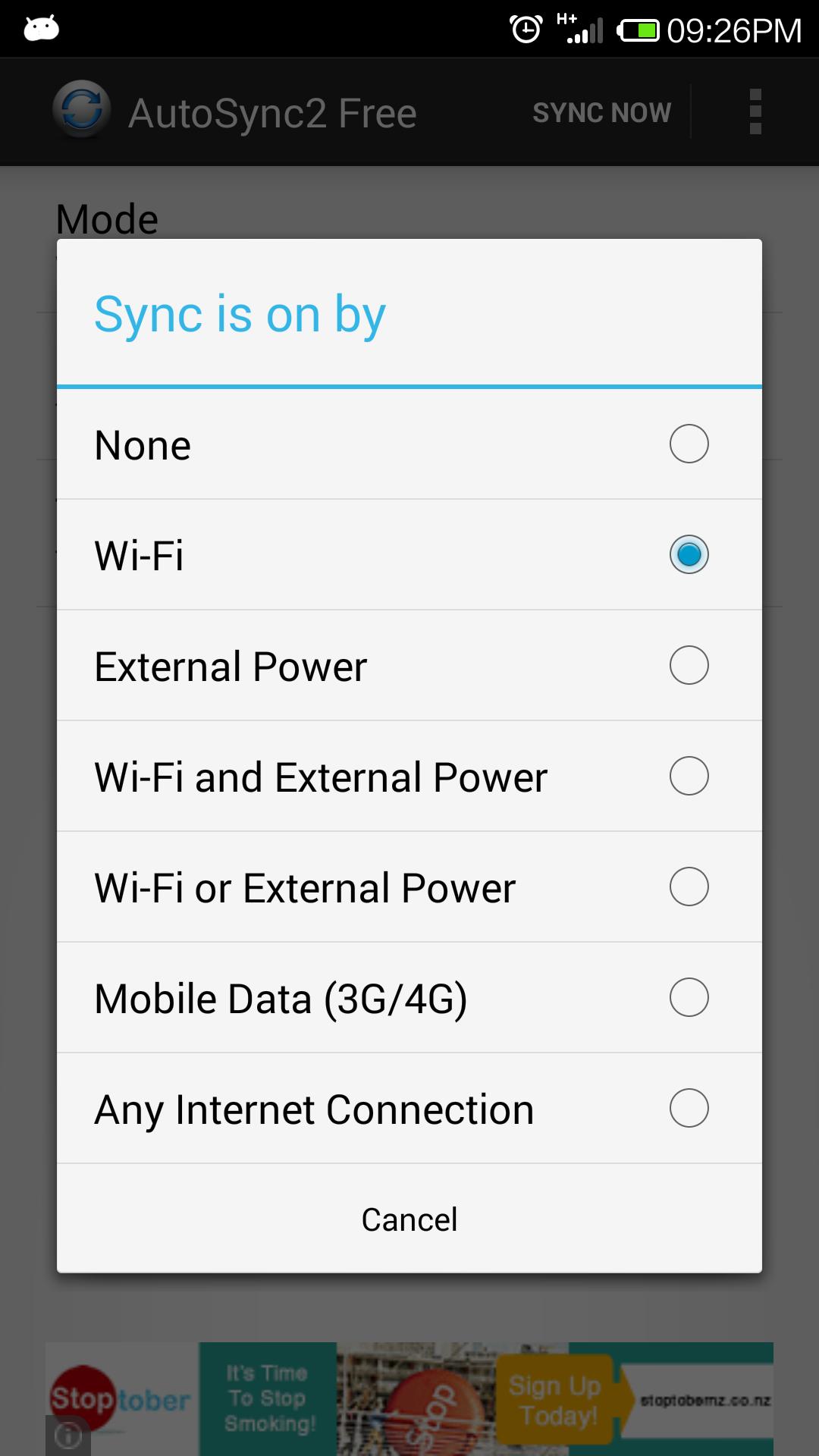
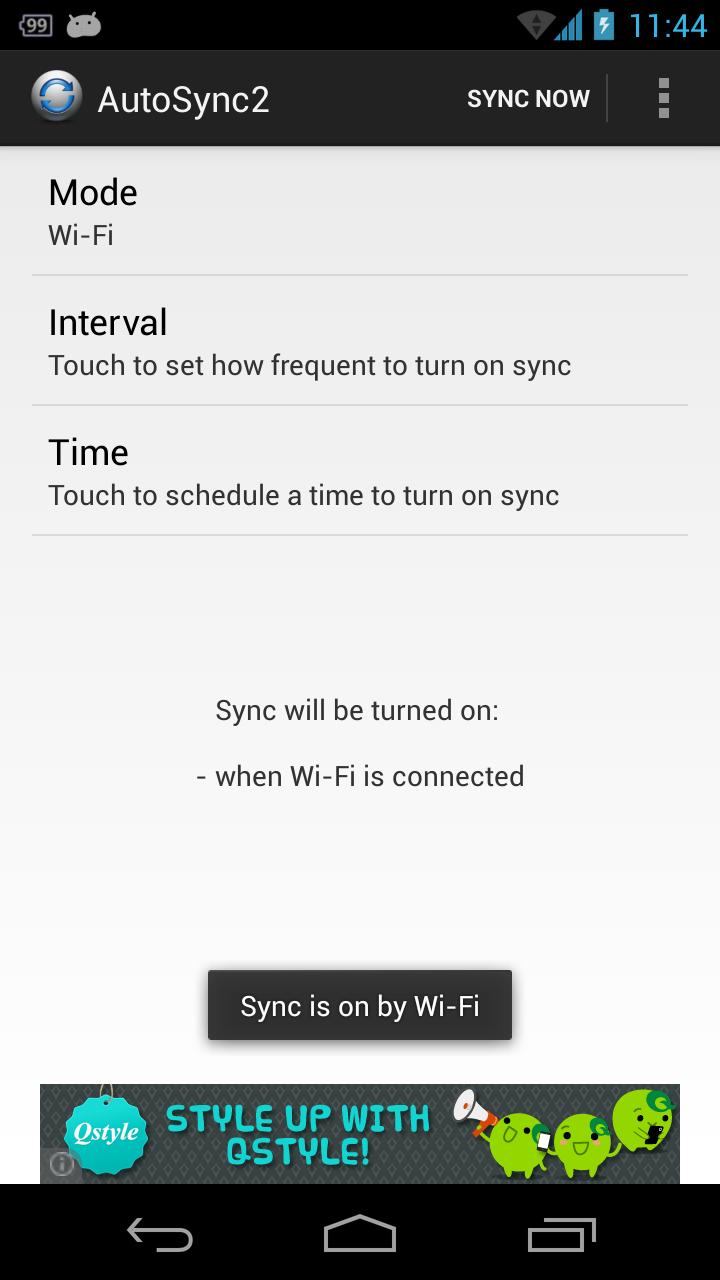
- Save data usage by select turn on sync when "Wi-Fi" is connected
- Save battery usage by select turn on sync when "External Power" is connected
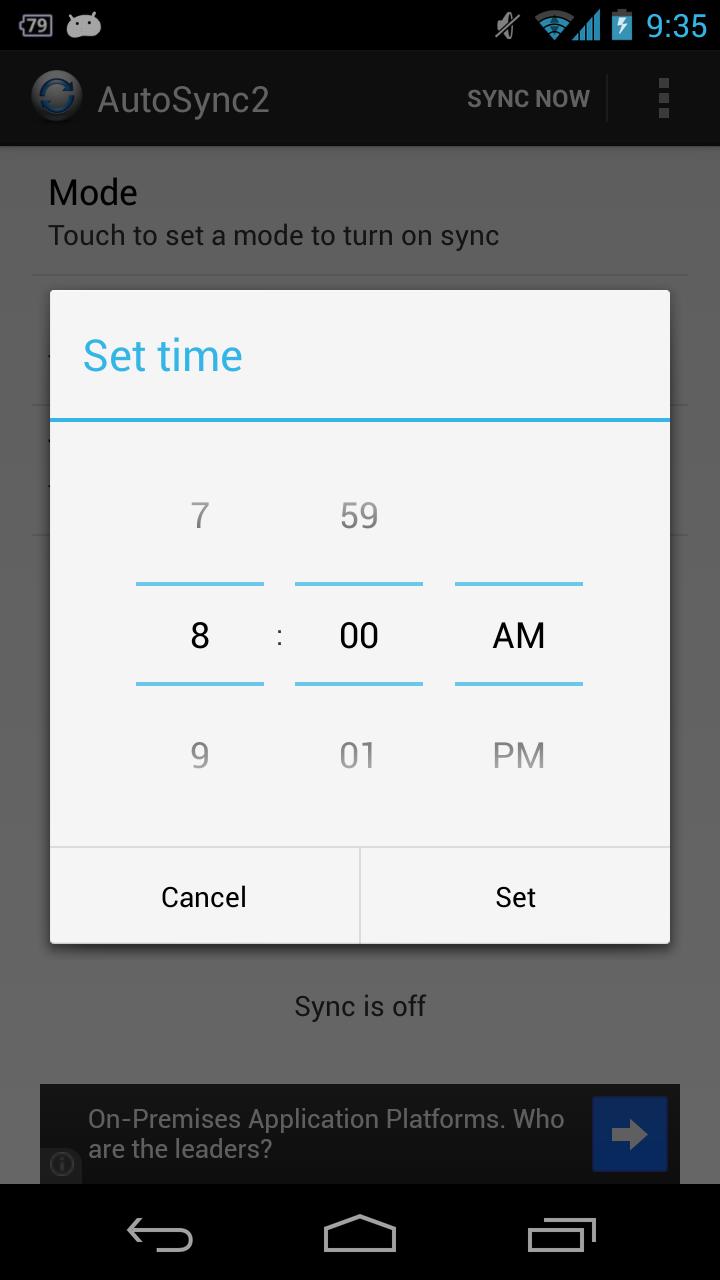
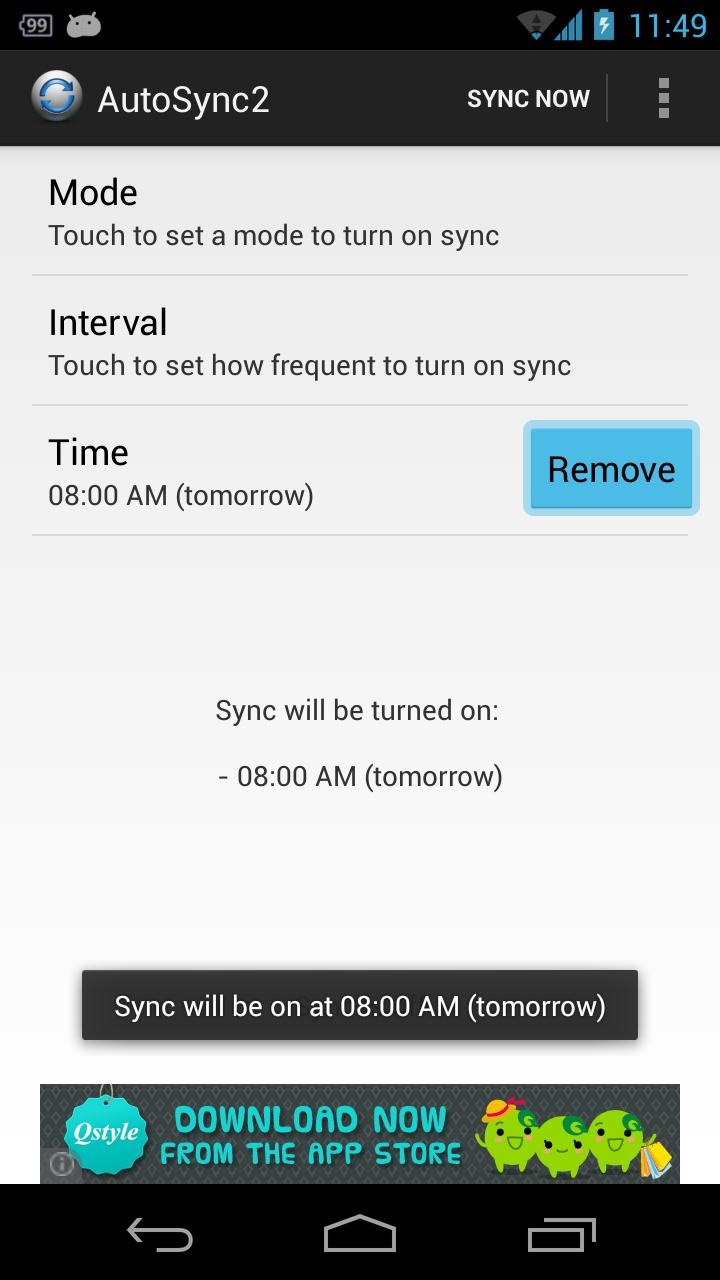
- Schedule a "Time" a turn on sync
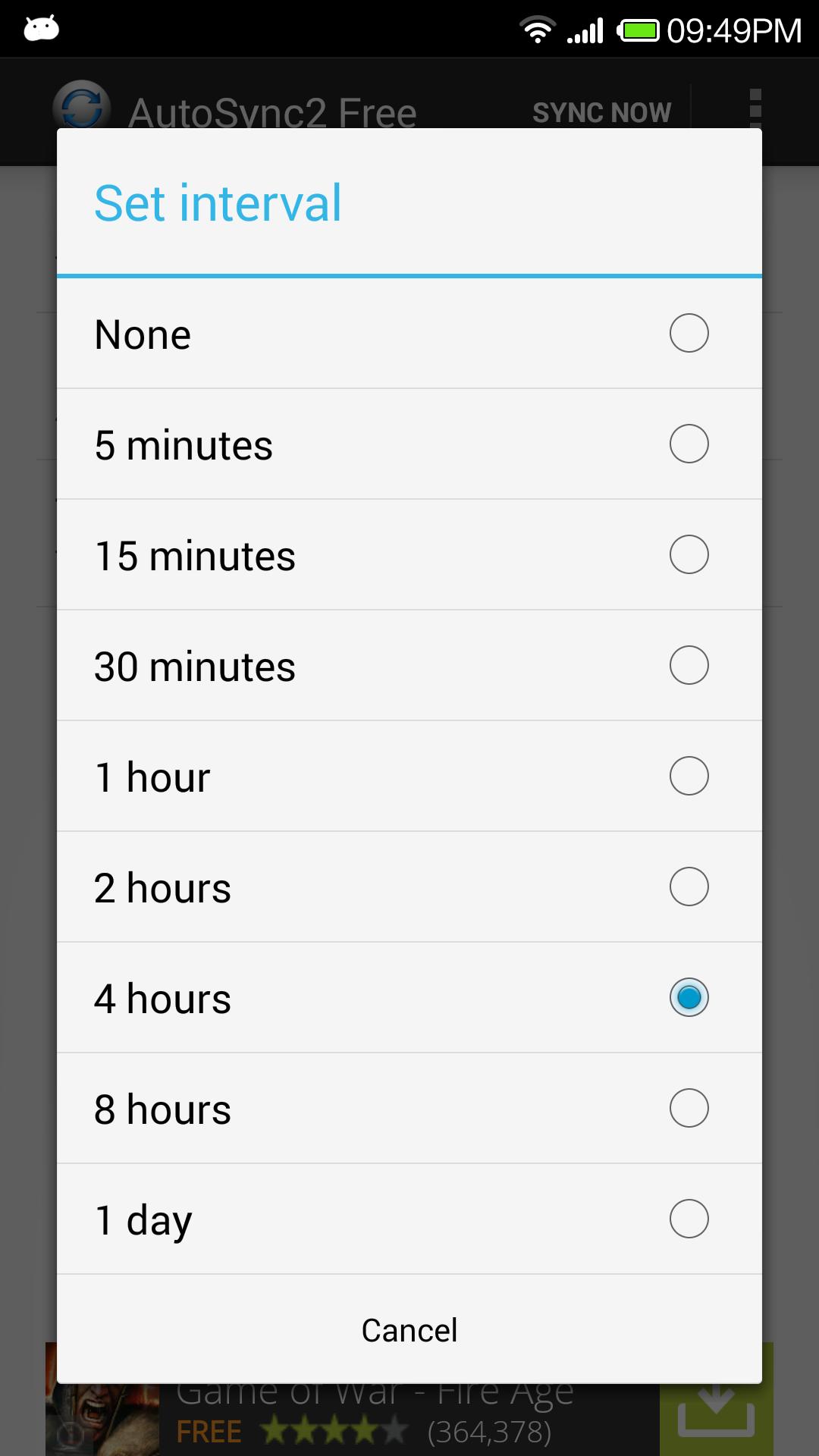
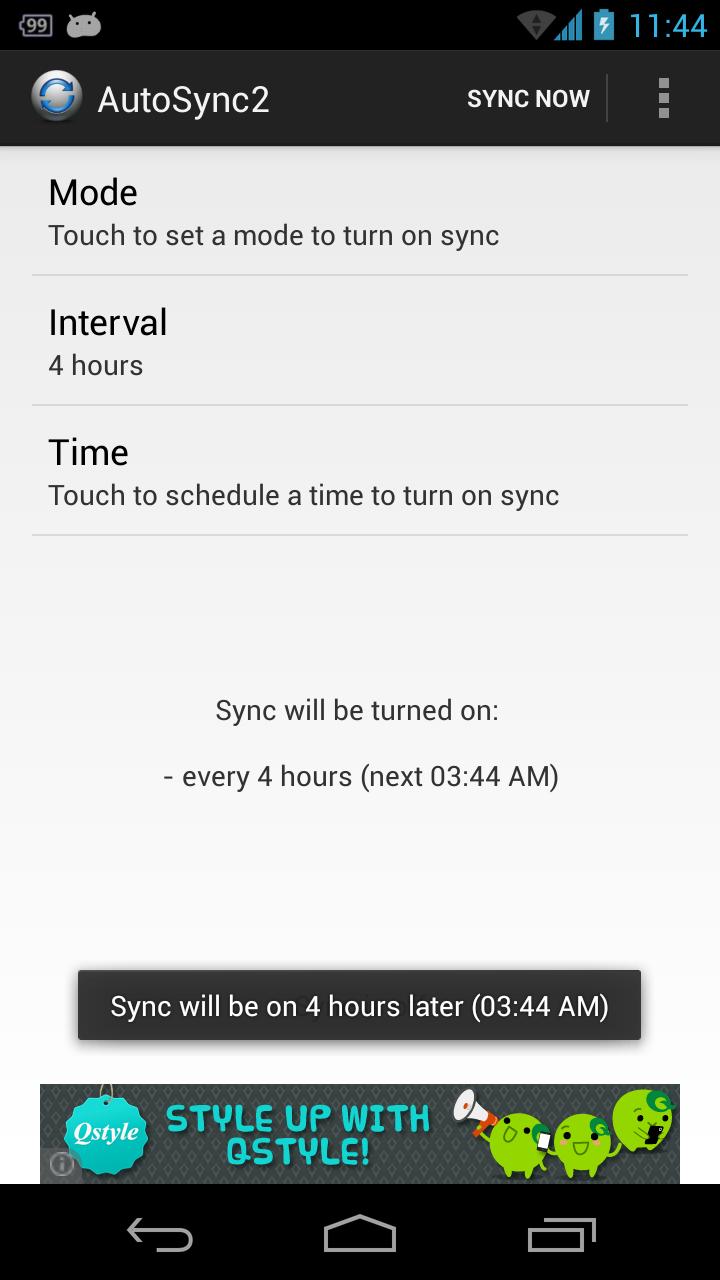
- Set an "Interval" to turn on sync
- Save both data usage and battery by select turn on sync when both "WiFi + External Power" are connected
- Quick access to turn on sync with "Sync Now"
# FAQ
Q: How to save data usage?
A: Select "Wi-Fi" and sync will only turn on when Wi-Fi is connected.
Q: How to save battery usage?
A: Select "External Power" and sync will only turn on when external power is connected.
Q: How to turn on sync manually?
A: Tap "Sync Now".
Keywords: autosync, auto sync, sync, smart sync, smartsync, easy sync, easysync, automatic sync, schedule sync, interval sync
Latest Version
2.7Uploaded by
Johny AL Baylosis-Gamas Ebcay
Requires Android
Android 3.0+
Category
Free Tools AppContent Rating
Everyone
Report
Flag as inappropriateLast updated on Jul 6, 2016
Recognise wireless charging as external power.


APKPure - A multi-platform app store primarily focused on Android, providing extensive app-related content. Discover the app you want easier, faster, and safer, with quick and efficient downloads and installations.