Scan Date:Apr 29, 2026
Show More


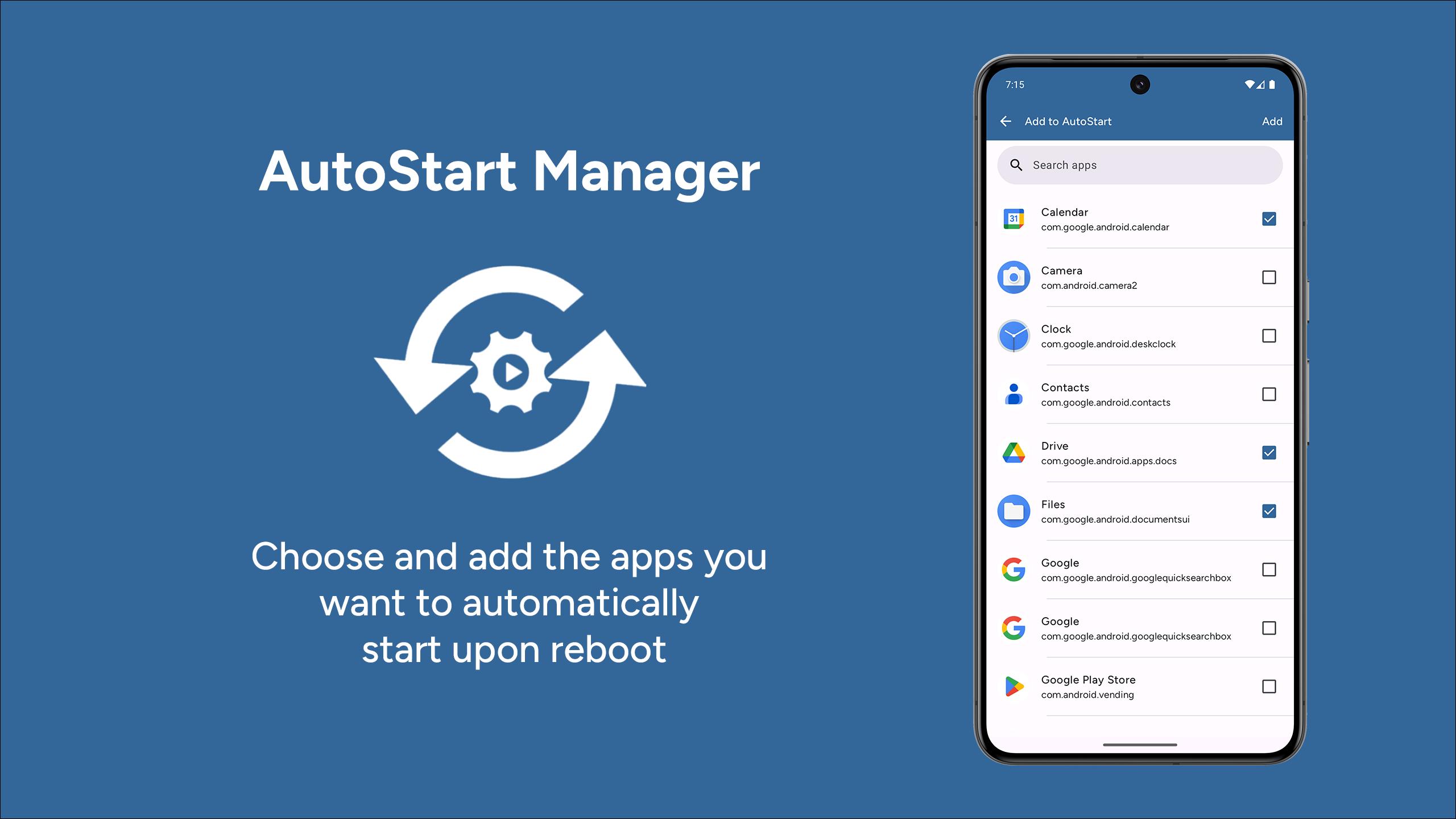
AutoStart App Manager helps when your phone starts with too many apps and you prefer a cleaner boot. It provides a clear view of startup behavior, so you can keep attention on essential apps while limiting the rest. The interface follows modern Android guidelines and is easy to navigate. AutoStart App Manager APK is available for users who install apps directly. This approach supports a more organized start and keeps your workflow steady. Setup is straightforward. Getting started takes only a few steps.
Control startup apps
AutoStart App Manager shows apps that can start during boot. You choose which ones may start and which ones stay off. Changes take effect on the next restart. Then you can focus on essentials.
Prioritize essentials after boot
You can allow key apps to start early, such as messaging or calendar tools. This helps those apps be ready when the device finishes booting. It supports a consistent routine for daily use. The next step is navigating settings with a clear design.
Material3 interface
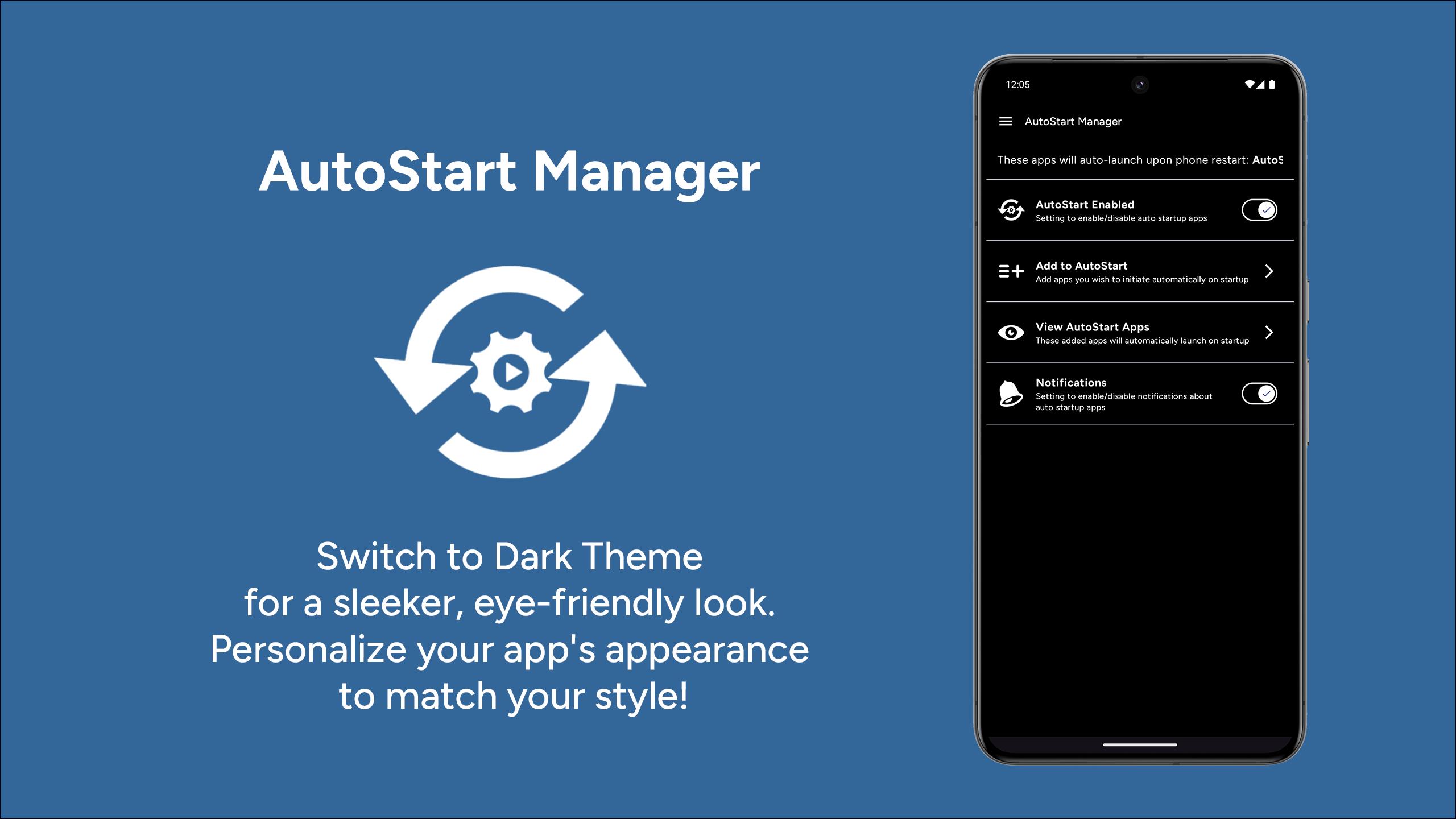
AutoStart App Manager is built with Jetpack Compose and uses Material3 design. Controls are clear and readable. Navigation matches modern Android patterns, so settings are easy to find. This works together with broad version support.
Support for recent Android versions
AutoStart App Manager is designed to work across many devices and recent releases, including Android 14 and 15. When you download AutoStart App Manager, you get behavior aligned with current Android standards. This helps reduce surprises across different phones.
AutoStart App Manager gives you practical control over which apps run at boot. Use it to keep essential tools ready and limit background starts. For new installations, check AutoStart App Manager latest version to stay aligned with current Android releases. Setup takes only a short review of your app list.
Latest Version
7.3.0Uploaded by
Alex Babu
Requires Android
Android 6.0+
Category
Free Tools AppContent Rating
Everyone
Security Report
Report
Flag as inappropriateLast updated on Apr 29, 2026
🎨 Revamped UI: Fresh, modern look for better navigation.
🚀 Boot Order: Customize app launch order.
🌙 Dark Mode: Now available for comfortable viewing.
🔍 Sort Filter: Easily find apps with new options.
❓ Help & FAQs: Solutions for common auto-start issues.
⚙️ Improvements: Box fixes, performance updates & added Latvian language.





APKPure - A multi-platform app store primarily focused on Android, providing extensive app-related content. Discover the app you want easier, faster, and safer, with quick and efficient downloads and installations.