Scan Date:May 18, 2026
Show More

BASIC FUNCTIONALITY
• Alarming in case of emergency (via phone call and SMS with a link to Google Maps)
- No Internet required, i.e. no need to purchase data packages for alerting
(neither at home nor abroad).
- Location of the mobile phone even without ➀ GPS (less accurate)
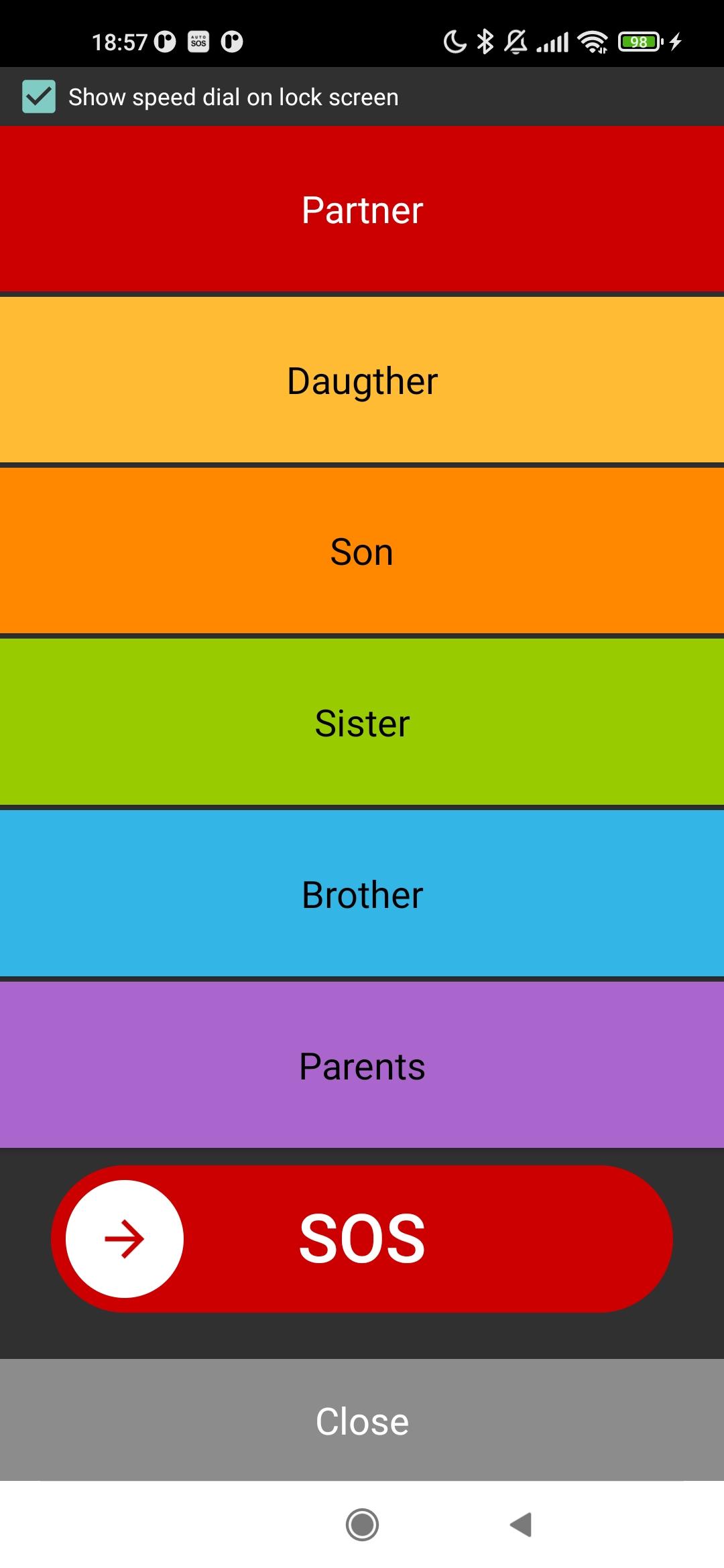
• Speed dial and alarming from the lock screen
• Alerting of incoming alarm SMS, even in silent mode
• Eases finding the mobile phone in close proximity, by making it ring through an SMS command, even in silent mode
• Facilitate the location of the mobile phone in case of theft by reporting its current position:
- in response to a SMS command
- when the SIM card is changed ➁
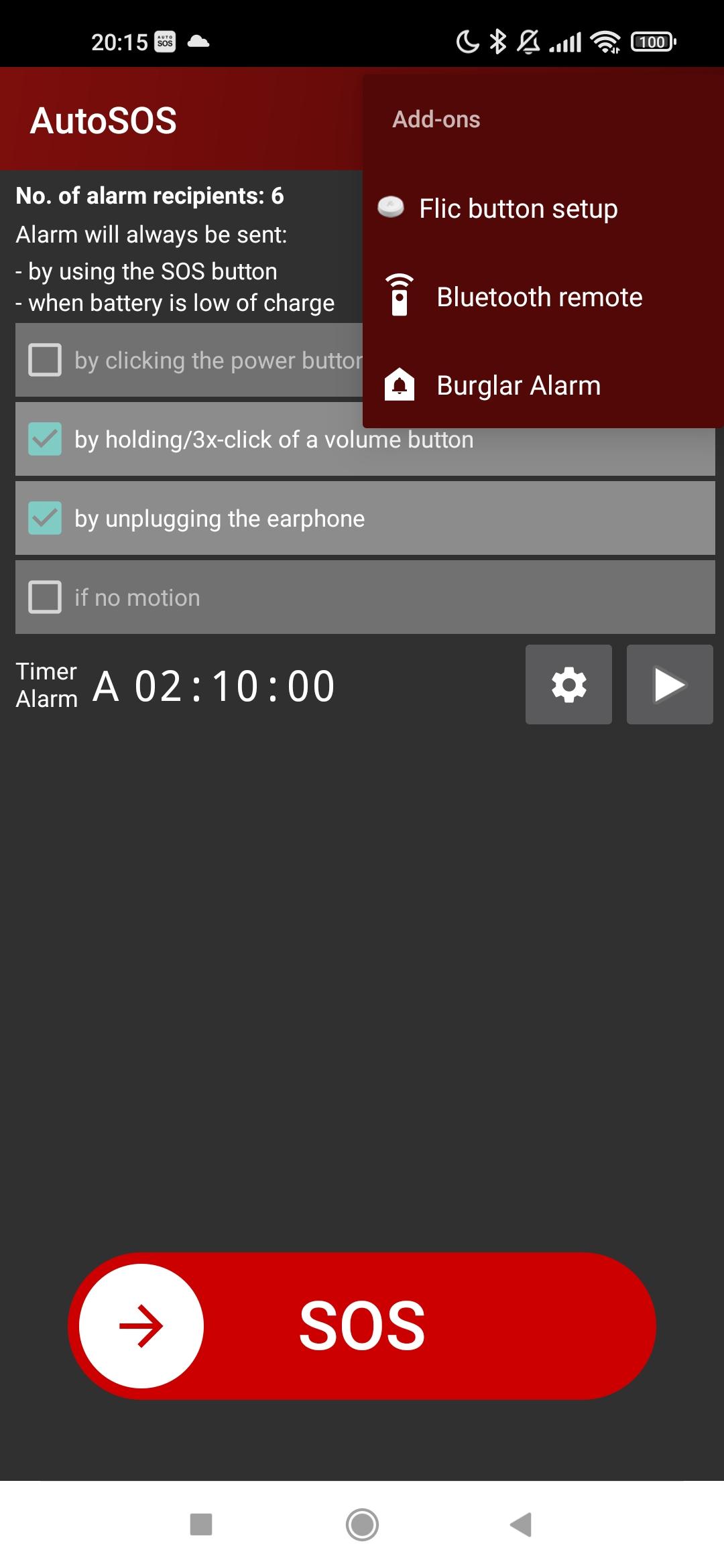
• AutoSOS alerts when alarm SMS is received from burglar alarm systems, even if the mobile phone is muted
➀ For this purpose AutoSOS must also be installed on the alarm receiver side.
Please note: The alarm emitter must have "Location" enabled under Android. This is the only way for apps to get access to "location sources" (GPS, cell phone masts, and WLAN). Cell phone masts and WLAN are used by AutoSOS for location if GPS reception is missing. The "Android location" is mandatory, not only for AutoSOS but for all apps that offer position finding. (See: Location / GPS And Battery Consumption With Android)
➁ only works with Android versions < 10
RAISING ALARMS
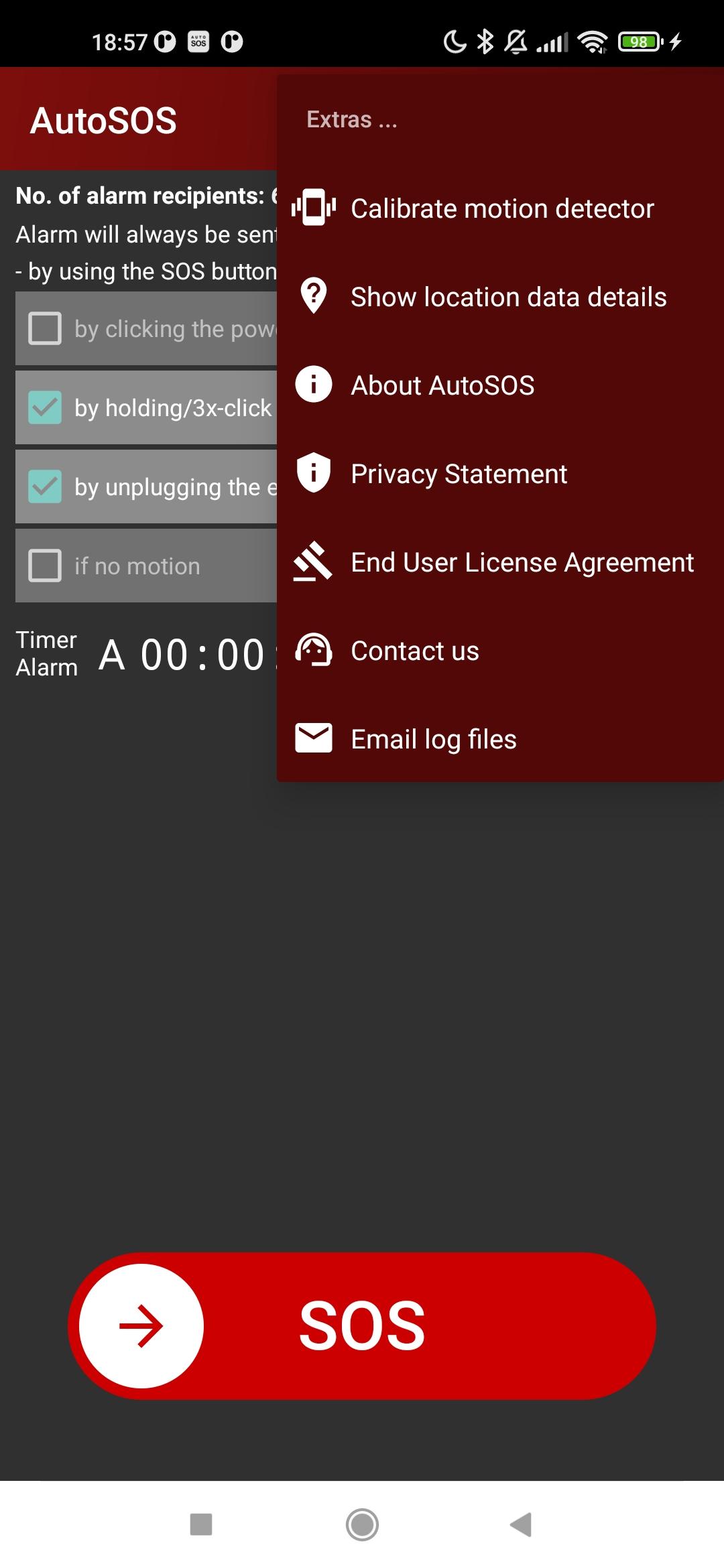
The alarm can be raised:
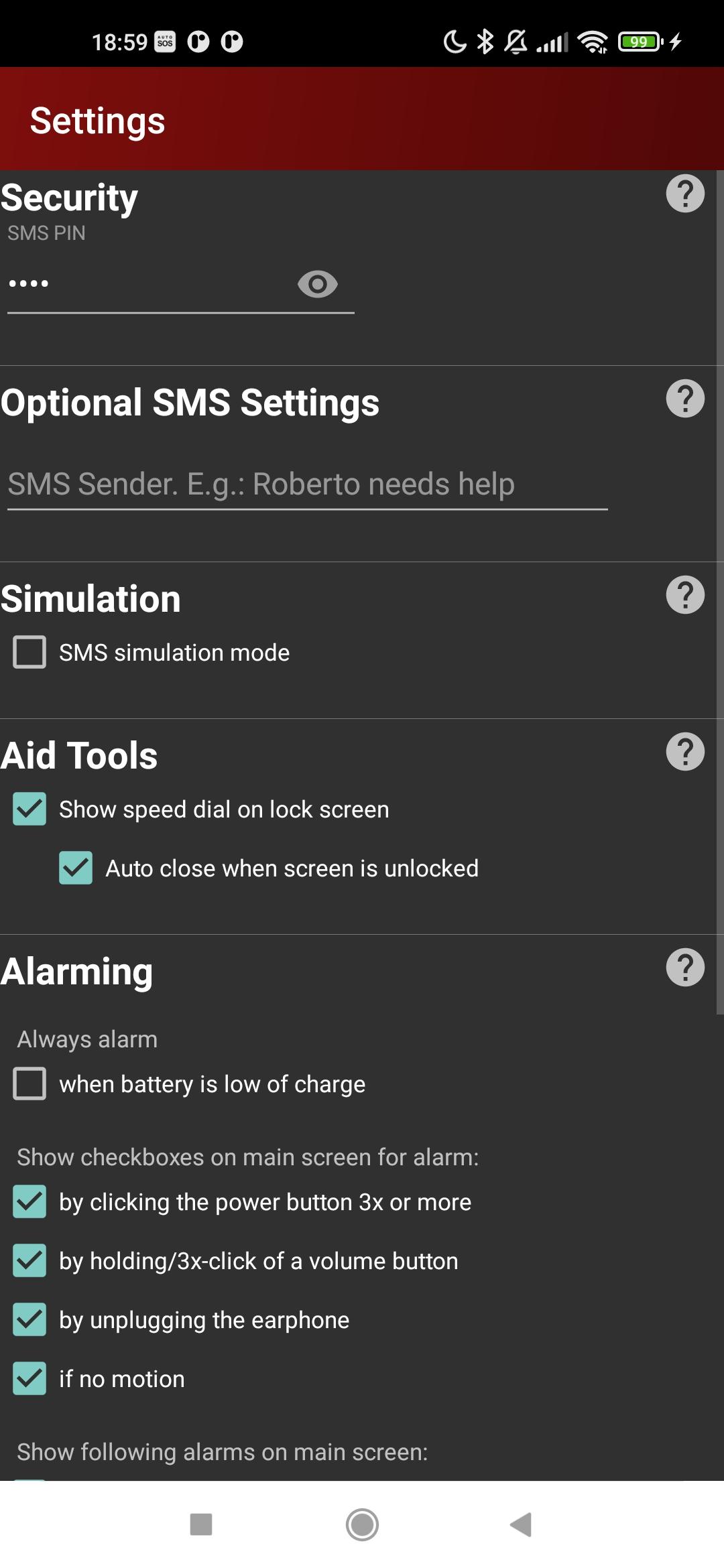
• by clicking on the SOS button
• by pulling the earphone plug (Hint: Cut the cord of an old earphone and make a loop or knot)
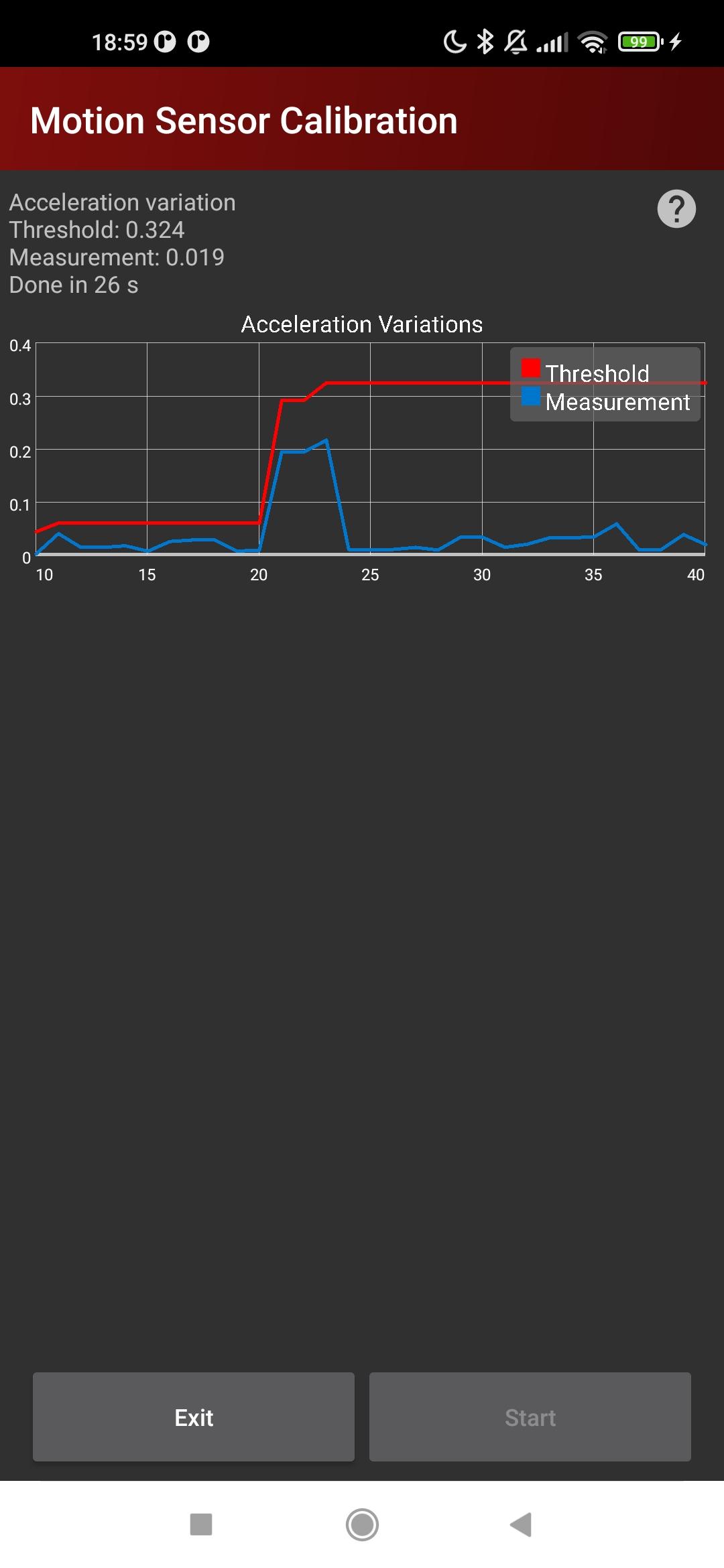
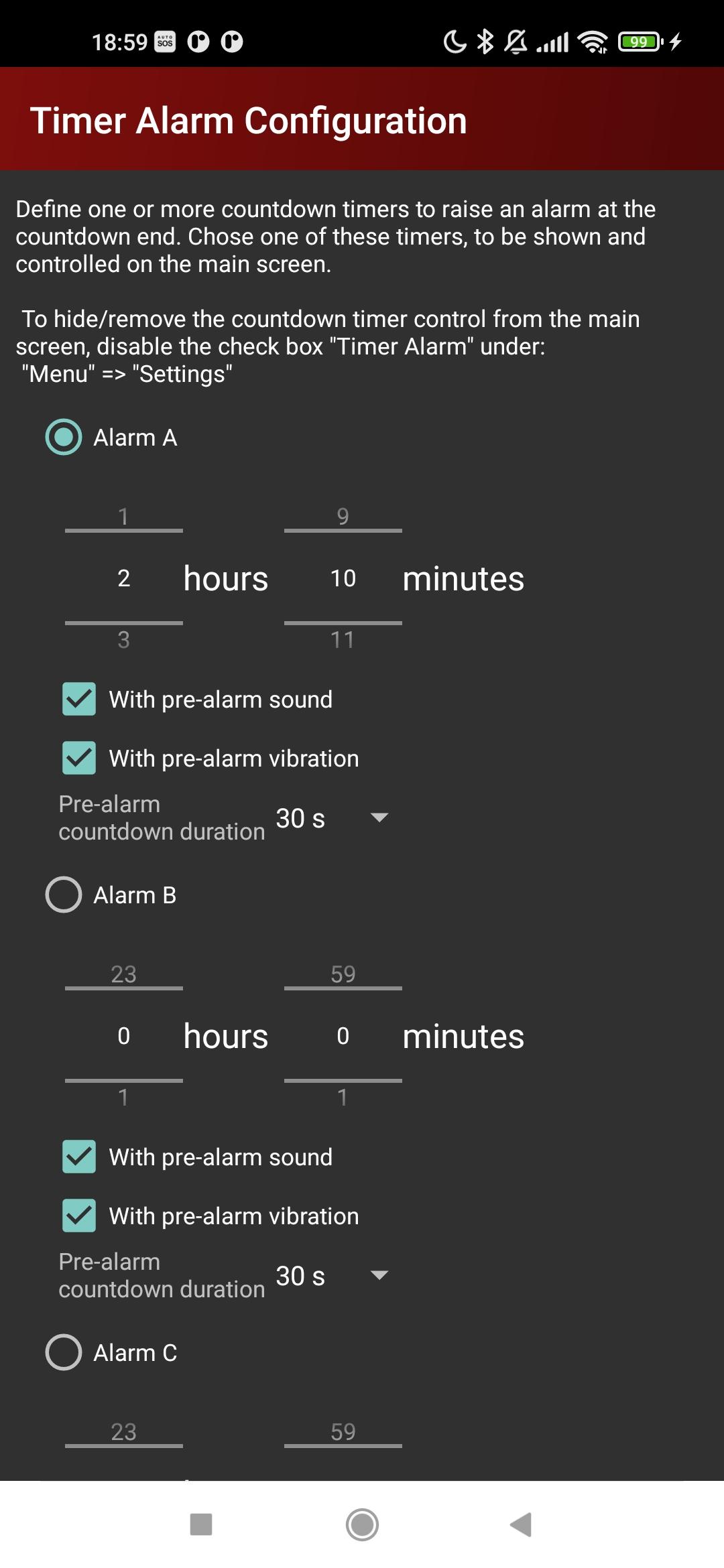
• by the absence of significant motion
• by holding or clicking one of the volume buttons several times
• by pressing the power button several times
• by pressing a Flic button ➂ (to be bought separately from www.flic.io)
• by using Bluetooth remote controls
• when the battery is low of charge
➂ Both new Flic2 and older Flic buttons are supported.
DETAILS
See AutoSOS - The Android Alarming App: https://www.autosos.org/p/autosos.html
PRIVACY POLICY
See AutoSOS - PrivacyPolicy: https://www.autosos.org/p/autosos.html#PrivacyPolicy
[SDL: 000000146641]
Latest Version
4.17Uploaded by
Abdullah Jamal
Requires Android
Android 8.1+
Category
Free Communication AppContent Rating
Everyone
Security Report
Report
Flag as inappropriateLast updated on May 18, 2026
IMPROVED
• Improvement of the last correction of an error related to Android >= 14, that caused AutoSOS to stop receiving SMS messages on certain devices after a certain period of time
• Updated internally used libraries to the latest versions
PLANNED
• Continuous motion monitoring and if possible also fall monitoring with the help of the Mi Fit band



APKPure - A multi-platform app store primarily focused on Android, providing extensive app-related content. Discover the app you want easier, faster, and safer, with quick and efficient downloads and installations.