
IO Auto clicker is the perfect app to automate clicks & taps for games.
From precise timing to automatic taps and auto scroll, every feature is designed for efficiency. Plus, the click assistant makes setup effortless, letting you jump right into action.
Key Features for Auto Clicker
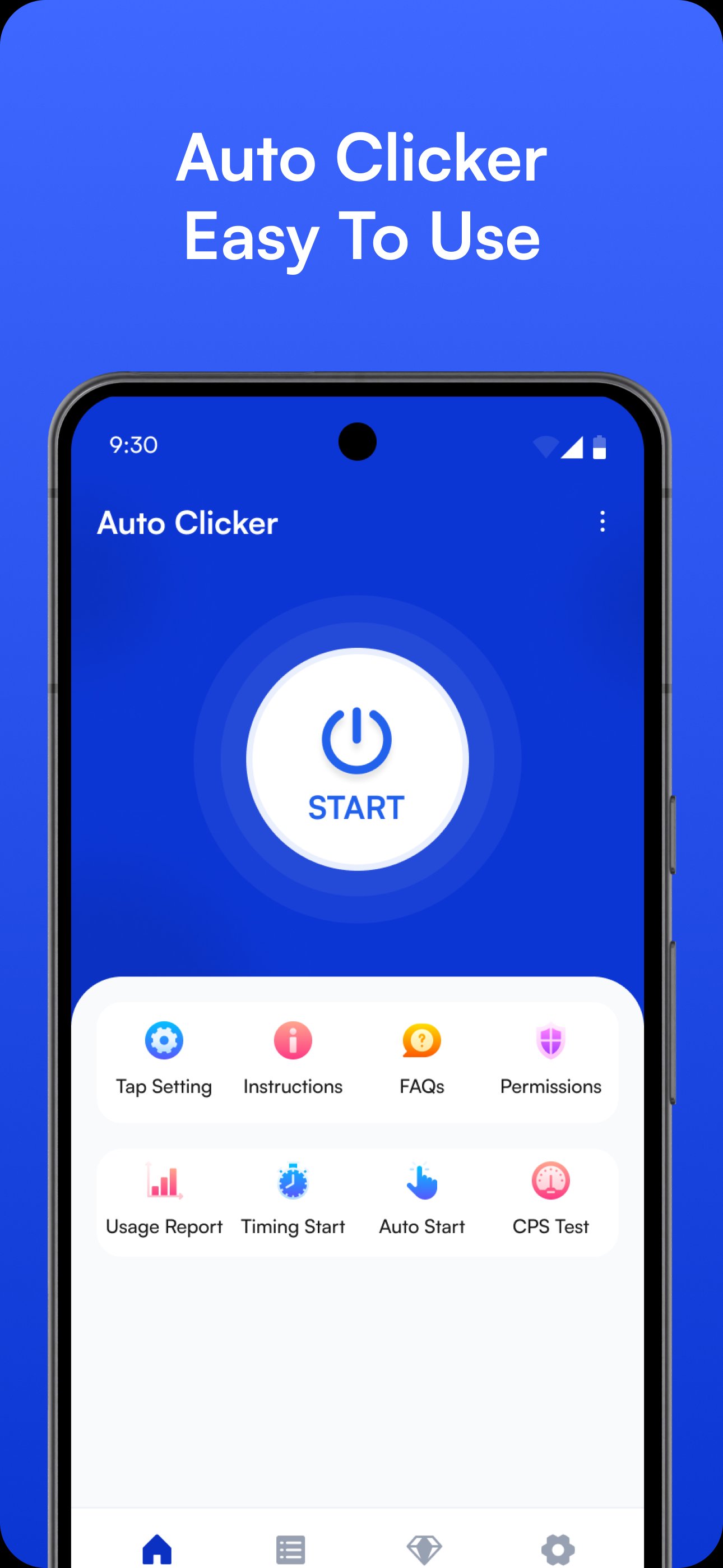
Delayed Timed Start: Schedule automatic taps with customizable delays, allowing for precise timing in various applications.
Synchronous Click Pattern: Execute multiple clicks simultaneously, ideal for gamers and users looking to automate their tasks efficiently.
Usage Reports: Track your autoclicker activity with detailed reports on the most used mode, total clicks, and maximum clicks per session. Perfect for keeping a record of your clicking patterns or even using it as a clicker counter to track how many clicks you have performed.
Multi-Click Mode: Set up multiple auto taps in different areas for complex tasks, making it a great clicker app for users who need advanced tapping functionality.
Single Target Mode: Focus on a single area of the screen for precise auto clicks, tailored for tasks that need accuracy in automatic tapping. This also functions well for any tiny task that requires repetitive actions.
App Auto Start: Frequently using the free autoclicker on your favourite apps? Use the auto start function so it launches automatically when you open your apps, saving you time and effort.
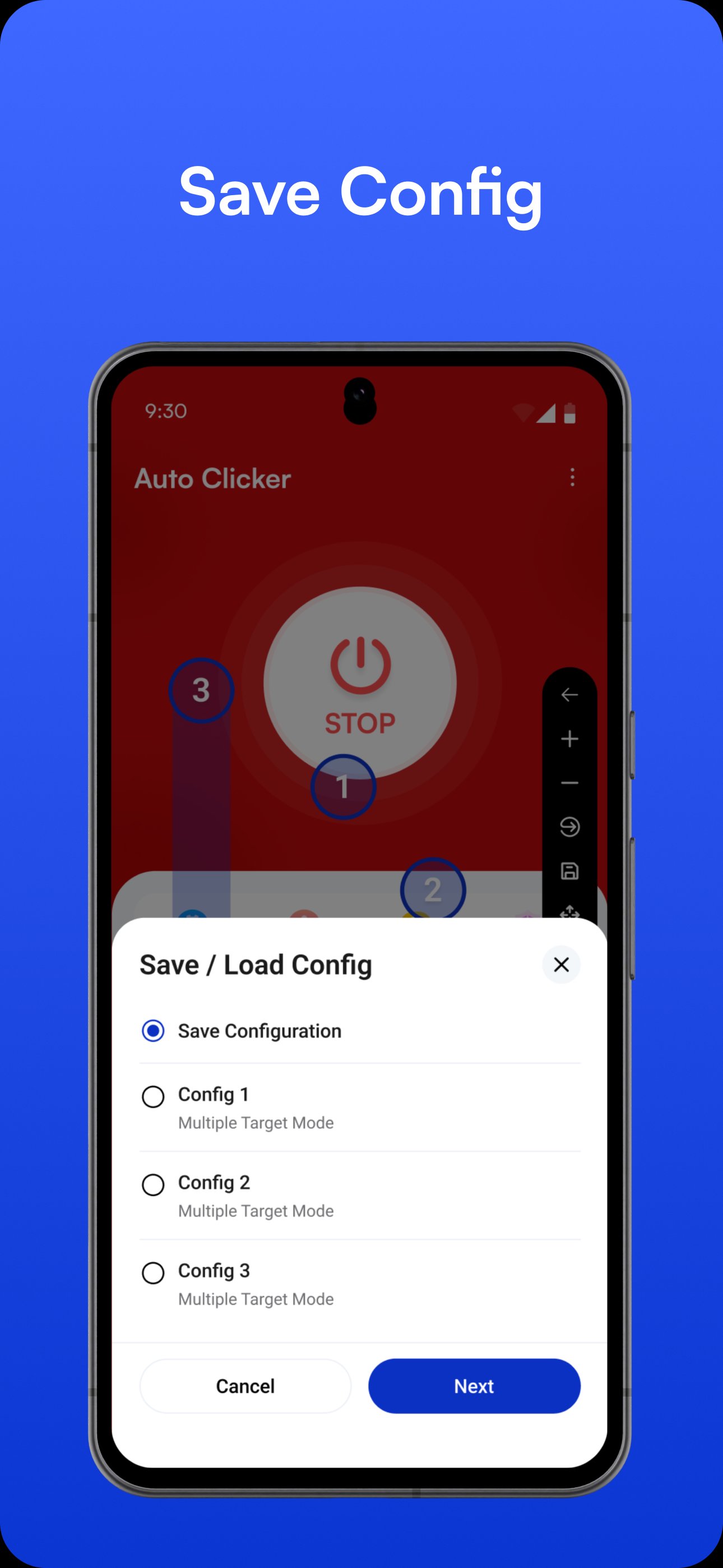
Import and Export Configurations: Transfer your settings with ease using the auto clicker's import/export feature. Maintain consistency across your devices without resetting configurations, making it ideal for users switching between devices.
Transparency Adjustment: Adjust the transparency of the floating controls for smooth operation without interrupting your experience with auto tap or other tasks. Whether it's for gaming or productivity, this auto tapper ensures you stay efficient and organized.
Floating Toolbar: Manage your clicks directly from any application with our floating toolbar. Adjust clicking settings on the go without ever leaving your current app.
No Root Access Required: Unlike many other automation apps, IO Auto Clicker does not require you to root your Android phone. It’s easy to install and use, right out of the box, providing powerful automation without compromising your device's security.
With this OP auto clicker on your mobile, you’re ready to tackle any task with precision and speed. From professional workflows to gaming sessions, Auto Clicker Automatic Tap has all the features you need, including options like auto scroll, tiny task automation, and more.
Refer to our privacy policy for any other issues - https://autoclicker.io/privacy-policy/app-policy/
Permission description
✓ Requires Accessibility Service to achieve autoclicking, so it requires authorization.
✓ Available for Android 10.0 or above.
Why use an Accessibility Service?
We use this approach to implement things like clicks, swipes, and other core functionality.
Latest Version
1.7.17Uploaded by
جمانا سعيد
Requires Android
Android 7.0+
Category
Free Tools AppContent Rating
Everyone
Report
Flag as inappropriateLast updated on Jul 31, 2026
This release includes minor bug fixes and general improvements. Update to the latest version for the best experience.






APKPure - A multi-platform app store primarily focused on Android, providing extensive app-related content. Discover the app you want easier, faster, and safer, with quick and efficient downloads and installations.