Scan Date:Apr 4, 2026
Show More

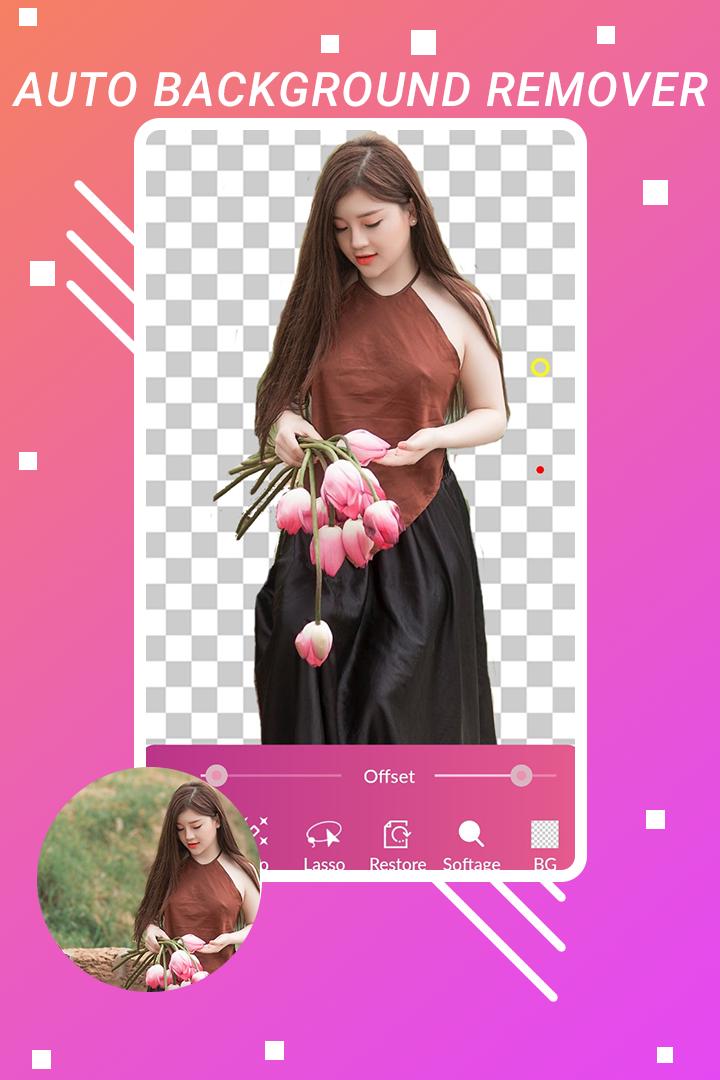
Background Eraser - Auto Background remover, use to cutting a pictures and making a pictures background transparent. You can smartly remove pictures, colors or any objects from background and set a new background using background eraser app.
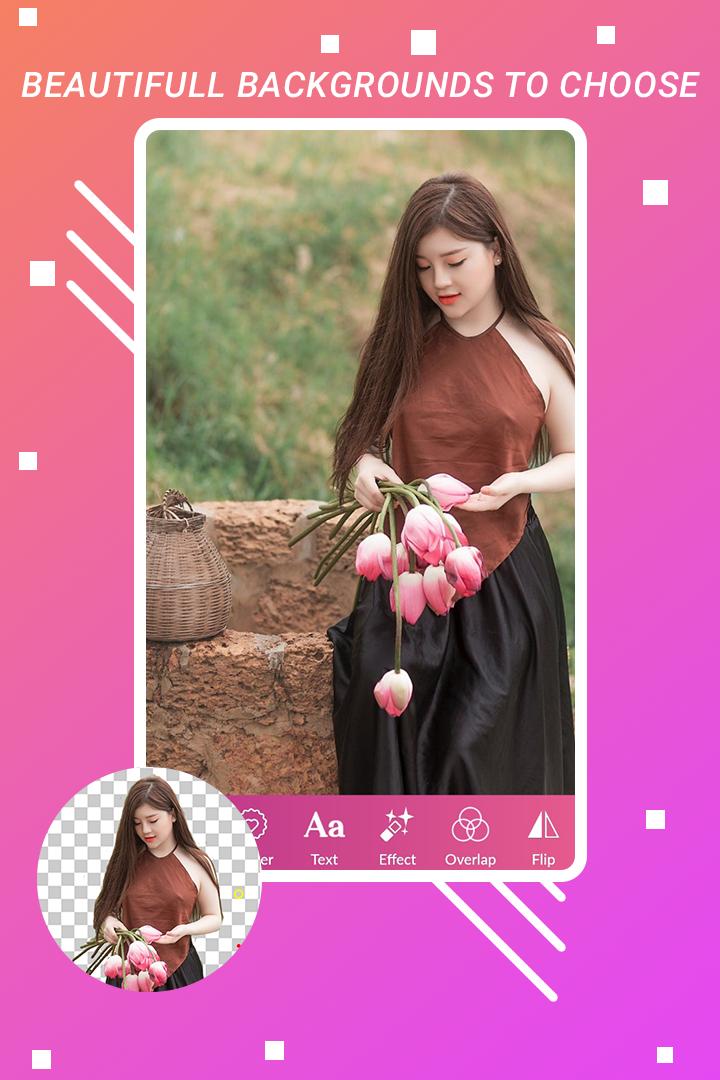
Through the Automatic Background Changer you can change a background of pictures an easy way.
In the background changer app you can also do photo editing it provides facility like add stickers, add text, change overlay and apply filters on images.
After change background of image using Photo Background Changer you can save the image and can use in other apps like photo montage and photo collage.
background remover is simple and easy to use, use can edit their photos and can better experience with Cutout Photo Editor.
Features :-
◇ Auto - magic tool ◇
• Click on part of image you want to remove background with auto background remover, auto background changer automatically detect the similar pixels and remove same color of background. So you can auto cut out images background with Cut Photo Editor.
• It is very fast tool to erase background it is very useful with remove bg app having very fast and accurate remove background from photos.
◇ Manual - extract tool ◇
• It is Finger Rub Background Removal.
• Use your finger & touch on image to remove portion of image.
• Change size and change offset of brush.
◇ Lasso tool ◇
• You can select your desired are of photo which you want to preserve. unselected photo will be removed.
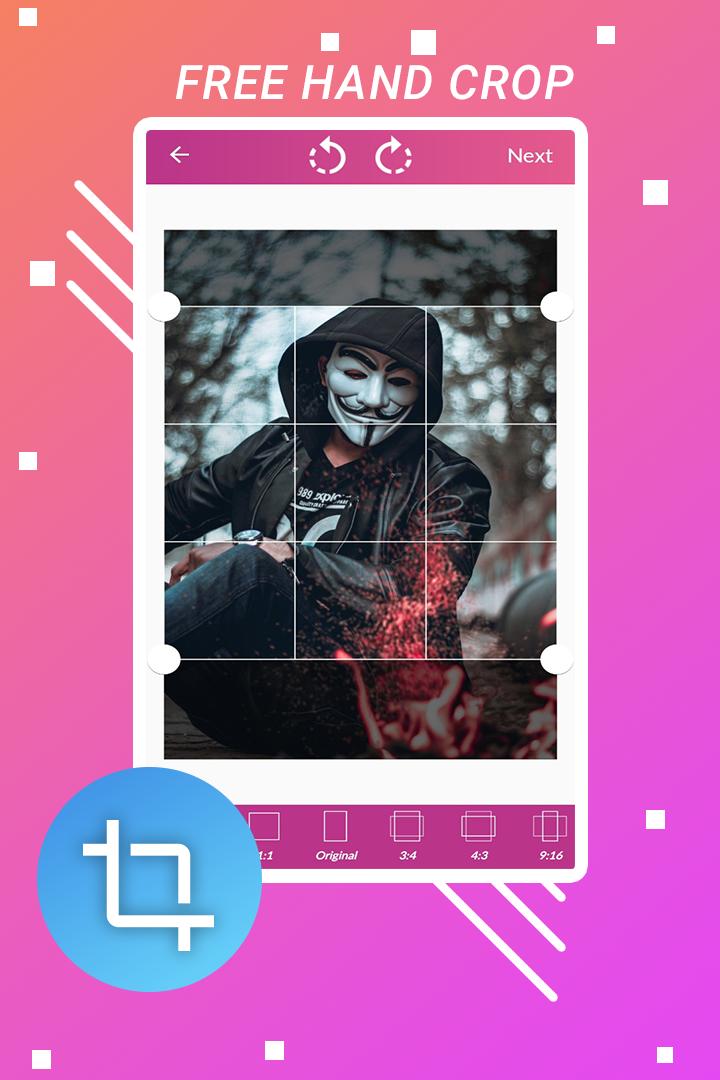
◇ Crop ◇
• It support many types of crop.
• You can crop image with free hand crop, rectangular crop, circle crop, circle square crop and square crop with photo crop app.
◇ Add background ◇
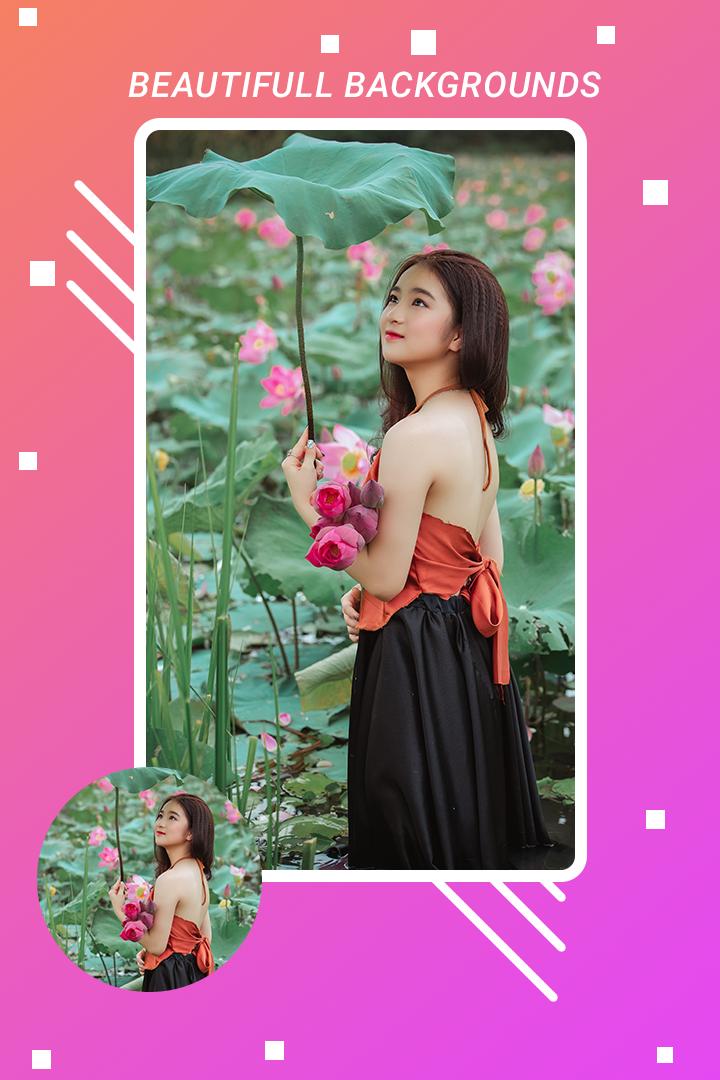
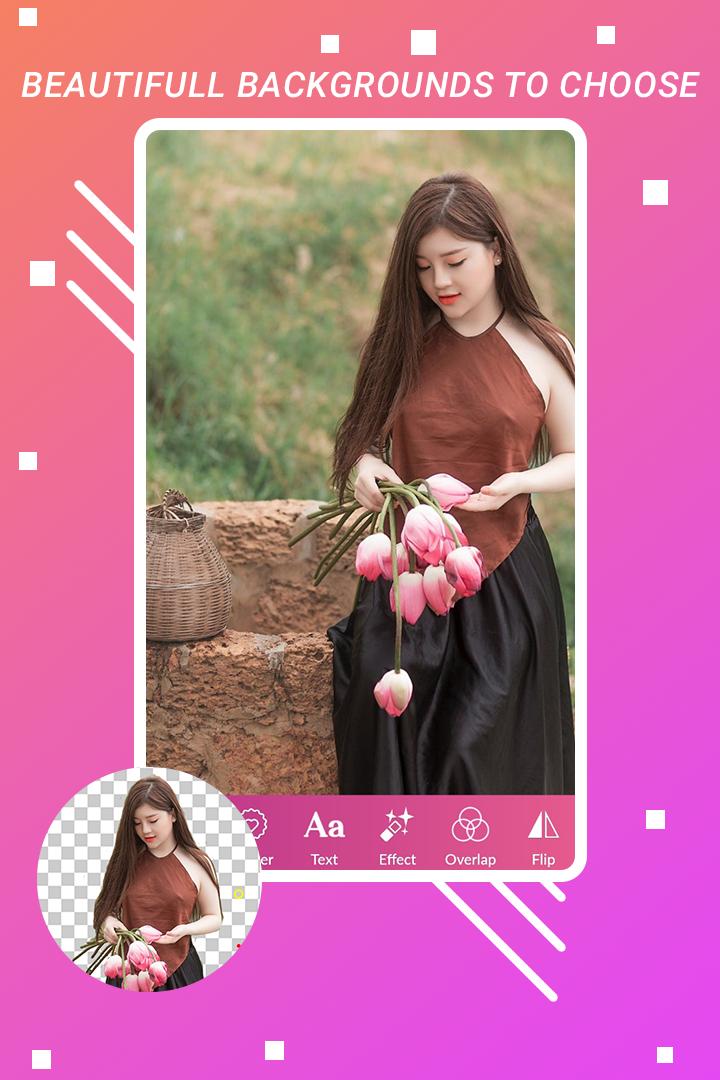
• This background remover app have background collections such as animal background, flower background, road background, sun set background, sea beach background, space background, templates and waterfall that you can set as background and change to your photos for the best background for photo shoots with this photo filter app photo editor.
• Many different types of photo backgrounds are available in this app.
◇ Add stickers ◇
• You can apply stickers also on your image there are many types of stickers available in this background eraser like tattoos, mustaches, fashion stickers, love stickers,cap, gogals, birthday stickers, butterfly stickers, flower stickers.
◇ Add text ◇
• write/type anything on pictures.
◇ Apply filter ◇
• Apply different types of filer on pictures.
◇ Overlay ◇
• Apply and change overlay of background images.
◇ Restore ◇
• If background was removed by mistake then you can restore that part with finger rub.
• Finger Rub Background Retrieval.
◇ Undo, Redo & Zoom ◇
• you can restore back your photo step by step as you remove it.
• After restoring back of photo, you can step ahead in same foot as you move back.
• you can zoom in and zoom Out to your photo, so that you can clearly remove portion of the photo.
◇ Reset photo ◇
• you can restore you edited on the image.
◇ Flip Image ◇
• You can flip image.
◇ Save & Share ◇
• save resulting image in your SD-Card & share images on Social Media.
Download background eraser app now it's 100% FREE.
Please send your comments and suggestions regarding this app at incspartx@gmail.com.
Latest Version
90.2.0.4Uploaded by
Armando Flores
Requires Android
Android 4.4+
Category
Free Photography AppContent Rating
Everyone
Security Report
Report
Flag as inappropriateLast updated on Sep 10, 2022
Bug solved.
Added support for higher version.




APKPure - A multi-platform app store primarily focused on Android, providing extensive app-related content. Discover the app you want easier, faster, and safer, with quick and efficient downloads and installations.