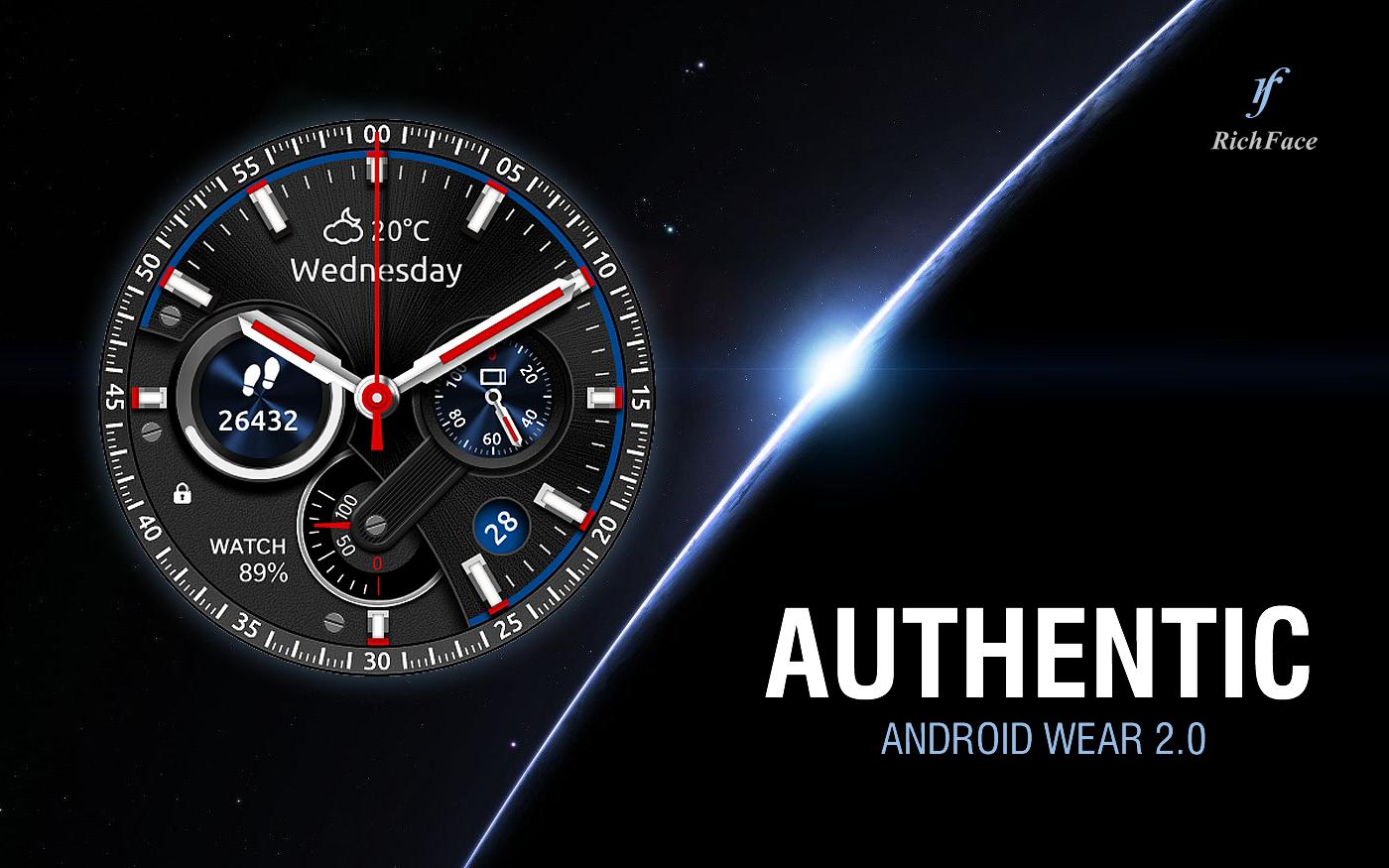
Authentic watch face for Android Wear is true eye-catcher with elegant characteristics and interactive functions.
Watch face contains a huge number and user friendly settings on the watch and the phone companion app.
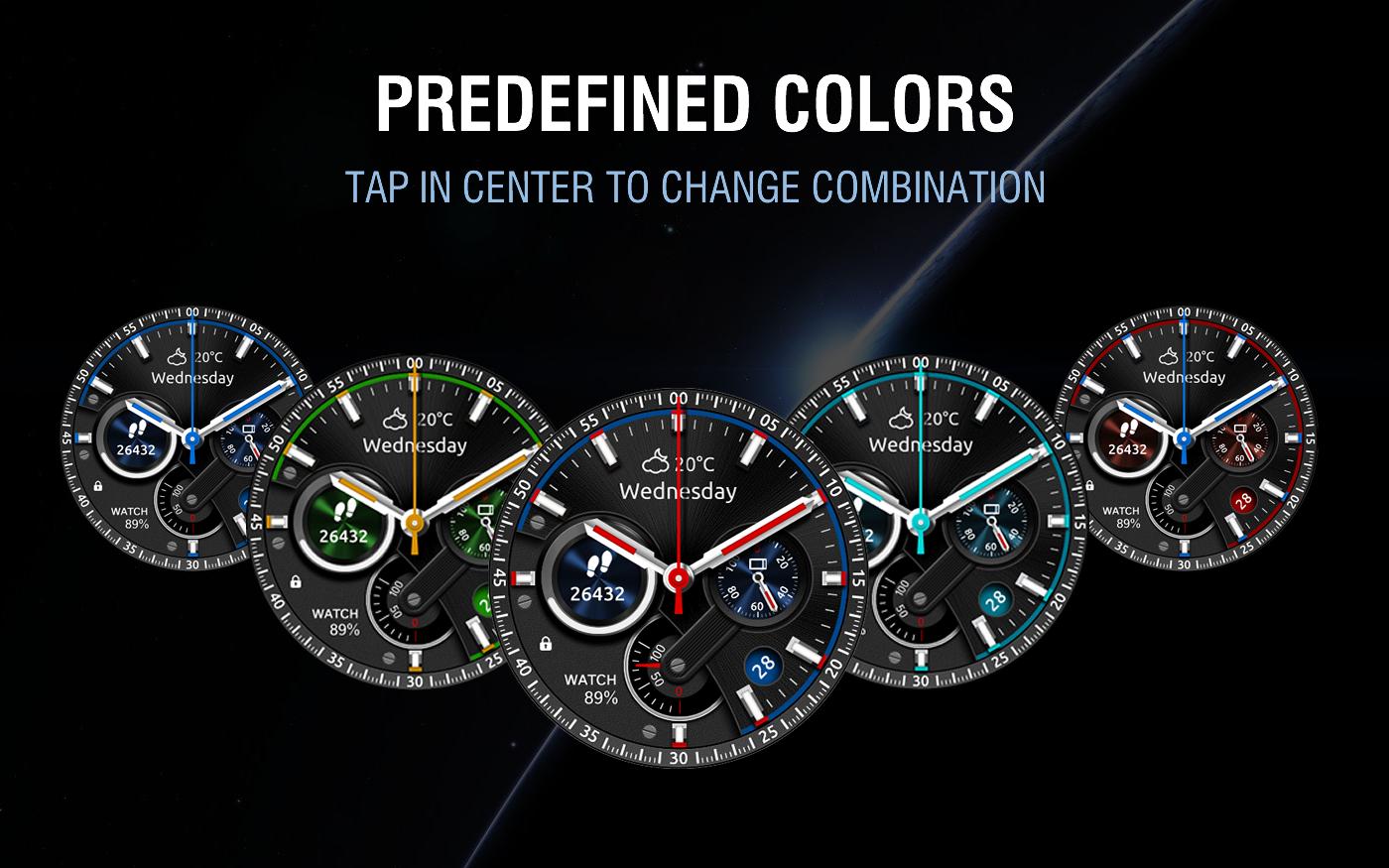
The watch face contains 2 tap targets on the screen and you can customize them to be more informative which include various number of data such as battery level status, FIT data, etc..
The Android Wear 2.0 comes with external complication which this watch face supports completely.
★ 2Elegant is fully Android Wear 2.0 supported
★ ANDROID WEAR 2.0 integration
• Fully standalone! (iPhone and Android compatible)
• External complication data for the indicators
★ Compatible with all Android Wear watches
★ NEW ★
• Vibrate on every hour
★ Built-in complications:
• Date
• Watch battery
• Phone battery
• Watch and phone battery
• Steps
• Distance
• Walking
• Running
• Biking
• Calories
• Fit statistics
• Stopwatch
★ FAQ
!! Please contact us if you have any trouble with the app !!
richface.watch@gmail.com
How do I install the watch face on Android Wear 2.0?
1. Install it from Google Play Wear Store on your watch.
2. Install the companion app for fully customization (Android phone devices).
How do I install the watch face on Android Wear 1.0?
1. After install run 'Re-sync app' from the Android Wear app.
2. Long press your watch and choose 2Elegant as your watch face, or select the watch face using the Android Wear app.
★ PERMISSIONS Explained
http://www.richface.watch/privacy.php
Latest Version
Varies with deviceRequires Android
Category
Personalization AppContent Rating
Everyone
Report
Flag as inappropriateLast updated on Oct 25, 2017
This release includes minor bug fixes and general improvements. Update to the latest version for the best experience.





APKPure - A multi-platform app store primarily focused on Android, providing extensive app-related content. Discover the app you want easier, faster, and safer, with quick and efficient downloads and installations.












