

Audio Router helps when you need consistent control over where your phone plays audio. At home, in the car, or at work, you can decide which device should handle music, calls, and alerts. The interface focuses on clear choices, so setup is quick even if you switch devices often. Meanwhile, rules keep your preferences applied as connections change during the day. Users looking for a lightweight tool can try the Audio Router APK to set output behavior without digging through multiple menus.
Select your output
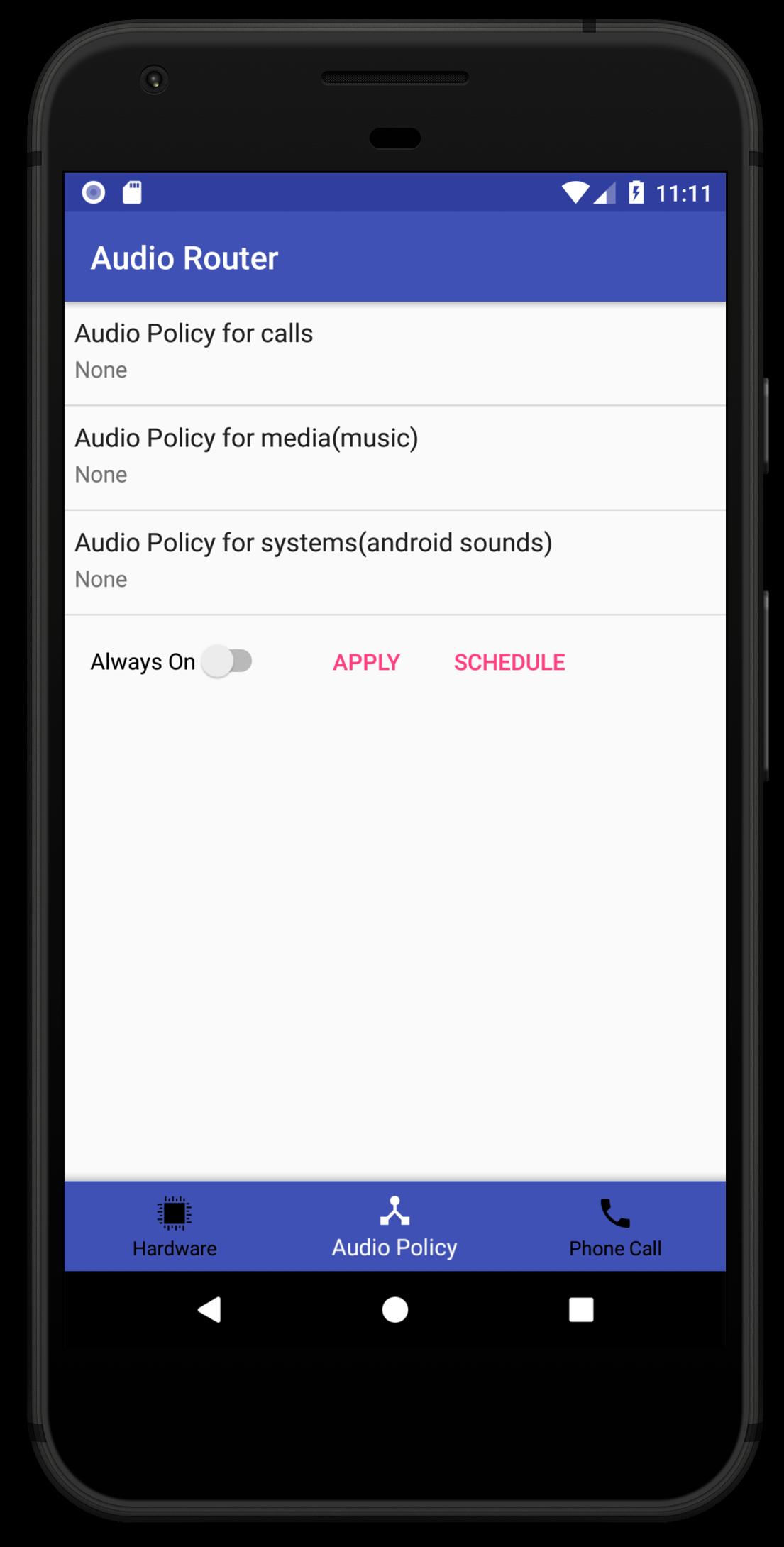
Choose where audio should play, including Bluetooth devices, a wired audio jack, the built-in speaker, or headphones. This applies to music, call audio, and system sounds.
Control call audio
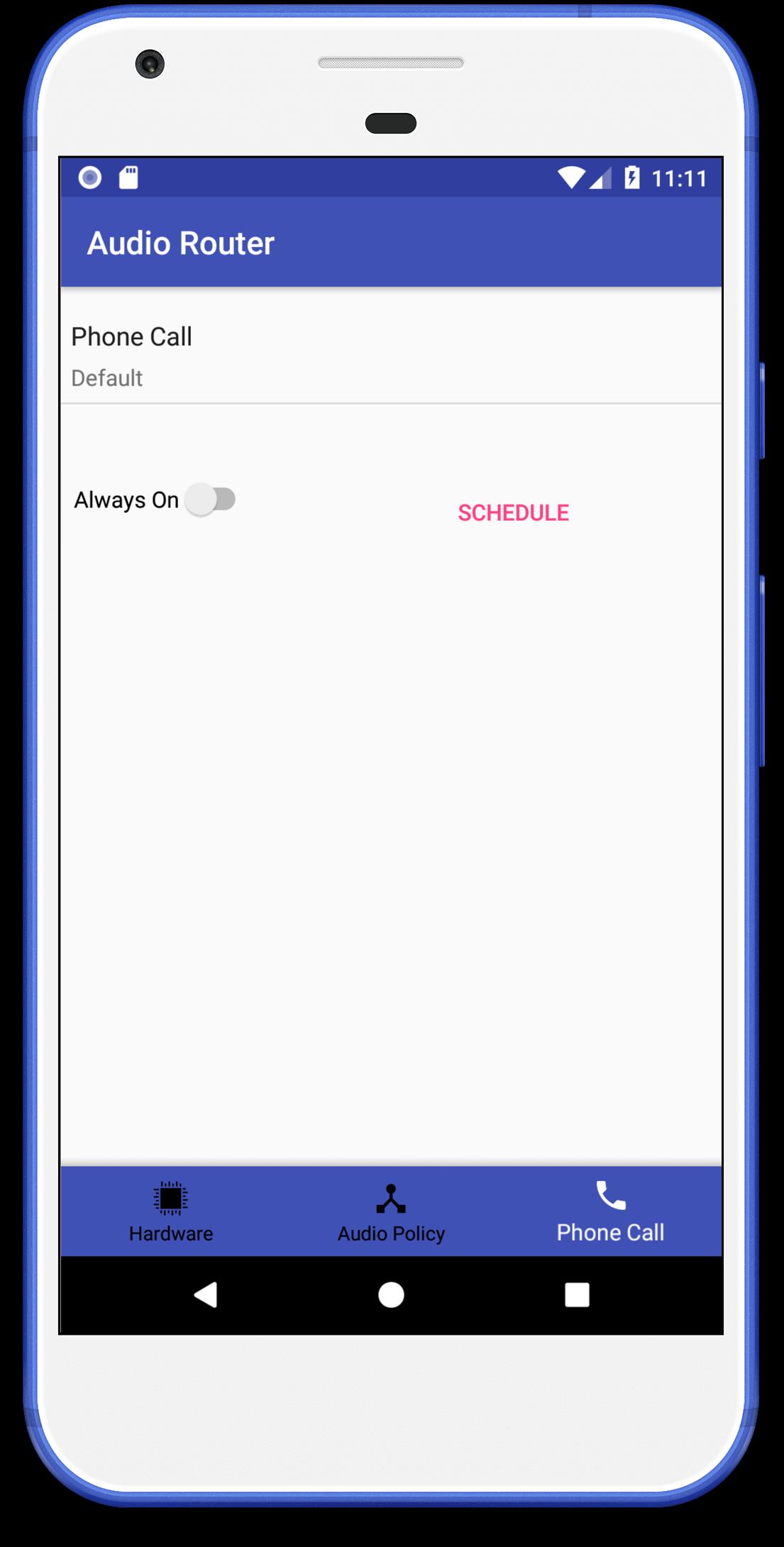
After selecting outputs, you can manage call behavior. Set a preferred device for calls, keep calls on the earpiece, use loudspeaker, or switch to headphones based on your needs.
Force routing to devices
If connections drop or change, Audio Router can force sound to a target like a car audio system or other Bluetooth device, even if the hardware is unplugged. This helps maintain your output choice when connections are interrupted.
Scheduling
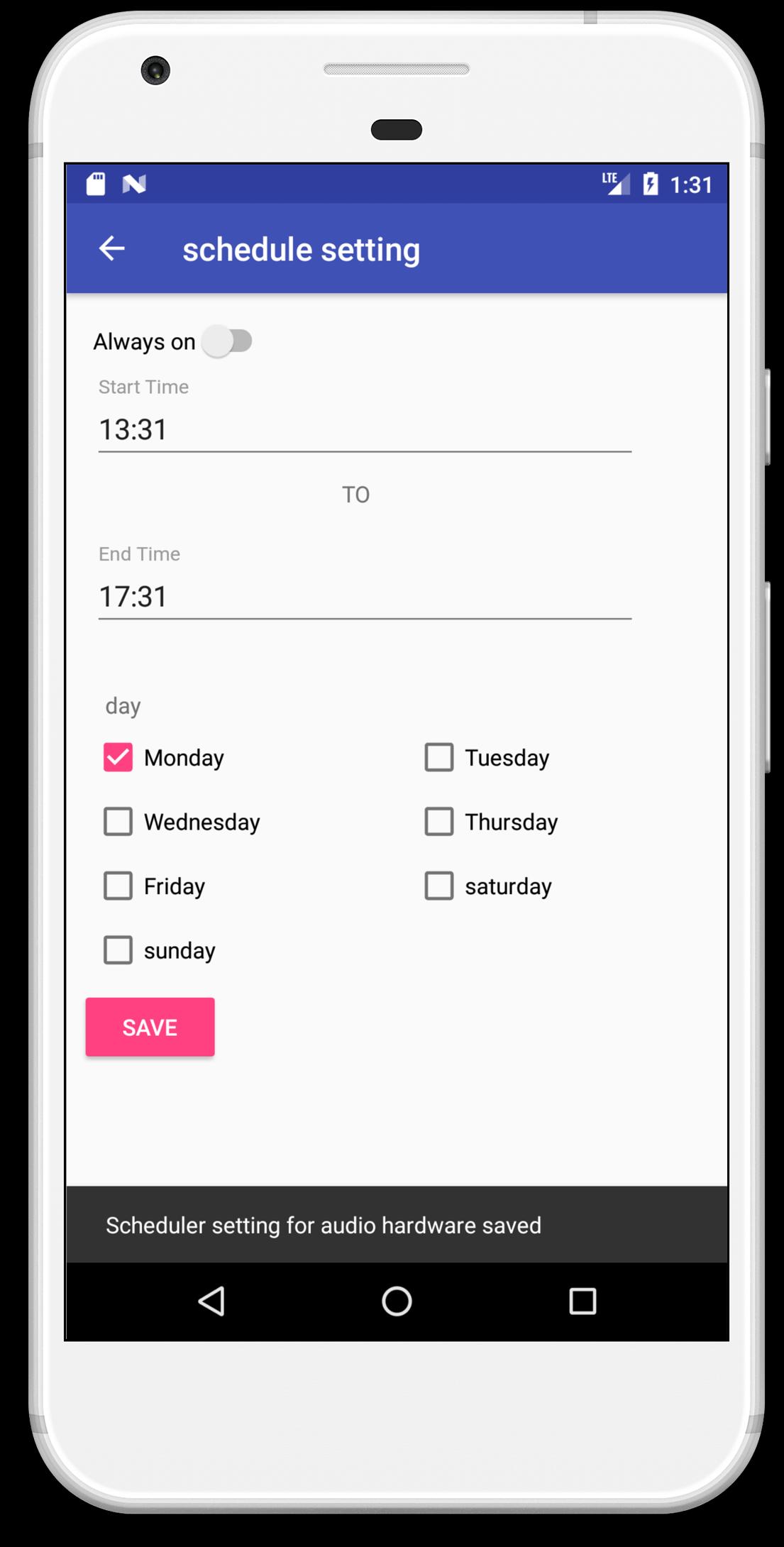
To cut down on manual changes, set routing to apply always, at specific times of day, or on selected days of the week. Scheduling helps align audio behavior with your routine, so your chosen outputs activate when you expect them.
Set your preferred outputs for music, calls, and system sound, then add schedules if needed. For quick setup and consistent behavior, download Audio Router and configure rules that match your daily routine.
Latest Version
2.2Uploaded by
João Pedro
Requires Android
Android 4.2+
Category
Free Tools AppContent Rating
Everyone
Report
Flag as inappropriateLast updated on Jan 22, 2018
Fix Audio headset Bug
Fix Wake lock issue
addeed hdmi audio support


APKPure - A multi-platform app store primarily focused on Android, providing extensive app-related content. Discover the app you want easier, faster, and safer, with quick and efficient downloads and installations.