Take your retro-futuristic 80s vibe to the dark side with ATOMIC!
Easy-to-use Atomic dashboard app:
• Auto-apply icon pack to most popular launchers
• Apply (or save) a huge assortment of exclusive custom wallpapers
• Quickly switch alternate icon designs with built-in icon search including category support
• Easily request any non-themed icons to be themed
• Option to Donate/tip :)
ATOMIC Icon Pack
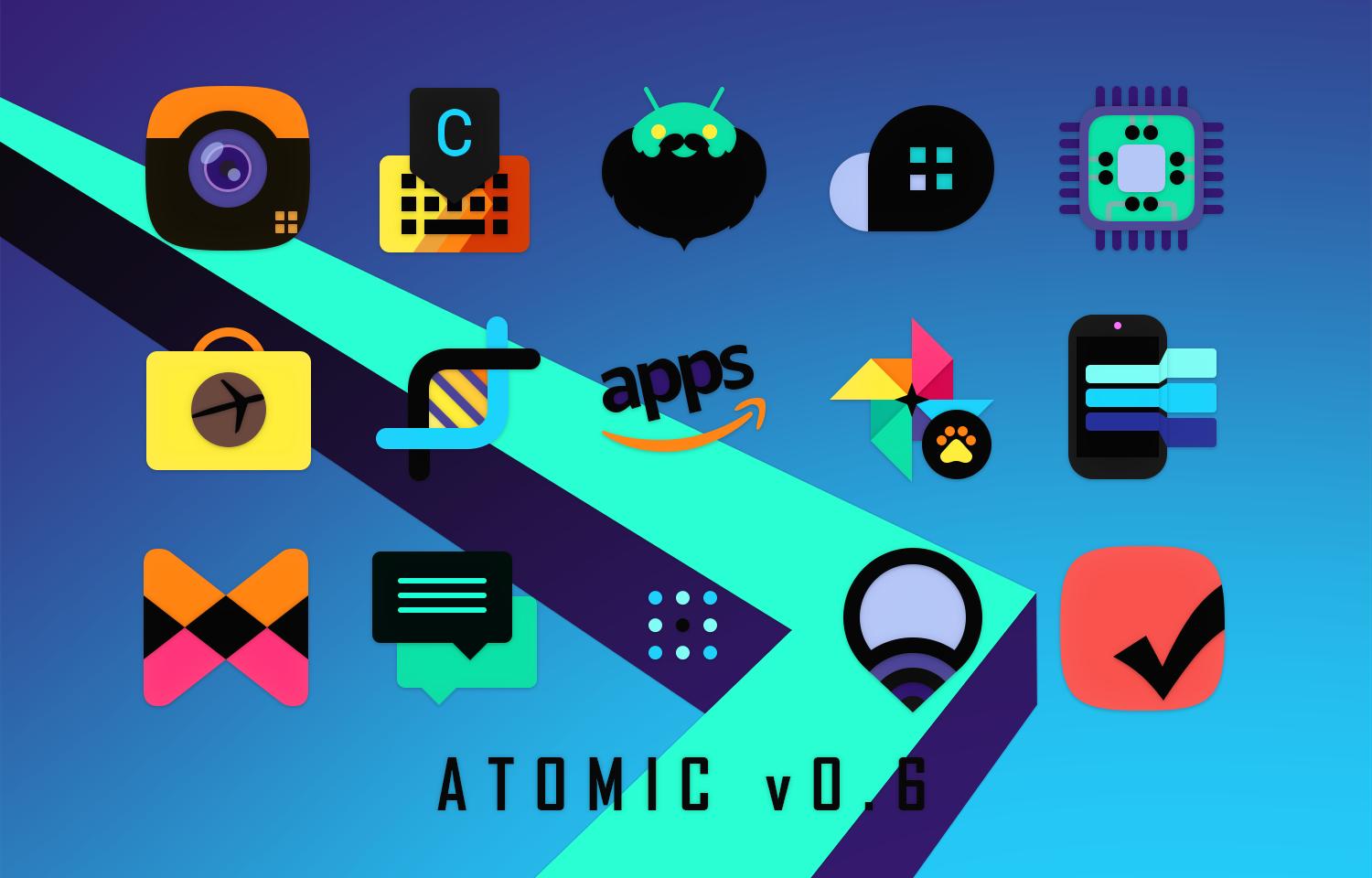
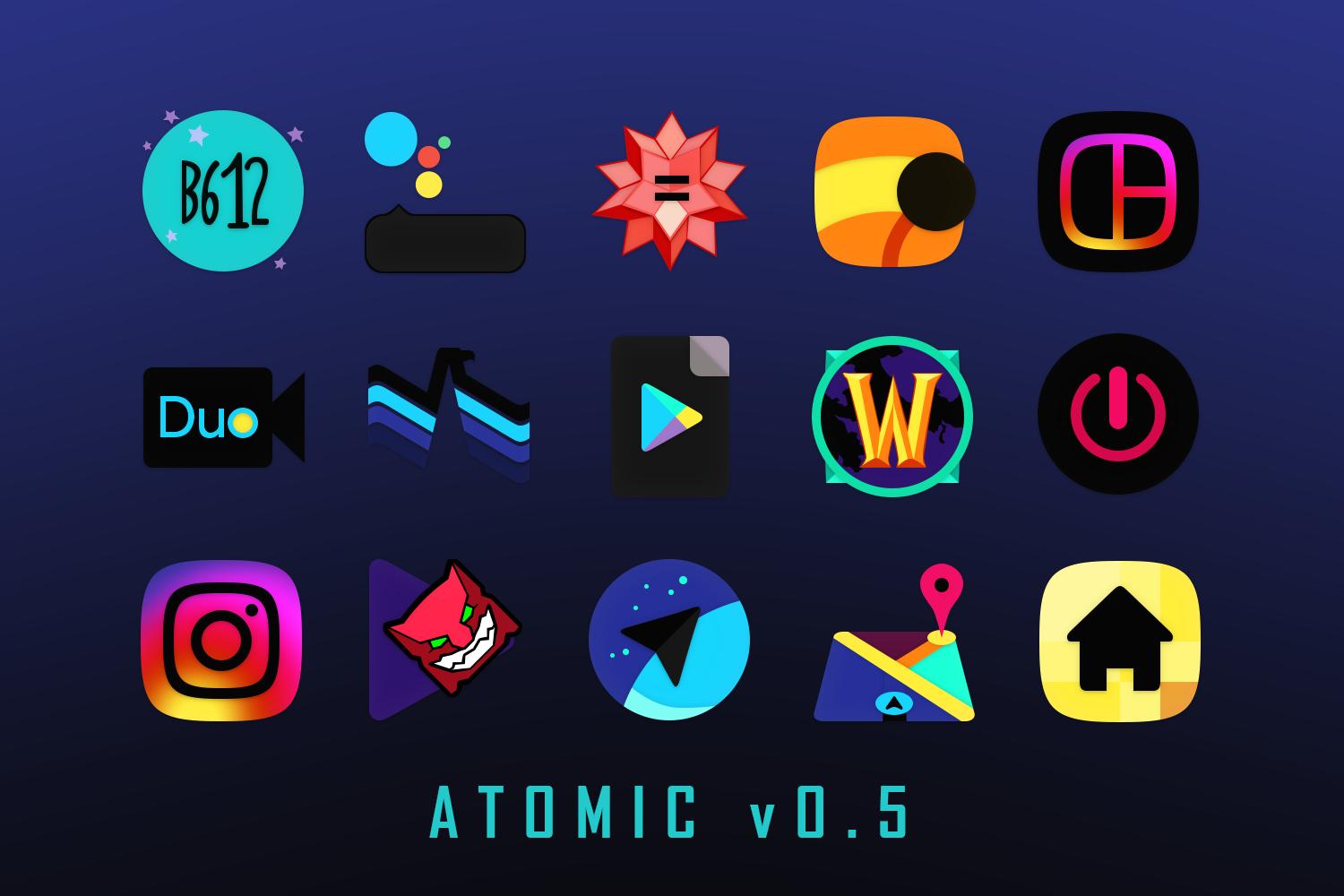
• Radical new dark vaporwave 80s inspired color palette
• Pixel perfect, ultra crisp adaptive icon style design
• System icon designs unique to your own device: Moto, Pixel, Samsung, HTC, Asus, LG and more! Switch to whatever you like
• Use with your favorite launcher, built-in support for all popular launchers possible
• Dynamic calendar support (icon changes each day)
• New Android Pie settings shortcut styles
• Alternate icon designs and colors
• Send any icon requests to complete your look
• Premium icon requests available soon, follow me for schedule and info
Even more!
• Includes over 150+ wallpapers to choose from!
• Includes additional matching HD clock widget
• Built-in Muzei Live Wallpaper support
• Constant updates with lots of new highest quality icon requests
Tips:
- Auto apply to supported launchers, open ATOMIC app - Menu - Apply - Choose launcher
- Send an icon request, open ATOMIC app - Menu - Icon Request - Tap to Send request
- For wallpaper, open ATOMIC app - Menu - Wallpapers - Apply. New wallpapers added frequently.
- Search or find an alternate icon:
1. Long press icon to replace on homescreen - Icon options - Edit - Tap icon - Select ATOMIC - Press arrow on top right to open icons
2. Swipe to access different categories or use search bar to find alternate icon, tap to replace, done!
All popular launchers supported:
- Nova, GO, Sony, Mini, Holo, L, Apex, Action Launcher 3, Arrow, Atom, Aviate, Cyanogen, Epic, EverythingMe, Hola, Inspire, KK, Lucid, Nemus, Next, Nine, Smart, Solo, TSF, Themer, LG Home, CM Theme Engine, Zen UI, Evie Unicon and XGELS
- Other launchers can simply apply from your launcher settings
- You can use Adapticons or similar app to apply icons to launchers without icon support
★ ★ ★ ★ ★ Thank you for your support! ★ ★ ★ ★ ★
Contact DrumDestroyer Themes
Join our Discord server to leave suggestions, help or say hello: https://discord.gg/pccZGwW
Twitter: @drumdestroyer
Latest Version
16.0.1Requires Android
5.0
Category
Personalization AppContent Rating
Everyone
Report
Flag as inappropriateLast updated on Sep 13, 2024
Minor bug fixes and improvements. Install or update to the newest version to check it out!





APKPure - A multi-platform app store primarily focused on Android, providing extensive app-related content. Discover the app you want easier, faster, and safer, with quick and efficient downloads and installations.