
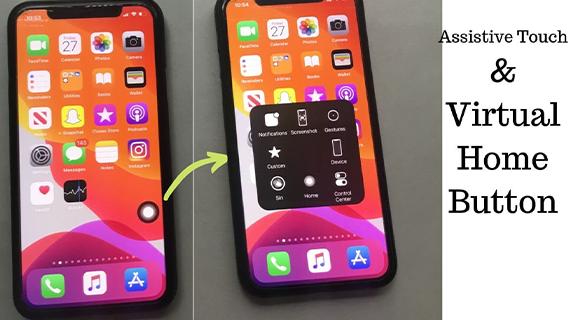
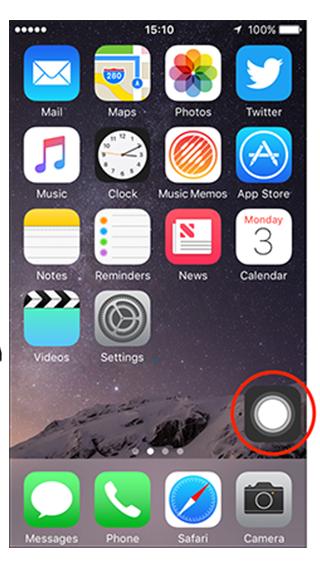
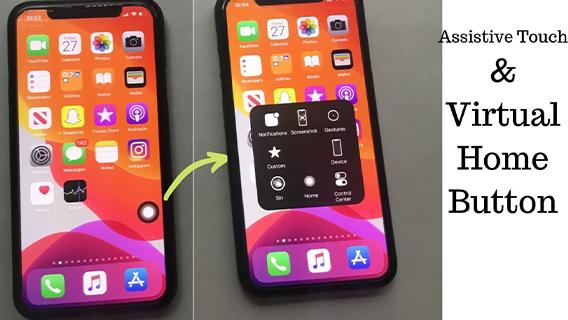
Assistive touch for android add to your phone this button for quick access
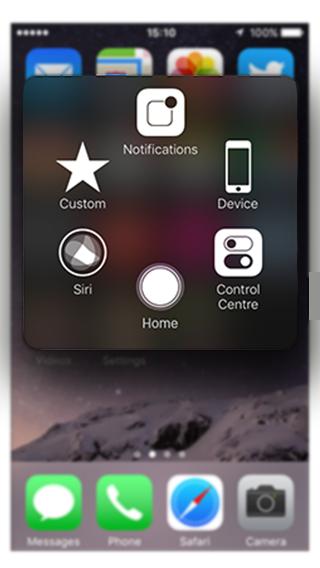
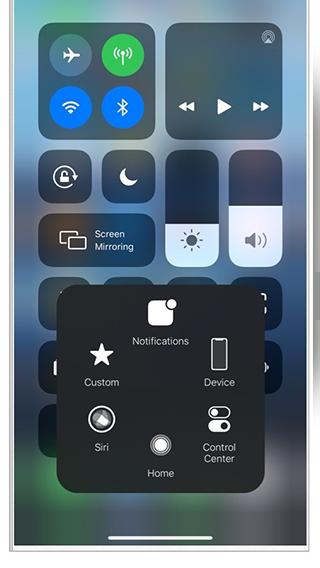
use AssistiveTouch to access your Home screen, Recent screen and use Back Key. Just open the AssistiveTouch menu and tap Home, Recent, Back action.
long press on app> app info> allow auto-start to get the app runing all the time
long press on app> app info> go to permissions> give the app the permissions necessary for it's functioning> enjoy a professional assistive touch that looks cool
Latest Version
1.0.1Uploaded by
Adriana Brito
Requires Android
Android 4.1+
Category
Free Personalization AppContent Rating
Everyone
Report
Flag as inappropriateLast updated on Nov 9, 2020
Minor bug fixes and improvements. Install or update to the newest version to check it out!




APKPure - A multi-platform app store primarily focused on Android, providing extensive app-related content. Discover the app you want easier, faster, and safer, with quick and efficient downloads and installations.













