
Assistive Easy Touch for Android
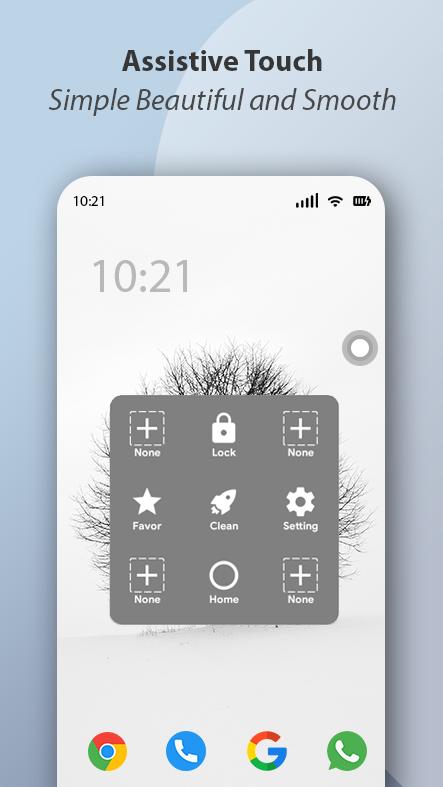
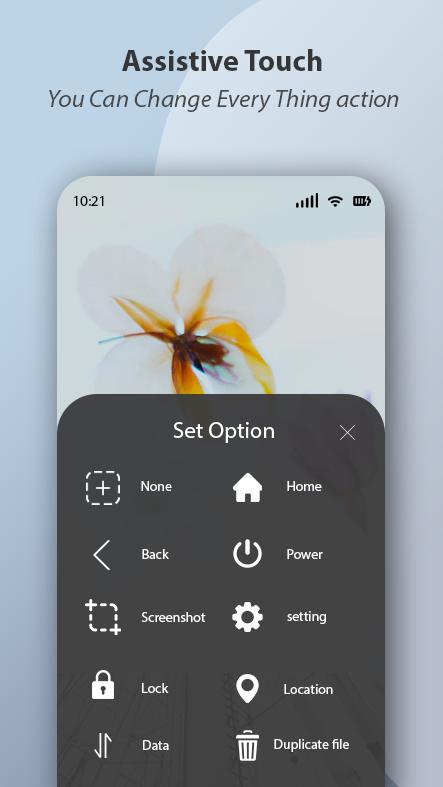
1). Easy touch to open your favorite application
2). Go to all settings very quick with a touch
3). Virtual Home button, easy touch to lock screen and open recent task
4). Clean ram, speed booster, one tap ram booster.
5). Virtual Back button
6). Virtual Volume button, quick touch to change volume and change sound mode
Replace your hard keys. Smart Assistive Touch is a powerful control center tool. This application easily touch to protect home button & volume button and simply access all setting. More conveniently, you can quickly access your favorite contacts, installed apps, and games without exiting the currently inactive apps.
Assistive Touch app in includes.
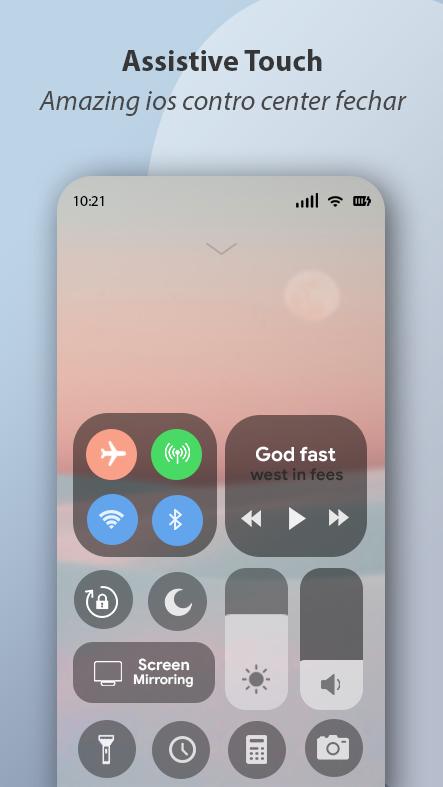
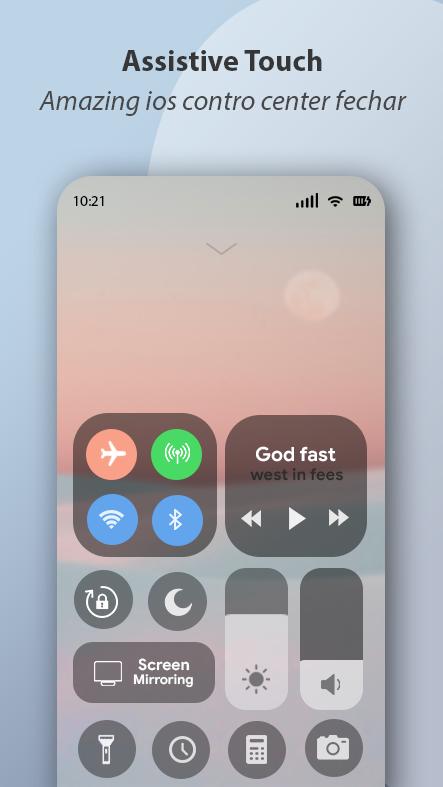
1). WiFi.
2). Location (GPS).
3). Open Notification.
4). Ring mode (Normal mode, Vibrate mode, Silent mode).
5). Screen rotation.
6). Bluetooth.
7). Flashlight bright
8). Volume up & down.
9). Airplane mode.
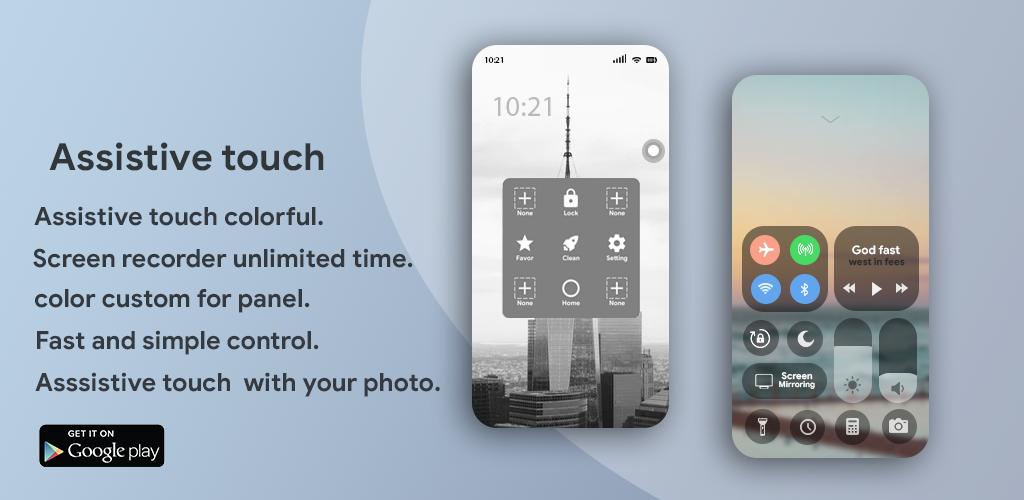
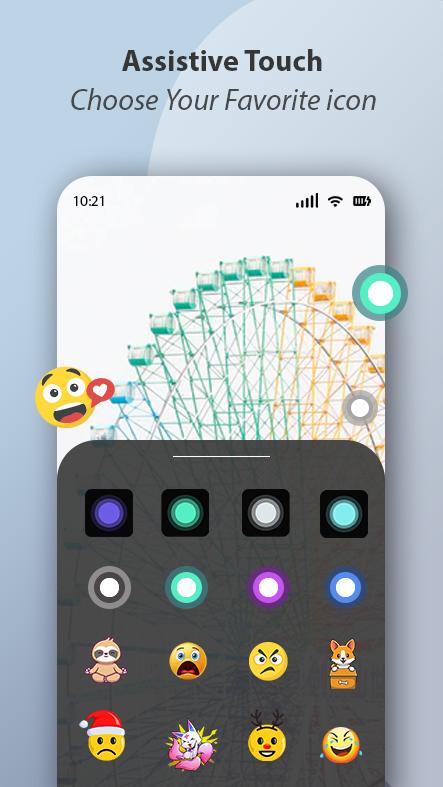
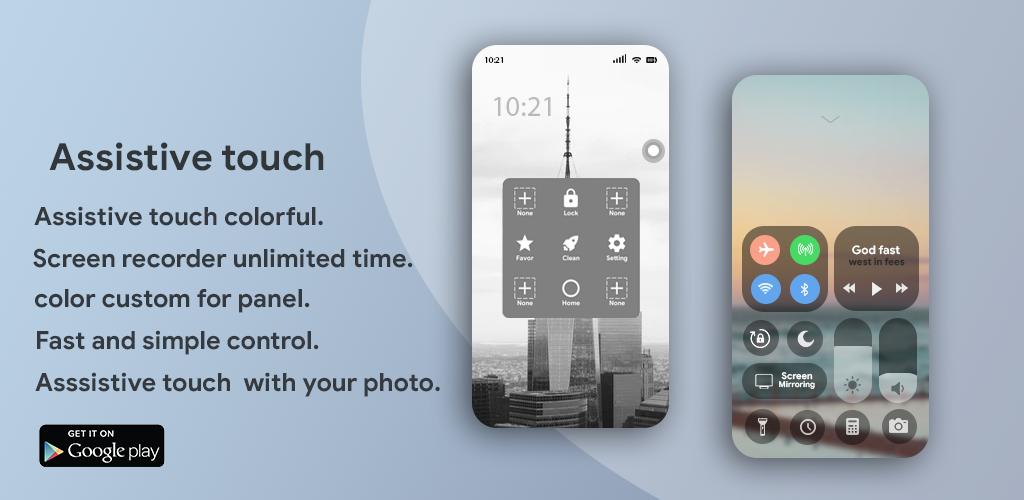
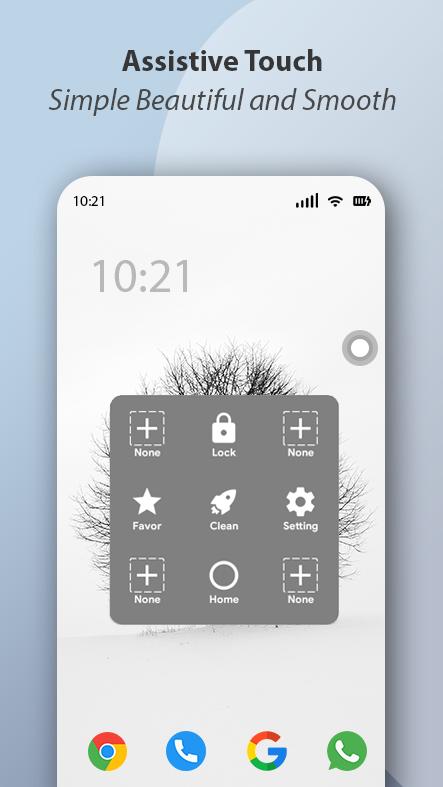
Smart Assistive touch to open your favorite games, apps, and settings with a smart panel floating. You can change the icon of Assistive Touch easily with many pretty icons, totally free. Gesture Setting for Floating Button (One tap, double-tap, long press).You can also change the color of the background with your favorite color.
Assistive Touch for Android Assisitve Touch make your phone smart and luxury.
Assistive Touch is an easy touch tool for ios devices, now has similar apps for Android. It's fast, it’s smooth, and it’s totally FREE. When you turn on Assistive Touch iOS 14, you’ll see the Assistive Touch menu. You can drag it to any edge of the screen, then tap the menu to open it.
Latest Version
1.2Uploaded by
Piter San Awng
Requires Android
Android 4.2+
Category
Free Tools AppContent Rating
Everyone
Report
Flag as inappropriateLast updated on Dec 4, 2021
Minor bug fixes and improvements. Install or update to the newest version to check it out!


APKPure - A multi-platform app store primarily focused on Android, providing extensive app-related content. Discover the app you want easier, faster, and safer, with quick and efficient downloads and installations.