
Assistive Touch - Floating TOUCH is an extremely useful application for android devices. It's easy to use, fast and very convenient.Assistive Touch for Android offers easy to use and single tap shortcuts menu to its users to easily access different options and applications.
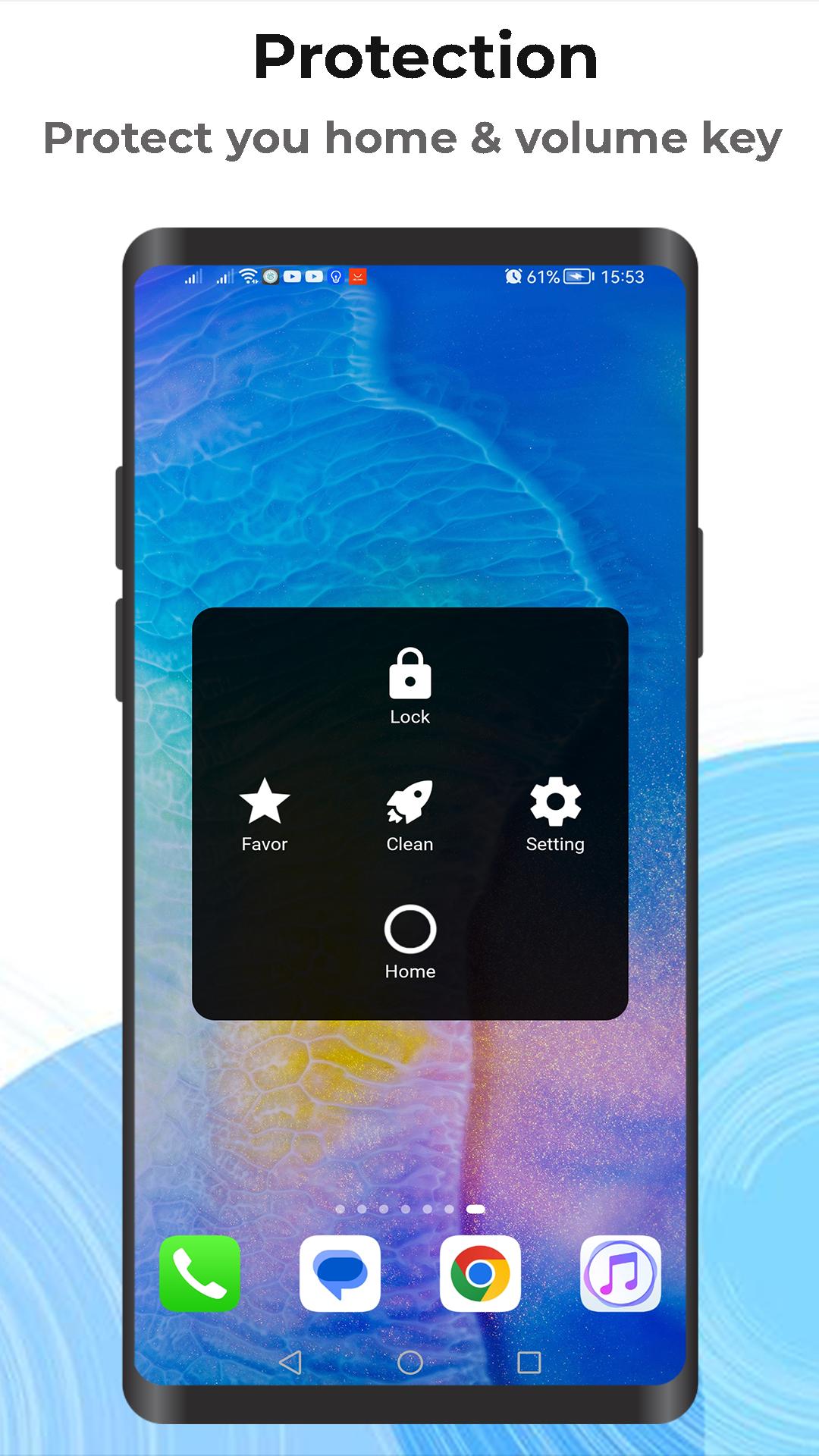
Assistive Touch is Easy Touch With a simple control interface you can easily use Assistive Touch to control your phone. In addition, Assistive Touch or floating panel is also a great app to protect your phone's physical buttons (Home button and volume button).Users can add options like Bluetooth, Wi-Fi, flash light, screen lock, screen recording, enable/disable data along with list of favorite and frequently accessed applications like banking apps, crypto wallets, audio recorder, gallery; video player, doc reader etc.
Assistive Touch – Floating Touch application enables users to have customizable floating menu on their screen all the time with the options for their choosing.
★ Features of Assistive Touch for Android:
• Virtual home button, easy touch
• Virtual Back button, open recent apps
• Volume button, easy touch to change volume
• Power popup (Power Off, Restart, Silent)
• Quick open notification
• Quick Lock Screen with one touch
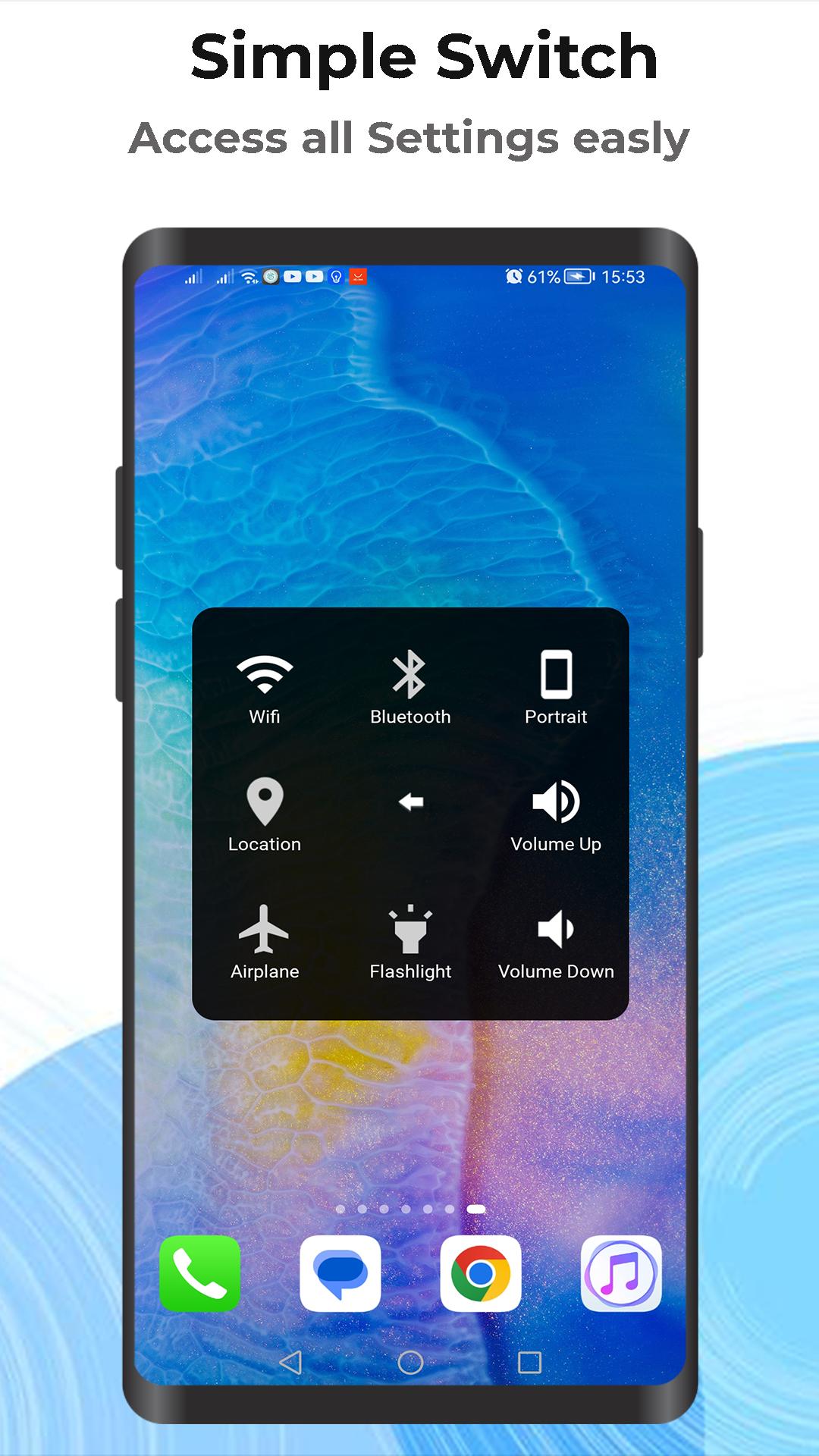
• WiFi on/off
• Bluetooth on/off
• Screen rotation
• Fast change volume up & down
• Flashlight bright on/off
• Favorite apps to quick access
• Go to all setting very quick with a touch
• Power popup (5.0 and up).
• Location (GPS).
• Ring mode (Normal mode, Vibrate mode, Silent mode).
• Airplane mode.
★ Customize:
1) You can change the color of background to suit your favorite.
2) Gesture Setting for Floating Button (Such as one tap, double tap, long press for reset your phone, etc...)
3) You can change the icon of Assistive Touch or floating touch easily with many beautiful icons, totally free.
★ Frequently asked questions:
How to uninstall this app?
• If you want to uninstall this Assistive Touch, please open app and click the remove button in the upper right corner of the main screen of the application interface.
★ Feedback:
- If you like Assistive Touch please - Floating Touch review and give us 5 stars - Please email us if you want to send a request new icon, color, or function - If you have any problem with this app please give us feedback on your problem, and we will fix it quickly.
This app uses the Device Administrator permission.
This app uses Accessibility services for below functions:
- Lock screen
- Go to home screen
- Open control center
- Go to back
- We do not collect any data or take actions that users do not do
- We never publicly disclose any personal or sensitive user data related to financial or payment activities or any government identification numbers, photos and contacts, etc.
Thank for your support!
Latest Version
16.138Uploaded by
Lyññ Thômãß
Requires Android
Android 5.0+
Category
Free Productivity AppContent Rating
Everyone
Report
Flag as inappropriateLast updated on Jul 25, 2024
Minor bug fixes and improvements. Install or update to the newest version to check it out!




APKPure - A multi-platform app store primarily focused on Android, providing extensive app-related content. Discover the app you want easier, faster, and safer, with quick and efficient downloads and installations.