
Notice: Some new advance function such as capture screenshot, power popup...only support high software version 5.0 and up. If your phone dose not supported please do not give bad review. Thank for your support
Assistive Touch
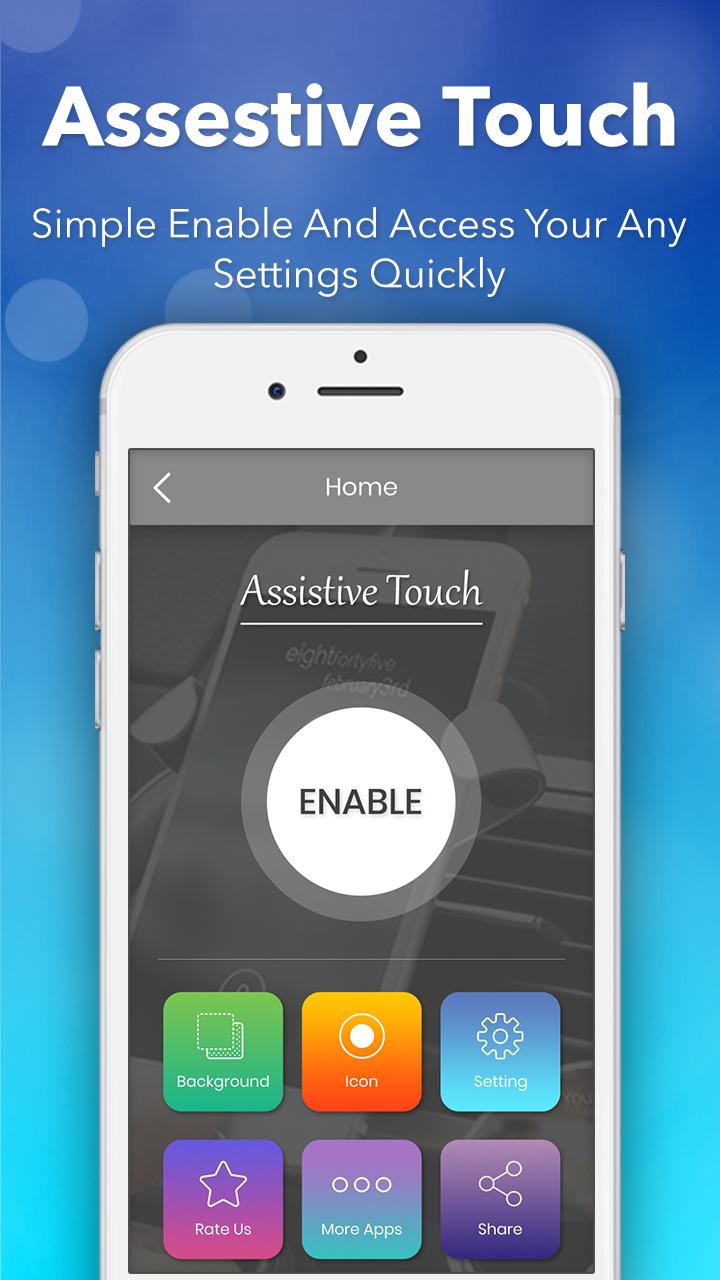
Assistive Touch is an easy tool for Android devices. It's fast, it’s smooth, and it’s totally FREE.
This app uses the Device Administrator permission. It is necessary and used only for locking the device when you use feature turn off the screen.
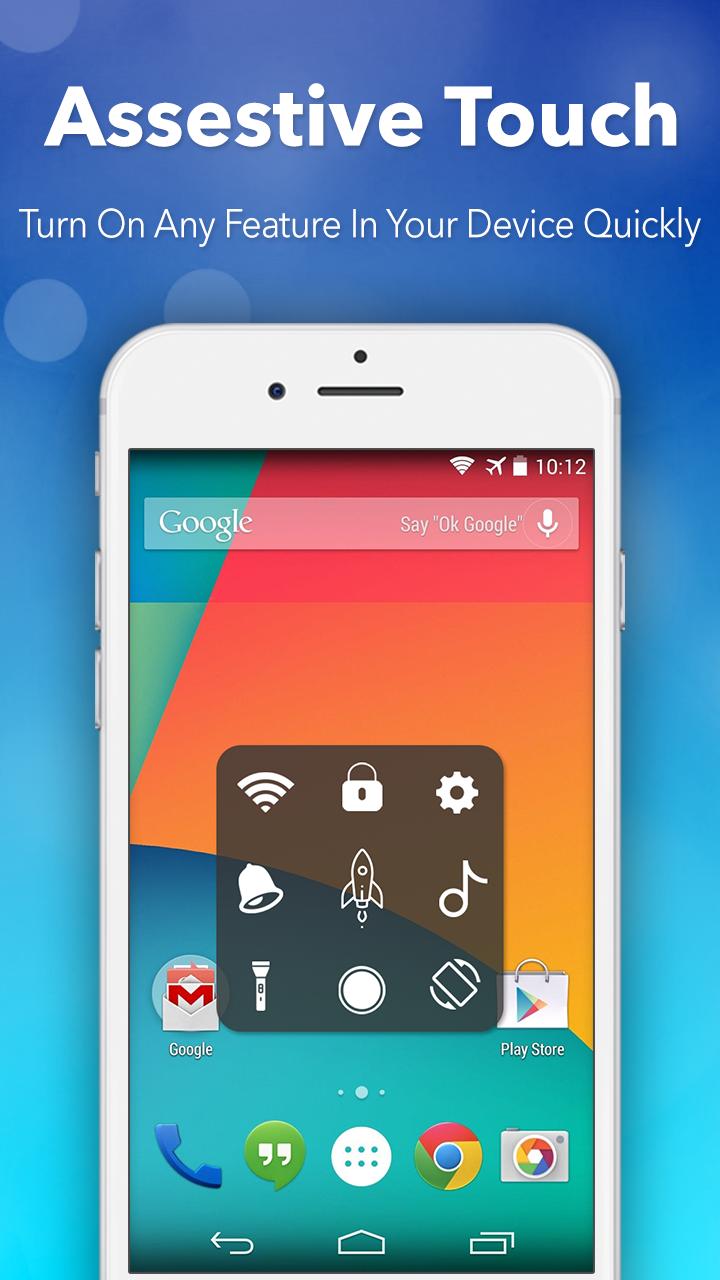
Assistive Touch is an easy tool for Android devices. It's fast, it’s smooth. With a floating panel on the screen, you can easily control your Android smart phone.
With a floating panel on the screen, you can easily use your Android smart phone. More conveniently, you can quickly access to all your favorite apps, games, settings and quick toggle.
"This app uses the Device Administrator permission."
It is necessary and used only for locking the device when you use feature turn off the screen. You need to enable Administration before it can be used that feature. To uninstall the app, please open Assistive Touch app and click the "Uninstall" button.
FEATURES:
- Control your device with Assistive Touch menu.
- Virtual Home button, easy touch to lock screen and open recent task
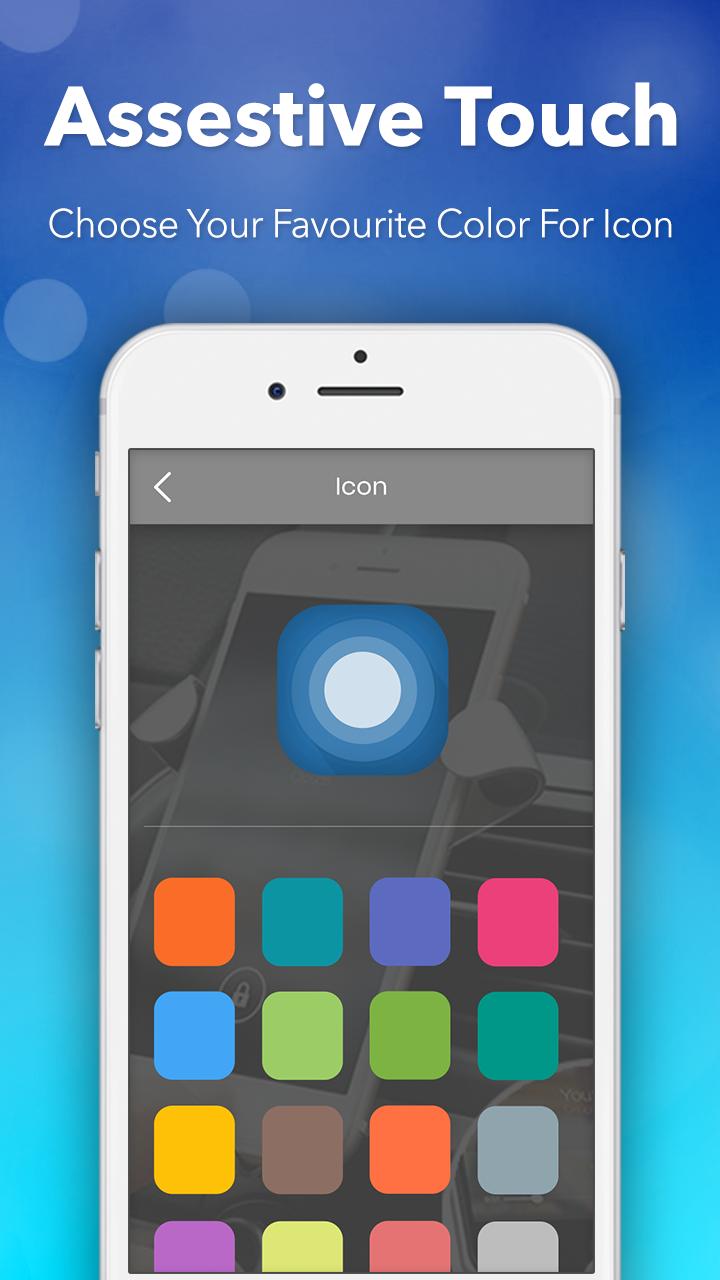
- Change Floating icon with many cute icons.
- Custom size and transparency of Floating icon.
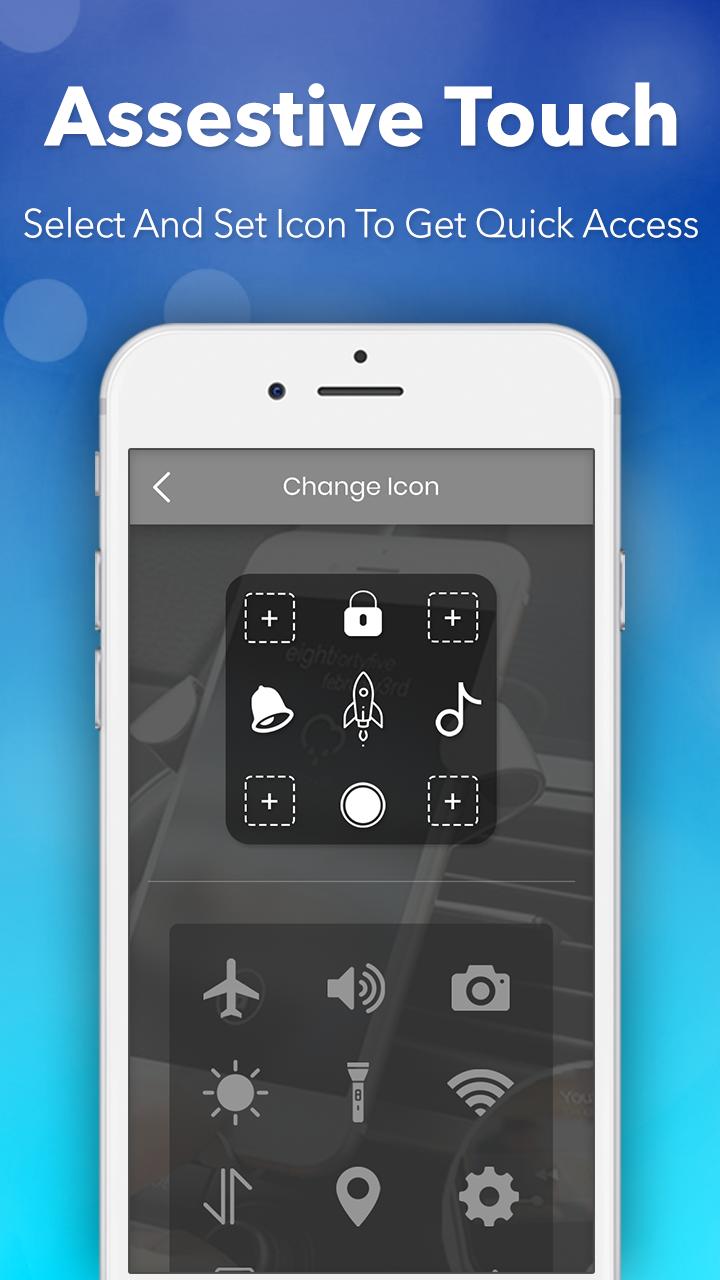
- Go to all setting very quick with a touch.
- Custom color Assistive Touch menu.
- Virtual Back button.
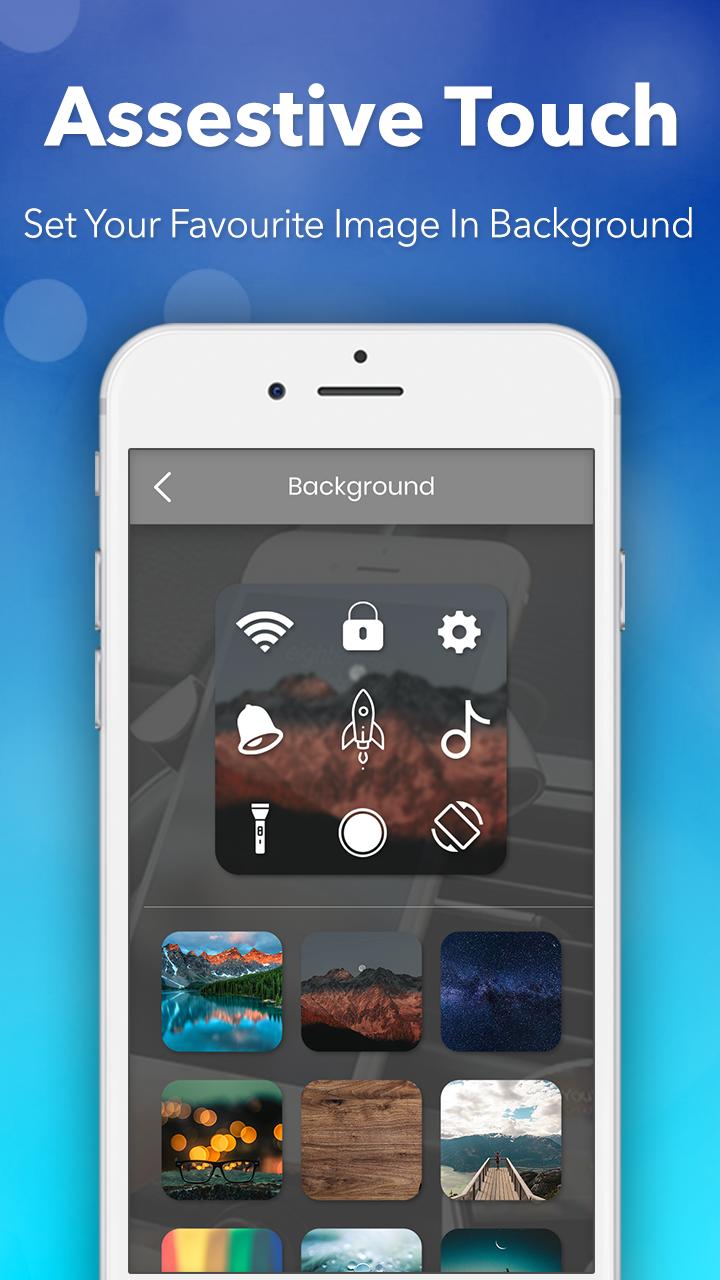
- You can change color of background with your favorite color.
- Easy touch to open your favorite application.
- Virtual Volume button, quick touch to change volume and change sound mode.
Thank for your support
Latest Version
1.4Uploaded by
Dita Ayu Julita
Requires Android
Android 4.2+
Category
Free Tools AppContent Rating
Everyone
Report
Flag as inappropriateLast updated on Feb 17, 2021
This release includes minor bug fixes and general improvements. Update to the latest version for the best experience.


APKPure - A multi-platform app store primarily focused on Android, providing extensive app-related content. Discover the app you want easier, faster, and safer, with quick and efficient downloads and installations.