
ARMod SSH/V2ray/Xray/SSR/Socks suits users who juggle different tunneling methods and want a single place to manage them. It brings popular connection types into one client, so switching between setups is straightforward. The interface centers on profiles and simple switches while keeping advanced options available when required. To try it on your device, download ARMod SSH/V2ray/Xray/SSR/Socks and review the available protocol categories before applying a configuration.
Wide protocol support
Profile privacy and locking
You can keep a configuration private by using a URI lock. Multi lock options, including hardware ID binding, help prevent unwanted edits or reuse of a profile. This supports controlled sharing and consistent setups across sessions.
Quick import and sharing
With ARMod SSH/V2ray/Xray/SSR/Socks APK, you can scan a QR code to import settings in seconds. It also lets you export or share a configuration as a URI or a QR code for easy transfer.
Traffic control and tethering
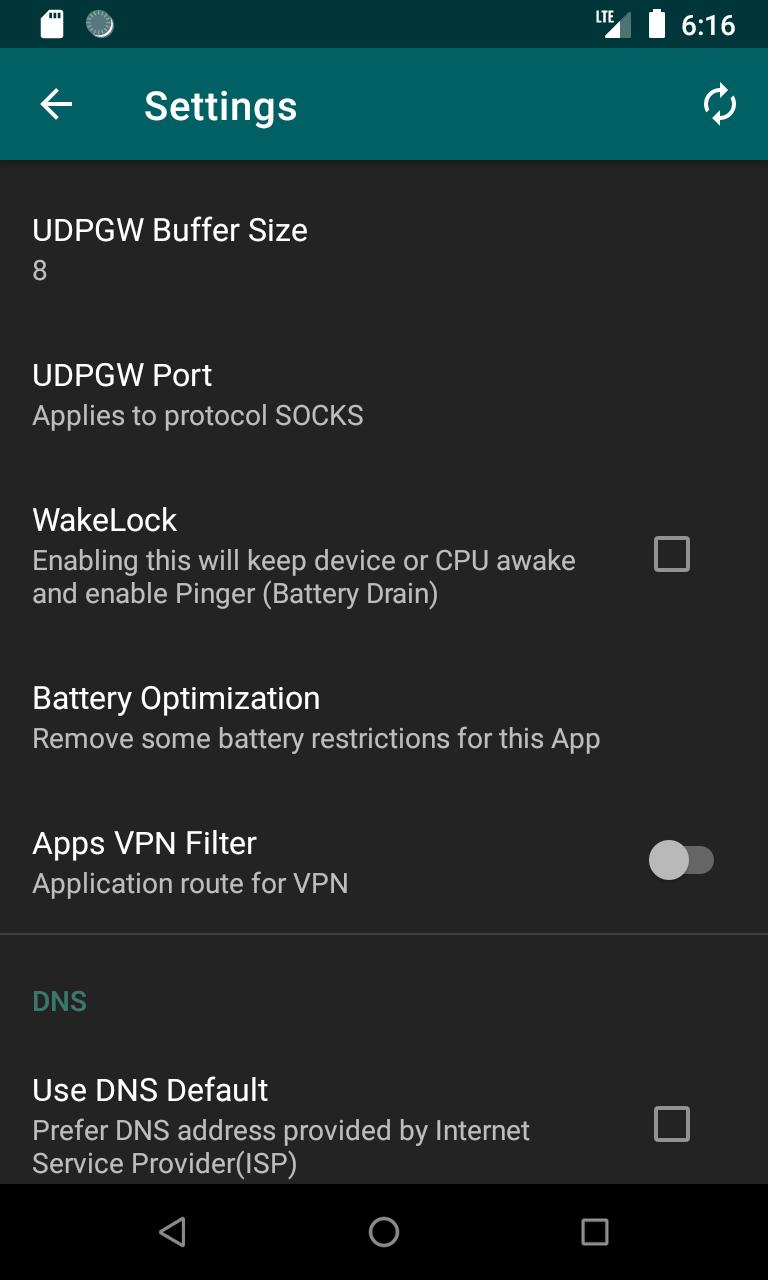
A VPN filter lets you choose which apps use the tunnel and which bypass it. When needed, you can tether your connection over Socks or HTTP proxy for devices connected through Wi Fi.
Select a protocol, create a profile, and connect when required. For up to date compatibility and tools, install ARMod SSH/V2ray/Xray/SSR/Socks latest version and follow the on screen prompts to complete your first configuration.
Latest Version
1.12.5Uploaded by
Dilan Chimal
Requires Android
Android 5.1+
Category
Free Tools AppContent Rating
Everyone
Report
Flag as inappropriateLast updated on Mar 17, 2024
*join Telegram Channel https://t.me/armodchannel (ONLY if you are an 𝘾𝙤𝙣𝙛𝙞𝙜 𝘾𝙧𝙚𝙖𝙩𝙤𝙧)
Version 𝟭.𝟭𝟮.5
Minor 𝗕𝘂𝗴 𝗳𝗶𝘅𝗲𝘀 𝗶𝗺𝗽𝗿𝗼𝘃𝗲𝗺𝗲𝗻𝘁𝘀





APKPure - A multi-platform app store primarily focused on Android, providing extensive app-related content. Discover the app you want easier, faster, and safer, with quick and efficient downloads and installations.