
SSHDroid is a SSH server implementation for Android.
This application will let you connect to your device from a PC and execute commands (like "terminal" and "adb shell") or edit files (through SFTP, WinSCP, Cyberduck, etc...).
If you like this application, you can consider supporting it by upgrading to the pro version with more feature like:
- Extended notification controls
- Homescreen and lockscreen widget
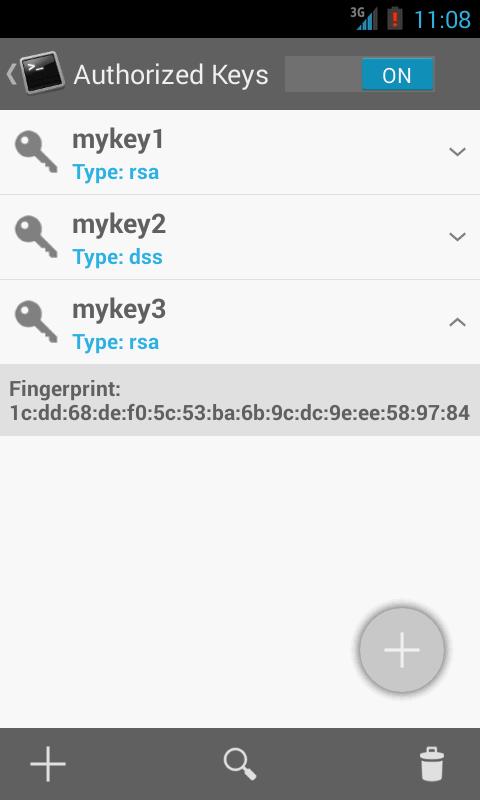
- Shared-key authentication
- WiFi autostart whitelist
- Automation with intents support
- AdFree
FAQs:
q: How can I access to my device once the application is running?
a:
Windows users:
- File Transfer: WinSCP (http://winscp.net).
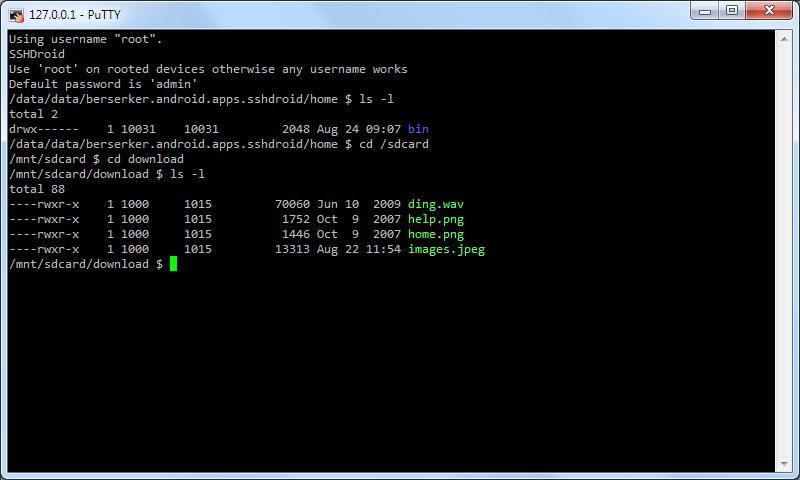
- Remote Shell: PuTTY (http://goo.gl/XbTF)
Linux users:
- File Transfer: natively supported by most file managers (like Nautilus or Dolphin), just enter the sftp address displayed as "Location".
- Remote Shell: run 'ssh' from the terminal.
Mac users:
- File Transfer: Cyberduck (http://cyberduck.ch).
- Remote Shell: run 'ssh' from the terminal
q: How can I upgrade to the pro version?
a: If you previously purchased SSHDroidPro on Google Play, the new version will automatically detect it and upgrade to pro otherwise you can unlock it as in-app purchase.
q: Why my transfer speed decrease when I turn off the screen?
a: Enable the option 'Lock Wifi'. If your device is running at least Android 2.3.x, you should get full speed transfer even when the screen is off, otherwise enable the option 'Lock screen' too.
q: How can I use a shared key with Putty/Winscp?
a: You have to generate a key from the application in OpenSSH format and use Puttygen to import/convert it in ppk format. A recent version of Puttygen (>= 0.61) is required!
q: Is root required to run this application?
a: root is optional but not required.
q: How can I automate the application start/stop?
a:
Use the following broadcast intents:
start: berserker.android.apps.sshdroid.command.START
stop: berserker.android.apps.sshdroid.command.STOP
احدث اصدار
2.1.2محمل
Matheus Ferreira
Android متطلبات النظام
Android 2.3.2+
تقييم المحتوى
Everyone
الإبلاغ
تحديد كغير مناسبLast updated on 30/08/2015
2.1.2
- Fixed the start/stop UI issue
2.1.1
- Preliminary Android 5 support (may not work with root yet)
2.1.0
- rsync is now included in SSHDroid (sperimental build with libiconv support)
- Fixed a problem with importing keys >= 2048 bit
- Fixed a problem with in-app purchase restore
- Google Play Services updated
- Optimized layout for tablets
- Minor UI changes




APKPure - متجر تطبيقات متعدد المنصات يركز بشكل أساسي على نظام أندرويد، ويوفر محتوى واسع يتعلق بالتطبيقات. اكتشف التطبيقات التي تريدها بسهولة وسرعة وأمان، مع تنزيلات وتثبيتات سريعة وفعالة.