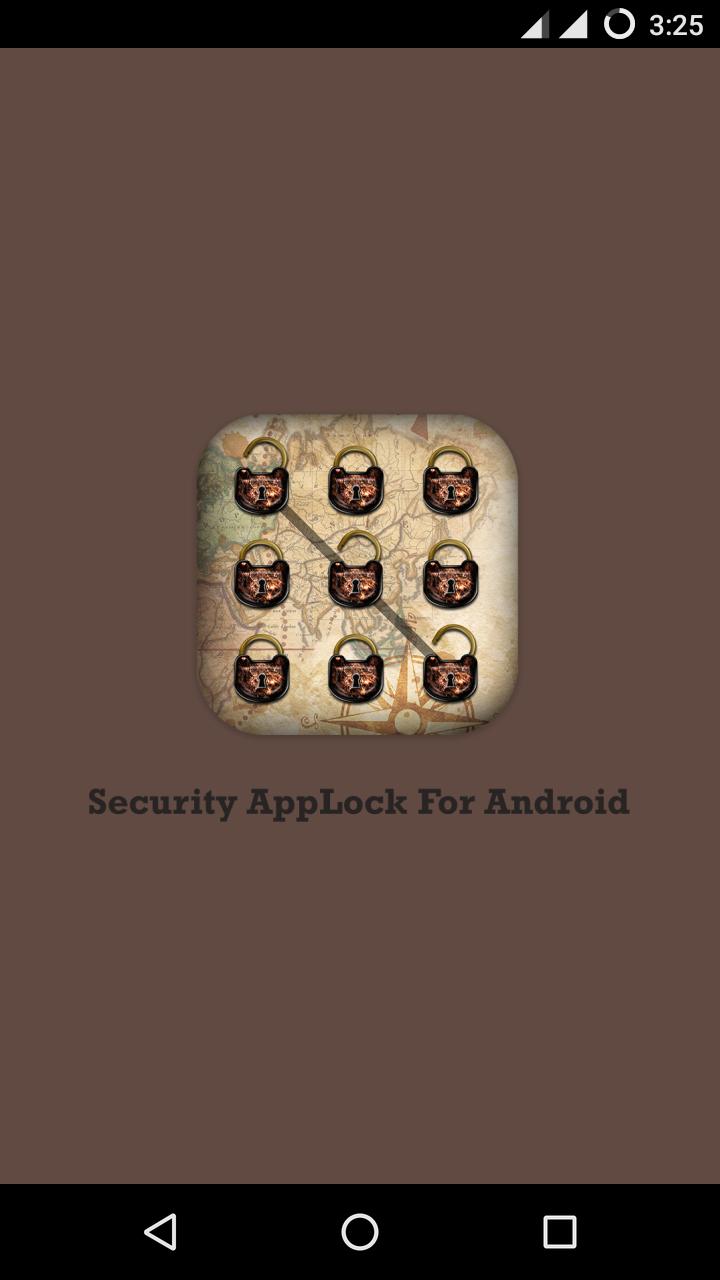
✈ AppLock can lock Facebook, Whatsapp, Gallery, Messenger, Snapchat, Instagram, SMS, Contacts, Gmail, Settings, incoming calls and any app you choose. Prevent unauthorized access and guard privacy. Ensure security.
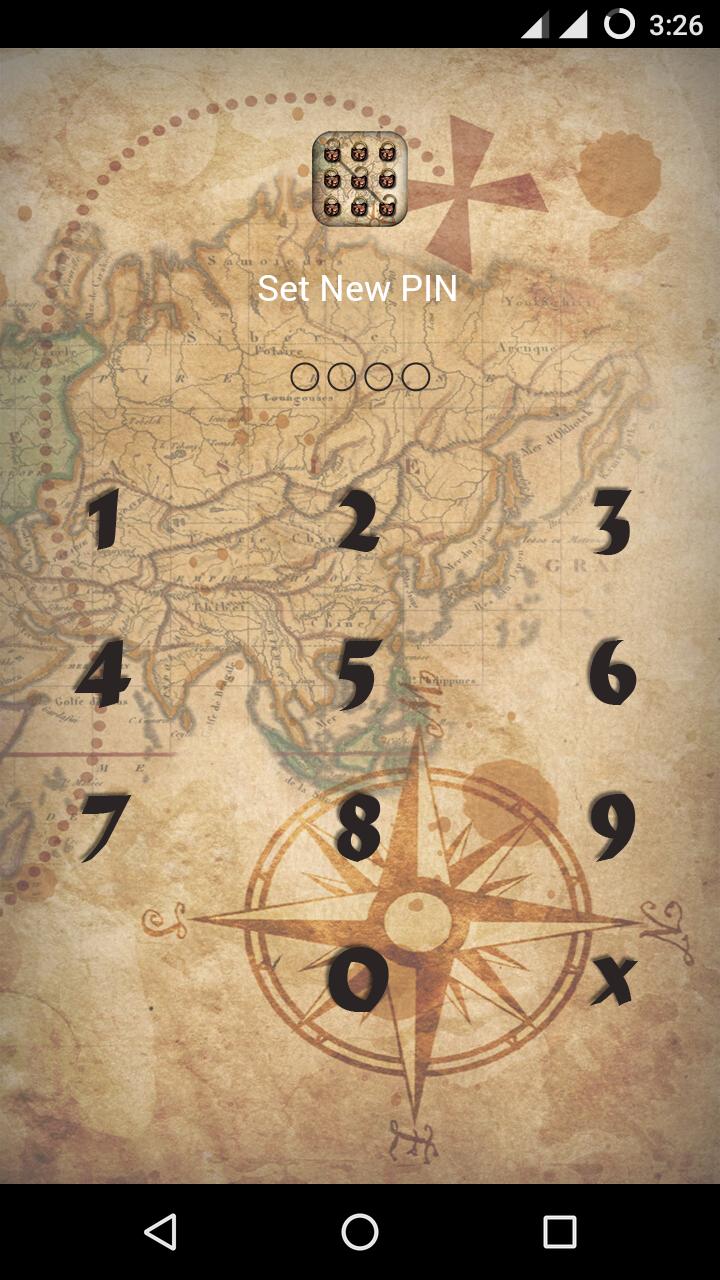
✈ AppLock has random keyboard and invisible pattern lock. No more worry people may peep the pin or pattern. More safe!
ツ With AppLock, you will:
Tension free about parents check your Snapchat, Facebook, WhatsApp etc !
Tension free about friends borrow your phone to play games with mobile data again!
Tension free about a workmate gets your phone to look the gallery again!
Tension free about someone reads private data in your apps again!
Tension free about kids mess up Settings, send wrong messages, paying games again!
---FAQ---
1) How to change password?
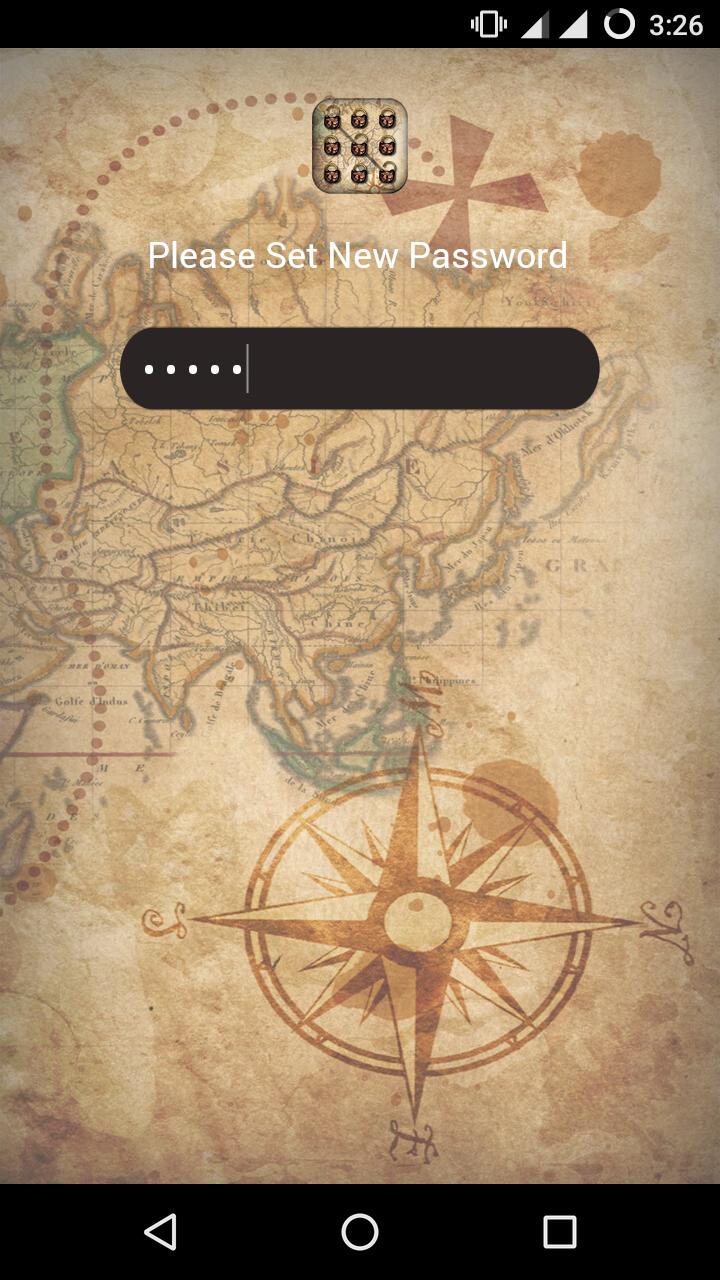
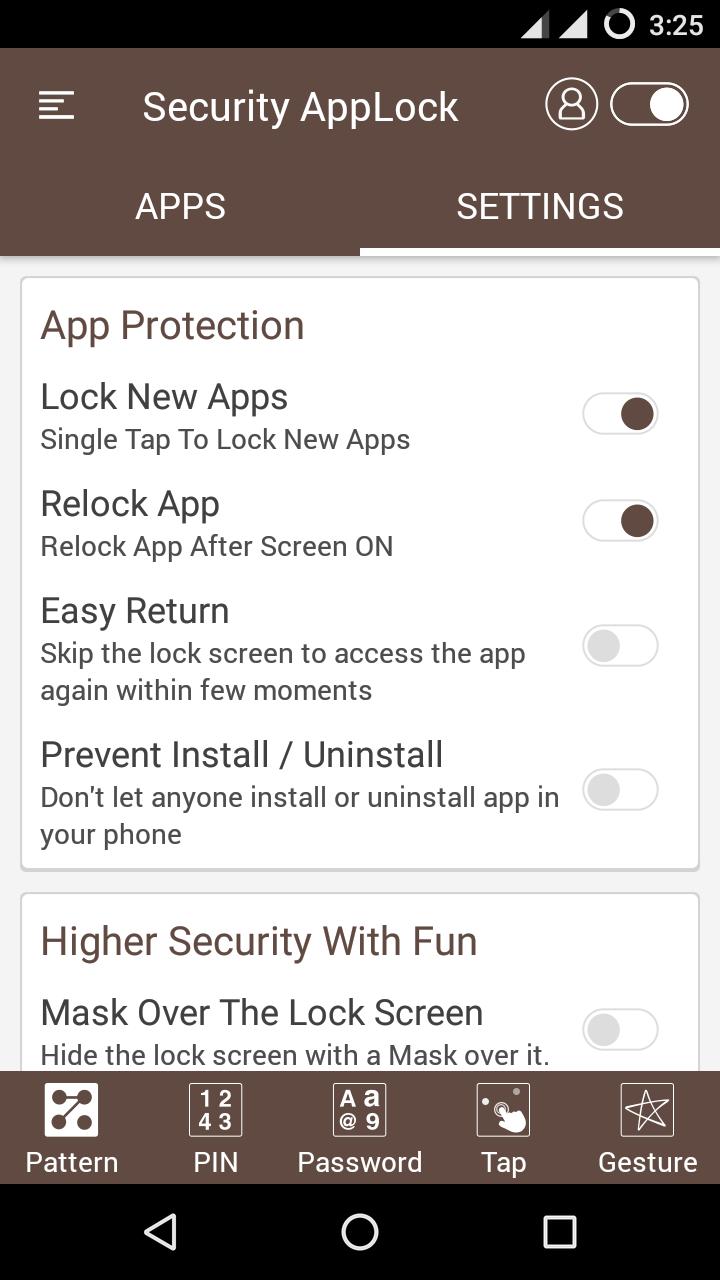
Open AppLock, Select Lock type at the bottom of the screen
2) I hide AppLock icon, how to open AppLock now?
There are two ways to open it:
1. Enter *#*#121212#*#* in your dial pad it will open app
2. Open this link: " http://applock.user-rating.com/ " in mobile browser then click on "Open Applock"
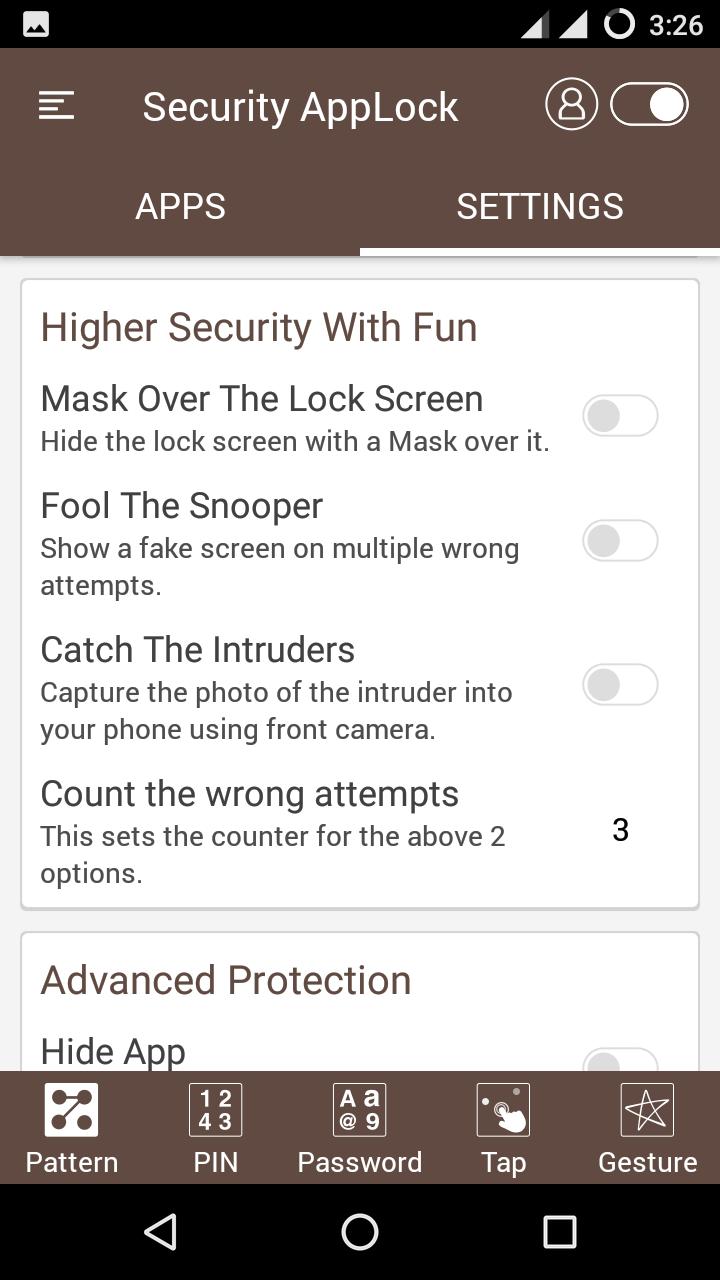
If you want to Unhide app icon then Go to Settings-> Advanced Protection -> Turn off button of Hide App -> Unhide It
3) How to stop other people uninstall AppLock?
Please Go to Settings -> Turn on button of Prevent Install/Uninstall , so nobody can uninstall or kill AppLock without password. You can off button when you don't want it.
4) How to uninstall AppLock?
After you Turn on button of Prevent Install/Uninstall from settings , nobody can uninstall AppLock without password. If you want to uninstall it, please off button first.
5) I forgot my password,How to find it?
Update to the latest version first. And then tap AppLock icon, click the icon at the up right corner of lock page, tap the 'forgot password'.
1. By security answer: enter your security answer and click 'reset password'.
2. By security email: click 'send code to security email', input reset code and click 'reset password'.
---Features---
• Lock apps with pattern lock, pin lock, password lock, Tap lock, Gesture lock or fingerprint lock.
• Intruder Selfie AppLock
• Well designed Themes
• Customized background, select a favorite picture
• Default profiles: Guest
• Customized Profiles
• Hide AppLock icon
• Lock Google Play to prevent buy games
• Prevent uninstalling apps
• Low memory usage.
• Power saving mode to save battery
• Show fake scree over the lock screen
احدث اصدار
2.5محمل
Hon Nguyen
Android متطلبات النظام
Android 4.1+
تقييم المحتوى
Everyone
الإبلاغ
تحديد كغير مناسبLast updated on 22/11/2017
make app new google policy compatible

APKPure - متجر تطبيقات متعدد المنصات يركز بشكل أساسي على نظام أندرويد، ويوفر محتوى واسع يتعلق بالتطبيقات. اكتشف التطبيقات التي تريدها بسهولة وسرعة وأمان، مع تنزيلات وتثبيتات سريعة وفعالة.