
Here is how to use the App:
Step 1:
Click on the COPY button for the code you wish to view.
Step 2:
Go to your phone dial screen.
Step 3:
Long Press on the blank area and select the past option
Yes it's as simple as that !!!!!
Here is the list of what all is covered in this Application:
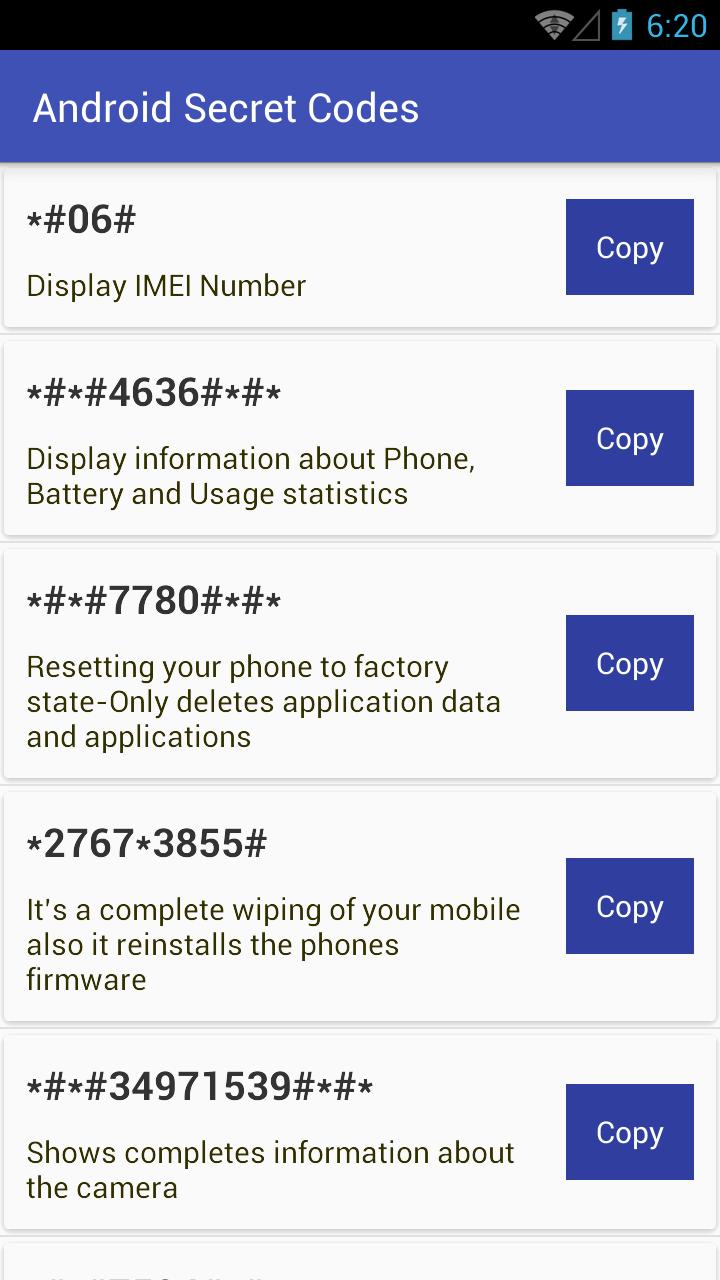
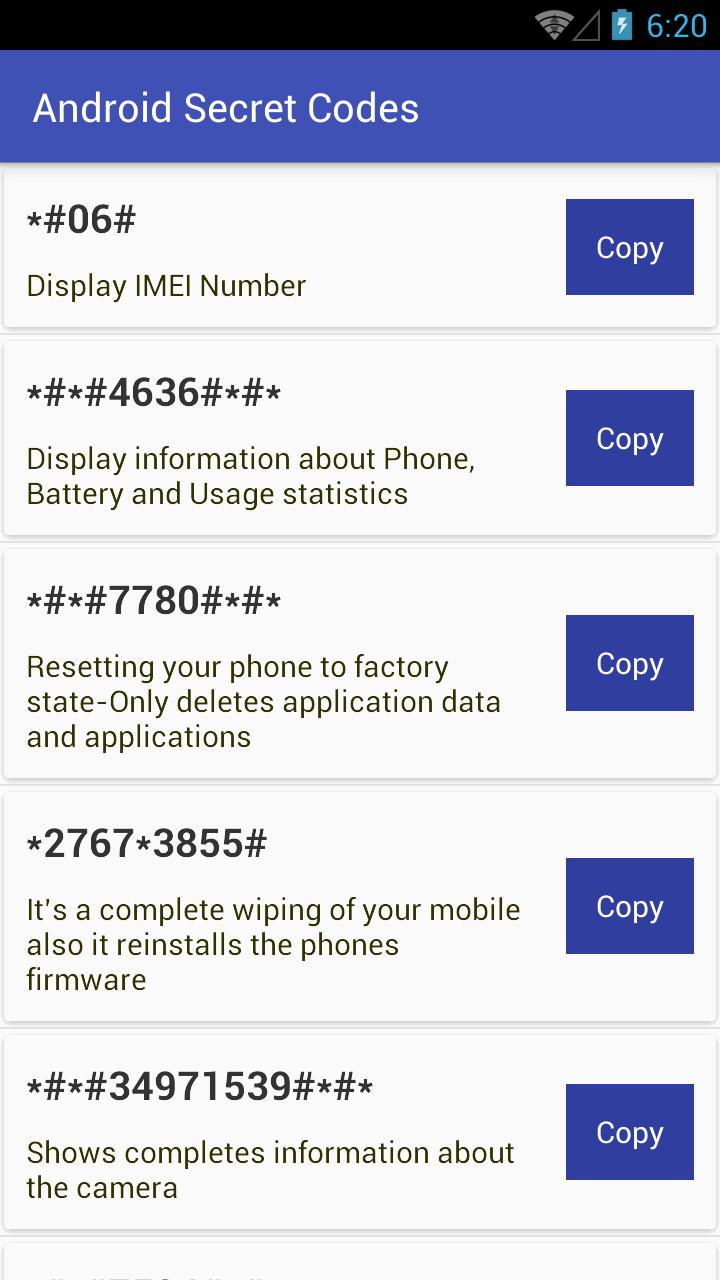
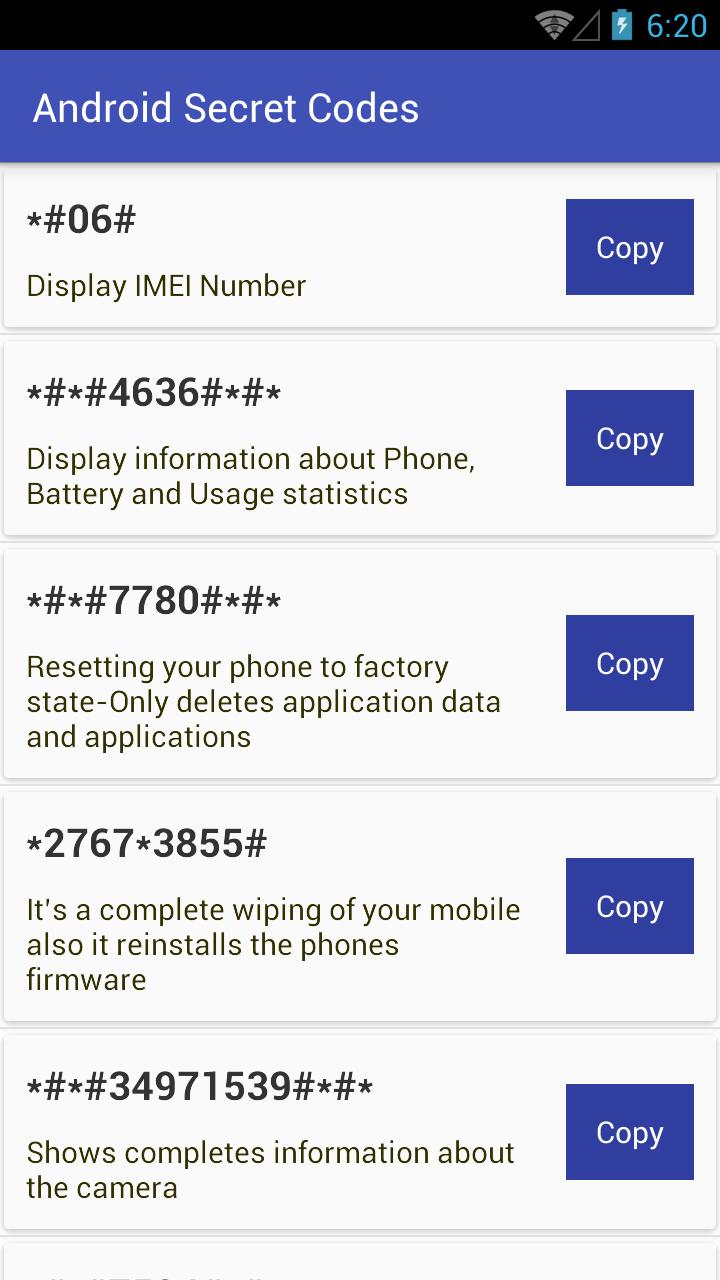
"Display IMEI Number"
"Display information about Phone, Battery and Usage statistics"
"Resetting your phone to factory state-Only deletes application data and applications"
"It’s a complete wiping of your mobile also it reinstalls the phones firmware"
"Shows completes information about the camera"
"Changing the power button behavior-Enables direct poweroff once the code enabled"
"For a quick backup to all your media files"
"Enabling test mode for service activity"
"Wireless Lan Tests"
"Displays Wi-Fi Mac-address"
"For a quick GPS test"
"A Different type GPS test"
"Packet Loopback test"
"LCD display test"
"Audio test"
"Vibration and Backlight test"
"Displays touch-screen version"
"Touch-Screen test"
"Proximity sensor test"
"Ram version"
"Bluetooth test"
"Field test"
"Displays bluetooth device address"
"For Google Talk service monitoring"
"PDA, Phone, Hardware, RF Call Date firmware info"
"PDA and Phone firmware info"
"FTA Software version"
"FTA Hardware verion"
"Displays Build time and change list number"
"Displsys IMEI number"
"Enables voice dialing logging mode"
"Disables voice dialing logging mode"
This app is for information purpose only.
احدث اصدار
1.0محمل
Binh Ho
Android متطلبات النظام
Android 3.0+
تقييم المحتوى
Everyone
الإبلاغ
تحديد كغير مناسبLast updated on 04/01/2017
يتضمن هذا الإصدار إصلاحات بسيطة للأخطاء وتحسينات عامة. حدّث إلى أحدث إصدار للحصول على أفضل تجربة.

APKPure - متجر تطبيقات متعدد المنصات يركز بشكل أساسي على نظام أندرويد، ويوفر محتوى واسع يتعلق بالتطبيقات. اكتشف التطبيقات التي تريدها بسهولة وسرعة وأمان، مع تنزيلات وتثبيتات سريعة وفعالة.