Scan Date:Mar 28, 2026
Show More


Appwatch is designed for moments when random pop-ups interrupt normal phone use. Instead of trying to block ads, it watches which apps start around the time an ad appears so you can trace the source. This approach reduces guesswork and helps you decide what to remove. While you continue using your phone, it quietly builds a launch log for later review. When ready, you can check the history to pinpoint the likely culprit. If needed, install the Appwatch APK to explore this focused diagnosis method.
Appwatch tracks recently launched apps so you can see what ran just before a pop-up appeared. By reviewing this sequence, you can identify the app most likely responsible for intrusive ads. This targeted view helps you avoid broad changes and focus on the actual source.
Simple start and background loggingYou can enable monitoring with one tap and then use your phone as usual. Appwatch continues logging in the background, so there is no need to change habits or wait in a special screen. This keeps the process unobtrusive while you collect useful activity data.
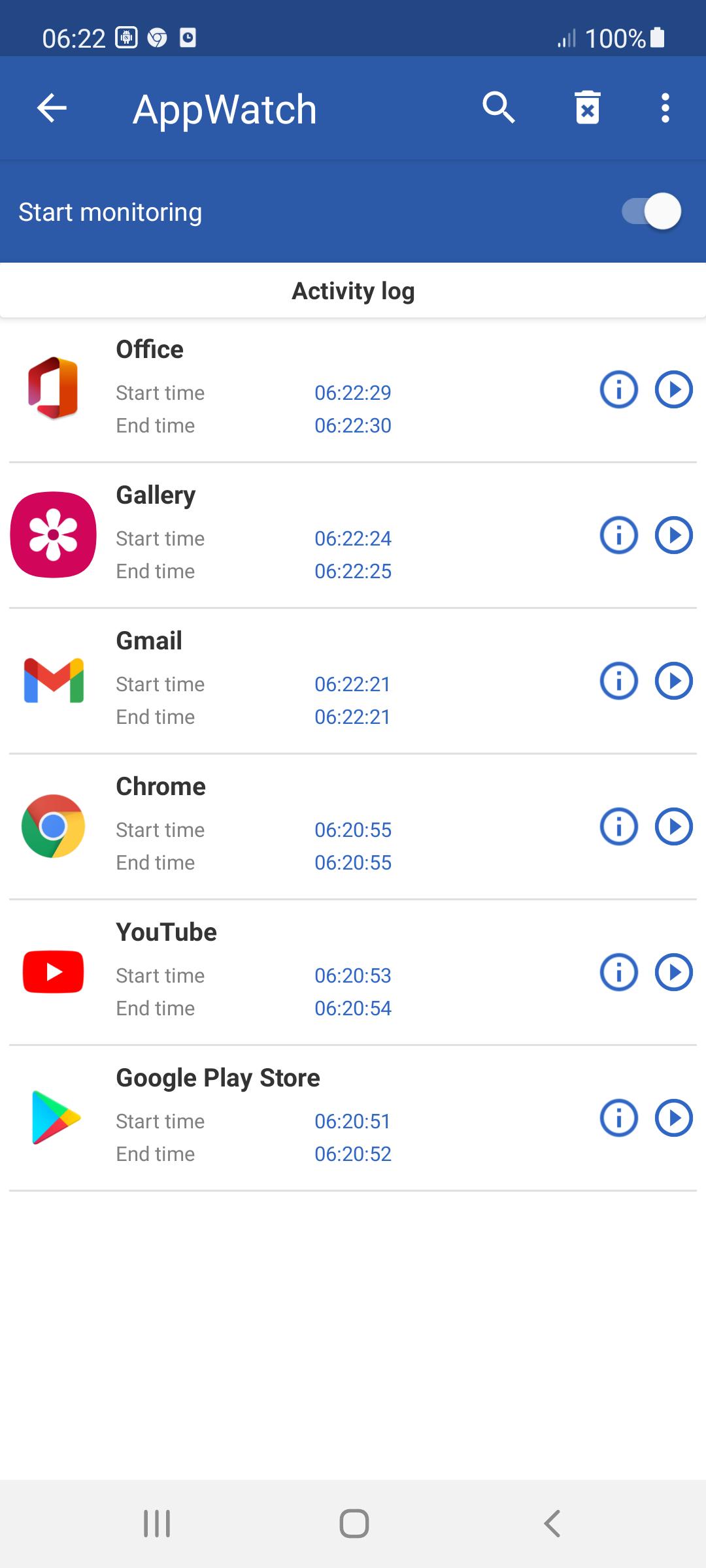
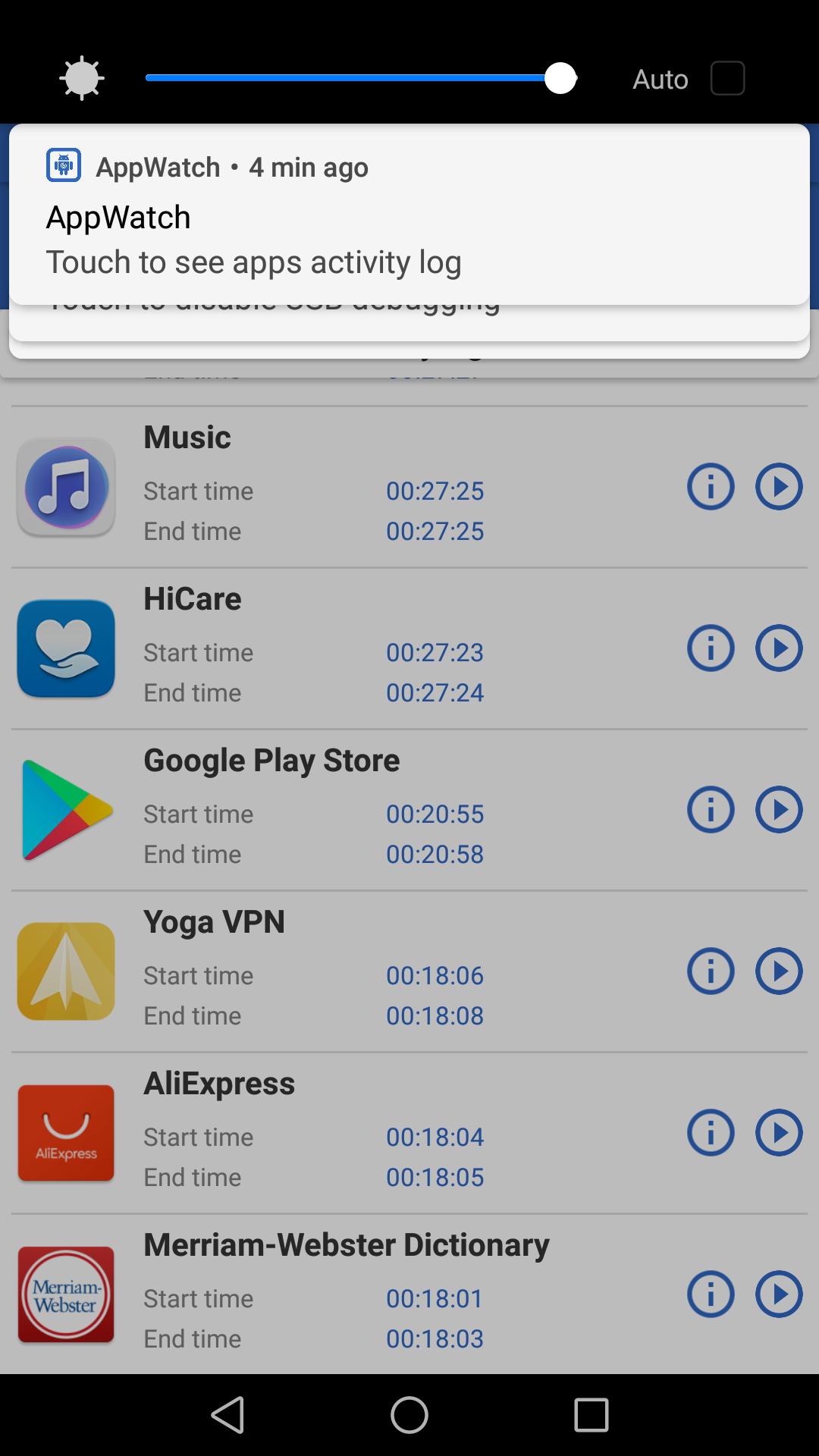
Clear activity history for quick reviewThe activity history presents a clean list of recent app launches. After an ad pops up, you can open the history and look for the last launched app. With this context, it becomes easier to spot the culprit without extra tools or complex steps.
Helps remove ad-serving or suspicious appsOnce you identify the source, Appwatch supports a straightforward decision to uninstall the problem app. Removing the culprit reduces future pop-ups that stem from that app. This direct action is often faster than adjusting multiple settings.
Focused diagnosis, not an ad blockerAppwatch is purpose built for detecting the app behind pop-ups and does not block ads. This clear scope helps you set expectations before you start. For added reassurance, the developer states that the app collects no data and encrypts data in transit.
Appwatch detects which app likely triggers a pop-up, but it does not block advertising or modify other apps. If pop-ups also come from websites, consider reviewing your browser site settings after you remove the culprit app. This sets a realistic plan for dealing with both app-based and web-based interruptions.
Appwatch operates by observing app launches locally and presenting them in an activity log. The developer indicates no data is collected and data is encrypted in transit, which adds a layer of trust. Users looking for a Popup Ad Detector can treat Appwatch as a diagnostic tool to find and remove the source, not as a blocker.
Most popup apps can be removed through the standard Android app settings. If the culprit app does not show an icon, it typically still appears in the app list. Confirm the match based on the activity history timing, then proceed with uninstall to reduce pop-ups.
Use this simple flow to identify and remove the source of pop-ups. To begin, download Appwatch and follow the steps below to capture activity around the time an ad appears.
Appwatch offers a straightforward way to trace pop-ups back to the app that triggers them. For a smoother experience, install the Appwatch latest version and use the monitoring flow to identify and remove the source.
For support or more information, refer to the official resources below.
Latest Version
2.0.20Uploaded by
Karar Haidar
Requires Android
Android 7.0+
Category
Free Tools AppContent Rating
Everyone
Security Report
Report
Flag as inappropriateLast updated on Mar 28, 2026
v2.0.20:
* Fixed bugs.



APKPure - A multi-platform app store primarily focused on Android, providing extensive app-related content. Discover the app you want easier, faster, and safer, with quick and efficient downloads and installations.