Package Name:com.mercandalli.android.apps.app_locker
SHA-256:2c8207f6b3251ab8b911d87b442a82ce385db7413a2bc31781f0594ab038f374
Show More

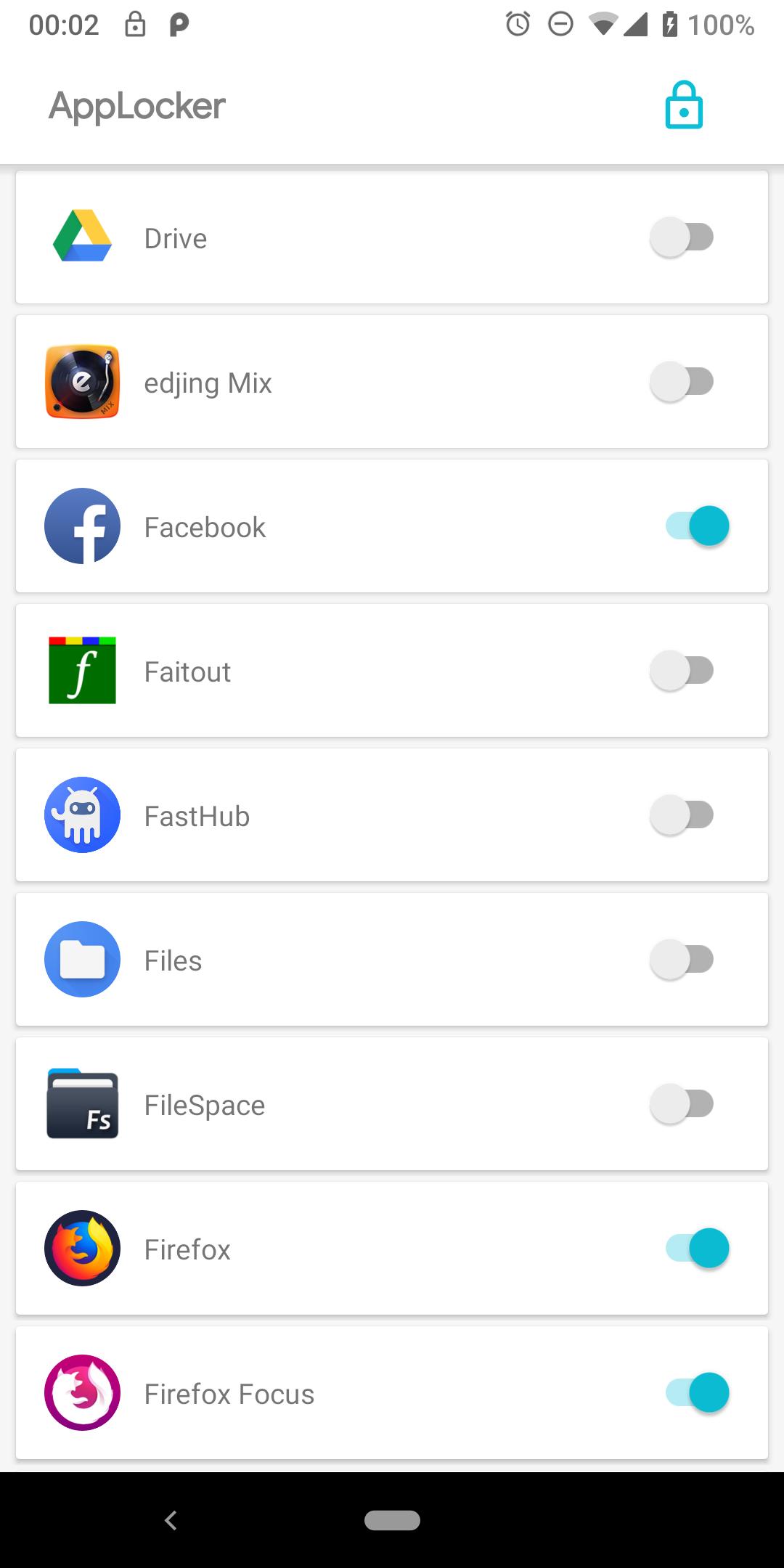
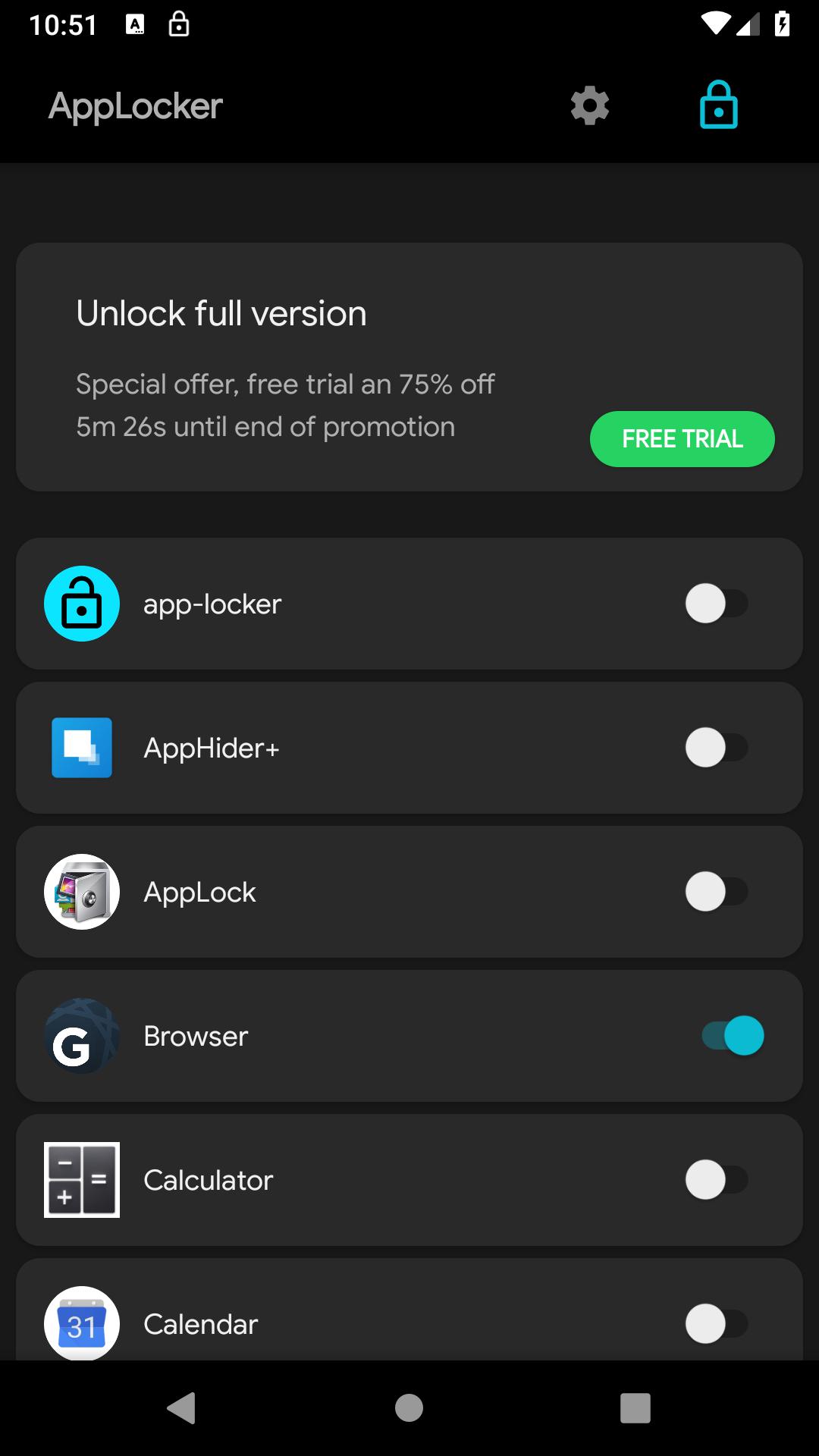
Welcome to AppLocker, your ultimate solution for enhancing privacy on your Android device.
With AppLocker, you can secure your apps with a password, adding an extra layer of protection and ensuring that your sensitive information remains private.
Key Features:
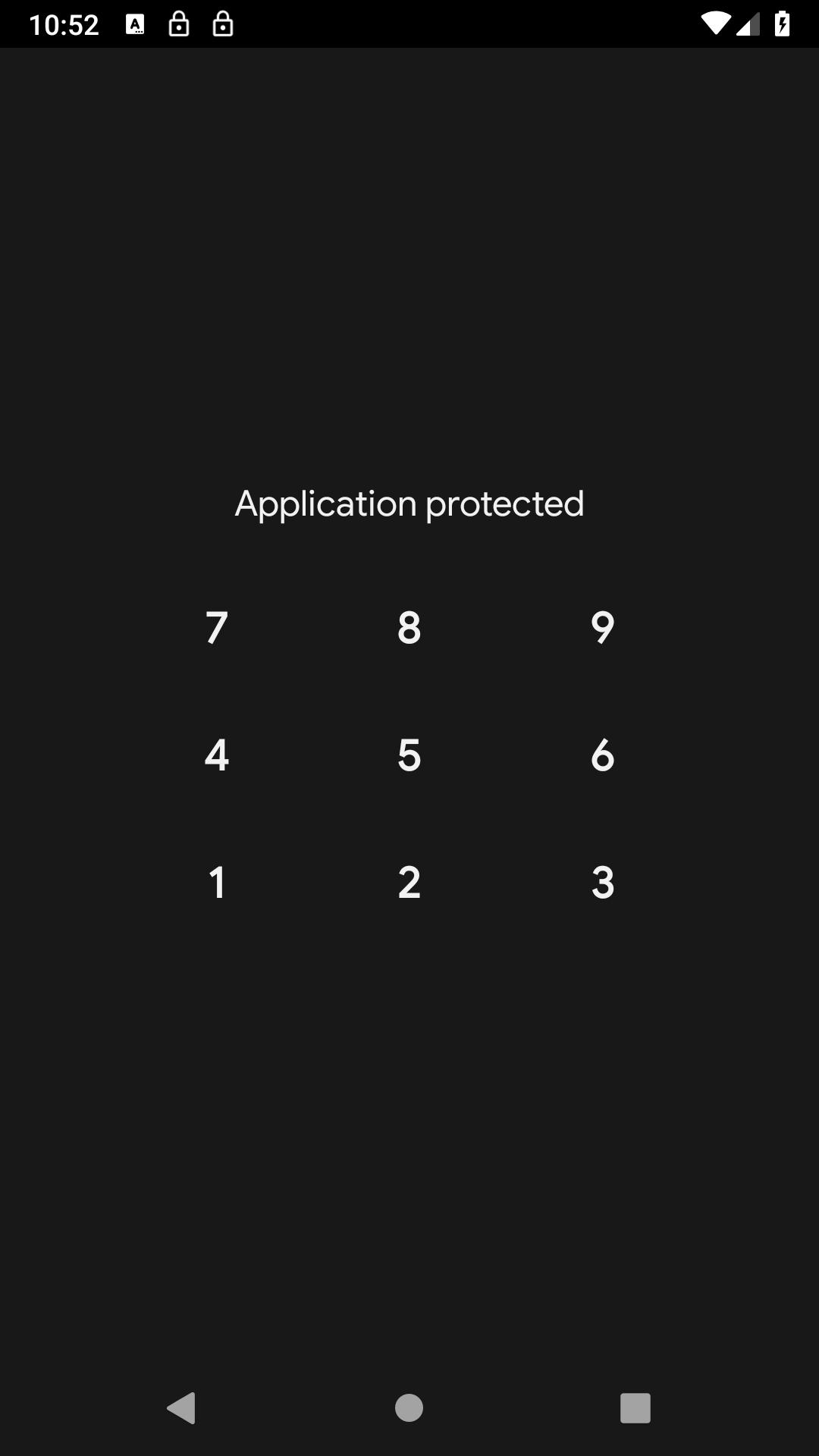
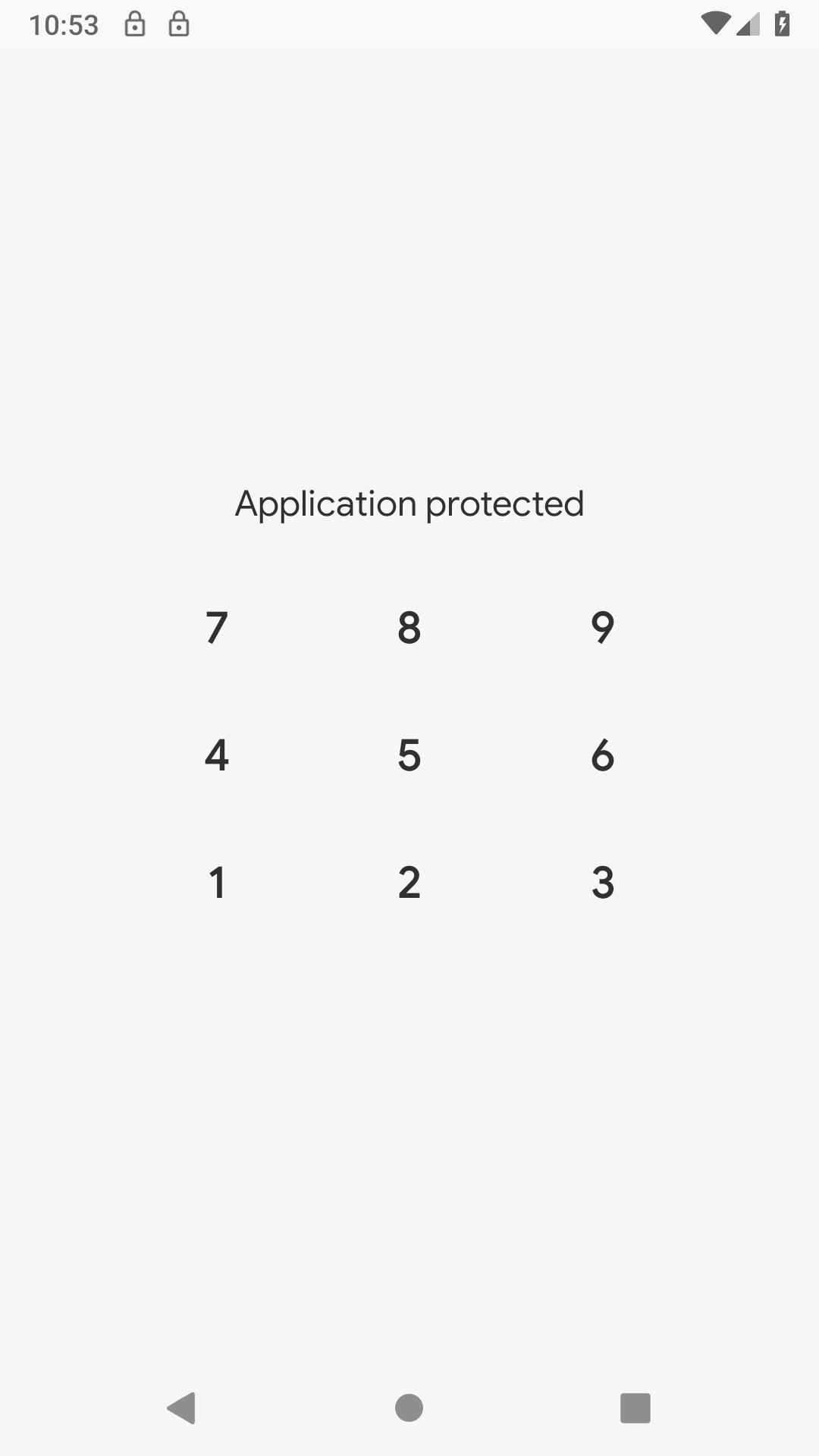
🔒 Password Protection: Set up a secure password to lock your chosen apps and prevent unauthorized access. Keep your personal data safe from prying eyes.
🚫 Block App Launch: AppLocker allows you to restrict the launch of apps with a password. Only you, with the correct password, can access the locked applications.
🛡️ Enhanced Privacy: When you share your phone with friends or family, use AppLocker to maintain privacy on specific apps. Keep your conversations, photos, and personal information secure.
Why Choose AppLocker?
Privacy is essential, and AppLocker is designed to provide a convenient and user-friendly solution for safeguarding your apps. Here's why you should choose AppLocker:
Simple and Effective Security:
AppLocker offers a straightforward way to add an extra layer of security to your apps. With a user-friendly interface, you can set up password protection in seconds.
Perfect for Shared Devices:
When you lend your phone to a friend or family member, use AppLocker to ensure that your private apps remain inaccessible. It's an ideal solution for maintaining privacy in shared environments.
Not for Strong Security Needs:
It's important to note that AppLocker doesn't provide advanced security features. Its goal is to block access for kids or individuals less familiar with the Android OS. For more robust security needs, consider specialized apps.
Important Information:
⚠️ Limited Security:
AppLocker is designed to be a convenient tool for everyday use but may not withstand advanced security threats. It is particularly effective against casual users who are not well-versed in the Android operating system.
🔄 App Reset Instructions:
In the rare event of being locked out due to a bug or other issues, you can reset the app by following these steps:
• Open your device's settings.
• Navigate to the "Applications" or "Apps" section.
• Select AppLocker from the list of installed apps.
• Click on "Erase Data" to reset the app and regain access.
Ensure your privacy with AppLocker – the easy-to-use app locker that adds an extra layer of protection to your sensitive information. Download now and experience enhanced security for your Android apps!
Enjoy =)
Latest Version
1.00.11Uploaded by
บีม เหว๋อ
Requires Android
Android 5.0+
Category
Free Tools AppContent Rating
Everyone
Security Report
Check Now
Report
Flag as inappropriateLast updated on Mar 1, 2024
Improve app detection


APKPure - A multi-platform app store primarily focused on Android, providing extensive app-related content. Discover the app you want easier, faster, and safer, with quick and efficient downloads and installations.